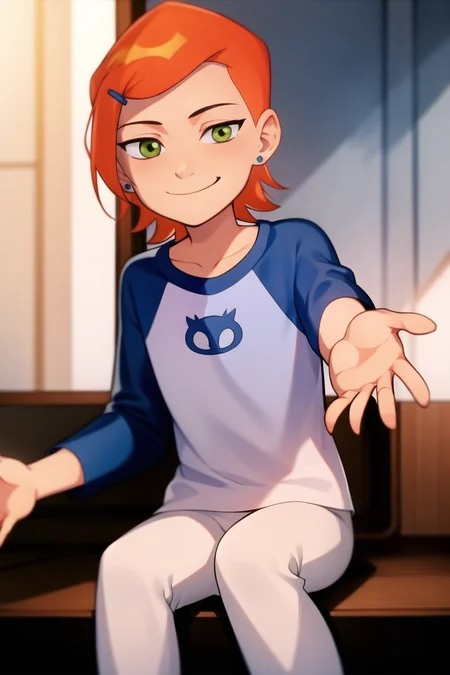
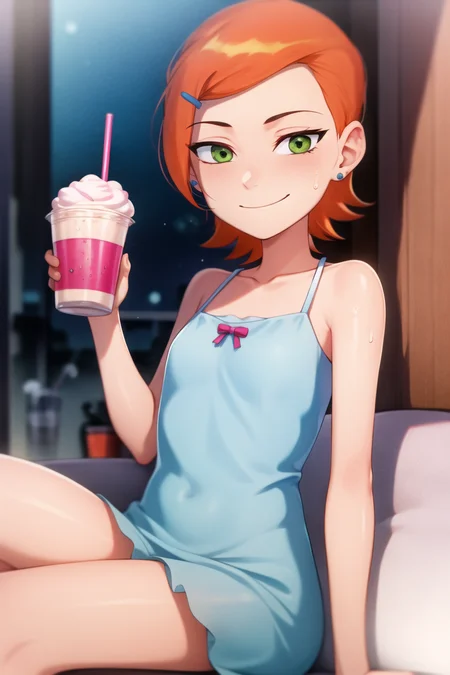
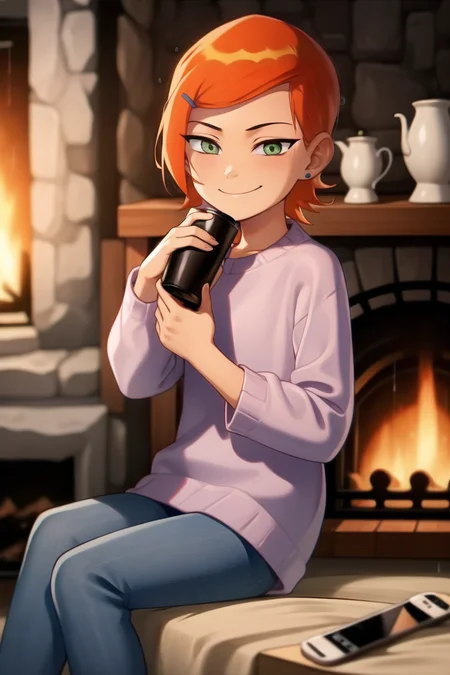
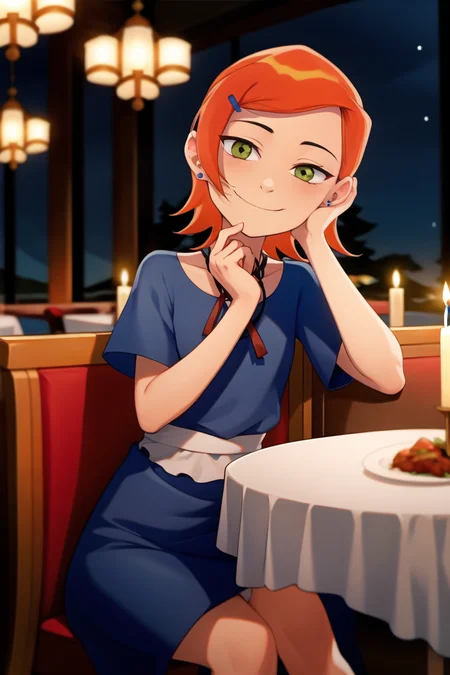
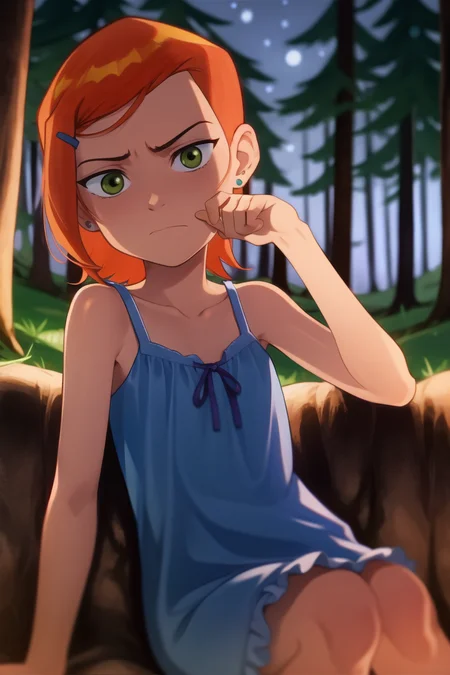
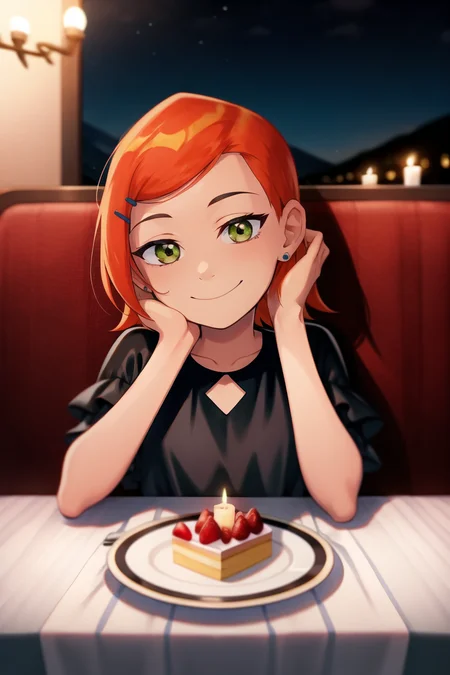
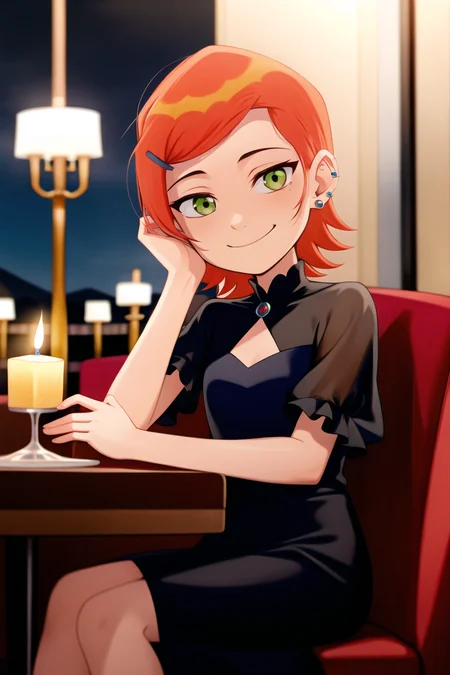
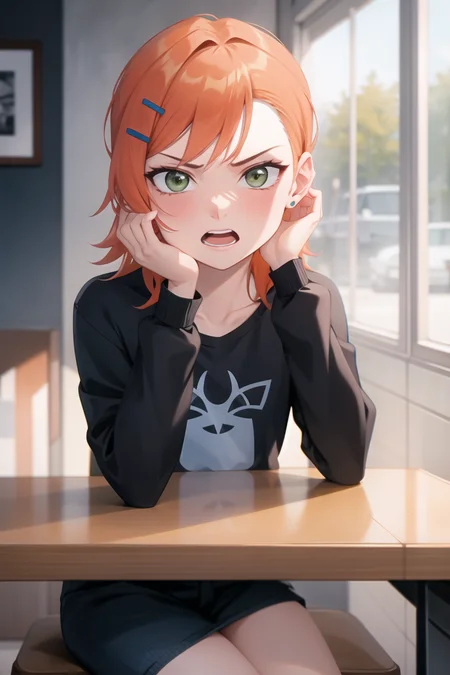
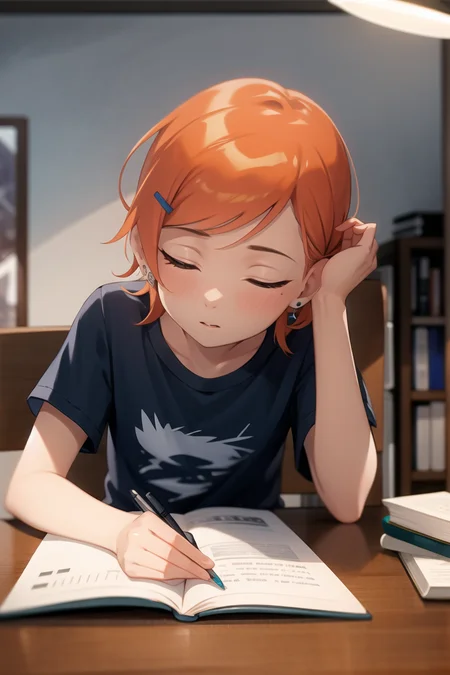
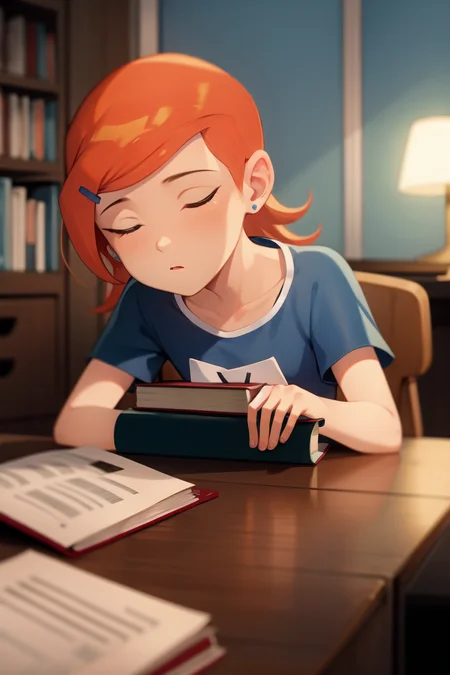
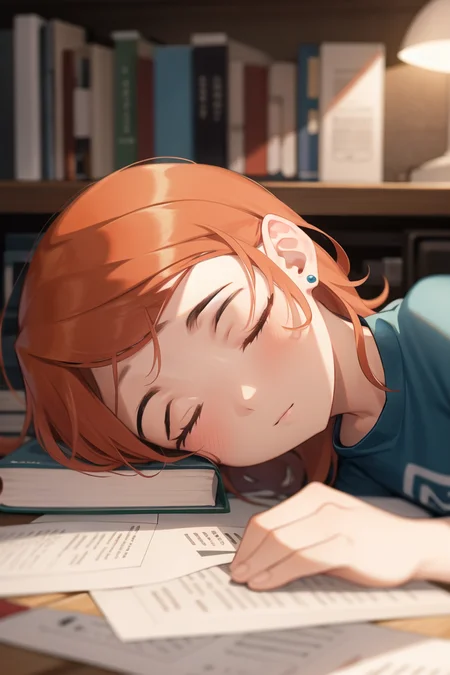
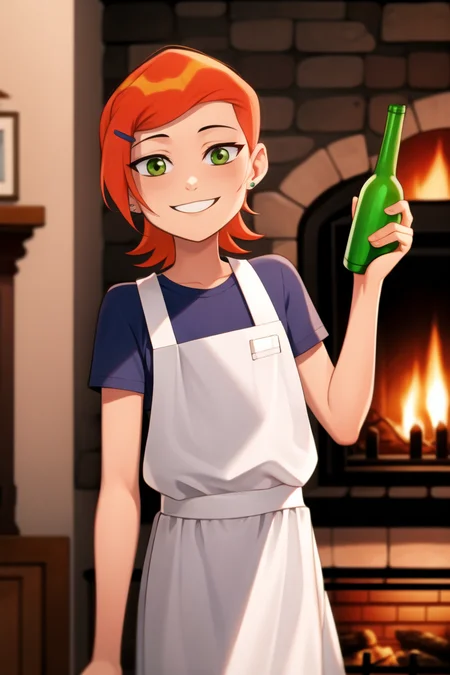
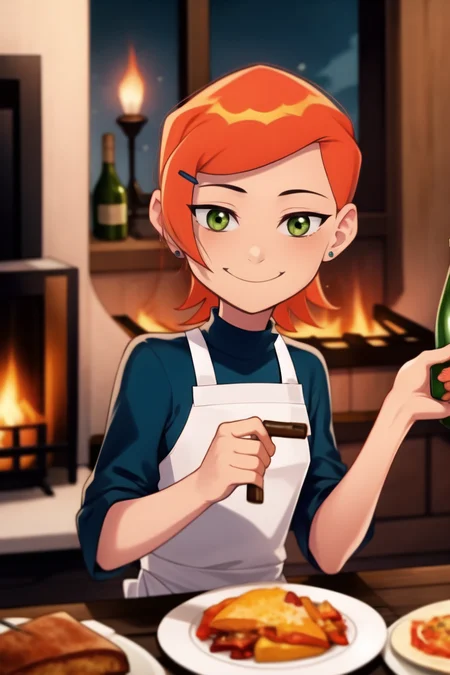
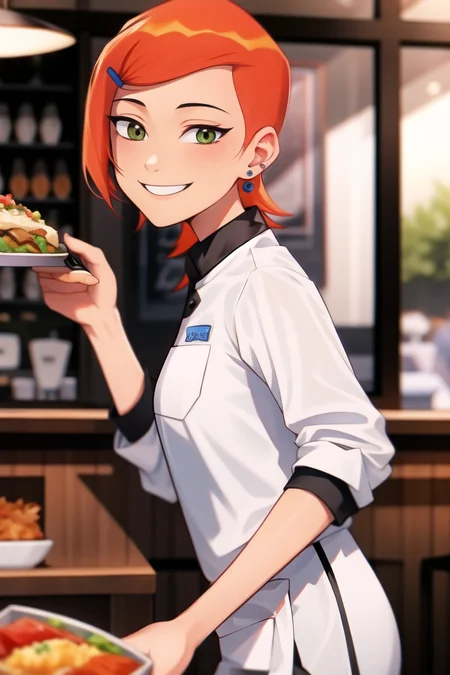
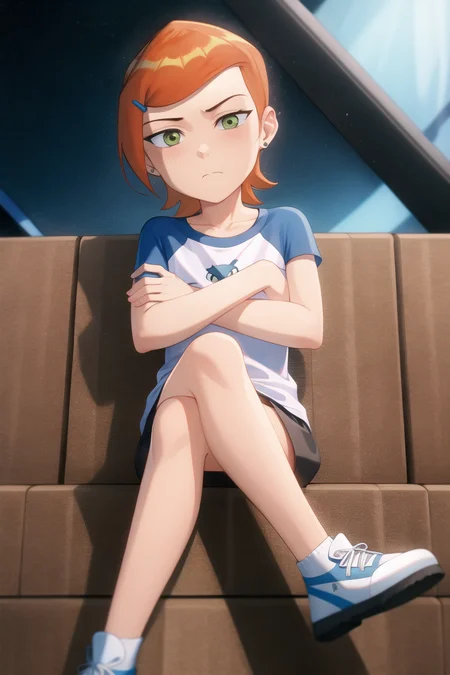
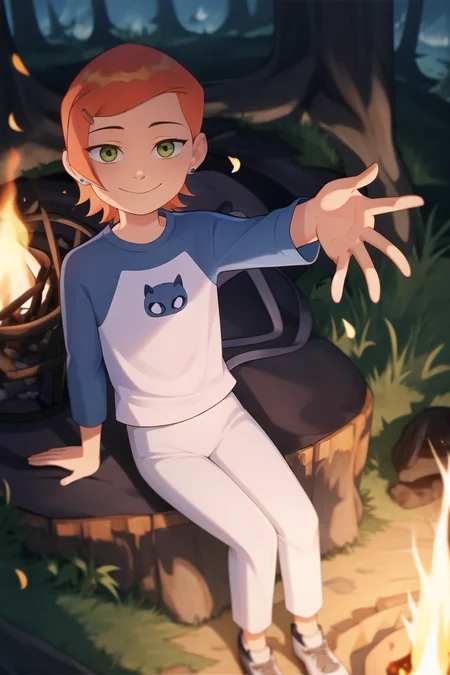
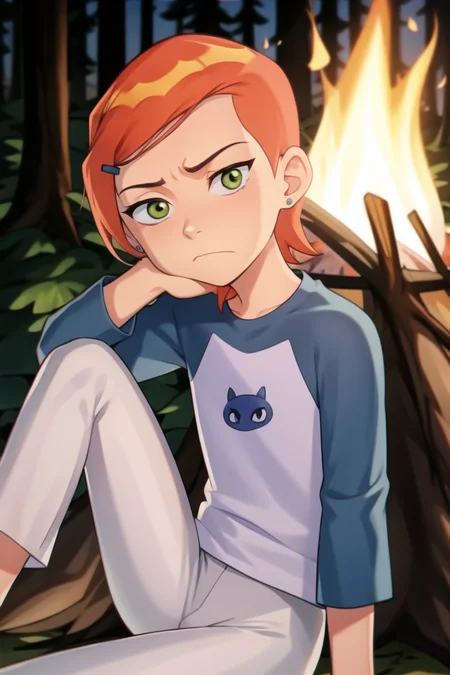
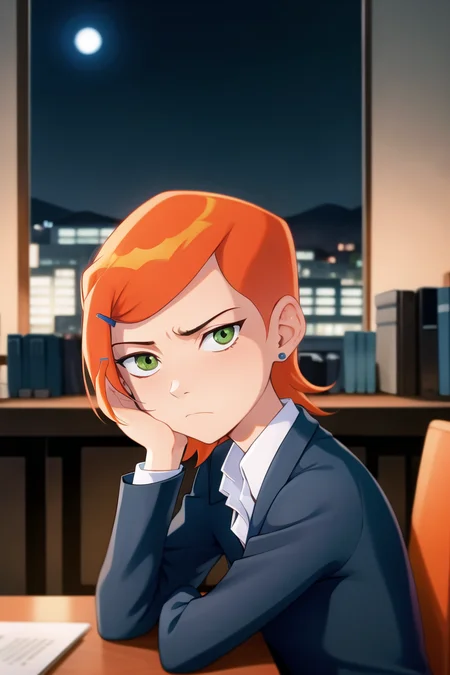
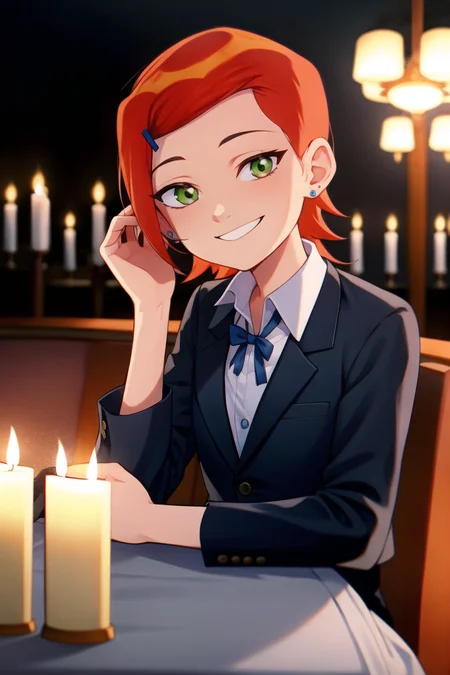
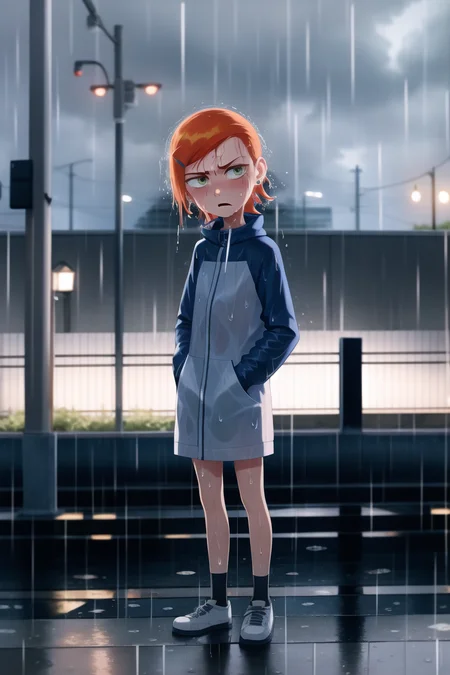
LoRA for Gwendolyn Tennyson from Ben 10.

*Refer to version notes for EACH LoRA and how to use them. It is different for each of them and the information below only applies to the first version of this model
I trained it with 74 pics, which was a mix of mainly fan art and some screencaps. I trained it at 10 epochs with a dim/alpha of 16/8.
Leans to a semi-real look mostly, but somewhat more cartoonish at higher LoRA weights. Let me know how it goes for you. Read stuff below on guidelines and known issues :)
Triggers:
Input "Gwendolyn Tennyson, 1girl" after the LoRA near the start of the prompt.
Input "orange hair, green eyes" for more consistency if needed, but I didn't find it necessary.
Input "long sleeves, white pants" for classic clothes. NB: can place in negative prompts if the clothes are stubbornly appearing.
Notes:
My experience has shown scale 0.7 ~ 1 works best; my best results were 0.7 for semi-realistic, but overall favourite was 1.
My prompt order shown in the sample pictures worked best for me.
Works on different models though weights may need to change for good results.
I used Anything4.5 model and Midnight Maple model. Midnight Maple gave best results for this LoRA for me.
Refer to my pictures for examples and what upscaler I used, keep in mind I have used other textual inversions to help with poses and negatives.
I think this is personally very flexible, at least in terms of changing poses, clothes etc. Other LoRA's and/or Models seem to bring out the more cartoon appearance so experiment for styles.
I don't think people read entire descriptions like this, but congrats if you do
Description
FAQ
Comments (49)
works with orangemix nsfw?
It should work. I've tested it on anything4.5, foxynsfw and midnight maple and all work. Nsfw works well too. I assume it'll work with orangemix nsfw because I recall midnight maple was a mix of that
@reevee you a real one for making it work with nsfw.
How many repeats?
4 repeats.
I heard that the repeats should be such that if I had to multiply it by the number of pictures then the value should be between 200 and 400
Excellent LoRA! I will try it myself some time.
It brought back a lot of nostalgia and the character looks better than I remember. Good job!
Thank you :)
I can definitely relate to the nostalgia
can you share with me the guide that gets me closest to your results?
Sorry just to clarify, you want a guide on how I trained the LoRA right? If so I can share the process I used, just I'll do it later today most likely
@reevee please do
Before I explain specifics I want to say I largely followed the guide by HollowStrawberry (https://civitai.com/models/22530) and used their Google colab for training (https://colab.research.google.com/github/hollowstrawberry/kohya-colab/blob/main/Lora_Trainer.ipynb). I did certain things differently so that's what I'll largely explain even though it may not be the best.
I personally find having an optimal dataset as one of the more important processes, so I honestly spend most of my time on it. I'll explain this step first.
1) Creating Data Set
1.1) Sourcing images
I usually get no less than 70 pictures and occasionally use about 200. I number depends on the quality, variety, character and more so there's no rule I don't think.
I prioritise pictures that clearly show the character but make sure that many of the pictures are varied. So I make sure to have them in different clothing, different facial expressions, different angles, different backgrounds.
My personal experience showed me that including nsfw pictures helps the ai know exactly that their clothes in the pictures can be removed/changed and not "stuck" permanently to the character. Having nude pictures is essentially the same as having the character in the "nude clothing style" but I think it helps because there's a lot of source images to compare the nudes with so it better understands the shape of the character. I could be wrong about this though, I'm no expert 🙃
1.2) Editing images
Training LoRAs is great because you don't have to focus so much on cropping images like you would for a textual inversion because LoRAs use something called bucketing. With bucketing you can use any of your pictures as is.
However because I don't know how bucketing works exactly and I know my images are cropped to a square during training. I manually crop pictures to a perfect square provided the character fits reasonably well in it.
Additionally, the longest part is manually going through each picture and cropping out thing I think the ai may get confused with. I remove people too close or touching the character in case it gets their arms mixed up for example. I remove watermarks, text and signatures using ai removal tools. (I use my phone's built in photo editor since I can remove unwanted objects. It's tedious though)
Rename your first picture as "project (1)" where "project" is whatever you want to call your lora. Then the next pictures will be "project (2)", "project (3)" etc. I use "file tools" an app for android to do it, but windows has the feature built in I think, just search it.
Convert png pictures to jpg because I think some colab don't work with it or something.
1.3) Captioning
Open stable diffusion and load a tagging extension, I use this ( https://github.com/toriato/stable-diffusion-webui-wd14-tagger.git ).
Before captioning all pictures, I load and interrogate one picture with the character with a threshold of 0.25 using wd-v1-4-swinv2-tagger-v2. I then find all tags that are going to be essential to the character in all scenarios. Eg: Gwen has orange hair and green eyes would always be used when generating Gwen so I add those to the list of tags associated with the character.
Then add the list of tags always associated with the character and put them in the box for "tags to be excluded" essentially, we don't want any of our captions to contain any of those tags. Then add a trigger prompt in a box to append tags to your captions, eg: Gwendolyn_Tennyson. That way, all those now missing tags in your captions will be entirely represented by that one trigger tag.
Now you can batch process all captions for your images and get your txt files.
Save your txt files and place them in the folder where you keep your images and they will correspond to the pictures they're named after. This folder is your dataset.
2) Actual Training
Going to say this quickly because this is fairly standard and not too different from HollowStrawberry. Its pretty much the default settings in HollowStrawberry, but here's what I change.
> number of pictures multiplied by repeats should be between 200 and 400. So I usually just use the number 300 as my goal to aim for. For example if I have 75 pictures, then I'd take 300 divided by 75 to give me the needed repeats. In that example it's roughly 4 repeats. HollowStrawberry explains this.
> max_train_epochs = 20, though in many instances an epoch of 10 was actually fine too.
> I usually change my unet_lr to 1e-4 because I have a lot of pictures.
> make sure to turn "flip_aug" off if your character has asymmetrical stuff you want to keep asymmetrical.
> I change network_dim and network_alpha on occasion but usually leave them as 16 and 8
@reevee Thank you! I'm so grateful 🥰
Awesome, could you also make a lora for star butterfly?
I can't make any promises as of right now, but I'll look into it if I have a chance 👍
@reevee thank you, I know you have no obligation and everyone has limited time, but thanks for even responding!
@asdzxczzzz no problem and thanks for understanding :)
is it ok if i request loras for specific ben 10 aliens?
Hi thanks for commenting :)
I probably won't make an alien LoRA anytime soon because I've got a bit of a backlog. Also my process can be slow, so I tend to pick projects that I personally will benefit from too.
Place your requests here though👌 If I somehow have some time and I find a way to do it reasonably quickly I don't mind creating one. Also someone else may see it and make one for you :)
@reevee i hope you are doing well
the aliens that could be great are
classic series:
fourarms
diamondhead
xlr8
upgrade
heatblast
alien force:
alien x
humungusaur
big chill
chromsatone
echo echo
swamp fire
ultimate alien:
ultimate humungusaur
aramdrillo
NRG
they all should be in their first appearance artstyle to make them less cartoony and more action cartoon/anime
im sorry if im asking too much, my potato pc takes 1 hour to render 1 low rez image
i could have done it if i can
im sorry again
can u do a lora where the ai gives characters the classic omnitrix watch and the option of have it on the chest of the character like if they were a transformation
im sorry for asking again
i feel bad now
Don't feel bad about requesting, it's nothing to feel bad about.
Also I'm honestly not sure when or if I'll be able to get to your requests but even if I don't hopefully someone sees this and can do some.
BTW I noticed you mentioned your potato pc, I'm in the same boat 😂... I actually make all my LoRAs from my phone on Google colab. Search up hollowstrawberry on civitai. They're a user who has a full explanation on how to use it
@reevee thank you brother, hopefully one day we can get out of the potato boat together
Theres a spider lora, plenty of tentacle loras, and an acient deep sea lovecraft monster lora, do with that infromation what you will.
@SwagMcDa tried for the love of my own soul but couldnt get them to become what i wanted, i made fourarms and thats about it
no other alien was able to be produced
@zlingerfinger a problem i ran into is that on higher resolutions is stable diffusion really really wants to make copies, i found if i used postive prompts: "Portrait, 1girl, solo."
And negative prompts: "double images, multiple panels,"
It fixed the issue. Actually spawning another specific thing in the same image is another story. Theres a few ways to do it. Latent couple extention allows you to cut the screen into areas allowing Gwen to one side of the screen and another thing on the other. Best to use another character lora otherwise gwen lora will over power it.
Also some checkpoints are good at working with multiple items in frame and others are ment for solo portraits. I found that kotosmix makes really good gwens but is not too good with mutliple subject matters. Where as perfect world is but its more realistic so you have to hires.fix all images and it takes ages and is not great if you want an inbetween or cartoony look.
@SwagMcDa its not about that
what im trying to do is make a ben 10 alien like if there was a lora for it
i tried and tried but couldnt get it to happen
i thought of making a lora for the aliens i meanioned on top but my potato literally takes 1 hour to render a single image with everything the community gave me to improve performance and that, they were only able to decrease it from 2 hours to 1 hour'
im a big ben 10 fan and an ai fan, if i had the power to train the ai locally i would have done it but unfortately i cant, i really wish i could make some character loras and post them here
Hi zlingerfinger :)
I figured I should let you know that I'm open for commissions now on ko-fi. I don't like charging but tbh the lora thing is cutting into my IRL work time a bit and the income from commissions helps. I understand if you're not in a position to to pay for commissions though, just wanted to let you know 🙏
Also if you do decide to request a comission I can link you to my more sfw civitai account that also has lora commissions but at reduced prices, since you're requesting sfw
@reevee i have an idea to make it less time wasting, make the people download the images and do what they can to make it easier,
i saw that u need a text file of the same image file name for a lora
u can ask the person to make the folder with the set of images and the respected text file names
it would be much easier for u since all u have to do now is train
the images and the corresponding text file description will be taken care of by the person who wanted to make the lora
oh yeah it's gaming time
This is very good. Works with other lora too.
Is it possible if you could make a combined western cartoon style model out of all the LORAs made for the different characters? If you had the time to do so of course.
I can consider it. Could you give an example on which cartoon styles you're referring to?
Because Ben 10 almost has a more "Anime" feel than something like Adventure Time would.
@reevee For example, Disney animation (Star vs, Gravity Falls, Phineas and Ferb, Amphibia, Owl House, etc.), Cartoon Network Animation (Adventure Time, Steven Universe, Regular Show, Generator Rex, etc.), Nick Animation (Spongebob Squarepants, Avatar the last Airbender, Fairy Odd Parents, etc.), and maybe some Adult Swim Animation (Bojack Horseman, Samurai Jack, Rick and Morty, etc.).
It should be mostly 2d stuff.
@reevee Hello?
I really love this Lora, thank you for your work. it would be great a Lora with grown up Gwen.
Hi thanks for the comment :)
I was also thinking it would be nice to make one of Alien Force Gwen, just haven't had much time since making these LoRAs takes me a while. I've been quite busy with my irl job as of late, so not sure when I'll get down to LoRAs
@reevee I hope you keep doing it, that was really good. I'm still trying to learn, there's a long way to go to reach your level.
@userviewer77 thanks so much for the compliments, I hope I'll find time to continue too :)
You mentioned you've been trying to learn so I'm going to just paste a message I sent a few people who asked how I make my LoRAs. You may find it helpful, I figured I'd send it now in case I get even more busy in the coming days. Good luck with it all
It's really long btw 😅
"Before I explain specifics I want to say I largely followed the guide by HollowStrawberry (https://civitai.com/models/22530) and used their Google colab for training (https://colab.research.google.com/github/hollowstrawberry/kohya-colab/blob/main/Lora_Trainer.ipynb). I did certain things differently so that's what I'll largely explain even though it may not be the best.
I personally find having an optimal dataset as one of the more important processes, so I honestly spend most of my time on it. I'll explain this step first.
1) Creating Data Set
1.1) Sourcing images
I usually get no less than 70 pictures and occasionally use about 200. I number depends on the quality, variety, character and more so there's no rule I don't think.
I prioritise pictures that clearly show the character but make sure that many of the pictures are varied. So I make sure to have them in different clothing, different facial expressions, different angles, different backgrounds.
My personal experience showed me that including nsfw pictures helps the ai know exactly that their clothes in the pictures can be removed/changed and not "stuck" permanently to the character. Having nude pictures is essentially the same as having the character in the "nude clothing style" but I think it helps because there's a lot of source images to compare the nudes with so it better understands the shape of the character. I could be wrong about this though, I'm no expert 🙃
1.2) Editing images
Training LoRAs is great because you don't have to focus so much on cropping images like you would for a textual inversion because LoRAs use something called bucketing. With bucketing you can use any of your pictures as is.
However because I don't know how bucketing works exactly and I know my images are cropped to a square during training. I manually crop pictures to a perfect square provided the character fits reasonably well in it.
Additionally, the longest part is manually going through each picture and cropping out thing I think the ai may get confused with. I remove people too close or touching the character in case it gets their arms mixed up for example. I remove watermarks, text and signatures using ai removal tools. (I use my phone's built in photo editor since I can remove unwanted objects. It's tedious though)
Rename your first picture as "project (1)" where "project" is whatever you want to call your lora. Then the next pictures will be "project (2)", "project (3)" etc. I use "file tools" an app for android to do it, but windows has the feature built in I think, just search it.
Convert png pictures to jpg because I think some colab don't work with it or something.
1.3) Captioning
Open stable diffusion and load a tagging extension, I use this ( https://github.com/toriato/stable-diffusion-webui-wd14-tagger.git ).
Before captioning all pictures, I load and interrogate one picture with the character with a threshold of 0.25 using wd-v1-4-swinv2-tagger-v2. I then find all tags that are going to be essential to the character in all scenarios. Eg: Gwen has orange hair and green eyes would always be used when generating Gwen so I add those to the list of tags associated with the character.
Then add the list of tags always associated with the character and put them in the box for "tags to be excluded" essentially, we don't want any of our captions to contain any of those tags. Then add a trigger prompt in a box to append tags to your captions, eg: Gwendolyn_Tennyson. That way, all those now missing tags in your captions will be entirely represented by that one trigger tag.
Now you can batch process all captions for your images and get your txt files.
Save your txt files and place them in the folder where you keep your images and they will correspond to the pictures they're named after. This folder is your dataset.
2) Actual Training
Going to say this quickly because this is fairly standard and not too different from HollowStrawberry. Its pretty much the default settings in HollowStrawberry, but here's what I change.
> number of pictures multiplied by repeats should be between 200 and 400. So I usually just use the number 300 as my goal to aim for. For example if I have 75 pictures, then I'd take 300 divided by 75 to give me the needed repeats. In that example it's roughly 4 repeats. HollowStrawberry explains this.
> max_train_epochs = 20, though in many instances an epoch of 10 was actually fine too.
> I usually change my unet_lr to 1e-4 because I have a lot of pictures.
> make sure to turn "flip_aug" off if your character has asymmetrical stuff you want to keep asymmetrical.
> I change network_dim and network_alpha on occasion but usually leave them as 16 and 8
"
You know, I always thought Ben was being a jerk towards Gwen in the show. Making some realistic images makes me realize the girl went on a months long camping trip with a mostly white wardrobe. What a psychopath.
This is very true in hindsight 😂
Can you post the lora training scripts or make a guide please? I trained a lora on 144 images 2 times for 10h each and it looks pretty bad both times, the second time I choose another checkpoint and it seems to be better, it's a real person but for some reason it works well on anime models but pretty bad on most realistic models
Try hires.fix option with a higher sample rate. If that dosent work get orangemix.vae and replace the defualt vae, but sometimes checkpoints are just bad with specific loras.
I've made a couple realistic LoRAs and they all turned out well for me and I followed a similar process as I did with my anime LoRAs. I don't have the LoRA training scripts but I'll paste a long guide I sent one other person a while back... Though be aware that recently I've realised that different ways of training may be best depending on what character/person you're training (I could be wrong)
Before I explain specifics I want to say I largely followed the guide by HollowStrawberry (https://civitai.com/models/22530) and used their Google colab for training (https://colab.research.google.com/github/hollowstrawberry/kohya-colab/blob/main/Lora_Trainer.ipynb). I did certain things differently so that's what I'll largely explain even though it may not be the best.
I personally find having an optimal dataset as one of the more important processes, so I honestly spend most of my time on it. I'll explain this step first.
1) Creating Data Set
1.1) Sourcing images
I usually get no less than 70 pictures and occasionally use about 200. I number depends on the quality, variety, character and more so there's no rule I don't think.
I prioritise pictures that clearly show the character but make sure that many of the pictures are varied. So I make sure to have them in different clothing, different facial expressions, different angles, different backgrounds.
My personal experience showed me that including nsfw pictures helps the ai know exactly that their clothes in the pictures can be removed/changed and not "stuck" permanently to the character. Having nude pictures is essentially the same as having the character in the "nude clothing style" but I think it helps because there's a lot of source images to compare the nudes with so it better understands the shape of the character. I could be wrong about this though, I'm no expert 🙃
1.2) Editing images
Training LoRAs is great because you don't have to focus so much on cropping images like you would for a textual inversion because LoRAs use something called bucketing. With bucketing you can use any of your pictures as is.
However because I don't know how bucketing works exactly and I know my images are cropped to a square during training. I manually crop pictures to a perfect square provided the character fits reasonably well in it.
Additionally, the longest part is manually going through each picture and cropping out thing I think the ai may get confused with. I remove people too close or touching the character in case it gets their arms mixed up for example. I remove watermarks, text and signatures using ai removal tools. (I use my phone's built in photo editor since I can remove unwanted objects. It's tedious though)
Rename your first picture as "project (1)" where "project" is whatever you want to call your lora. Then the next pictures will be "project (2)", "project (3)" etc. I use "file tools" an app for android to do it, but windows has the feature built in I think, just search it.
Convert png pictures to jpg because I think some colab don't work with it or something.
1.3) Captioning
Open stable diffusion and load a tagging extension, I use this ( https://github.com/toriato/stable-diffusion-webui-wd14-tagger.git ).
Before captioning all pictures, I load and interrogate one picture with the character with a threshold of 0.25 using wd-v1-4-swinv2-tagger-v2. I then find all tags that are going to be essential to the character in all scenarios. Eg: Gwen has orange hair and green eyes would always be used when generating Gwen so I add those to the list of tags associated with the character.
Then add the list of tags always associated with the character and put them in the box for "tags to be excluded" essentially, we don't want any of our captions to contain any of those tags. Then add a trigger prompt in a box to append tags to your captions, eg: Gwendolyn_Tennyson. That way, all those now missing tags in your captions will be entirely represented by that one trigger tag.
Now you can batch process all captions for your images and get your txt files.
Save your txt files and place them in the folder where you keep your images and they will correspond to the pictures they're named after. This folder is your dataset.
2) Actual Training
Going to say this quickly because this is fairly standard and not too different from HollowStrawberry. Its pretty much the default settings in HollowStrawberry, but here's what I change.
> number of pictures multiplied by repeats should be between 200 and 400. So I usually just use the number 300 as my goal to aim for. For example if I have 75 pictures, then I'd take 300 divided by 75 to give me the needed repeats. In that example it's roughly 4 repeats. HollowStrawberry explains this.
> max_train_epochs = 20, though in many instances an epoch of 10 was actually fine too.
> I usually change my unet_lr to 1e-4 because I have a lot of pictures.
> make sure to turn "flip_aug" off if your character has asymmetrical stuff you want to keep asymmetrical.
> I change network_dim and network_alpha on occasion but usually leave them as 16 and 8
Im not sorry for what im about to do.
Go nuts😂
I mean look at my profile picture, it's the tamest picture I've made of her.
does anyone know how to generate she using NovelAi?
Details
Files
Gwen-10.safetensors
Mirrors
gwen.safetensors
Gwen-10.safetensors
Gwen-10.safetensors
Gwen-10.safetensors
Gwen-10.safetensors
Gwen-10.safetensors
Gwen-10.safetensors
Gwen-10.safetensors
Gwen-10.safetensors
gwendolynTennysonBen_v10.safetensors
Gwen-10.safetensors
gwendolynTennysonBen_v10.safetensors
gwen.safetensors
gwendolynTennysonBen_v10.safetensors
Gwen-10.safetensors
Gwen-10 (2).safetensors
Gwen-10.safetensors
gwendolynTennysonBen_v10.safetensors
wen-10.safetensors
Available On (1 platform)
Same model published on other platforms. May have additional downloads or version variants.