


BorDELLA v2.0
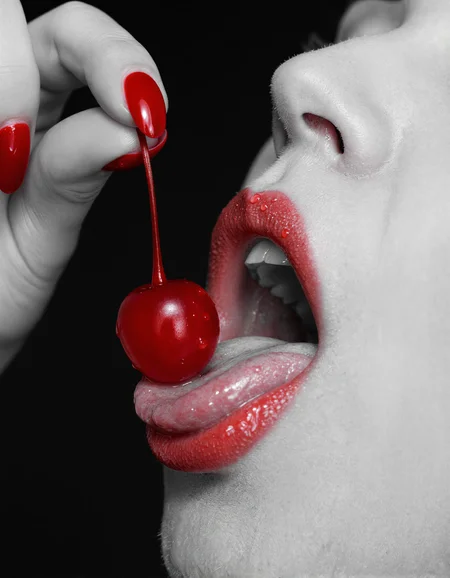
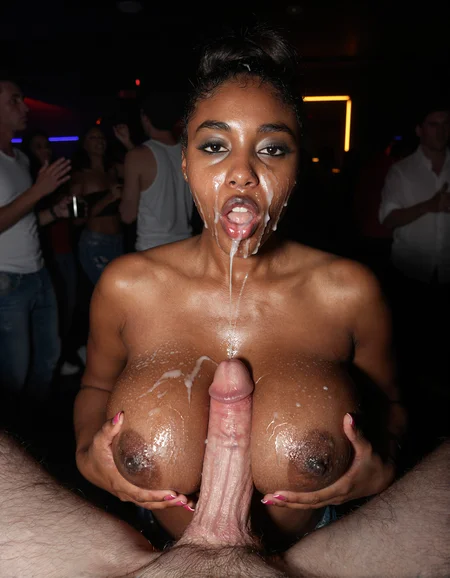
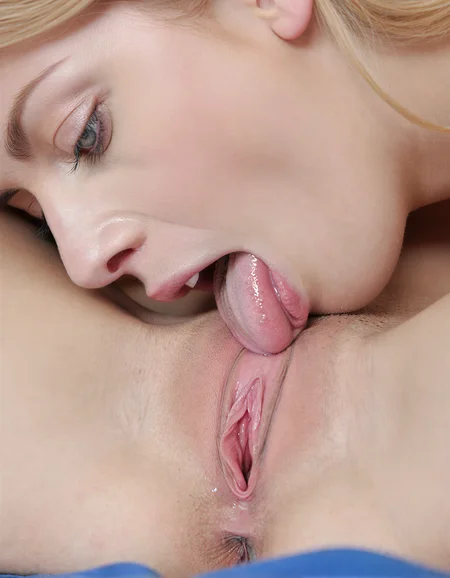
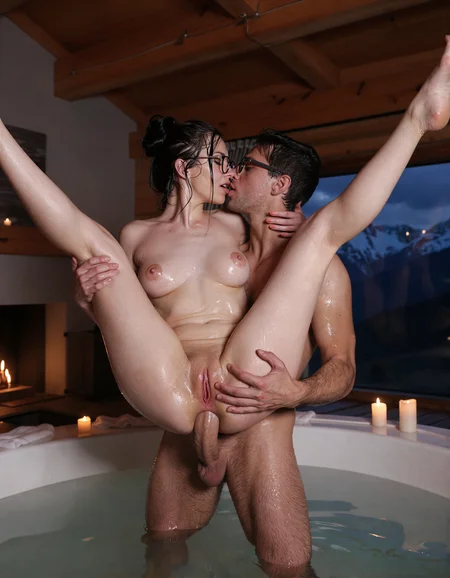
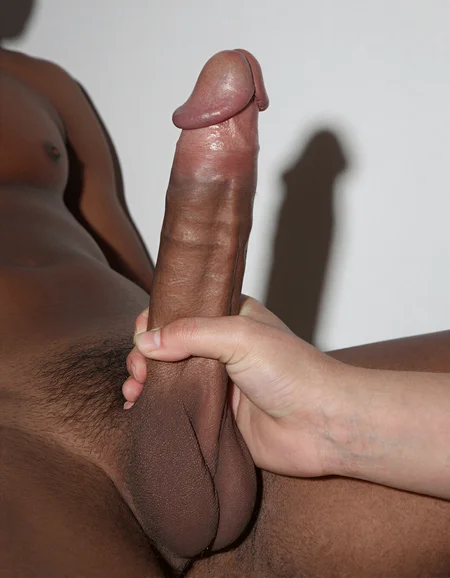
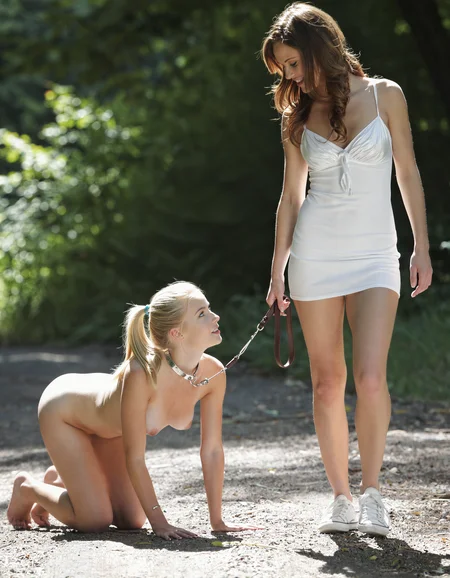
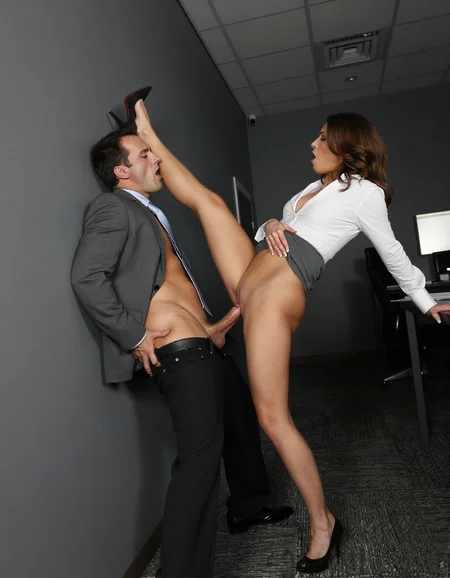
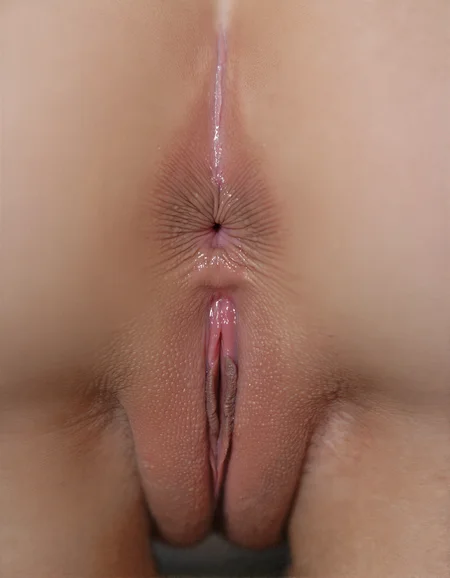
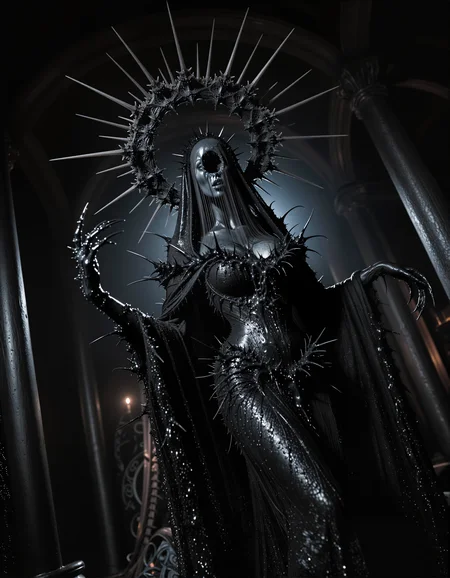
Do yourself a favor and zoom in. Managed to pack some flesh into this one. Thought about adding art or something, but there wasn't any space left. Invented a whole new 3 model at a time merge method for this, but didn't feel like changing the name. All old models are still in the mix. New models added include:
https://civarchive.com/models/897413?modelVersionId=2580484
https://civarchive.com/models/1787477/truevision-77r
https://civarchive.com/models/2231360/z-mania
And I used https://civarchive.com/models/2217636/perfectrsbmix-zit-real-anime-sfw
at negative strength to improve skin texture and reduce sameface.
Sorry about the early access, but I'm trying to feed my addiction to models here. You understand. Plus, this is the most NSFW Z-Turbo checkpoint out there so far.
BorDELLA v1.0
It's been awhile. Found a merge method called DELLA, decided to take it for a spin. This is a merger of 4 models and 2 Loras:
https://civarchive.com/models/2168935/z-image-turbo?modelVersionId=2442439
https://civarchive.com/models/2304577/eason-zimageturbo-realistic-nsfw-v1
https://civarchive.com/models/2237711/z-image-turbo-nsfw-photorealistic-zit?modelVersionId=2564182
https://civarchive.com/models/2206377/zit-mystic-xxx
Thank you to all these creators for your training. I took all the weights with the greatest distance from base Z-Image Turbo and DELLA merged them. Seems to work pretty well. It has good detail, anatomy, and posing, probably better than any of its ingredients, if I do say so myself. It likes lower model shift than most Z models, I only used 1.5 for all these images. Doesn't play great with other LoRAs at full strength, except for sliders, as it's weights are quite saturated.
ComfyUI workflow for all images is embedded, if you want to get results like these. I call it a delayed denoiser. Doesn't finish cooking the image until after its been upscaled unsampled and resampled, so you gotta trust it's gonna turn out good, but it usually does.
Description
FAQ
Comments (17)
images looks good is there a possibility of a fp8 version as well?
@bot_i_celli THANKS
hey why is that 6.6 gigs? usually they are 5.7
@ALFARANKO Do you know what other people are using for FP8 conversion? The ComfyUI nodes I have, that are supposed to do it, weren't reducing the size of Z-Image models at all. I rolled my own script, which made a corrupt model, and Gemini said I should keep certain attention layers at FP16. I had it crank out a custom script that did that, and the results are quite good. I can try again though, if I can find another tool to do it.
I am downloading rn, Zonkey v1 was a game changer
My new favorite model. It understands anatomy WAY better than the other Z models. It also still works with my LORA as long as they aren't 1 strength.
v1.0 is a very good checkpoint. Nice color, nice contrast, nice saturation, nice realism, nice understanding. Only it doesn't handle text very well and need more generations for a good text. but for me is ok. I like this checkpoint, thank you for it :)
I tried fp8 version on google colab which have 12gb ram still when i tried to load model via Load Diffusion Model node , it used whole 12bg ram and colab runtime crashes.
Any solution for this bro?? or can you please plz release gguf Q8 version of it.....
If you use the Load Diffusion Model node, you still have to select an fp8 weight_dtype, or it will cast it to fp16 by default. Select fp8_e4m3fn.
@bot_i_celli ohh thanks
@bot_i_celli it works fine without lora , but if i use loras via power lora loader node , it totally breaks the image? any fix for it btw dont know if its happening only with me b/c i use google collab.
@TaiLong Yeah, I say in the description it doesn't work well with most loras at full strength, except for sliders. LSP and MysticXXX are both loras, and the NSFW and Eason models were both made using loras, so there's often not room for much more. Kinda depends on the specific loras though, I got some characters to work with fp8 at 1.0, with long prompts. Many loras can produce the desired effect at 0.5 and 0.75, especially NSFW ones where the concepts are partially in the model already.
@bot_i_celli ohh ok
My favourite Z-image checkpoint to date. It's becoming difficult to use others. I'm interested to see what V2 has in store, but this will most definitely keep me occupied until then.
Apologies if I'm overlooking it, but where's the suggested ComfyUI workflow to go along with this? Thanks
On any of the showcase images, you can click on the 'i' icon, under "Other metadata" click on "35 nodes" to copy the workflow, and you can paste it into ComfyUI. Also, you can download the showcase images and drag them into ComfyUI for the workflow.
Details
Files
Available On (1 platform)
Same model published on other platforms. May have additional downloads or version variants.