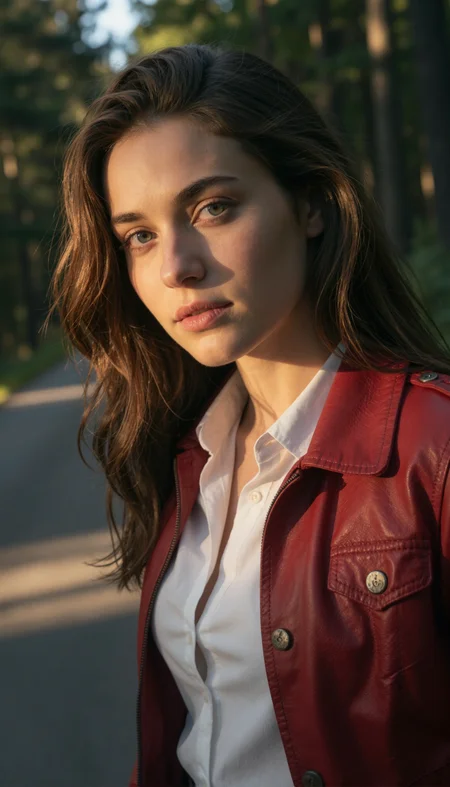
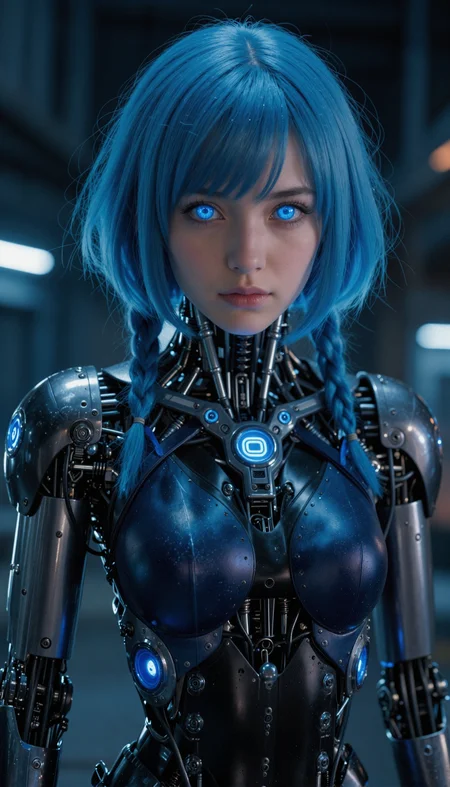
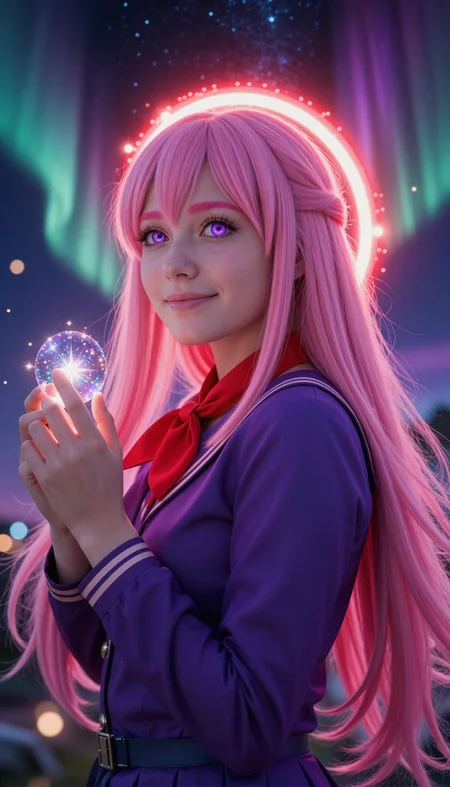
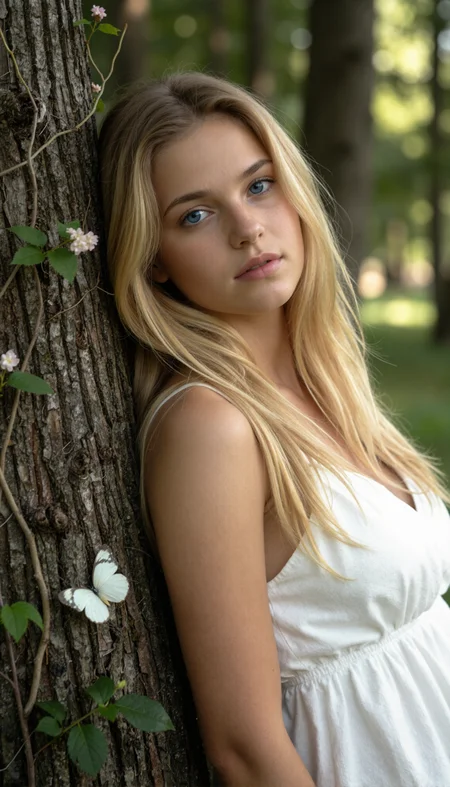
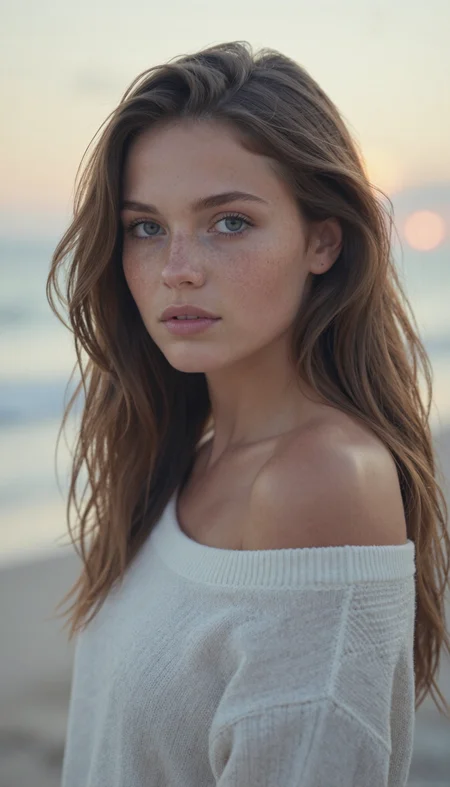
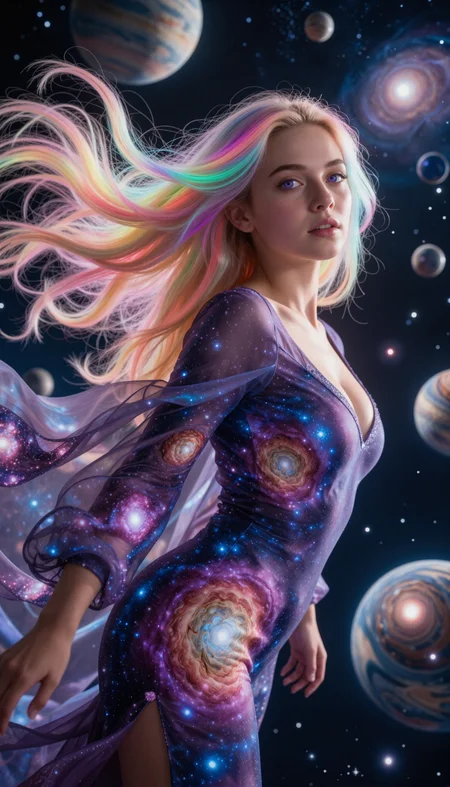
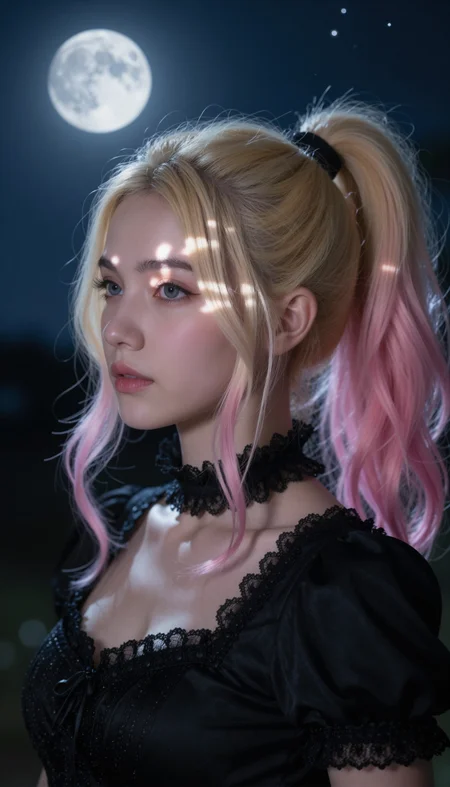
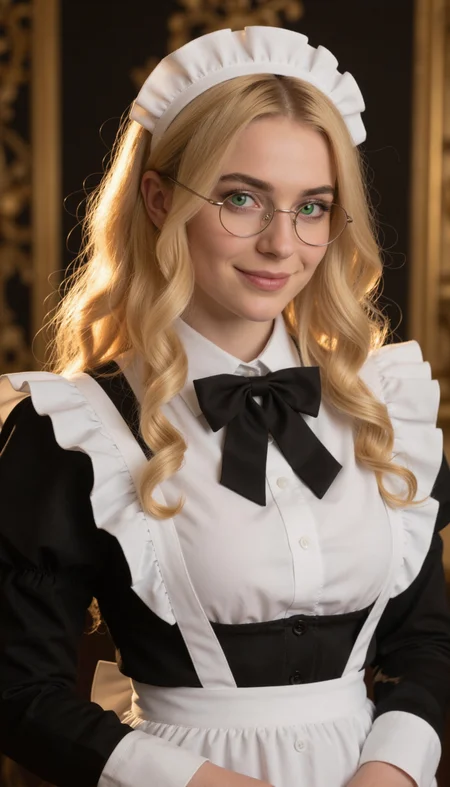
Nova Reality ZI
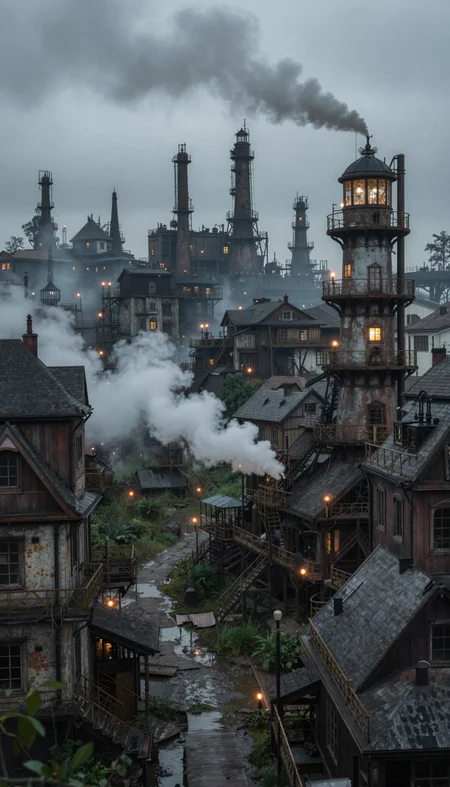
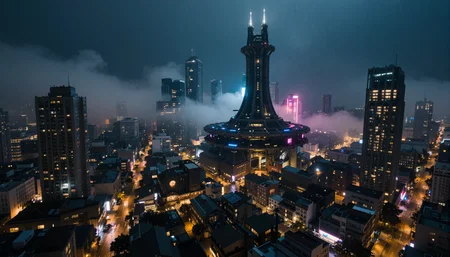
Nova Reality ZI is realistic Z-Image checkpoint with great feels of details
All images on example were created with diffusers with custom png tags
Custom Diffusers
Custom sd_embed
Rules
You cannot use the generated images for commercial use if it's not edited (or just turning it to black and white)
You can share images without any restriction if you don't monetize it
Advertising this model to outside is always welcome
Recommend Settings
Sampler: Flow Match Euler
Steps: 9~12
Clip Skip: 1-2
Denoising Strength: 0.65 - 0.8
CFG Scale: 1
Prompt: masterpiece, best quality, amazing quality, 4k, 8k, very aesthetic, high resolution, ultra-detailed, absurdres, scenery, photorealistic, {Prompt}, BREAK, depth of field, photorealistic details
Negative Prompts: anime, cartoon, graphic, text, painting, crayon, graphite, abstract, glitch, deformed, mutated, ugly, disfigured, long body, lowres, bad anatomy, bad hands, missing fingers, extra digits, fewer digits, very displeasing, (worst quality, bad quality:1.2), bad anatomy, sketch, jpeg artifacts, signature, watermark, username, simple background, conjoined, bad ai-generated
Description
Initial Release
Full fp8 >> AIO fp8Full bf16 >> AIO bf16Pruned fp8 >> non-AIO fp8Pruned bf16 >> non-AIO bf16
FAQ
Comments (54)
If this is built off of Turbo, then negative prompts won't do anything, right?
I think they still do the job (Yes, v1.0 is Turbo model)
It's not needed but they can implemented
(For example when I put asian to the negative, the image got closer to the western faces)
Also, we (me and Chattiori) made custom sd_embed that works on Z-image which allows using emphasis/NegPip
Images were made using it with Diffusers by the way
makes me excited to see more ZIT base models, is a furry themed ZIT checkpoint planned? 👀
I'm still waiting for one. I don't have the skills to make checkpoints myself yet.
Planned but with the current limited resources and base capability, I cannot guarantee to make it sooner
I heard on reddit a base noobai/anime version could be in the works and that base is right around the corner. I bet the anime version would be perfect for a Nova Furry ZI fine tune.
"You cannot use the generated images for commercial use if it's not edited (or just turning it to black and white)
You can share images without any restriction if you don't monetize it"
Yeah, good luck with that. Comical.
Actually, I will include a few images made with this model in a commercial project I am currently working on and send you the details when it goes live. Just for the fun of it.
This rule was made to prevent generated images flooding into the market
With respects to the non-generated picture creators, I think editing would slow the generated content flood
As long as the content doesn't interfere with non-generated contents, there's no problem with commercializing
Keep up with the great project!
@Crody "Rule" need to have some kind of "enforcement mechanism" to even be a "rule". How exactly are you going to enforce this "rule" of yours? Virtual fear factor? And as for preventing the "market flooding", that train is long gone. Every commercial use of AI (when it comes to images) is going to interfere with non-generated content by default.
@ledeni80 Okay, then don't edit it. You're making a mountain out of an ant hill, man. Hell, you can just imagine it's a way for Crody to protect themselves legally and financially.
@MysticFrostwind You are missing the point. He can do absolutely nothing about it. Including protecting himself legally. He doesn't own the model. It even says that it's a merge and not a trained model. Telling people what they can and can't do without any basis is comical. There are names for that. I wouldn't even respond to his comment if he didn't write that nonsense about "preventing generated images flooding into the market".
hoping your going to make a 3dcg and nova animal edition of z image. thanks as always.
With enough resources, I'll do for those as well
I use Forge exclusively since I just can't learn ComfyUI (and I've tried), and It doesn't work for me. I made sure it was up to date too, but still nothing.
Is this an issue or is this only for ComfyUI?
Also, if it turns out to be only for comfy, it would be nice to have that as a warning in the description or so.
It's available on Forge neo and Forge classic
@Crody I didn't even know of forge neo. I'll try that out and report back. Thanks dude :3
@Crody Update: I still can't get it to work, but this is true for other z-image stuff too. I'm not sure what else to do, sadly.
@NeonN3K0 From the patch notes, I think they already adapted to the AIO models as well
Here's the NEO version by the way
https://github.com/Haoming02/sd-webui-forge-classic/tree/neo
And here's the pull request for it (already merged to the neo branch)
https://github.com/Haoming02/sd-webui-forge-classic/pull/406
@Crody Thanks again <3 I'll work with things later and post an update afterwards, whenever that will be.
@NeonN3K0 Im still just trying to get Forge to work with my 5090! :( Using SwarmUI at the moment. You might give that a shot too. It provides a GUI similiar'ish to Forge on top of Comfy.
@NeonN3K0 works with no issues for me on forge neo, make sure you get text encoder and vae too, you cannot just use model alone maybe thats the issue?
@bitzupa I gave up trying to get all of the stuff installed for it, since it was too much effort & was giving me actual headaches. I wish there was a singular "install everything at once" button / exe.
All my posted generations were:
- in ComfyUI using Pruned Model fp8 (5.73 GB)
- used prompts from "Most Reactions" from other Nova Reality IL versions
- the best ones out of 4 generations
- within 16-45 sec (sampler dependent) on an RTX 3090 24GB
How much of this is original content because ummmm. Who said you could just slap rules onto an open source project? I edit this to mention.... to this degree.
@Crody great work on this fine-tune.
It steers the model in a nice direction, and generally gets me where I'm trying to go with less excessive prompting.
One thing I'd recommend is to replace some of the preview images with examples using natural language instead of tags. I initially assumed that the model wouldn't work well with regular natural language prompting, but I've found that that isn't the case.
The parameters given in the description are also a little bit weird. The model has no clip so clip skip shouldn't do anything, and the negative prompt doesn't do anything since CFG is 1.
actually clip skip parameter does work with this model like sdxl but many people have not tested well enough
wtf is a Z-image?
the [i] link points to some youtube video talking about SD1.5, this is misleading
Z-Image is a recent foundation text-to-image model from Alibaba's Tongyi Lab. It features some efficiency improvements over other recent models of the same quality, native handling of 2K+ resolutions, extremely high prompt adherence and text rendering.
@Harmil thanks, no Forge support I presume?
@Crody How long does it take you to fine-tune Z-Image? and How much does it usually cost?
I didn't finetune the model so I don't actually know the cost/time for it
What I did was merging several checkpoints/LoRAs into one just like other Nova models
@Crody Can this be done on a system like Ryzen 16-Core, 64GB RAM, RTX 3090 24GB VRAM?
@PlayAI The merging?
Most of merges doesn't require GPU so yes it can be done
@Crody Where can I learn how to make merges as good or better than yours?
@PlayAI https://civitai.com/articles/22739/crodys-model-merge-guide-v20-team-c
At least that's how I did
The only difference between SDXL and Z-Image would be the block counts
SDXL has 20 blocks and Z-Image has 33 blocks
Each blocks works differently but most of them can be adapted using the knowledge of SDXL
I'll make an article for that as well
@Crody Thank you I look forward to reading your article soon.
@PlayAI For now I can say:
Z-Image has 33 blocks like BASE, CONT, NOISE, L00, L01, ... , L29
BASE : text encoder
CONT : prompt faithfulness, attribute binding (who/what has which property), composition intent, relationship consistency.
NOISE : denoising “feel”, stability vs artifacts, sharpness/texture bias, noise leftover / grain, step-to-step smoothness.
Layers L00–L29 (one-layer granularity)
Global / coarse intent
L00: Subject anchor (what is being drawn)
L01: Camera framing (close-up vs wide, centering)
L02: Depth / perspective setup (distance, vanishing feel)
L03: Big silhouette planning (large contour masses)
L04: Fore/mid/background allocation (scene layout)
L05: Multi-object relations (A next to B, holding, overlap)
L06: Background macro-structure (room/forest/building blocks)
L07: Global lighting direction (large shadow placement)
Structure / geometry
L08: Pose skeleton / main orientation (body/object axis)
L09: Proportions (head-body ratio, limb length, perspective strength)
L10: Major part segmentation (face/torso/arms; car body/windows)
L11: Large clothing shapes (outer silhouette, big folds)
L12: Face structure layout (feature placement + head shape)
L13: Hands/fingers topology tendency (counts/joints stability)
L14: Hair mass separation (front/back, chunk direction)
L15: Left-right consistency (symmetry, alignment corrections)
Tone / material shaping
L16: Shading smoothness (gradients, roundness)
L17: Material “feel” (skin/cloth/metal reflectance behavior)
L18: Mid-frequency detail (wrinkles, larger hair strands, muscle bumps)
L19: Background detail density (busyness, DOF-like feel)
Fine detail / edges / finishing
L20: Surface texture (fabric weave, wall grain, skin pores tendency)
L21: Edge strength (line thickness, contour crispness, micro-contrast)
L22: Small accessories (buttons, jewelry, stitches)
L23: Facial micro-detail (lashes, brows, lip edges, eye complexity)
L24: Hair micro-detail (fine strands, highlight lines, tips)
L25: Symbols/text-like sharpness (also “breakability” around tiny patterns)
L26: Color separation (local saturation, cast/skin tone shifts)
L27: Grain / artifact balance (speckle, stability vs breakup)
L28: Final sharpening / denoise bias (jaggies vs softness)
L29: Overall “finish tightness” (final contrast + cohesion)
So I added the capability to do the negative truly on Turbo checkpoints without effecting the colors using custom pipelines and it turns out really good!
Here are the results for the negative prompt fixes
https://imgur.com/a/2aoUETA
CFG: 1.0
What I did was folding the negative prompt embeds into prompt embeds (which is similar to NegPip but executes on the inside)
That way it can create the images with negative prompts without disrupting the generation time
https://github.com/Faildes/diffusers/blob/z-image/src/diffusers/pipelines/z_image/pipeline_z_image.py#L351
How do I get this working in ComfyUI. I would like to use a Negative Prompt
@PlayAI We'll make the extension that allows the same thing for ComfyUI
@PlayAI I haven't tested it out because I don't have the ComfyUI but here's the extension that should work
https://github.com/Faildes/ComfyUI-NegativeFold
@Crody I would say it technically works with your model but with drastic artifacts as a side effect.
@PlayAI Could I get the images?
@Crody Sure. It's borked on original Z-Image as well. Here is the link: https://wormhole.app/AYNNX1#whUTBsnhTuhl4kPwGSc7vg
@Crody The link is good for 5 downloads for the next 60 minutes
@Crody Check your DM's
@PlayAI I found the glitch in the code and fixed it
The newer version would work
Also, for Z-Image please disable fold pooled
Can this do artist styles and some movies like sdxl can?
What did you have in mind?
Shure. With help of LoRA - everything is possible. Like that one: https://civitai.com/models/2221934
Here another fascinating LoRA. https://civitai.com/models/2215818/luneva-cyber-hd-enhancer