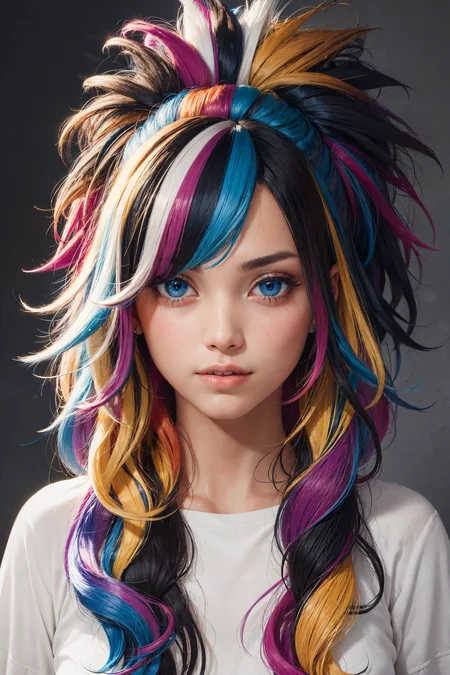
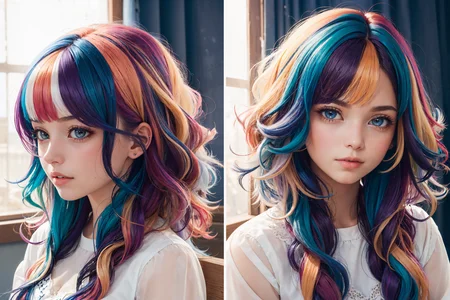
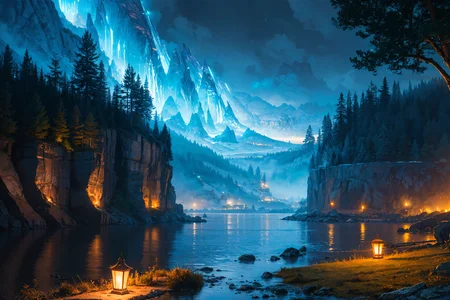
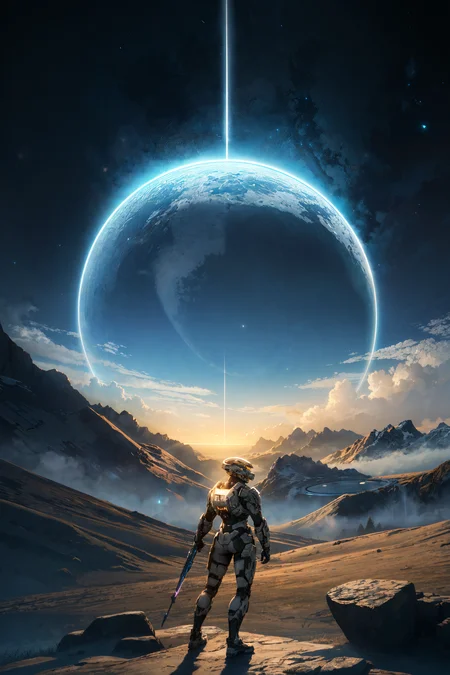
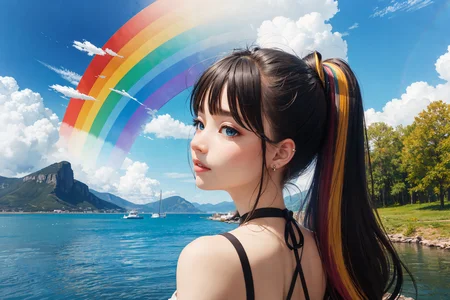
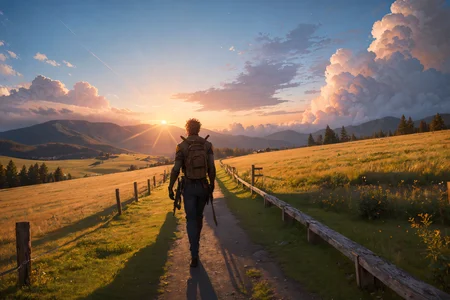


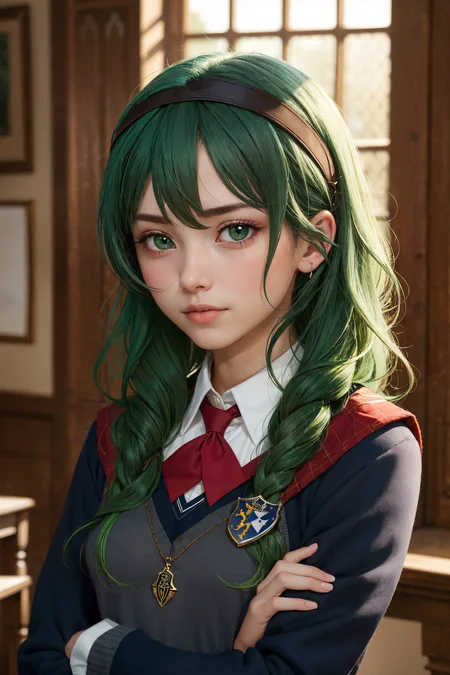

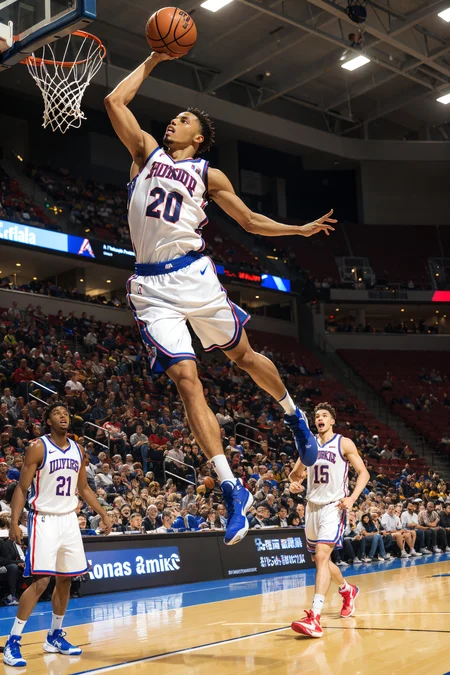
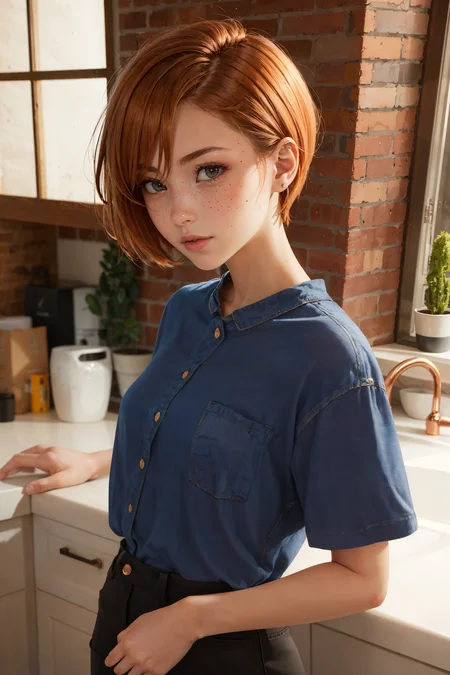
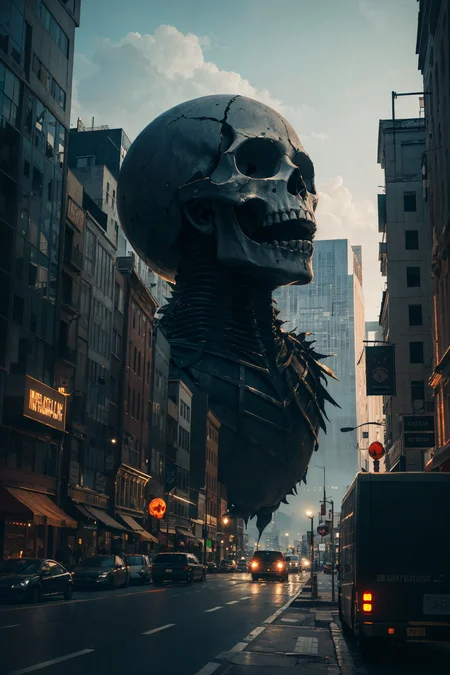
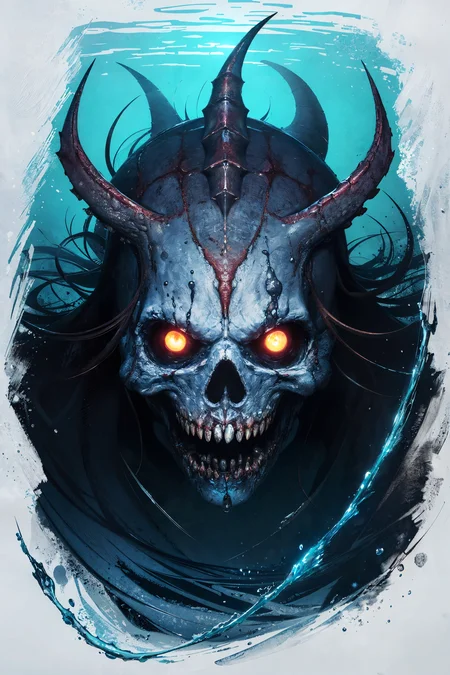
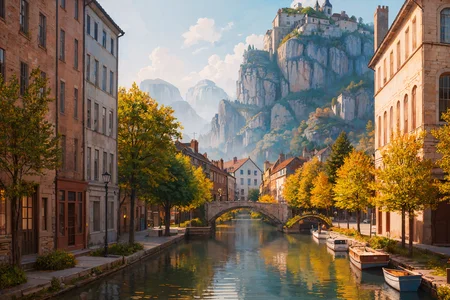
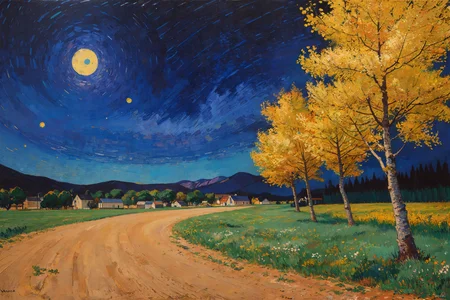

Mix of Cartoonish, DosMix, and ReV Animated.
Very versatile, can do all sorts of different generations, not just cute girls. But it does cute girls exceptionally well.
Using vae-ft-ema-560000-ema-pruned as the VAE. CLIP 1 for v1.0. CLIP 2 for v2.0.
For v2.5: Using vae-ft-mse-840000-ema-pruned as the VAE. CLIP 2.
For v3: Using vae-ft-mse-840000-ema-pruned as the VAE. CLIP 2.
Negative embeddings used for v1 and v2: easynegative, bad-hands-5
Also check out my other mix, CarDos Anime!
Description
-smaller filesize
-more detail
-more variety
-more cute girls
-more better
-same familiar quality
Using CLIP 2 for all example images. As with v1, easynegative and bad-hands-5 too.
FAQ
Comments (21)
Any chance for a full version of 2.0 unpruned?
Done!
@charsheetanon can someone confirm that this works? i've tried getting both the full version of this and the full version of anime2.0 and both links just lead to the same 2gb file
@thot I noticed it too. That's just a mistake maybe.
@Iv4n3k I filed a bug report well over a week ago, they still haven't fixed it... apparently more people have the same problem with other models too so it's definitely a database issue.
Edit: It's finally fixed!
512x768 doesn't work at all with me in automatic1111, please advise. Thanks in advance
What isn't working exactly? Is it giving you errors?
@charsheetanon Sorry, Its probably my mistake. Thanks for your response.
I believe its an awesome model, thank you for your effort and model.
Git gud
Sorry to ask this Q, new to AI, what's the difference between the pruned and full versions?
There can be a miniscule difference in the outputs, just a few altered pixels here and there. I recommend using the pruned version since it saves disk space.
Love the model but Jesus, this thing has a very well-defined tendency of making characters back-lit regardless of what's in the prompt, even going as far as completely disregarding tags like "camera flash" or "professional photo shoot" and coming up with weird excuses to not have the main subject bathed in light.
ReV also has this to a degree so maybe it's not the merge's fault.
Your comment has made me curious so I went and did some testing with a bunch of different mixes I had, and they all seem to behave this way to an extent. I'm not sure what to make of this, I'll need to do some more testing with other models.
@charsheetanon I first noticed this while testing some LoRAs I was working on. I thought I had screwed up and implanted a bias that made it render my characters like that, but after messing around with other stuff I'm pretty convinced it's a widespread thing. Again, I don't think it's the merge's fault, and it's also not like the models can't render things with different lighting as you can use ControlNet to force that in a way, it's just very tough to achieve that through prompting alone sometimes.
If this thing had a tendency to NOT bathe the subject in light I'm gonna have to start using it more. I'm pretty frustrated with how stable diffusion seem to struggle with alternative lighting methods. I've had to work hard to avoid overhead lighting and bright daylight 😕🔆🔆
Is this the same mix? What is the actual difference from v1?
read the "About this version" section on the right
@charsheetanon OMG I feel like an idiot. TIL, I am new here. Thank!
Clearly my go-to model for now. Very good at making characters obviously, but also matte paint/concept art landscapes.
Thanks !
Thank you, happy to hear you like it!
Details
Files
cardosAnimated_v20_pruned_fp16.safetensors
Mirrors
cardosAnimated_v20.safetensors
cardosAnimated_v20.safetensors
cardosAnimated_v20.safetensors
cardosAnimated_v20.safetensors
cardosAnimated_v20.safetensors
cardosAnimated_v20.safetensors
cardosAnimated_v20.safetensors
cardosAnimated_v20.safetensors
cardosAnimated_v20.safetensors
cardosAnimated_v20.safetensors
Available On (1 platform)
Same model published on other platforms. May have additional downloads or version variants.