
Introducing Memes XL "Bullet Time" with new Turbo settings!
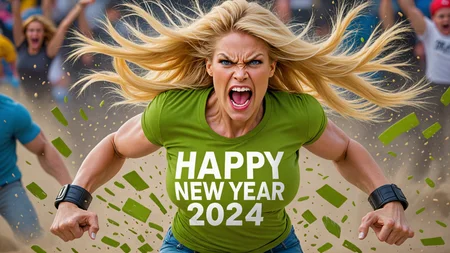
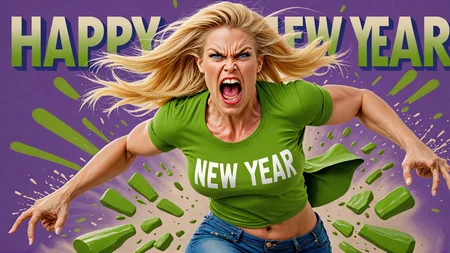
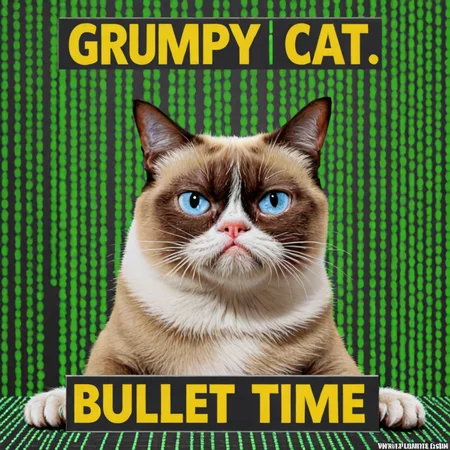
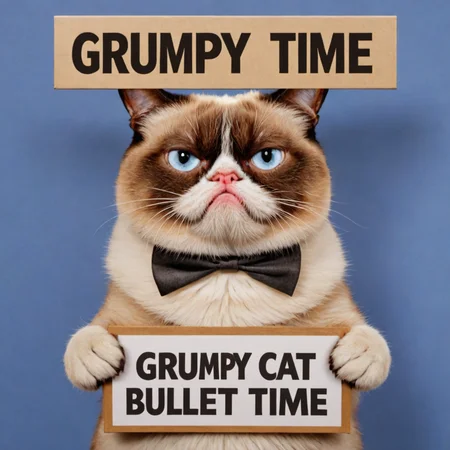
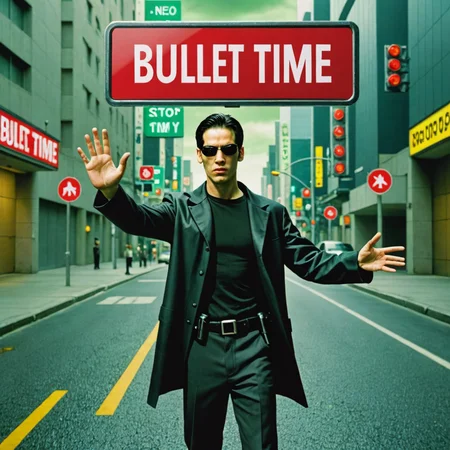
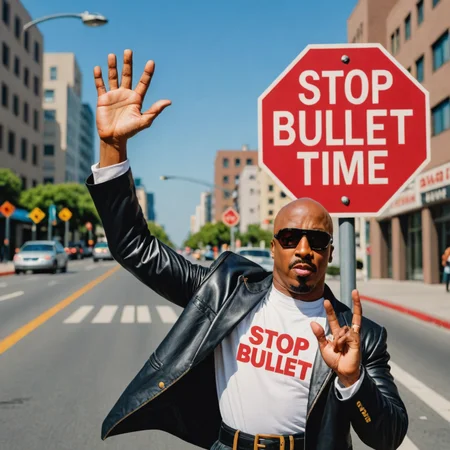
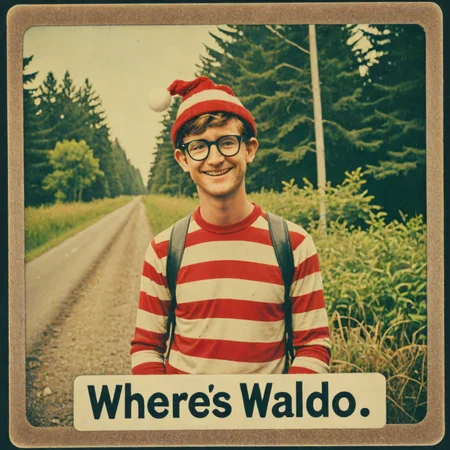
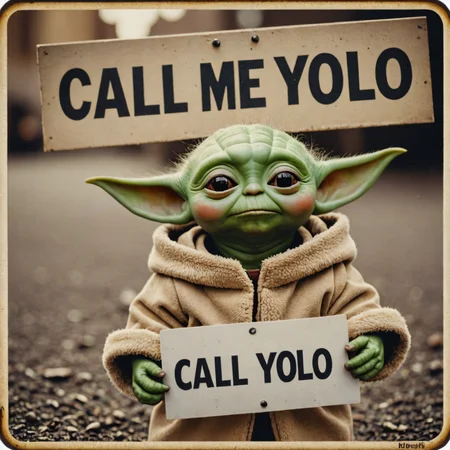
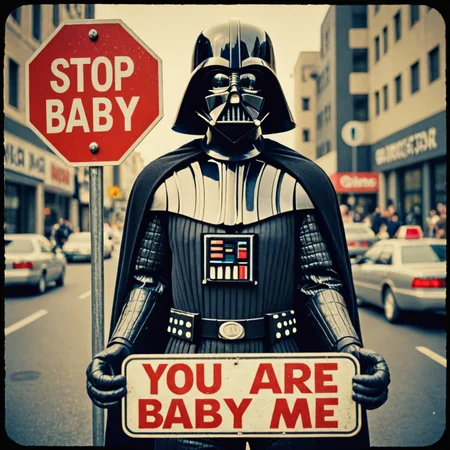
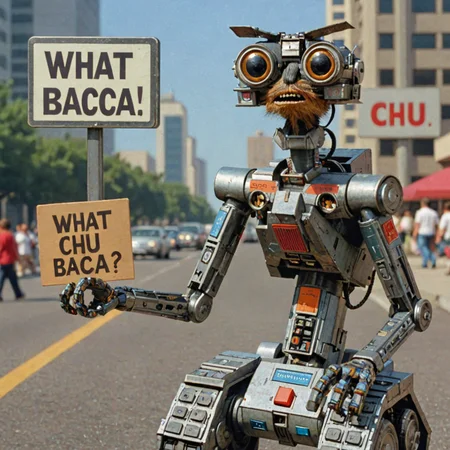
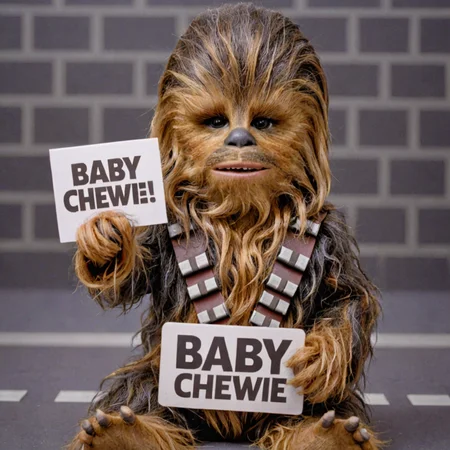
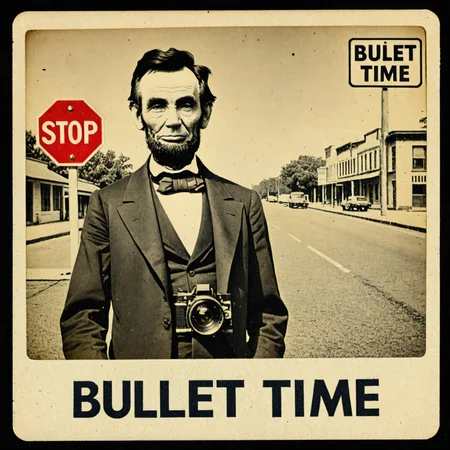
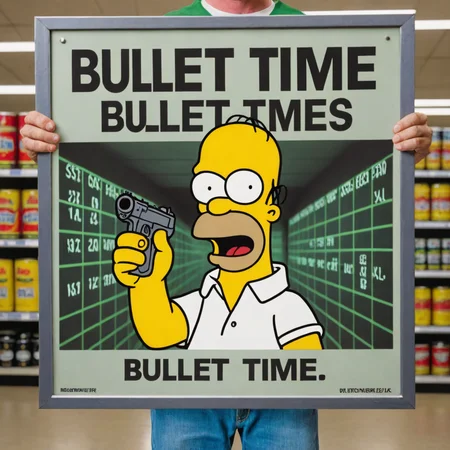
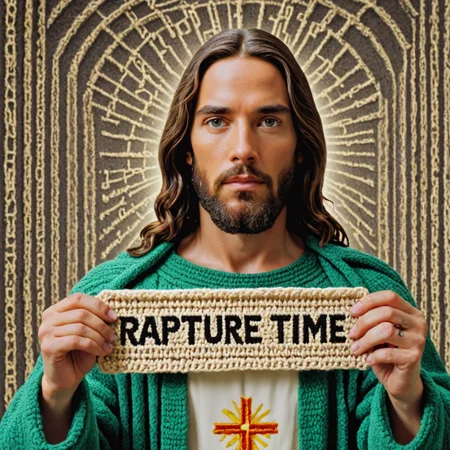
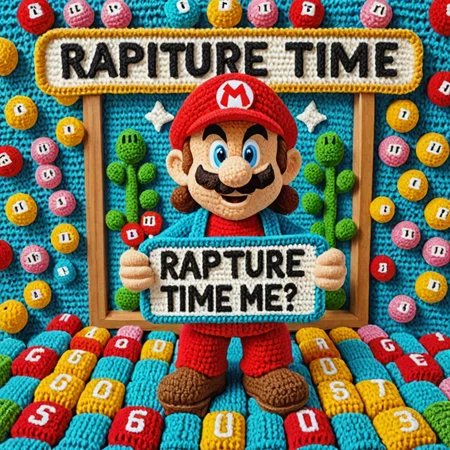
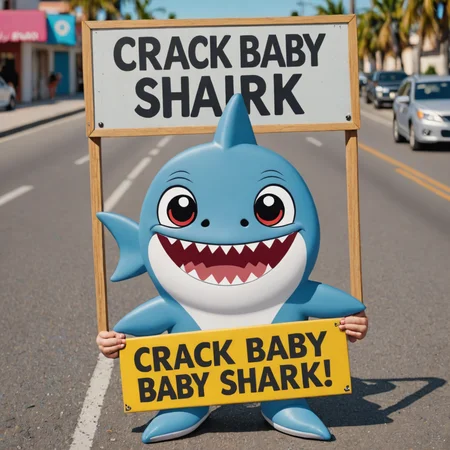
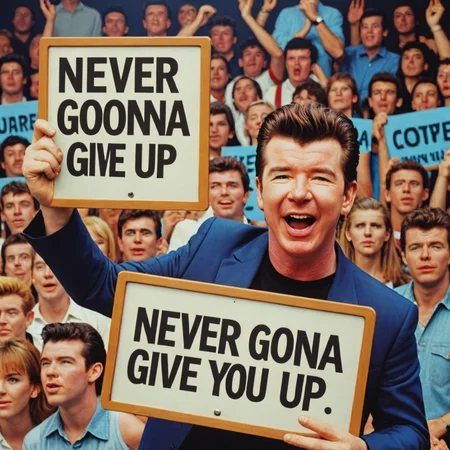
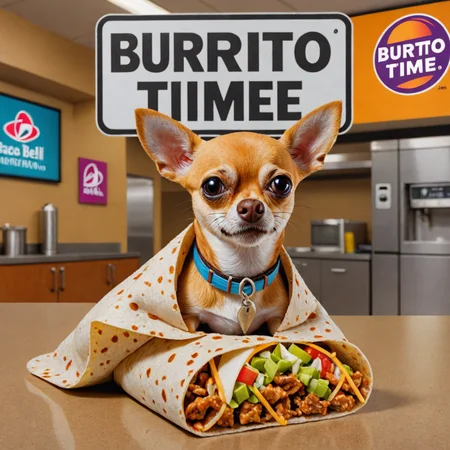
This is the first Turbo SDXL Ai Meme Generator to be unleashed into the world. The original version of Memes XL is still great and you should use that one too. We still get funny quotes on funny pictures, but you can get different results in a fraction of the time. Most people don't want text and signs in all of their images like I do. The example pictures explain my intentions with what I am trying to achieve. I call it sign language and Ai has a great sense of humor in mixing it up Yoda style to make new quotes.
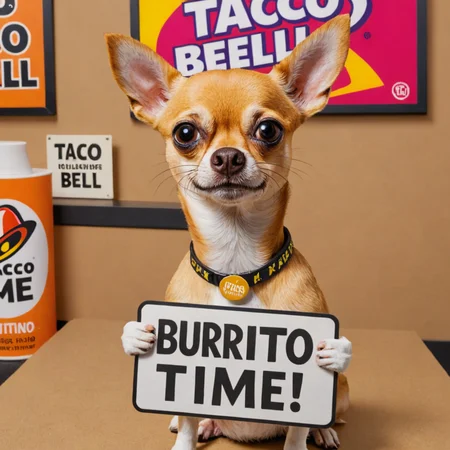
Example prompt for sign language memes:
Photo of taco bell chihuahua with a sign saying "burrito time"
Simple prompts work well without negative prompts. Easy to create memes for beginners. There is a sweet spot in the prompts that when found can make almost every picture have amazing quotes. The trick to getting great pictures is in the prompts and learning about all of the variables in the settings. Having extra punctuation or words does affect results. Long words don't work and don't forget to bring a towel.
With Bullet Time you will want to turn off Hires fix and Refiner to really be fast. For higher quality I use R-ESRGAN 4x+ Hires fix 8 steps and Denoise 0.5 Upscale to 1920x1080 for desktop wallpaper or 1080x1920 for cellphone wallpaper. You can always increase the step count for more details but it will take longer. Not all samplers are compatible and my standard sizes didn't work with turbo so I uploaded using square 1024x1024 images. Since then, I have learned about other sizes and have updated the description.
This is the first turbo version and I am uploading this now to share my ideas for creating Ai text on images and to create a new style of checkpoint. If you notice glitches like extra hands holding a sign, don't worry because that was intentionally added to be funny. The concept is to give Ai the ability to be a comedian and communicate with words in text and signs. Turbo SDXL checkpoints are currently for personal use only and this is proof of concept for a category called Meme Generator checkpoints.
Positive reviews mean a lot and I can't wait to see what images you create. If you find better settings for this checkpoint, let us know in the comments. Have some fun with Memes XL and Bullet Time today!
Recommended Turbo SDXL settings:
Clip skip: 1
Sampling method: DPM++ SDE or DPM++ 2S a (works better but takes longer)
Sampling steps: 8 (25-30 for better text)
CFG Scale: 2 - 3.5 (3 is usually best)
Width x Height: 1024x1024 square, 1024x576 landscape, 576x1024 portrait, etc.
When larger than 1024 width or height the image can double or stretch.
Hires fix steps: 8 Denoising: 0.5
Upscaler: R-ESRGAN 4x+ or 4xUltrasharp
Upscale to 1920x1080 landscape or 1080x1920 portrait.
Don't need to use SDXL Refiner.
Please Donate $5 with Paypal on pumpkinsanta.com if you had fun with Memes XL "Bullet Time".
Thank you!
Description
Checkpoint file name:
memesXLBulletTime_v10.safetensors [0f2207a5ed]
Version 1 of Memes XL Bullet Time on SDXL Turbo.
FAQ
Comments (1)
All of the images were created with the same checkpoint [0f2207a5ed] that you can download here. The model name EMS-218102-EMS is on the images that were generated on Tensor Art. It is the same checkpoint but they have a different online generator that labeled the images that way. Some images have model name memesXL_BulletTime_v2 or memesXL_Bullet_Time_v10 because I renamed the model to version 1 when I uploaded and CivitAi renamed it to memesXLBulletTime_v10. I hope this explains why they have 4 different names for images made with the same checkpoint.