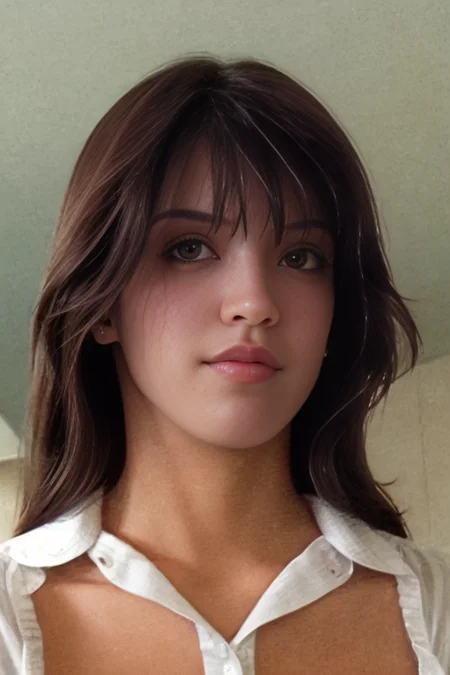
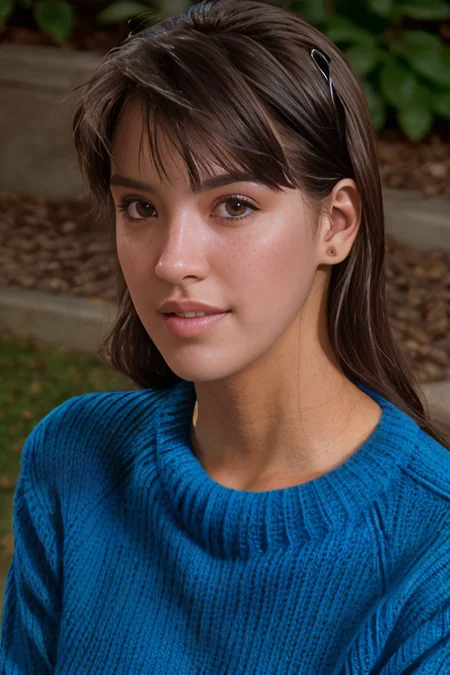
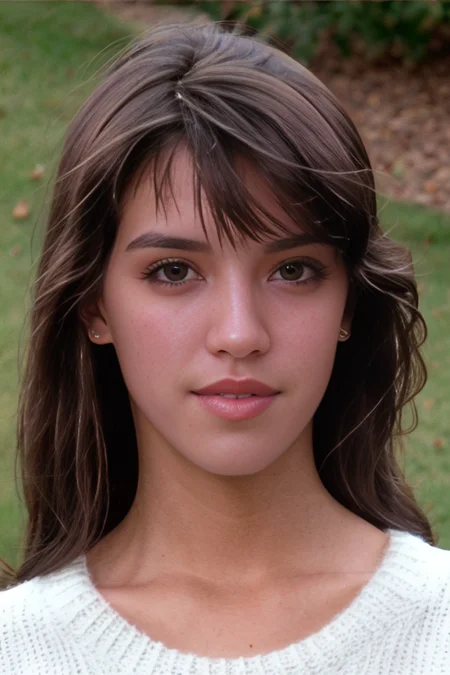


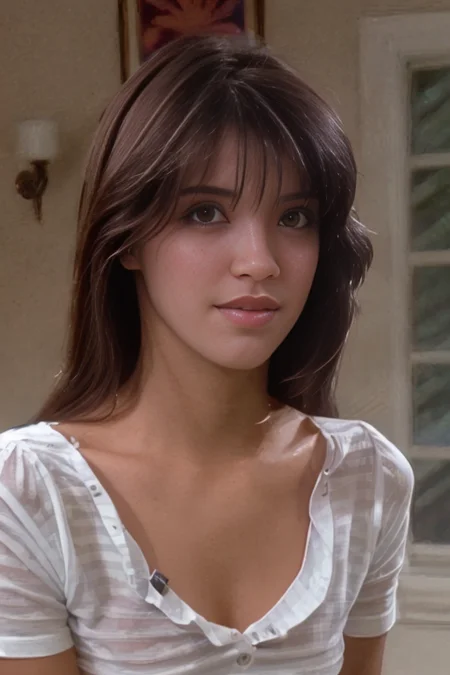
READ BEFORE DOWNLOADING
This LORA was created using very low-res and blurry images.
Therefore the quality and likeness is not as good as it could be.
You can still get some good images out of it but might take a few tries.
Worked best with serenity in my testing.
ADetailer kinda loses detail in the face, not sure what's happening there.
Try a strength of 1-1.25 to get better results.
I used 1x-Film-Degrainer-1-000, 1x-ReFocus-V3 and codeformer to upscale the images.
Since codeformer only upscales faces, you will see blurry bodies in the generations.
If anyone has a suggestion for a better workflow to work with low res images, please let me know and I'll update the model.
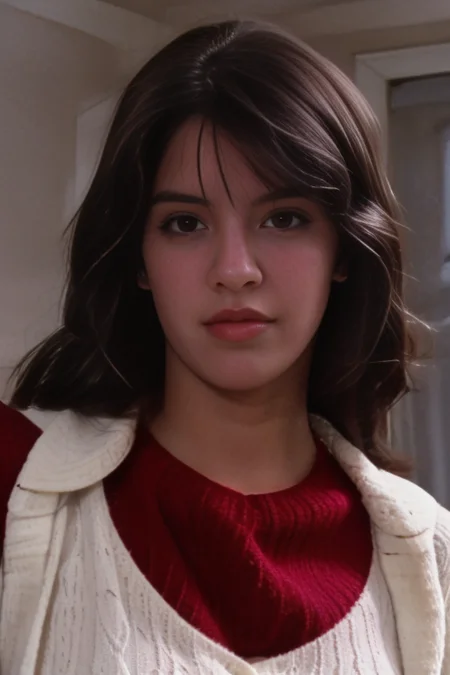
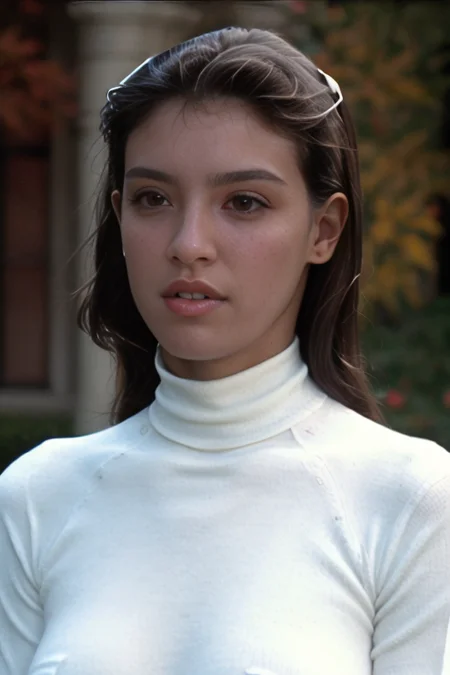
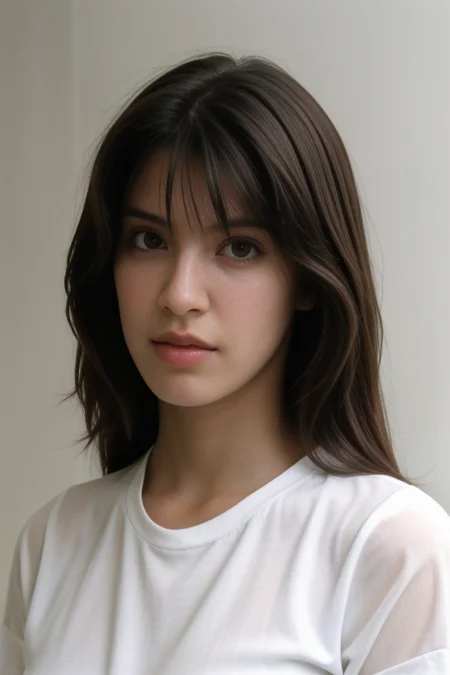
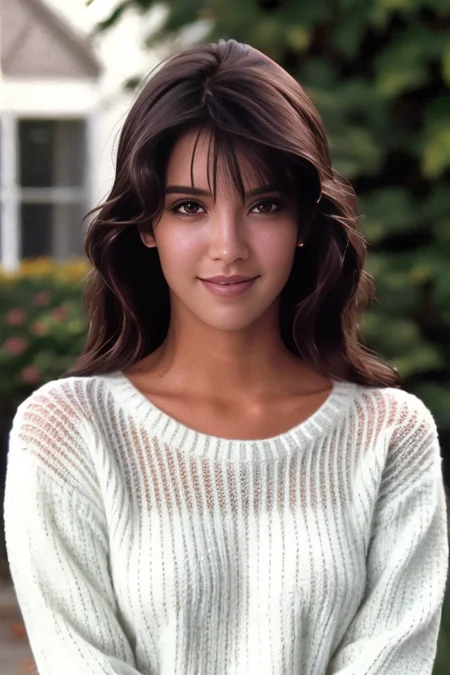
I have added a wide range of cherrypicked images in the showcase.
Took a few tries to get these, hope you have better luck.
------------------------------------------------------------------------------------------------------
LORA trained on 70 publicly available images of Phoebe Cates.
Trained on base SD 1.5, should work with most realistic models BUT with varied results.
Description
FAQ
Comments (2)
Amazing!!! 80's girls are the best! Do you have any plans of doing Betsy Russell?
Did you ever considered manual inpainting after upscaling? I took one of your example images, one of the worst, and made it look dicent.
I will describe my workflow on how to work with lowres craps.
For upscaling i'm using 4x_NMKD-Siax_200k as primary upscaler and 1x_JPEGDestroyerV2_96000G as secondary upscaler (about 0.5 visibility in Extra tab of A1111).
4x_NMKD-Siax_200k - keeping original skin tone and not tending to add too much extra sharpness.
1x_JPEGDestroyerV2_96000G - removing most of jpeg artifacts if they not so bad, and killing extra sharpness added by primary upscaler.
You can experiment with other upscalers, for example - 4x_NMKD-Superscale-SP_178000_G will add reddish tone to the skin, if you need such effect.
I usually don't use face restoration while upscaling, because faces become too smooth and not coherent with the rest of the image. But if you have to, i would recommend to play with visibility and weight to make face restoration defects not so obvious.
Next step is inpainting. You can fix almost everything. I posted image with defects fixed to your model page (didn't want to be bothered with keeping necklace, i just let it turn in whatever it actually turned).