

Nickel Saffron
Clean realism, flexible polish.
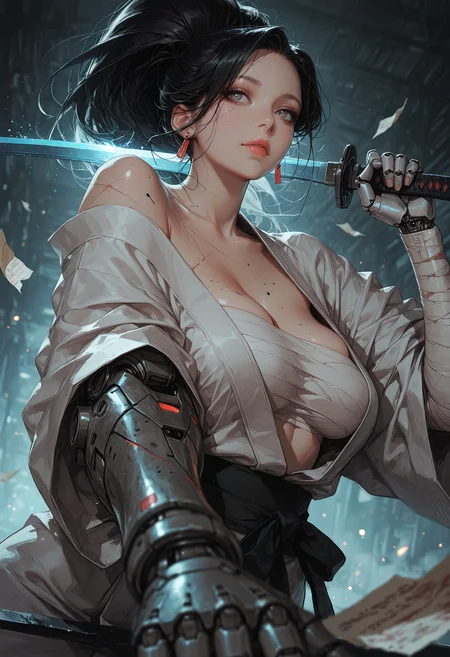
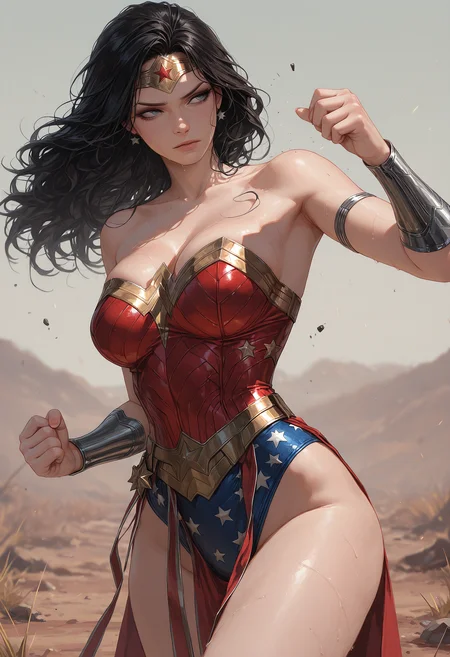
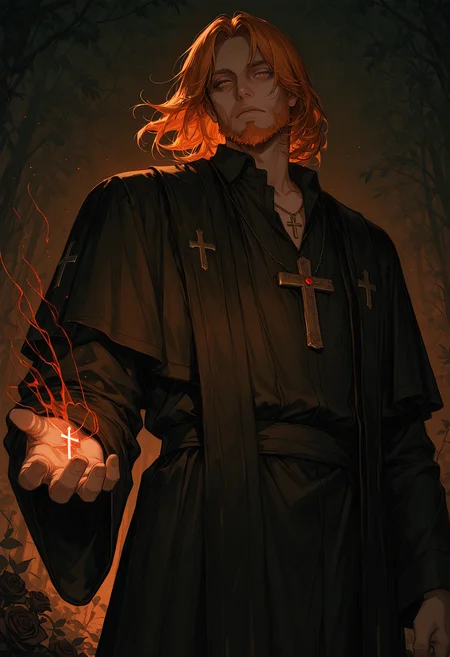
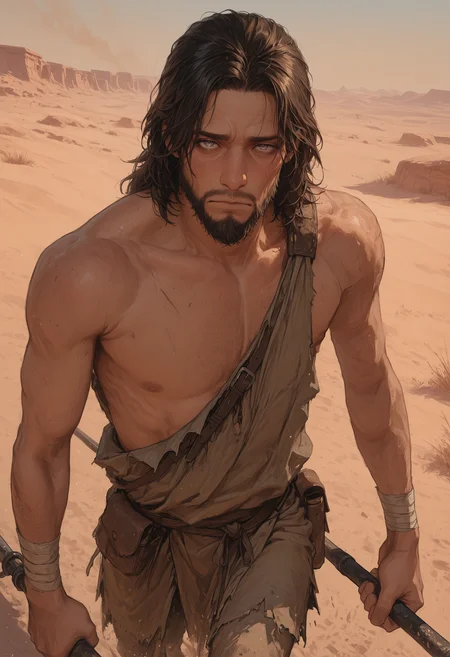
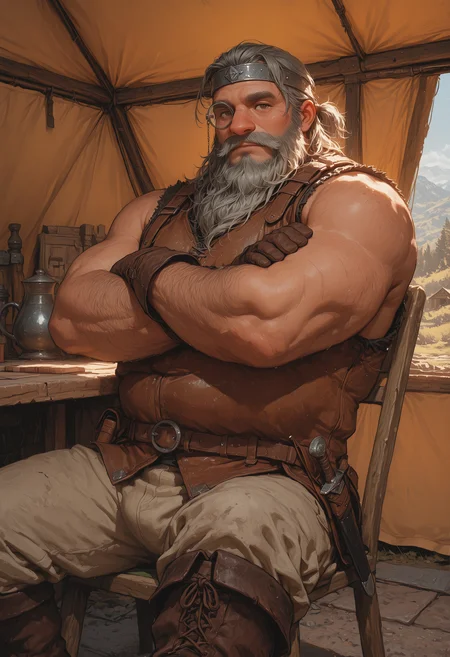
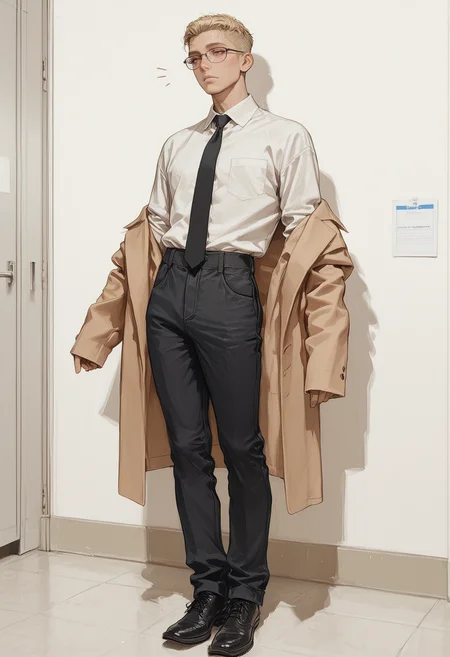
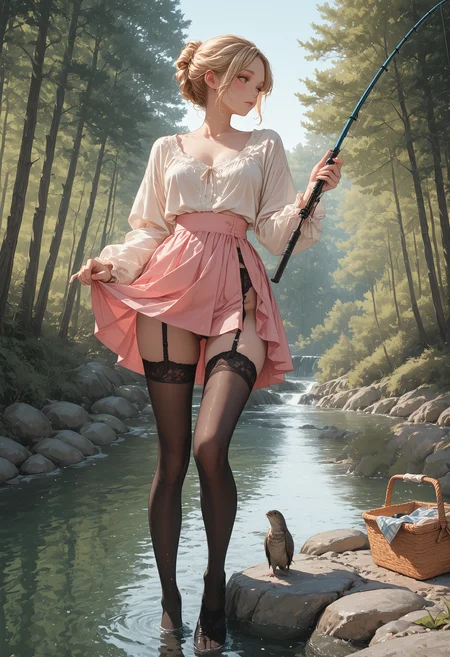
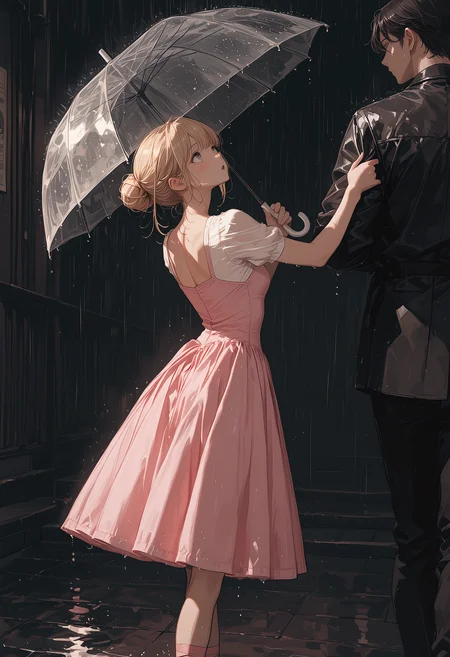
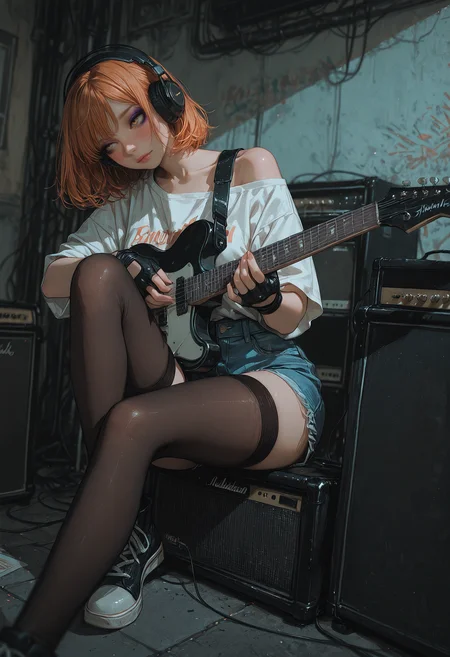
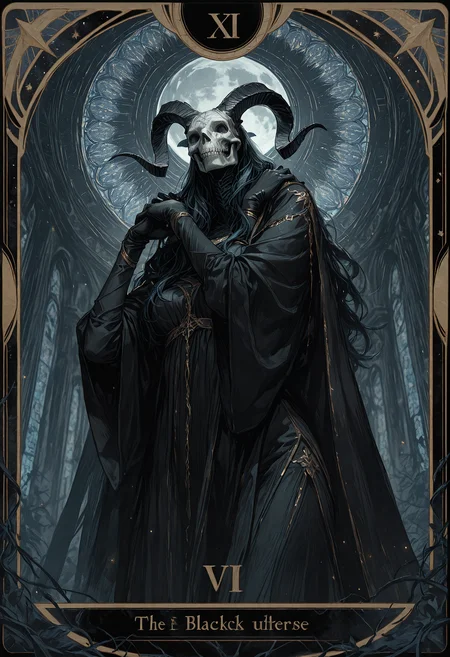
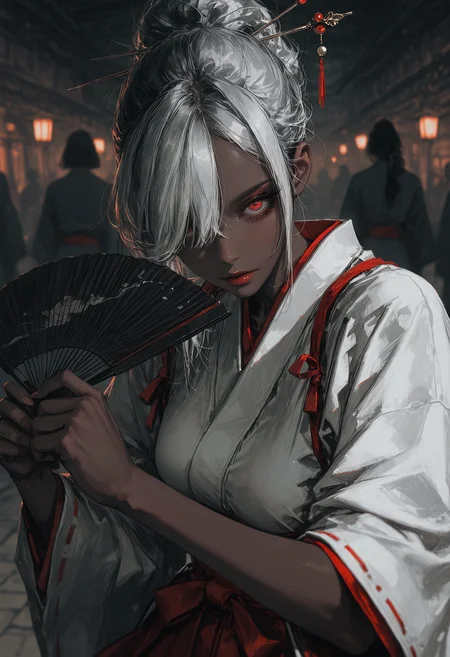
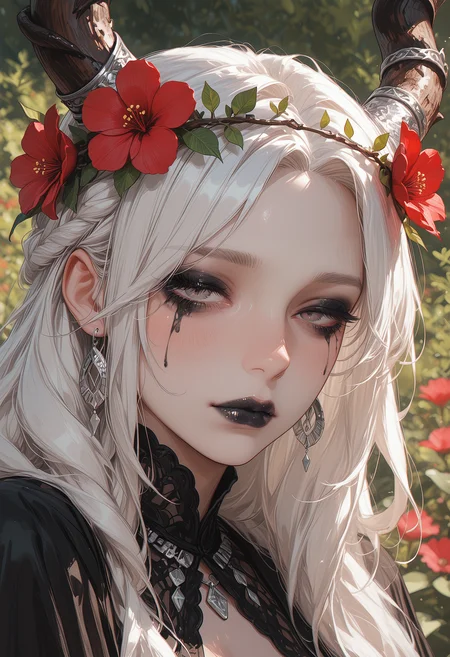
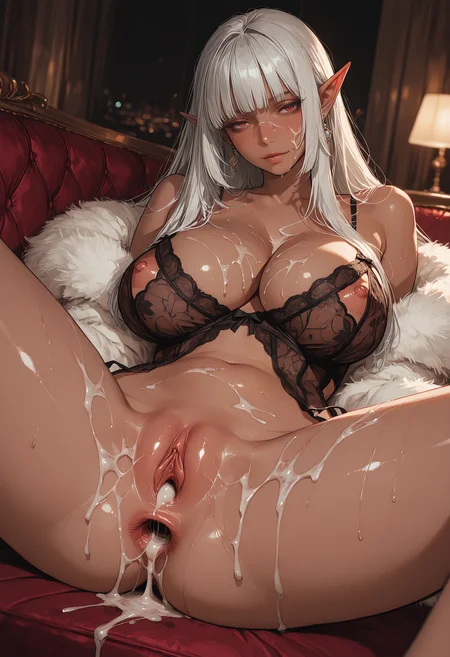
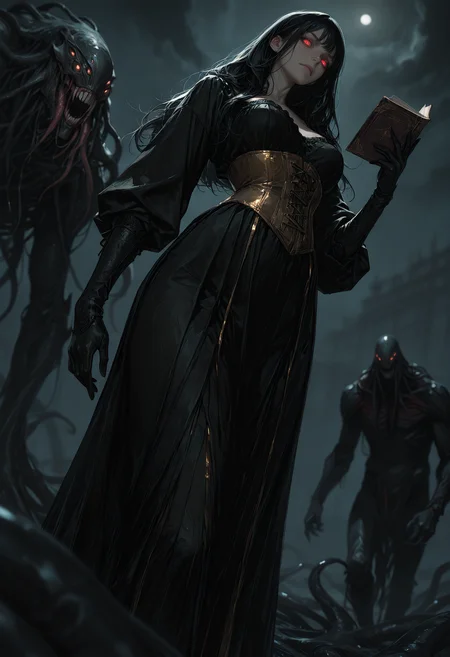
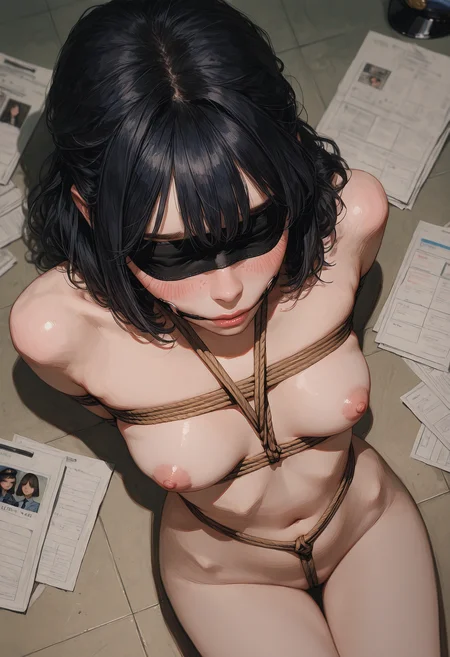
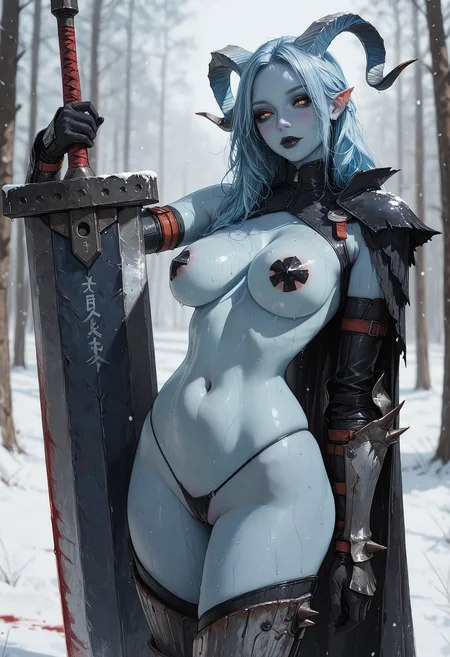
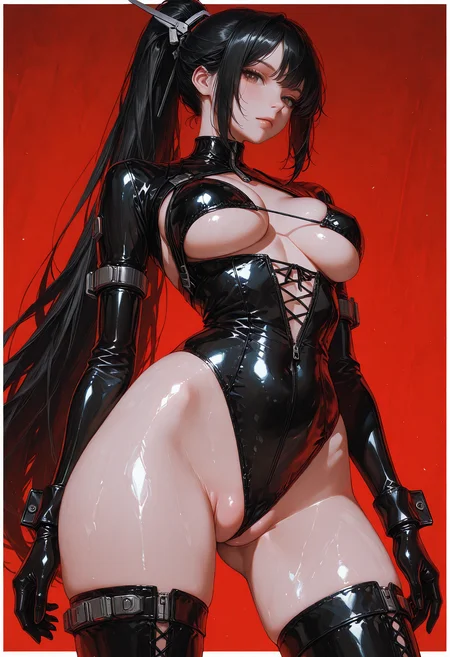
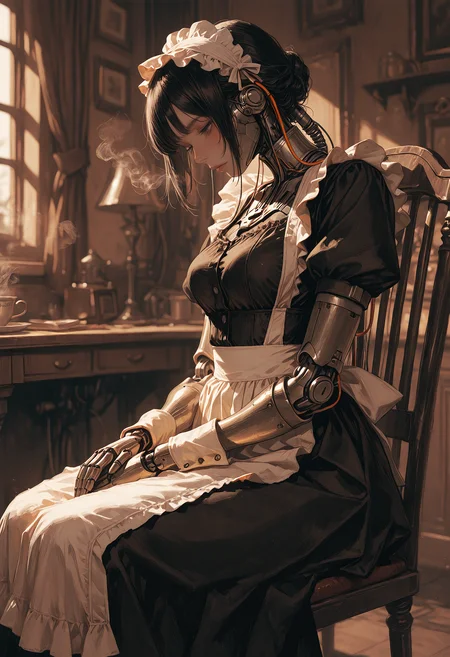
Built off the same Illustrious SDXL base as Copper Thyme, Nickel Saffron trades the stylized strokes and sketch-driven grit for a cleaner, more grounded visual style. This merge focuses on natural lighting, smoother skin rendering, and believable textures across fabric, hair, and materials.
Where Copper Thyme leaned into illustrative flair — line work, stylized shading, and more aggressive silhouettes — this one softens the edges. You’ll get better balance in anatomy, more lifelike lighting, and cleaner contrast without losing creative flexibility. It’s tuned for portraits, fashion, fantasy, and semi-erotic renders that want polish without overbaked effects.
If you liked the structure and prompt control of Copper Thyme but wanted something more realistic — this is it.
🔧 Recommended Settings:
A well-rounded setup for general SDXL prompting.
Steps: 30
Sampler: euler_ancestral
Scheduler: karras
CFG (Guidance): 4
Some of the quality tags I use are:
🏷️ Recommended Quality Tags
masterpiece, cinematic lighting, anime_screencap, high detail, depth of field, (blurred background), (dramatic lighting), best quality, very aesthetic, soft reflections,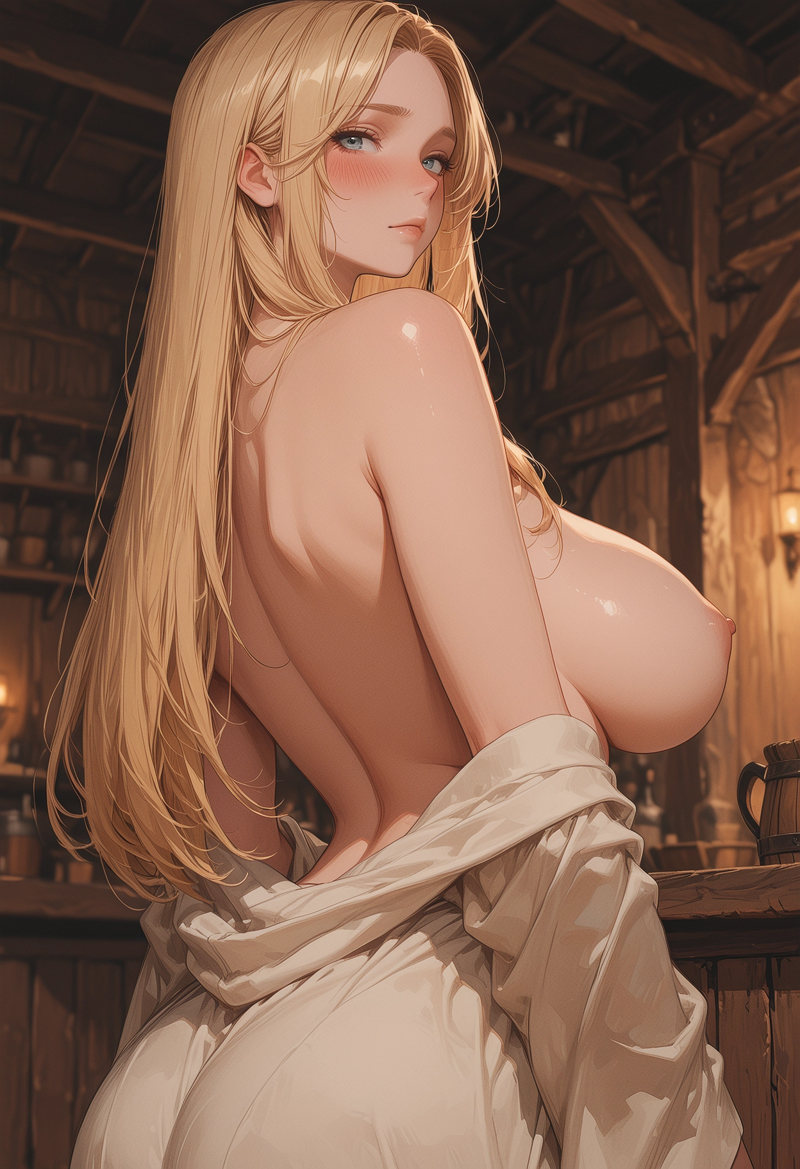
((painting)), (masterpiece, best quality, amazing quality), very aesthetic, ultra-detailed, highly detailed, intricate details, absurdres, (volumetric lighting, HDR, backlighting, blurry foreground),
Image-to-Image Tips
For upscaling workflows, I've found that a denoise range of 0.4 to 0.5 works best. This preserves structure while still enhancing detail without overbaking the image.
📋 ADetailer Settings
Here are the current ADetailer/YOLO settings shown:
steps: 10
cfg: 5.0
sampler_name: dpmpp_2m
scheduler: karras
denoise: 0.45
feather: 10
noise_mask: enabled
force_inpaint: disabled
bbox_threshold: 0.65
bbox_dilation: 1
bbox_crop_factor: 1.5
sam_detection_hint: mask-area
sam_dilation: 4
sam_threshold: 0.93
sam_bbox_expansion: 0
sam_mask_hint_threshold: 0.70
sam_mask_hint_use_negative: False
drop_size: 5
Maybe I have my settings wrong and if you know a fix let me know. I only pretend to know what I'm doing.
Description
FAQ
Comments (19)
This is a must-try for illustrious models!
Fantastic Lighting and style out of the box - Hands usually need no fixing and prompt adherence to non-female characters is high as well. Fur, anthro and furry is great, prompt adherence to clothing has been great with high detail to clothes on first generation even to complex, detailed clothing prompts. 10/10.
Glad you like it and tried it out
That changes everything :-) Looks good, I'll try it out. I have the day off today.
Been playing with it for just one specific character right now, but it's good. <3
Why did this model disappear? I loved it!! Noooooooooooooo
It's still up. Sometimes Civitai runs into issues and give you a 404 error. It's still there
@Sexiam On my phone i am unable to use it, do you know how to get around that?
@TonyMontana_AI In that case the auction is over and onsite availability is over unless I pay 10k+ to try and get it onsite gen again. Sorry, that's the way Civitai does the model system.
I continue to be utterly delighted by how versatile your models are and how well they handle male characters and this one is no exception. :D
The checkpoint is awesome 💪
After, understanding the checkpoint settings carefully I'm able to create same detailed generations in A1111
This checkpoint creates truly detailed anatomy, but it sometimes creates 6 fingers which is annoying but ignore them. Hope Sexiam would fix this in future.
Overall A1 checkpoint according to my usage
If you guys apply the right settings for the checkpoint in A1111 you will definitely get detailed generation like Sexiam without using comfyui workflows.
If you use the Stabilizer LoRa you can archieve insane detail, definitely my favourite semi-realistic model.
Do you have a link to the lora you mean? Like to check it out
@Sexiam https://civitai.com/models/971952?modelVersionId=2055853 All the pictures I posted in this model's page the last couple of days are using it, amazing quality you can archieve with this model.
I was looking for a Lora with this style; it has the perfect balance between semi-realistic and illustration. I used it very little before I could no longer generate with it, but I really liked it. It's definitely my favorite generator, despite having barely used it.
When using Nickel Saffron in Forge/WebUI without ADetailer, I noticed a persistent warm/yellow color cast.
It seems this may be compensated in AD-based workflows, but for users without AD, adding this negative prompt worked well:
yellow tint, warm color cast, sepia, yellow lighting, orange lighting
Posting this here in case it helps others using WebUI-based setups.
Yes, you're right I was having the same problem with nickel saffron checkpoint. But, after doing some research for many days. I have finally found the solution. A1111 / Forge sometimes doesn't enables the checkpoint's in-built VAE sometimes it takes time or sometimes it doesn't enables itself for that after loading the checkpoint fully you need to wait for sometime like about 20 sec and another problem is for CLIP-SKIP it plays a important role in a checkpoint for generating detailed images. So, you need to use clip-value: 1 or switch between 1 & 2 and checkout the results yourself.
In conclusion its not the problem with the Adetailer 🫡. I hope its fixes for you.
This is one of the best looking models in this website, but it struggles with a handful of things, like with color, very often going for a desaturated or yellowish tint.
This model also struggles a lot with body types, it has a tendency to make all characters large and tall, very difficult to make smaller body types.
Also has a hard time making detailed hands, feet and genitals, they somehow look more cartoonish than the rest of the body which make them look out of place.
Fair enough. It's also impornt with certain merges to be more specific with prompting. With a built in style you can't just prompt the same as you would with other models due to the merge's bias. That's why negatives are a useful tool.