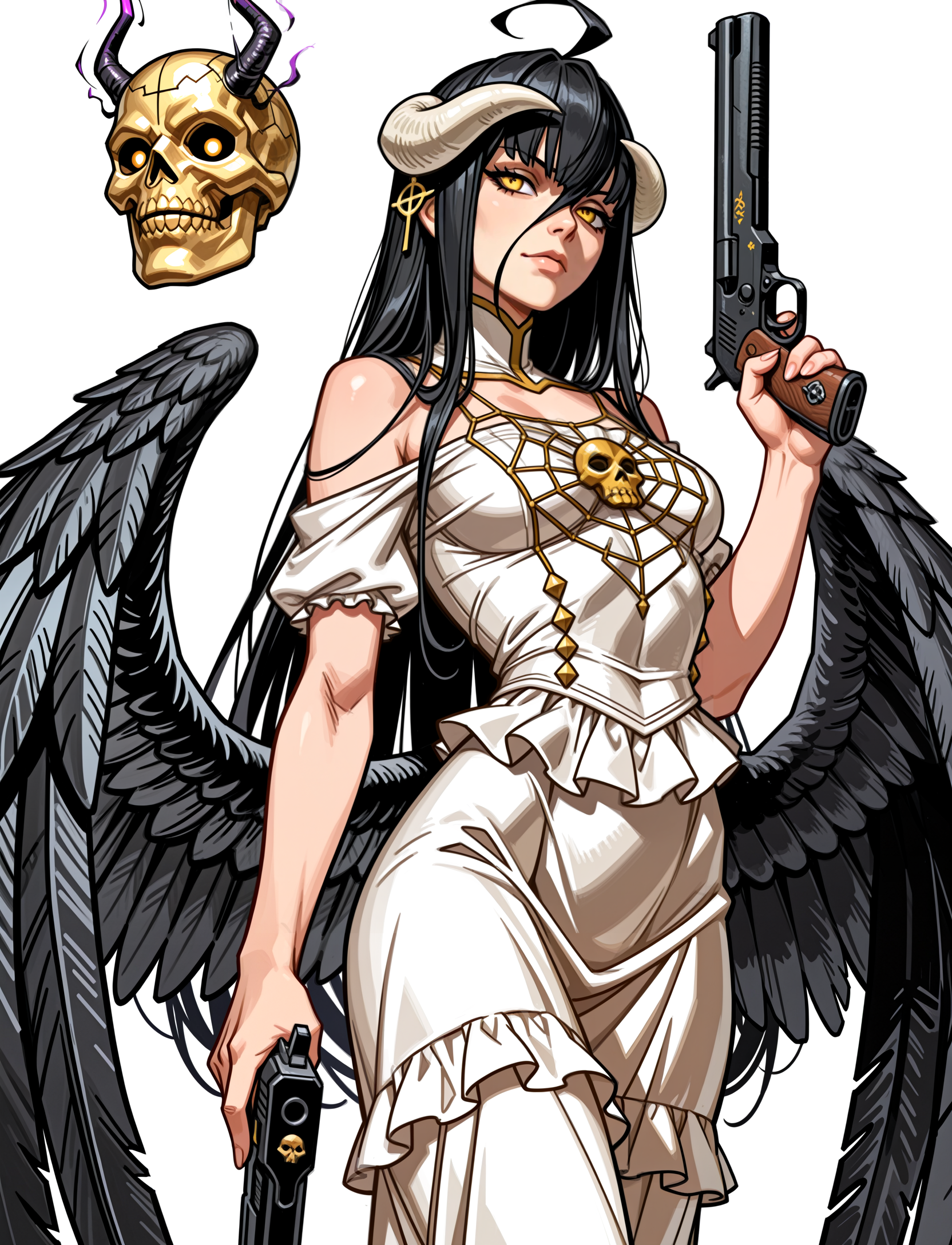
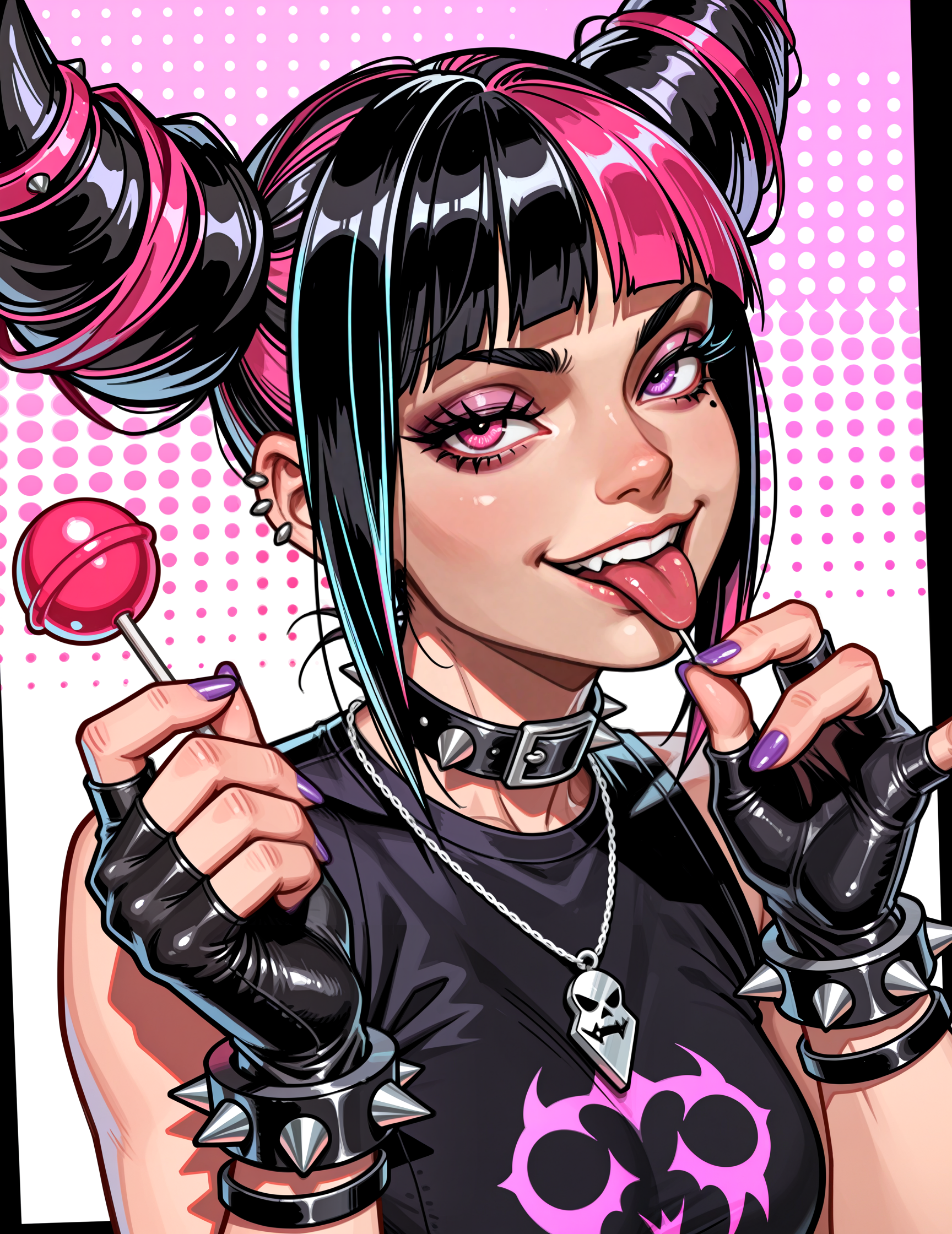
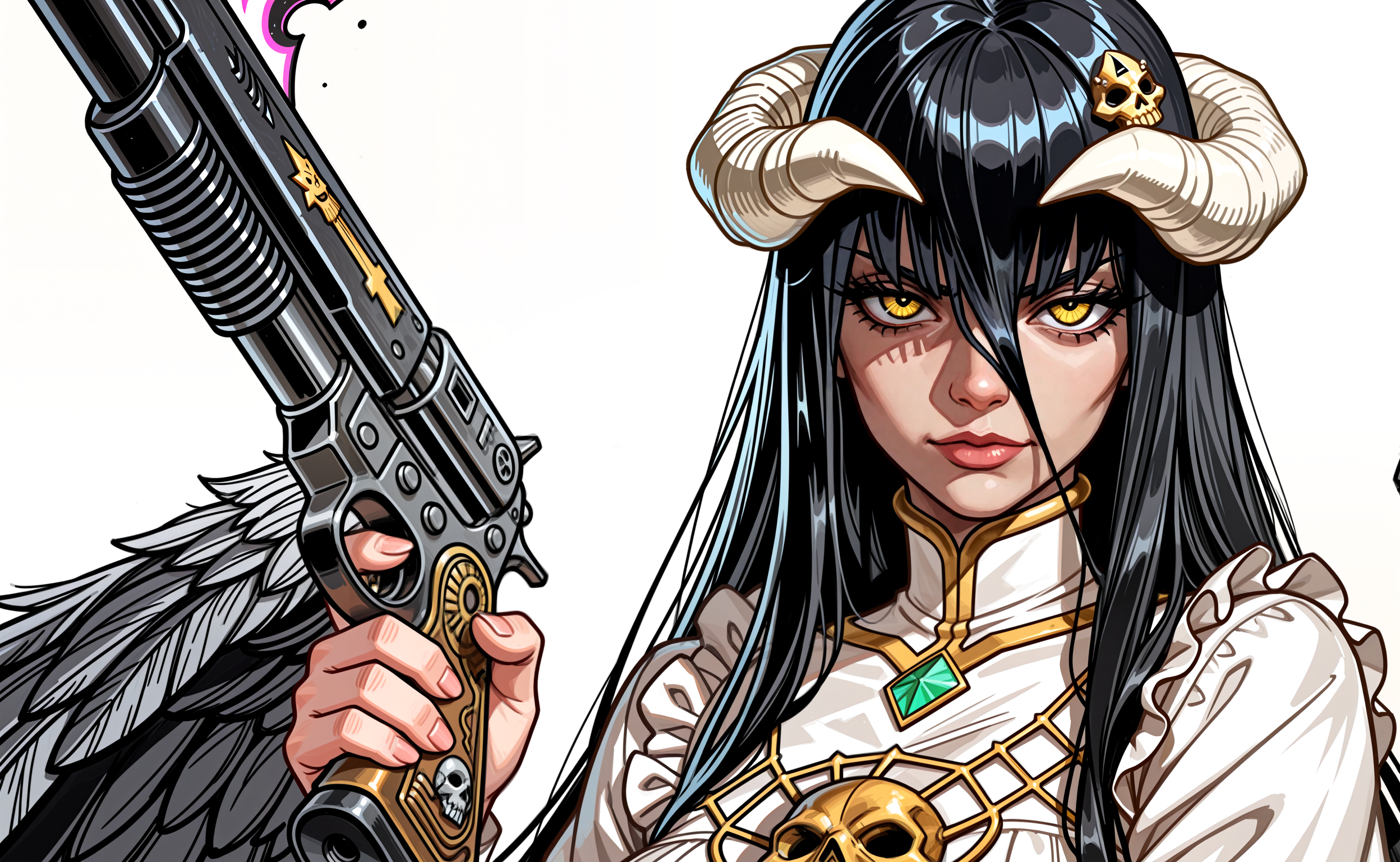
V4 use Flat color:1.2 or higher to lower realism
Key Features & Recommendations:
Comic & Western Aesthetic: Specializes in the visual flair of comic art and the rugged charm of westerns.
Bold Lines & Fine Details: Achieve striking, well-defined contours coupled with the precision to render subtle textures and expressions.
Rapid Workflow: Leverages LCM technology for incredibly fast generation, making iteration a breeze.
Characters & Scenes: Ideal for crafting iconic heroes, villains, dusty landscapes, and vibrant action sequences.
LCM + Karras Integration: Optimized with Karras noise scheduling for enhanced image quality and coherence.
⚙️ Recommended Settings for ComfyUI / A1111:
CFG Scale: 1.0 - 1.5 (Maintain this low range for optimal LCM performance!)
Sampling Steps: 5 - 15 (Experience rapid results, often excellent even at 5-8 steps!)
Sampler: LCM
Scheduler: Simple (or SGM Uniform for alternative results)
Unleash the spirit of the wild west and the power of comic artistry with Oberón!
NO DMD LORA NEEDED
You can use LCM in upscaler and facedetailer for even faster GENS!!
Description
FAQ
Comments (8)
@BuzzDispenser3000 thanks for the buzz❤️
I was admiring the results I got while testing the model thinking, oh! This model works nicely like Confound Atelier! Not realizing that the same guy made both models lol
I am glad you liked it. I am really happy with the result, I have been learning little by little, testing different workflows and ways to implement stuff, and I have finally managed to nail a model tailored to a style a really like haha
I made myself like 10 desktop wallpapers already, what surprised me the most is how it sometimes throws out proper text on the images. Like on the image with Jinx.
I am currently working on making a Male oriented/biased version of this model, this one can generate males quite well but since I sometimes have some people ask for more flexibility and less bias towards female gen, I will try out uploading one tailored for males.
I LOVE IT
if you want to achieve a flat vector like with dark outline images
Use LCM in ksampler, have a 2nd ksampler pass, and also use lcm with low steps and cfg in upscaler + facedetailer
how do you keep 2nd pass consistent with eyes? im having trouble after eye detailer where after eyes are filled in, 2nd pass washes it out and enhances everything else. >.<
for context my workflow is: model >1st sampler > facedetailer > 2nd pass
@dukesups it's 1st pass, 2nd pass, upscaler, then facedetailer last. If you place facedetailer before any fixes get un-detailed.
Great model, a unique look. Going to be using it as one of my base models for a while :)
It's so nice to have models that can do more than just portrait poses with no backgrounds, or boring backgrounds :)