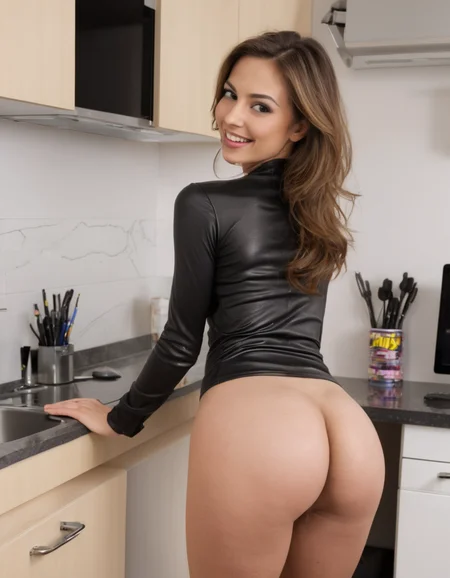
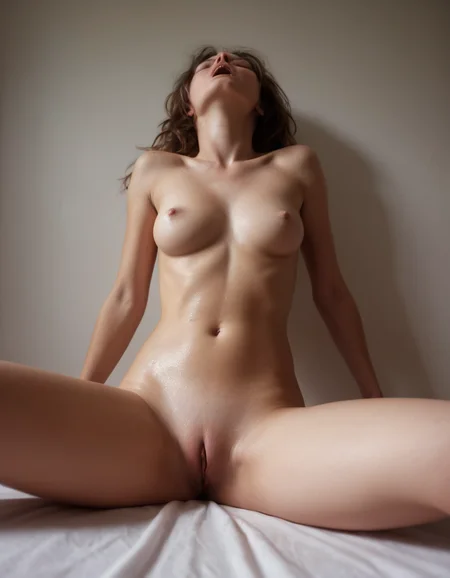
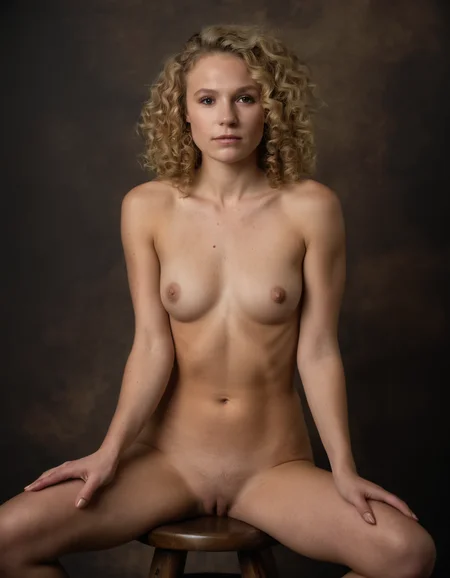
🟡:Flux Models 🔵:SD XL Models 🔴:Expired Models
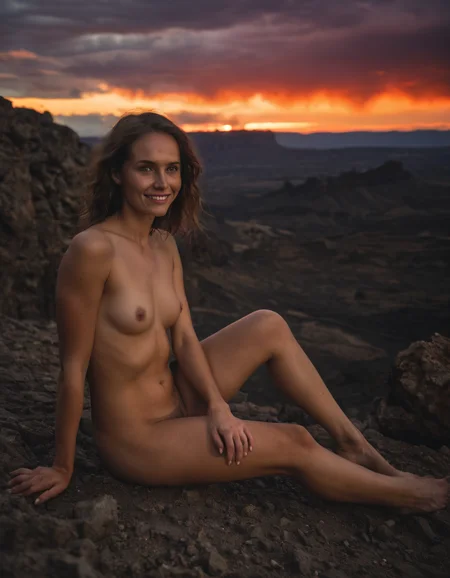
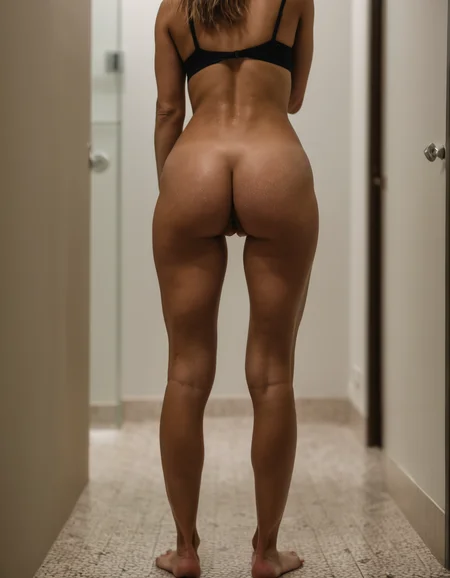
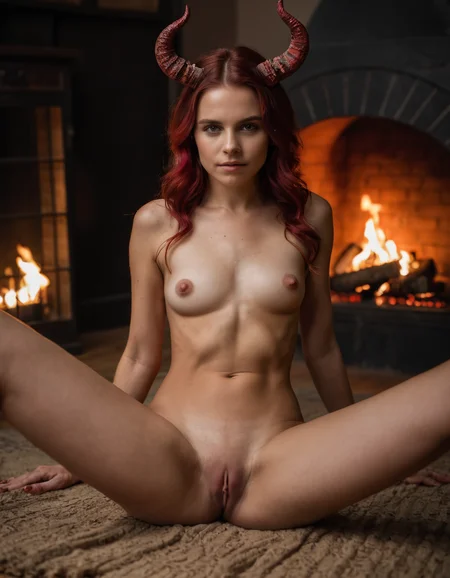
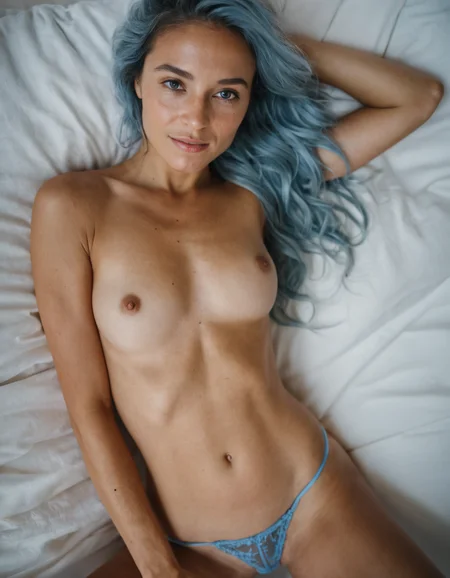
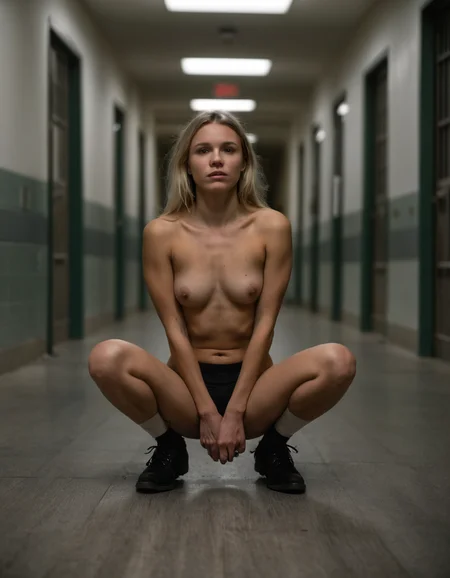
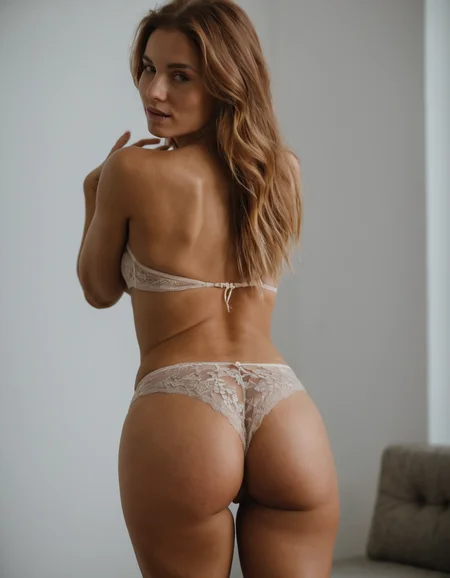
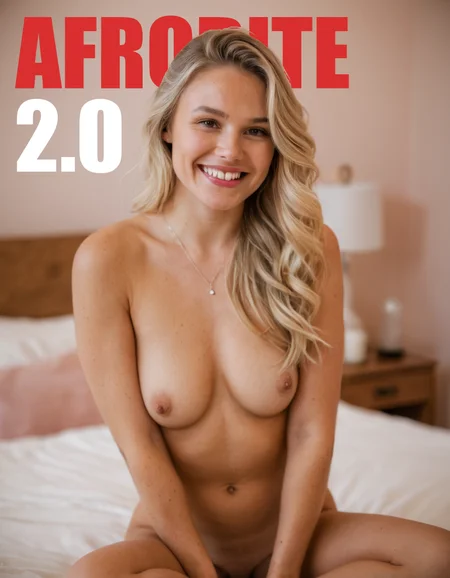
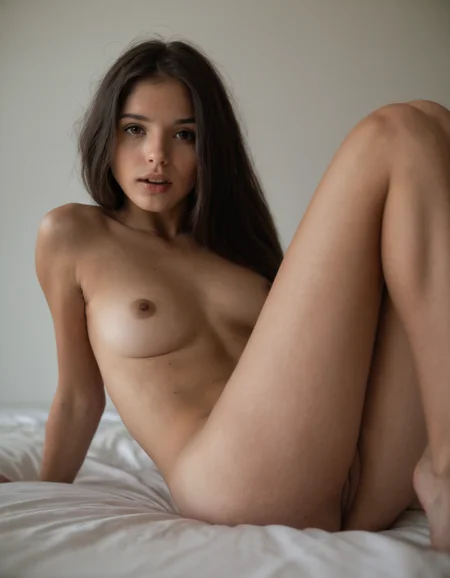
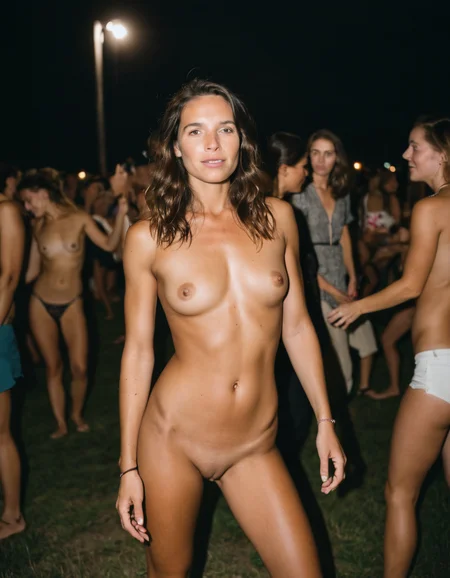
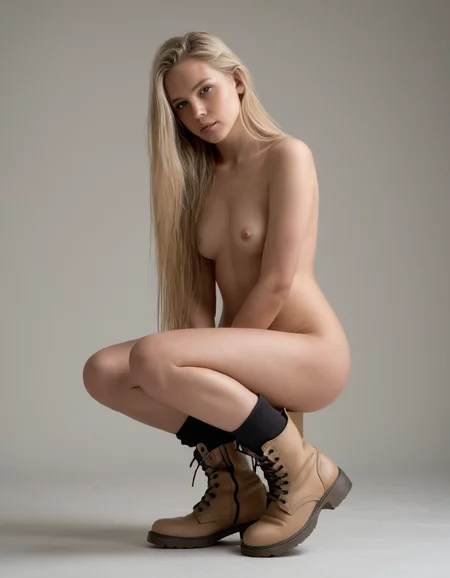
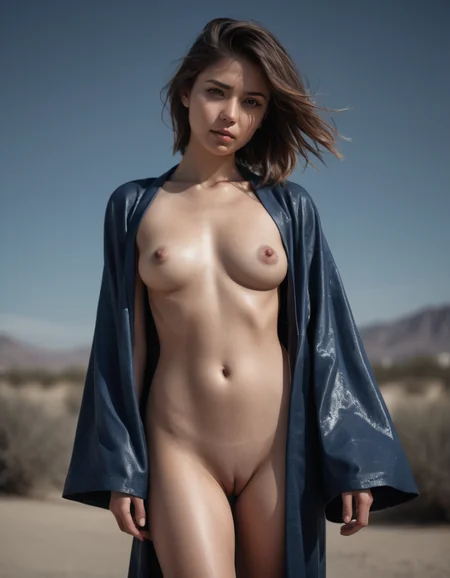
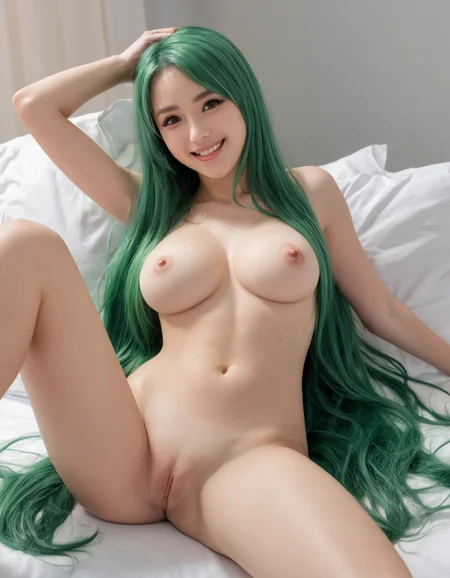
 🟡 STOIQO Afrodite is a specialized model designed to generate high-quality adult photography content. It allows users to create realistic and explicit images with a strong emphasis on fine details and authentic textures. Perfect for those seeking precision in the adult photography space, it provides creators with the ultimate tool to produce high-end explicit visual content.
Versions and Recommended Settings:

MAIN SAMPLER: Euler+ Beta
GUIDANCE (In Forge:'Distilled CFG Scale'): 2+ | STEPS: 15+
(Recommended): GUIDANCE: 3.5 | STEPS: 25
We finally got to the release of the flux.1 Dev version of Afrodite. As for NewReality we are still in an experimental Alpha version, which still has many problems, but which I will be able to intervene thanks to your feedback.
The Main Download (Full 11GB) is the version containing only the Unet, so you can use it accompanied by the clips of your choice, depending on whether you prefer the fp8, the fp16 or want to experiment with new clip_l or t5.
In the file section of the sidebar you can instead find the Secondary Download (Pruned 20GB) of the AIO version with t5xxl_fp16, clip_l and VAE already included.
The Full/Pruned nomenclature is just to be able to keep the Unet as the main download. All the others change with the AIO as the main. The two models are composed as mentioned above.
 Refiner is unnecessary and Clip and VAE are included
MAIN SAMPLER: dpmpp_3m_sde + exponential
CFG: 2+ | STEPS: 16+
(Recommended): CFG: 4 | STEPS: 25
Credits:
Afrodite is the result of countless hours of work, involving several hundred iterations through training, merging of models and LoRAs, fine-tuning specific blocks or captions, as well as performing additive and subtractive merges. Due to the complexity of this process, it is difficult to provide a precise, step-by-step account of every decision and experiment. However, each phase has played a significant role in shaping the final product, whether by direct influence or through valuable lessons learned along the way.
Given the intricacies and challenges involved, I want to extend my heartfelt gratitude to the creators of the models that have contributed to this journey, either directly or indirectly. Regardless of whether they were incorporated into the final iteration, their work provided inspiration, insight, and progress throughout the project.
To all the creators whose models supported this endeavor, I extend my deepest thanks. I encourage everyone to explore and support their work, as it deserves recognition for the incredible value it brings to the community.
EauDeNoire humblemikey socalguitarist ZyloO xlabs_ai aramintastudio Seeker70 Ai_Art_Vision PromptoAI alvdansen aip0pp SG_161222
WORK IN PROGRESS...
Description
FAQ
Comments (52)
nice suggested settings overview in your description. any reason why it's twice the same? is there perhaps supposed to be a photorealistic one and another one?
Hi, thanks for the feedback, glad you liked it. the duplicate is just my loading error, but you can find my other models on my profile. While I was correcting, I also arranged the graphics and parameters to make them more readable and complete. I'm working on implementations of this and other models, stay tuned to preview them.
From playing around so far this model seems significantly better at anatomy than most other XL models, and also better at creating natural looking poses.
Not sure if im doing something wrong but one image has been in creation for 15 minutes and its only at 70%
If you're using automatic1111 it has a tendency to do that with heavier resource generations. Gradio is the problem I believe. At higher resolutions (well within my VRAM allowance) it would just sit there for minutes and not actually doing anything after the command prompt window already indicated the generation had finished. It would take 11, almost 12 minutes on a 1.5 minute generation. But otherwise this is SDXL and will inherently take longer than SD1.5 and is more demanding on hardware...
try fooocus on for size
Bro, please, make a inpaint version of your creation!
thanks for the feedback, I'm already working on it, but I'm not getting a well-functioning model. I don't have enough memory to clean up the inpaint. I'm trying alternative methods, there will be news soon, stay tuned!!
We absolutely need the inpainting version for this model !!!! Bro please add it
Thanks for your interest, as I said I'm already working on it, but I'm not getting a well-functioning model. I don't have enough memory to clean up the inpaint. I'm trying alternative methods, there will be news soon, stay tuned!!
Thanks again for the feedback!! ✌️
Just a tip: You can still inpaint with fooocus, using any "regular" model. It works very well.
@ALIENHAZE Great model! Appreciate it!
Any news on the inpainting model?
sry if you dont mind
or maybe only to lazy ^^
you say in negprompt: 3D and illustration and Photoshop and use it also in you image prompt ^^
The proposed negatives are just a suggestion to strengthen the generation, they are not necessary, the models also work with blank negatives.
For the example prompts, however, yes, it is just laziness, but also to test the consistency of the model in generating the proposed style with prompts that do not adhere to it.
Thanks anyway for the feedback.
While we're at it, I'd like to ask you a question if you don't mind. I set up this hub to encompass my more specific models. Do you think it's understandable that in addition to the versions you can find different models, or is it better for me to create a separate page for each model?? I still have to fix the description, but not everyone reads it. How would you prefer it to be set up for better accessibility? Thanks again!
@ALIENHAZE
all ok ...
It's okay that there are several versions.
Of course, the description will be long if you want to write a lot for each version.
There is also the version description, but fewer people click on it.
but each one also has disadvantages.
I have already complained - with no answer like always !^^
but then only the downloads of the one model are displayed and only the 10 ratings for the one model, so you are better off with download ratings with versions ...
is that new one focus on face exparessions ?
Personally, I'd rather have one model that can do everything than many different models on the HD.
I'd rather have one very precisely crafted tool that does the job I need it to exceptionally well vs a swiss army knife that does everything just kinda OK. This isn't midjourney, an SDXL can only be so large, so for every element you train a model on you dilute the other elements.
@Suzanne A model that does everything already exists, it's sdxl 1.0, but it does everything a little badly. towing a model to do both anime and photorealistic is possible but it won't do either perfectly and will be difficult to fine tune. the same goes for other styles or subjects.
For a Checkpoint that does it all, photorealistic, visit my model 'NewRealityXL'.
My question here, sorry if I didn't make myself clear:, is:
I have several non-generalistic models on which I am experimenting (e.g. 'horror comics style', 'photorealistic fantastic creatures', and so on...), I add them to this page together with the other models (APHRODITE, TOLKIEN, RAPHAEL... ), or do I create a new page for each model?
since in the first case only the last model remains in the foreground, or the one that I choose as the last, and I don't know if it is understood that from above in addition to the versions the other models can be found to generate other things, or if they are not noticed. in the second case, however, having many different models, it could be chaotic and many may not be noticed, making many lose the opportunity to try them.
@ALIENHAZE No, I meant a realistic model who does NSFW (porn) with artistic quality, I mean for example cinematic lighting, volumetric, backlighting, etc....
I haven't found a model who knows how to do that.
Dark_infinity made for me a model that mixes realism and anim but it's very difficult to get good results that aren't blurry...
https://civitai.com/models/246755/suzannes-xl-mix?modelVersionId=278401
@Suzanne honestly i've been playing around with v3 and v4 of the mix Dark_infinity made for you and it's pretty much as good as I've seen for real-photo NSFW. @oogityboogity420 is right that the technology just isn't there yet to contain all the possibilities without tradeoffs
@shapeshifter83 yes, I realize that now, but it's evolving fast I think, so maybe soon it will be possible, because for the moment I find the loras system problematic because the images are often blurred and it influences the whole image and not just the part it's made for.
@Suzanne there are ways to get more control over how LoRAs are affecting your image. Try the LoRA Control extension https://github.com/cheald/sd-webui-loractl specifically but also you can do tricks like create the image with your problematic LoRA active at higher weight to get certain details in place, then you can use ControlNet functions like Depth Mapping / Reference / IP-adapter / OpenPose using the first-run of the image as the source input, then you can re-run the same image at a much lower LoRA weight to reduce the bad side effects of the LoRA while ControlNet assists in guiding that lower-weight LoRA to keep the original composition. This works great to clear up visual artifacts or blur or, particularly, bad faces that occur at high LoRA weights. So the 2nd ControlNet-guided run comes out with the best of both the checkpoint's faces and atmosphere and the LoRA's special additions. I use this a lot specifically for bad faces caused by NSFW LoRAs (using OpenPose or Depth Mapping) or to change the bad background of an image that came out with a good foreground or main scene (using Depth Mapping Leres++ and removing a large % of the background using the sliders).
Any recommendations on the best upscaler to use please?
loving this series of models, great job!
@dedeffa thanks for the compliments!
Tips for upscaling are:
As a template I recommend using '16xPSNR' or '8x_NMKD-Superscale_150000_G'
as a sample, however, I am happy using 'Heun' with the 'Normal' scheduler or using 'ddim' with the 'ddim_uniform' scheduler
for the tile_padding we should open a separate parenthesis because it is a complex world, but in general to go well with everything I recommend a mask_blur of 64, a tile_padding of 512 and a denoise between 0.1 and 0.3.
based on the starting size (1000x1000, 2000x2000, ...) and the upscale size (2x, 4x, ...) the latter must be raised or lowered to avoid artifacts, repetitions and intersections of visible tiles.
@ALIENHAZE thanks for taking the time to provide these upscaling tips, both upscalers work very very well! would recommend others to try them with your models.
couple of quick questions about your suggestions please.
Heun and normal work great, what steps and CFG are you using please? I tried 30 steps and 3 cfg but it's quite slow on a 3080TI.
For the tiling are you using chess or linear?
I'm using ComfyUI and Ultimate SD upscaler, I don't understand your point about opening "a separate parenthesis" for tile_padding, can't seem to find any reference to that when I google it.
When you say "the latter must be raised or lowered", I assume you were referring to the denoise, is that right?
thanks for the advice!
@dedeffa thank you for apreciation.
as regards the cfg it depends a lot on the one used in the txt2img, I usually use 4/5, in some cases I needed to go down to 3.
as steps, however, I almost always use 25, but here too, many times I oscillate between 20 and 35, if I don't like the generation performed, but very rarely.
And yes, the generation time with these upscales is not short.
for tiling I use 'linear' instead, as 'chess' is more difficult to control and creates more artifacts at large upscales.
The other two entries are needed precisely for tiling, since UltimateSDUpscaler does not generate the entire image as a whole, but in blocks, or in stripes, depending on whether you have chosen linear or ches.
in ultimatesdupscaler under the 'mode_type' entry where you choose whether to use 'linear' or 'chess' there are the 'mask_blur' and 'tile_padding' entries.
the second item, 'tile_padding' is used to tell it how many pixels each generation block must be large, the smaller the number the more detailed the upscale will be since the part it takes into consideration is small, but the risk is that it generates unwanted things during upscale, for example if it generates a block in a part of the image without details, such as a shadow area or a flat texture, it does not recognize the part of the image to be detailed and therefore generates a new micro image of the prompt provided.
however, at a higher number, it maintains much more coherence in the upscaled image, with more attention to small details and artifacts in the correct generation, but less detailed in terms of pixels if zoomed.
I personally use a 'tile_padding' of 256, on upscales up to 4K, and 512 for higher upscales.
in general, however, always try to use dimensions by which your image is divisible. (if the side is 1000, don't use 192 but 200. if the side is 768 then you can use 192.
the first item, 'musk blur', instead gives information on how many pixels must take into account on each side to be used to make a transition between one 'tile_padding' and the other so as not to have a clear dividing line between a tile and the other. Here which one to use is more complicated, I'm happy with 8 too, you have to experiment a bit and see how you get on. lately, experimenting on large upscales I've been using 64 a lot.
@ALIENHAZE thanks so much for the advice, will give this a try
i don't care one way or the other how you decide to organize your models on the site, but the re-arrangement lost me this time: is there a new version of Aphrodite in the past 24 hours or is this just a new page?
hi @shapeshifter83, yes I messed up. I wanted to try grouping the sub-models into one hub to make searching easier, but the way the pages on Civitai are managed just made it more confusing.
For this reason I decided to bring everything back to the origin and create different pages for the various models.
The latest version of Afrodite uploaded is 2.0, no version updated recently.
I apologize again for the confusion created, but I am still in an experimentation phase, it is better to understand mistakes after having made them, than to avoid making them but without improving.
does not work
Good morning @QuinDexter, I'm sorry that you weren't satisfied with the model, but giving 1⭐ because you don't know how to use it is rude.
Saying that 'it doesn't work' when there are more than 10k satisfied users just makes you less credible.
I'm here to experiment and always offer you something better, for free, but I need truthful feedback to be able to do that.
What didn't satisfy you? Did you generate only that image? What prompt did you use? what scheduler did you use? How many Steps and how much CFG did you use? Have you tried changing seeds?
If you can provide me with additional details maybe I can help you. It's not about votes, it's about the lack of respect for creators who give a shit about people like you, who don't try to use their brains before writing a comment.
I hope I can be useful to you with advice and to bring more effective updated versions. ✌️
gives very nice results! People look natural, not overtrained like in other models. Very well done!
hey alien haze i wanted to review my favorite model and post the pics but after your little re-upload shuffle i cant find the original link is afroditexl_AFRODITE20.safetensors
and the no longer live LnhzsXLModelsHub_afroditeNSFWNUDITY.safetensors
the same model??? or is the lnhzs someones merge?
Hi @vinnnn, I'm glad you like the model, sorry for the confusion, I was trying to experiment with alternative methods to load my models, but it only created chaos during the various updates, so I decided to go back to the initial steps and propose a page different for each model.
The versions are the same, so yes, v2.0 of AfroditeXL is the same one that was present in LNHZ's Hub.
@ALIENHAZE awesome! this is still hands down the best model seconded by new reality im gonna try and get a bunch of previews up to show how insane this model is
Does this have VAE baked in? Does it need the refiner?
No, it does not require a Refiner and the VAE is already included.
My images always turn out blue and garbled. I'm using the txt2img+upscale workflow you posted along with the recommended settings for the model and it always turns out like this. https://i.imgur.com/rlfwyN2.jpg
Do you have any idea why this is happening?

I had the same problem. Just look that your VAE is set to automatic. Hope it helps.
there are normal 1.5 VAEs and XL VAEs. Either download an XL VAE or leave it as off / automatic
if the model has a built in vae, go into settings, turn off vae completely. turn it back on later when you use sd1 models. sd1 and sdxl are different, anyway- won't be using the same vae with good results.
Hey I'm getting an error when the image's about to be generated.
I'm on AMD GPU. The error is related to xformers and CUDA. Is it necessary to use xformers? Not sure I can use it on AMD. Is there no workaround to disable its use? Thanks!
Error:
NotImplementedError: No operator found for memory_efficient_attention_forward with inputs: query : shape=(1, 4096, 1, 512) (torch.float32) key : shape=(1, 4096, 1, 512) (torch.float32) value : shape=(1, 4096, 1, 512) (torch.float32) attn_bias : <class 'NoneType'> p : 0.0 cutlassF is not supported because: device=privateuseone (supported: {'cuda'}) Operator wasn't built - see python -m xformers.info for more info flshattF is not supported because: device=privateuseone (supported: {'cuda'}) dtype=torch.float32 (supported: {torch.bfloat16, torch.float16}) max(query.shape[-1] != value.shape[-1]) > 128 Operator wasn't built - see python -m xformers.info for more info tritonflashattF is not supported because: device=privateuseone (supported: {'cuda'}) dtype=torch.float32 (supported: {torch.bfloat16, torch.float16}) max(query.shape[-1] != value.shape[-1]) > 128 Operator wasn't built - see python -m xformers.info for more info triton is not available smallkF is not supported because: device=privateuseone (supported: {'cuda', 'cpu'}) max(query.shape[-1] != value.shape[-1]) > 32 Operator wasn't built - see python -m xformers.info for more info unsupported embed per head: 512
Doesn't work, crashed PC once, is bigger than other models, takes forever to switch to and from this model and brings up a VAE 32 Bit error message after trying to generate an image.
Can we get a 2 GB version?
hi, unfortunately being an SDXL finetune, the minimum weight is this. For smaller checkpoints you have to use SD1.5 which I haven't worked on though. A LoRA for generating photographic nude will be coming soon so you can use it with fewer resources and with different checkpoints.
Stay tuned.
Many thanks for this model and the other, like new reality! They have a special touch that I love Could I ask if you could train male genitalia. I think it’s very difficult but as a gay person I would like to be able to generate proper and complete men.
But anyway, many thanks for your work
Hi @miuimiguel, thank you very much for the feedback, I'm happy that my work satisfies you, and yes, male genitals are a problem that I've had since the first version. I'm working on it, I'll try to make them acceptable in the next version, but I don't guarantee anything, more likely I'll be able to publish a dedicated LoRA first.
@ALIENHAZE it would be great if you could make a natural penis Lora. Gigantic ones already exists. Many thanks.
Thank you for the improvements. This version is better than the previous ones - at least when it comes to the obvious racial bias in the training data.
While prompts that clearly describe POC in the previous version of this model predominantly provided images of white people, now the ratio is approximately 50/50. Still a bias against the POC but weakened. The makers of this model have obviously listened to the criticism.
However, I still can't understand how a prompt "Venus noir" that is clearly attributed to Josephine Baker can even provide the image of any (or only one) white person. Other models do not have this error (rasist bias) or not to the extent that it is found here.
I cannot think of a more offensive method of referring to fellow humans - who are not white - than POC. Dehumanizing. Cultural denial.
@fcukit snowflake spotted