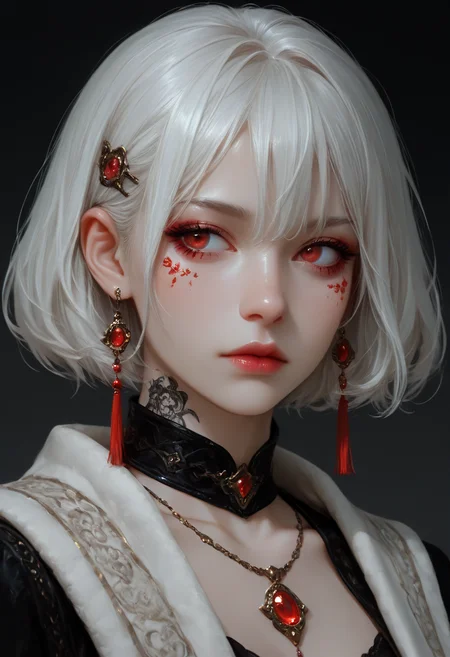


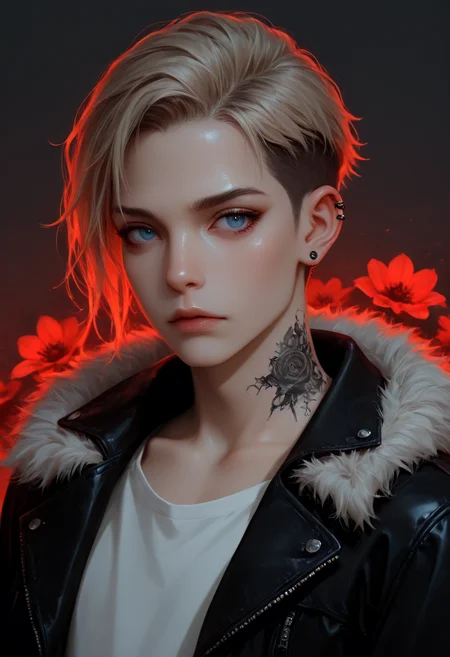
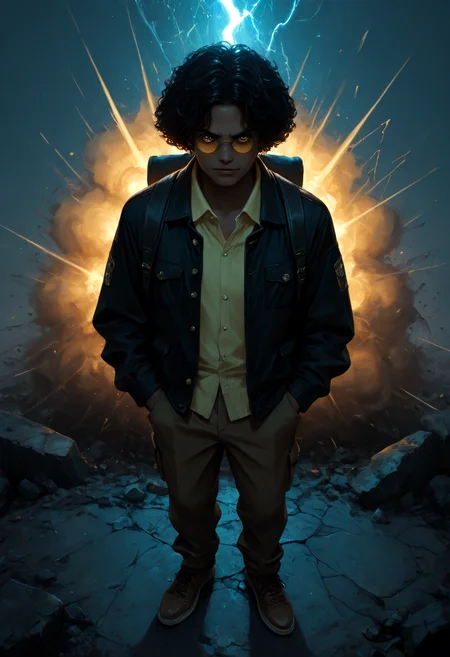


This is the UPDATE version of the Rockwelly S1 model.
Feel free to test and use it.
The Update Version follows the same principles as Version 1 (previous)!
Reason for updating Project S1:
1: Many errors were found in areas such as eyes and hands.
2: Due to the model's sensitivity to prompts (if the prompt wasn't detailed enough), the images don't come out uniform.
3: Compatibility with multiple loras.
Version S1 v1 at1 is an update version of the project. The issues mentioned above have been fixed.
Recommendations:
1: Know how to describe your prompt (putting things like "looking down" and then putting "looking up" in the same prompt) will cause aberrations in your generation. Therefore, REVIEW YOUR PROMPTS.
2: Note that (in this model's case), you can "play" with the Denoise. You can keep it at (low ha: 0.75) up to its maximum (high: 1.0). Doing so (with the seed fixed) will give you different effects and sometimes different results.
SETTINGS:
The Ksampler settings haven't changed much. However, you can have more freedom with the settings and steps.
Minimum recommendations:
Steps: 22
CFG: 1.4
Sampler_Name: Euler_A
Scheduler: Karras
For different effects, you can use Sampler_name: Res_Multistep with Scheduler: Sgm_uniform; they also give good results (depending on what you plan to do).
Once again, I humbly ask that if you liked this model, please post your creations and feedback after downloading it. This will help me understand how this model can be improved.
I use two versions of the template: one for creating the image and the other as a refiner. In the refiner, you reduce the noise reduction. Otherwise, unwanted objects or objects will appear. Since I use both templates, I know how high I can set the refiner's noise reduction. But I recommend leaving it at 25, 30, or 40, depending on what you intend to do.
Configuration:
Step 1 = Image Generation
(Ksampler: RES_MULTISTEP + SGM_UNIFORM / steps: 22 cfg: 1.5 / 1.4 (sometimes at 1) DENOISE AT 0.8 OR 1)
Step 2: Ksampler: LCM + BETA / steps: 22 or 30 CFG: 1.4 / 1.5
Step 3: Ksampler: Euler A + Karras / steps: 35 Cfg: 4.5 <<< This configuration creates more anime-style images. <<<<
Step 2 = Bug fixes in the Face, Hands, and Eyes Detailer (I rarely use it because the model defines the hands and face well, especially if you use a refiner.)
Step 3 = UpScale and DownScale
(I leave the Upscale at 2x AnimeSharpv4_RCAN) (For anime images, and for realistic or semi-realistic images, I switch to RealESRGAN.)
Step 4 = Refinement
(Ksampler: euler_a +Karras / steps: 10 cfg: 1.0 / noise reduction: 0.30 or 20)
(Any value above 40 will modify your image and cause unwanted effects.)
Step 5 = Contrast adjustments and image post-processing.
And if you liked my work, follow me on social media. All the images I post on social media are generated from my models, whether test or finished versions.
Below is a summary of the first version with information about it.
Since this is my first model, there may be some flaws (nothing that is a problem and cannot be fixed with a refiner or a second attempt with KSampler or USDU (Ultimate Upscale)). Currently, my only priority has been trying to infuse the TensorArt TurboX LoRA 8-step [SD3.5 large] (https://civarchive.com/models/1362210/tensorart-turbox-lora-8-steps-sd35-large) with one of my Checkpoint models and Qwen Image Lightning 4-8 steps
(https://civarchive.com/models/1862507/qwen-image-lightning-workflow-4-8-steps).
The reason is clear:
"My graphics card is a GTX 1060/6GB," so you can see how much I struggle to generate good images.
That's why I've been working (slowly and carefully) on a checkpoint that allows me to balance speed and quality. ** IT'S NOT PERFECT YET (THE WAY I WANT IT), BUT IT'S ALREADY SURPRISED ME ENOUGH TO SHARE IT WITH YOU.
Please help with the testing and post your results. The current settings are:
Steps: 22
cfg: 1.0 / 1.5 (my recommendation is not to exceed this value if using EULER A)
Scheduler: Karras
I sometimes tested with Res_Multistep + Sgm_ufiform
Steps: 22 / 25
cfg: 1.0 / 1.5
The results were sometimes satisfactory.
This is because I tested with the simplest workflow possible.
Time to beg:
"If you liked this checkpoint and would like to support my work, please consider following me on social media and following me, as I will always be looking for ways to improve this project and develop new ones (even with the limited resources of a GTX 1060/6GB)."
Enviar feedback
Painéis laterais
Histórico
Salvas
Description
This is the UPDATED version of the Rockwelly S1 model.
Feel free to test and use it.
The Updated Version follows the same principles as Versions 1 and 2 (previous)!
Reason for updating Project S1:
1: Male models were difficult to generate,
2: Diversity of body types.
Version S1 v2 at2 is an updated version of the project. The issues mentioned above have been fixed.
Acknowledgments:
Thank you all; your feedback and evaluation are important to me.
I also thank everyone who lent me some prompts. Know that without them I wouldn't have been able to fix some things, so I'll be posting (at least one image) as a thank you and tribute.
Recommendations:
The settings don't change, but the model is more open to using other samplers, so I recommend giving it a try.
FAQ
Looks like we don't have an active mirror for this file right now.
CivArchive is a community-maintained index — we catalog mirrors that volunteers upload to HuggingFace, torrents, and other public hosts. Looks like no one has uploaded a copy of this file yet.
Some files do get recovered over time through contributions. If you're looking for this one, feel free to ask in Discord, or help preserve it if you have a copy.