

Indroduction:
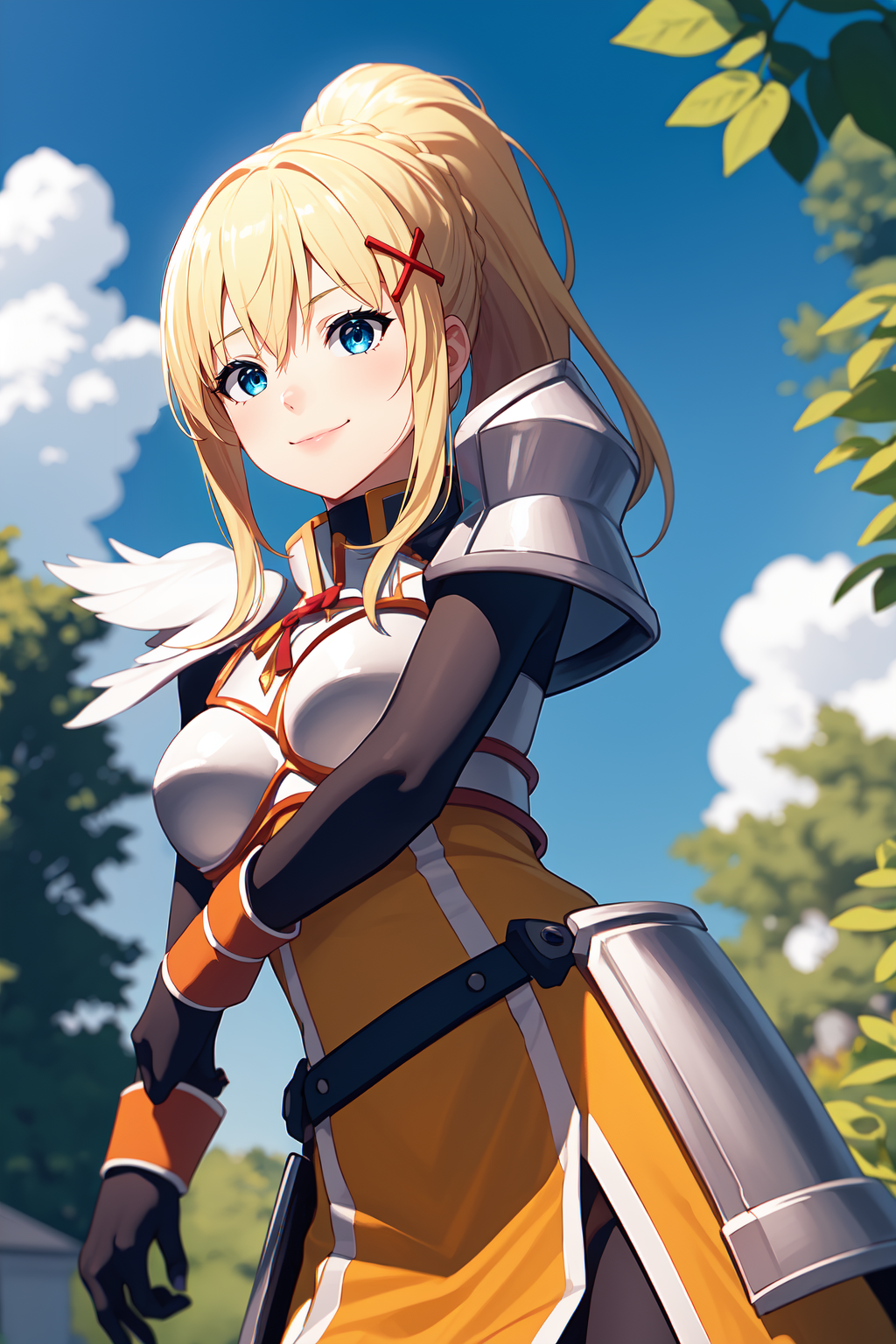
Dustiness Ford Lalatina, usually known as Darkness (ダクネス), is one of the three main female protagonists of the Konosuba series. She is a crusader with masochistic tendencies who joins Kazuma's paty.
There is more Konosuba character coming in future, i hope i'll do all characters i wanted to.
Her clothes still a little (or not so little) bit inconsistent. It may lose her faulds, or some dress/skirt details. But breastplate and pauldrons should look good in most cases. In the next update i'll add random clothes to dataset, to improve ability to dress characters and to minimize impact on style.
Recommendations:
1.0 weight
lalatinaas a support tag for clothes
Suggested regular prompt:
blonde hair, ponytail, x hair ornamentfor appearancearmor, pauldrons, breastplate, bracers, faulds, orange battleskirt, pelvic curtain, armored bootsfor original clothesbodysuit, black bodysuit+orange battleskirt(optional) for her bodysuit
Some oh her clothes are modular, so you can use them separately.
Credits:
Trained on NAI Anime Full. Dataset of 210 pictures. 30 Epochs. Clip Skip - 2.
Really BIG thanks to:
Some good folks from Discord server
You, for reading, downloading and reviewing this LoRA
Description
Intial release
FAQ
Comments (5)
Hello, I really love your work, can I contact you by some way for a Lora commission?
I'm not taking any comissions (at least - paid ones) because it takes time for me to make a LoRA. Right now i don't have a lot of time for that, but after november 21st i'll have a lot free time. But if you still want to contact me - troubledarkness is my discord.
What optimizer and scheduler do you use? Also u use fp16 right? I'm struggling to train an asymmetric character, features of the char are not consistent, what do you recommend?
Hi. I'm using AdamW8Bit optimizer and cosine with restarts (3 restarts) scheduler. Yeah, i'm using fp16 training. To train asymmetric character you need to turn off "flig aug" training parameter and you need to make sure, that all images of your characters has the same features on the same side. So, for example, this feather-like pauldron on Darkness.
From viewer perspective if should be on the left if character is facing viewer. And on the right, if character is from behind. Pretty simple.
Next you'll just need to pick optimal lr values and epochs count.
You can check my settings by downloading this LoRA, placing it to the LoRA folder, then. You'll need to hover your mouse over a LoRA plaque in LoRA selection tab, there 2 icons will appear. One with exclamation mark. Click on it. There would be shown all LoRA tags and settings used.
Thanks for asking, i hope it will help.
@TroubleDarkness Oh I didn't know that you could see the settings like that. I see now. Thank you kindly!!! You helped a Lot of people here, including me. Looking forward to the next loras and mixes you make!!
Details
Files
Available On (1 platform)
Same model published on other platforms. May have additional downloads or version variants.