


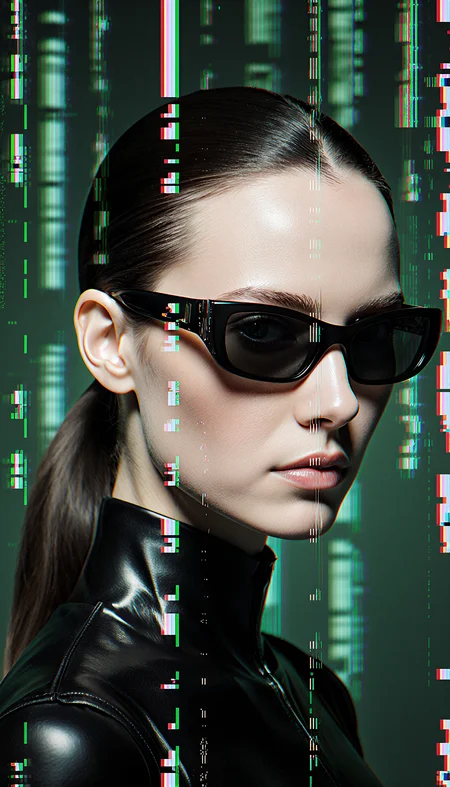

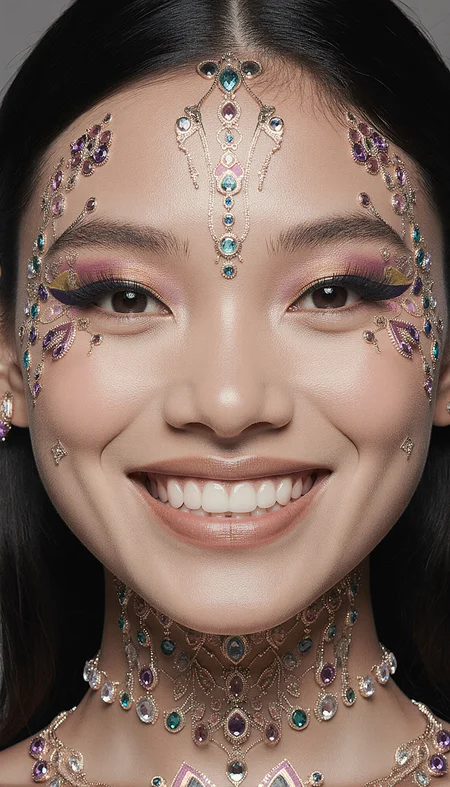

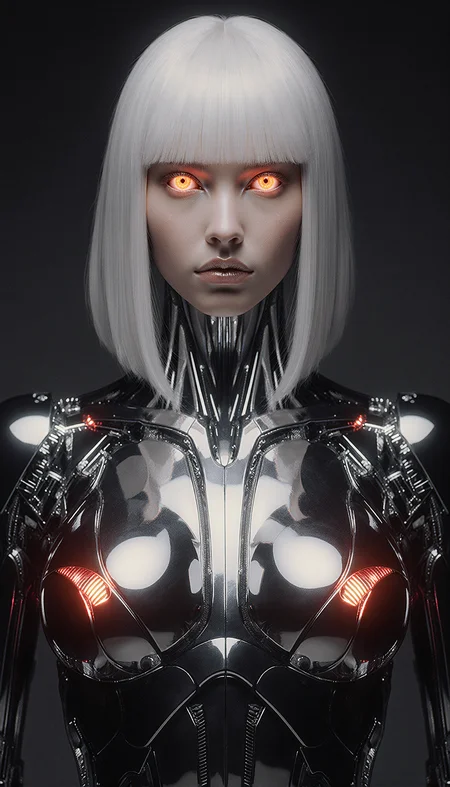

This Crazy Krea/Flux Workflow is excellent for generating high-quality text-to-image content.
You will need to visit the following resources for the models you need:
1) Krea GGUF: https://huggingface.co/QuantStack/FLUX.1-Krea-dev-GGUF/tree/main
2) TE GGUF: https://huggingface.co/silveroxides/flan-t5-xxl-encoder-only-GGUF/tree/main
3) CLIP-L: https://huggingface.co/zer0int/CLIP-GmP-ViT-L-14/tree/main or any other version by: https://huggingface.co/zer0int
4) Relatively "new" upscale model: https://huggingface.co/Kim2091/UltraSharpV2/tree/main
Also, (most importantly!), you absolutely must familiarize yourself with the following project: https://github.com/ClownsharkBatwing/RES4LYF <-- to understand WTF is res_3m / beta57 or res_2s / bong_tangent ;)
Feel free to experiment with the sampler/scheduler combinations, as they have a significant impact on the output!
P.S.: use it well 😏
Description
This workflow has been tested and confirmed to work with at least 12 GB of VRAM.
FAQ
Comments (24)
Great but, it takes an eternity to generate an image in 4090. Maybe a nunchaku + turbo version later?
this WF is for generation of a print-grade image quality - hence the speed
OliviaRossi thank you for clarifying! I'll add it as workflow for finalization not experimenting! Thanks
Primaveri <3
Is there a version with lora? Dont know how to incorporate it
+ would it be possible to use the normal clips and flux dev? I get overcooked results with the normal clips and fluxdev but dont want to use gguf versions
binauralhealing100139 yes, as it is the title Krea / Flux - you can use any of them, as well as any other Clip / TE, just select the one you like from yours
the workflow was updated with lora loader in place - have fun
OliviaRossi Wow thank you for the support! Im still getting overcooked results even without the lora. Im using flux dev, clip l and t5xxlfp8.
binauralhealing100139 look - this image was generated with the latest workflow version: https://civitai.com/images/95454896 - you should get it as nice as this one
@OliviaRossi https://civitai.com/images/95582643 this is the image i got. the only thing i changed was the clips to clip l and t5xxlfp8, 4x upscale sia and changed to load diffusion model with flux dev. My lora doesnt work really well with krea thats why i really want flux dev to work😅
@binauralhealing100139 so you know the problem - use the CLIP from my WF ;)
Excellent results right out of the box.
great to hear!
Fabulous results 😍
I don't understand why unsampling and resampling works so well but oh well it does 😅, thank you for sharing🥰
simple - after you have almost finished upscaled image = the best way is to: 1st adapt it to this model with unsampling and then denoise it as it wants - and by doing so we are allowing model to re-make image as it wants, by giving her more freedom
P.S.: that is the best explanation in non-technical terms I can imagine for now
What is 'unsampling'? Can anyone explain?
@DaoistLastwish something like adding back random noise to reverse engineer the state of the image before it was at current state and then we denoise it (re-sample)
it is useful in 2 cases:
1) you want to unsample and add some new data, like art-style or some additional subjects or objects (clothing) into the scene and eventually denoise it to final image
2) the same, but after the upscaling, we are trying to make the upscaled image more in alignment of how particular model would like it to be at that size, but without full re-calculation of that huge resolution (what is very time consuming)
i`m getting same result always, try to change seed and still the same
seed can be changed in several places
Hi, in your updated workflow, the second-to-last node, ClownSharkChainsSampler, is highlighted in purple. What should I do? Thanks
you have to install the missing nodes with ComfyUI manager
@0l1v1aR0551 The node is present (It's the one with the sampler: exponential/res3s) it's just highlighted in purple. And what's the best current version of Clip-L from zer0int? I'm a bit lost with all the versions, so I'd like to get the best one. Thanks again, I'm a beginner