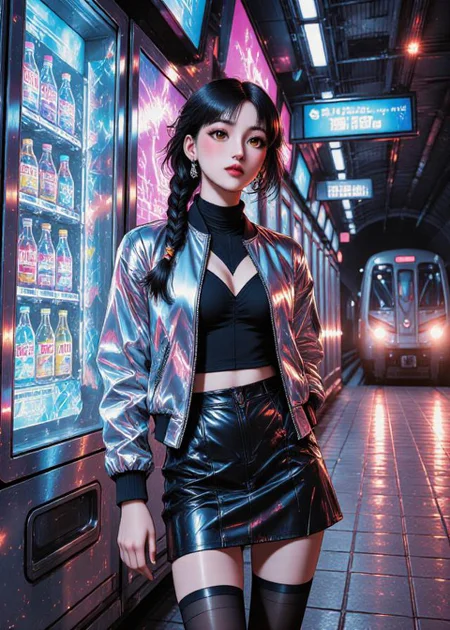




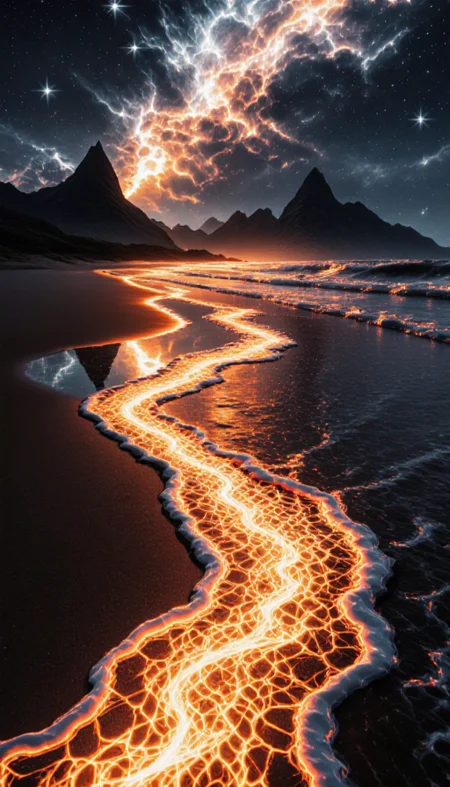

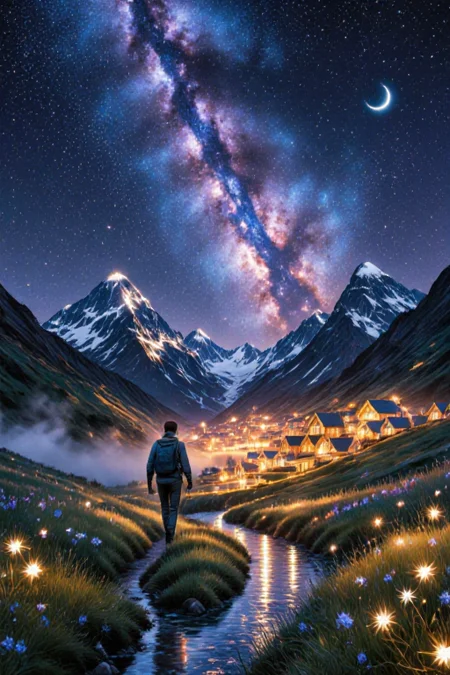

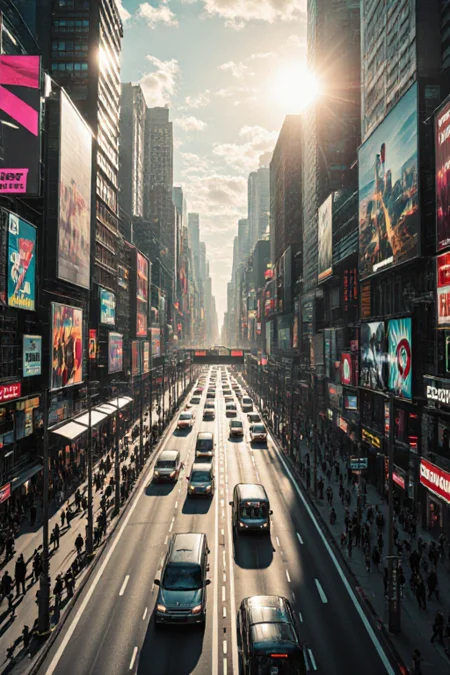

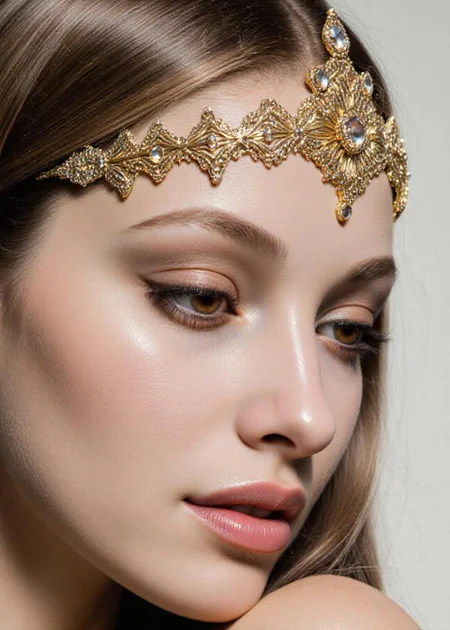

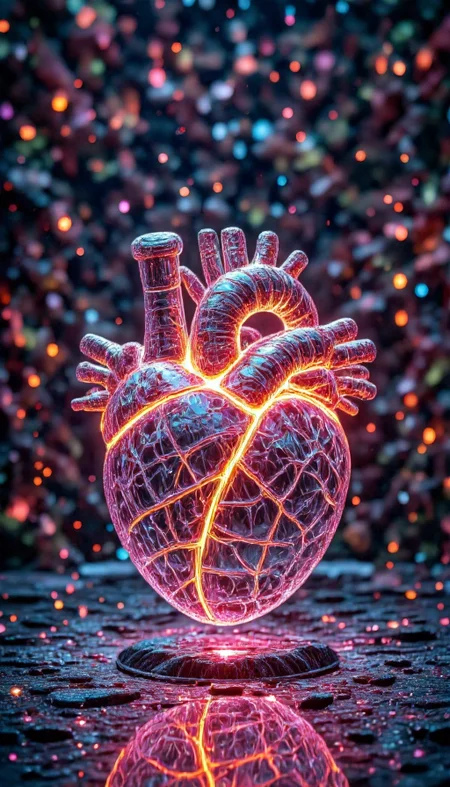
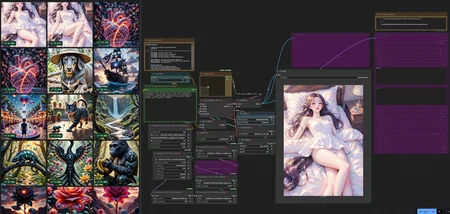
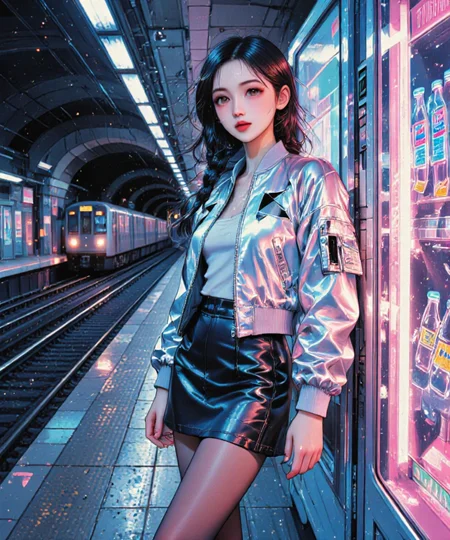
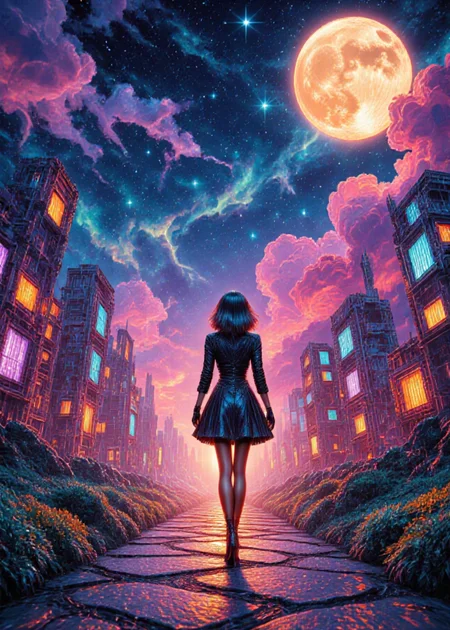


Generate high-quality images in 20 seconds
Please post the first picture directly here in the Model Gallery. This is the best way to support creators :) Hello ♥
1) Download the Flux.1-dev (nunchaku version)
Flux Dev (Nunchaku) : text to img
https://civarchive.com/models/1785647?modelVersionId=2020910
Flux Krea (Nunchaku) : text to img
https://civarchive.com/models/1831757
Flux Kontext (Nunchaku) : img to img
https://civarchive.com/models/1785647?modelVersionId=2022720/
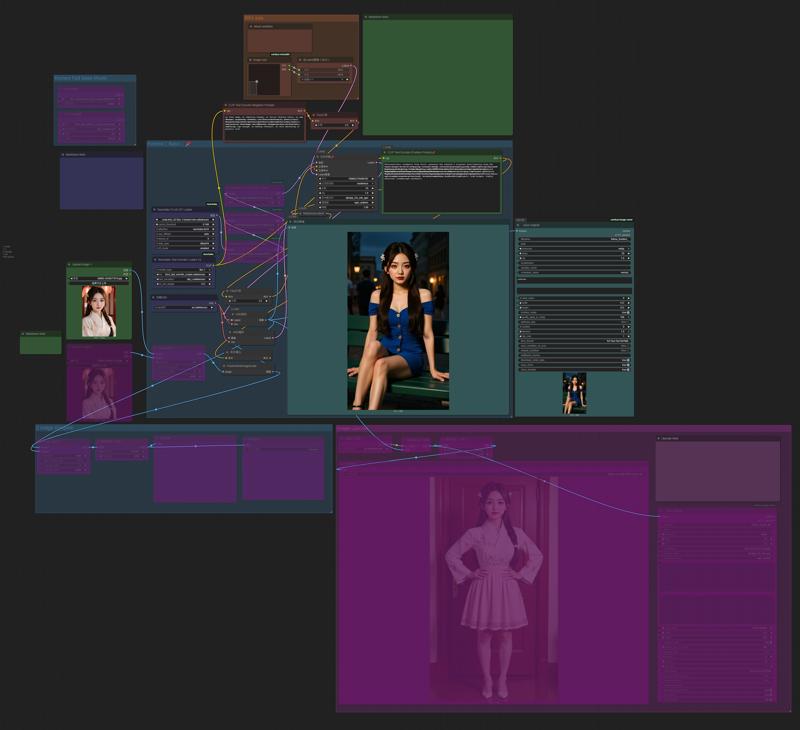
2) Download my workflow for <Flux.1 (nunchaku version)>
Flux Dev / Krea 20 sec Workflow v1.0
Flux Dev / Krea 20 sec Workflow v2.0 (New)
Flux Kontext 20 sec workflow v1.0
32GB ram , RTX 4070 12GB vram
Model: svdq-int4_r32-flux.1-krea-dev (Get professional portrait without Lora)
Model: svdq-int4_r32-flux.1-dev (Get better img with Lora //anime, NSFW..)
text_encoder >path : ....\ComfyUI\models\text_encoders\
text_encoders 1 : t5xxl_fp8_e4m3fn_scaled (same with Flux Dev)
text_encoders 2 : clip_l
Lora x5 (Any Flux Dev Loar you Like)
Generate info: 22 step, 640x896
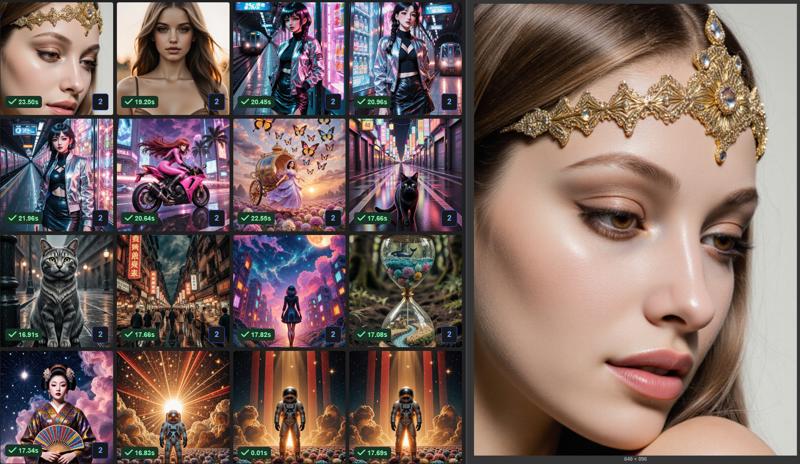
Generate time = 16 - 25 sec
Lora I use in this workflow
https://civarchive.com/collections/11428250 (check my Flux Lora collection)
https://civarchive.com/models/685874/flux-detailer
https://civarchive.com/models/1166973/aesthetic-details
https://civarchive.com/models/643886/flux-faetastic-details
https://civarchive.com/models/1470162/midjourney-v7-meets-flux-illustrious
https://civarchive.com/models/1371216/realanime
path : ....\ComfyUI\models\loras\
3) open ComfyUI and load the workflow, enjoy
All generate by Flux.1-krea-dev -> (svdq-int4_r32-flux.1-krea-dev) in 20sec@ 1 photo
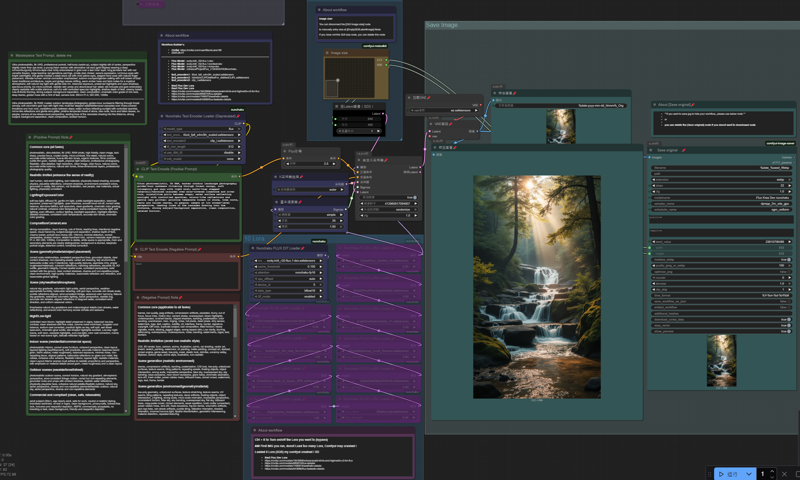
workflow name : 1-nunchaku-flux.1-Krea-dev(T2I) 5Lora.json
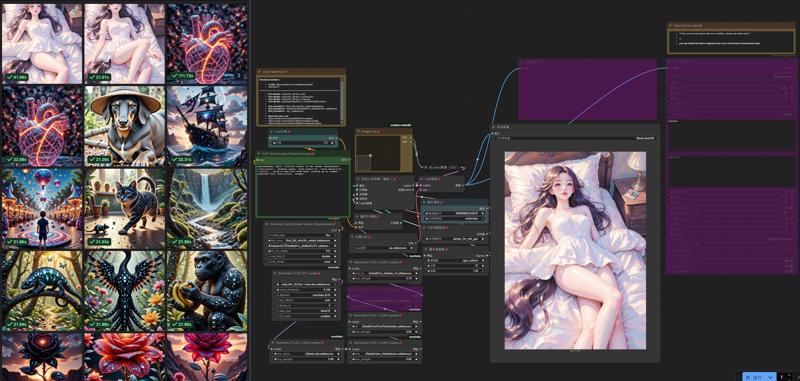
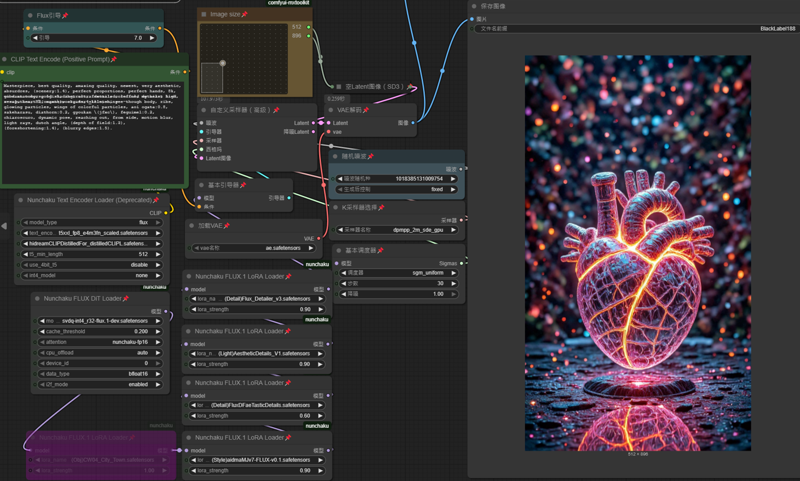
workflow name : 1-nunchaku-flux.1-dev(T2I) 10Lora-Pro.json v2.0
workflow name : 1-nunchaku-flux.1-Kontext(I2I)_v1.json
All generate by Flux.1-krea-dev -> (svdq-int4_r32-flux.1-krea-dev) in 20sec@ 1 photo

Description
Flux.1-dev (nunchaku version)
Flux.1-krea-dev (nunchaku version)
FAQ
Comments (46)
How do you run this model in ComfyUI when in Nunchaku repo are missing files like transformer_blocks.safetensors, unquantized_layers.safetensors and all the .json files which are required by Nunchaku FLUX DiT Loader?
Do you have run (Flux dev nunchaku version) before ?
If not, you have to install nunchaku to your comfyui
https://www.youtube.com/watch?v=eATIu4lkOl0
If yes, you have run Flux dev nunchaku version on your comfyui.
you have to check a u downloaded this 2 safetensors
6.3GB\\ ComfyUI\models\diffusion_models\svdq-int4_r32-flux.1-krea-dev.safetensors
4.8GB\\ ComfyUI\models\text_encoders\t5xxl_fp8_e4m3fn_scaled.safetensors
if yes, then you may need to install missing node at your comfyui manager
I wan run these on WIn11-(comfyui desktop app), easy to use and manage
I can help to check if you upload your comfyui screenshot.
BlackLabe188 My problem are all the missing LoRAs in the workflow. (Style)aidmaMJv7-FLUX-v0.1.safetensors, (Detail)Flux_Detailer_v3.safetensors, (Detail)FluxDFaeTasticDetails.safetensors, (Light)AestheticDetails_V1.safetensors
metulski main lora i use, these lora so cool
https://civitai.com/models/685874/flux-detailer
https://civitai.com/models/1166973/aesthetic-details
https://civitai.com/models/643886/flux-faetastic-details
Thank you. I have run Nunchaku before but only with "folder models". I didn't know Nunchaku started to support single safetensor files, this is new.
I love your workflow, it really does produce images in 17 seconds.
It's great to hear that! Please feel free to [add post] to upload your artwork to this page.
and I look forward to seeing your art here ❤️ Thank you for your feedback 👍
BlackLabe188 Thank you, I have already added a post in “Add post” and “Add review.” I hope that will do the trick.
RockoloIA https://civitai.com/images/91886237
Download as png, open it by ComfyUI app to get this photo workflow 🍸 enjoy,
Don't forget to get these all Lora to gen this photo effect.
https://civitai.com/images/91886237
Download as png, open it by ComfyUI app to get this photo workflow 🍸 enjoy,
Don't forget to get these all Lora to gen this photo effect.
this is amazing, i'm getting fantastic images in a few seconds with nunchaku and this new krea model, this is now my main driver for realistic pics, workflow is working great too, so huge thanks for this.
Yep, thanks nunchaku Team to build this for us, it's super fast to generate a masterpiece artwork.
Please feel free to [add post] to upload your artwork to this page.
and I look forward to seeing your art here ❤️
When using your models and your workflow in latest comfyui (desktop github install ) i always receive
Lora Loader errors
https://imgur.com/a/ctol9zg
and this although everything mentioned in your models and workflow is at its place and installed including nunchaku nodes from the manager.
I tried to switch nightly or latest but it makes no difference .
Also set comfy it to "weak" level with same issue.
I am using Win11-Comfyui-desktop.
I think you are unsuccessful install nunchaku plugs-in into comfyui, it is not just install a node.
https://www.youtube.com/watch?v=eATIu4lkOl0
another way to fix
1) run comfyui desktop app
2) click [Manager] to open comfyui manager
3) click [Install via Git URL] and paste https://github.com/nunchaku-tech/ComfyUI-nunchaku
4) should be wait 2min, when done restart comfyui may continue install, may need restart again.
I was install nunchaku into comfyui by a easy workflow like this video,
https://youtu.be/pTPRnsURscs?t=144
BlackLabe188 I have the same problem. If I do that I get a "This action is not allowed with this security level configuration." Error
metulski Locate the config.ini file of ComfyUI Manager. C:\ ?ComfyUI/user/default/ComfyUI-Manager/config.ini
security_level = normal ---> security_level = weak
BlackLabe188 Thanks. I did use the youtube video, and it worked.
metulski good to hear that, look forward to see your artwork , enjoy
[add post] your best art on this page 😎
Am I missing someting? These workfow includes at least 10 different LoRa that you have to collect from somewere else to get this working. I is far away for just load the workflow and you are done.
sound like you a New on Workflow ?
you can <disable all Lora node> and just run the base-model & text_encoder to create photo.
Select the nodes you want to ignore and press “CTRL + B” for bypass.
BlackLabe188 Hi. Thanks or the Info. I know that I can disable them, but how an I surposed to know that these are not needed for the workflow?
metulski For me, I try and learning with AI chat. then youtube
It workd fine without the loras, they are there to add details
Deamonizer If this is the case, you should upload the workflow without them.
Hi. This workflow need s a hidreamCLIPDistilledFor_distilledCLIP text encoder. Do you have a link for that file?
I is like a puzzle. I found a hint to the text encoder on the Flux krea dev (nunchaku svdq-fp4) Base-Model page. It says text_encoders 2 : HiDream CLIP - Distilled for Flux (Download). However the link goes to a page with two versions of a file, and non has the name from the workflow. The names are "longCLIPDistilledNew_distilledCLIPG" and "longCLIPDistilledNew_distilledCLIPL"
No need to copy all my lora / text_encoder
find your way to try any possible 😎
BlackLabe188 I did use the noral clip_l encoder and it works just fine. But it wound be great it you would only upload workflows with stock encoders or clead instructions on where to get these files.
metulski thanks for the advice ❤️
metulski one is clip l the other clip g, what name of one you trying to find? do they say which of those it could be... i am starting to loook into this myself... this is research time... lol
mystifying you can use any Flux Dev text_encoders / e.g: clip_I ,
I use (hidreamCLIP) because it's easier to get high quality pictures.
hidreamCLIPDistilledFor_distilledCLIP (471.71MB), I always rename the files
https://civitai.com/api/download/models/2042711?type=Model&format=SafeTensor&size=full&fp=fp32
BlackLabe188 thank you : )
Error: NunchakuFluxDiTLoader. Please use "fp4" quantization for Blackwell GPUs
Can someone help here?
Ok, It looks the version linked here in the page "fluxKreaDevNunchakuSvdq_v10.safetensors" will not work with 5000 cards. It says to download "svdq-fp4_r32-flux.1-krea-dev.safetensors" from huggingface instead.
metulski my post for non-Rtx50 https://civitai.com/models/1831757
Nvidia RTX50
svdq-fp4_r32-flux.1-krea-dev.safetensors (plz visit huggingface.co find download)
----
Nvidia RTX 20 / 30 / 40
svdq-int4_r32-flux.1-krea-dev.safetensors (Click me = Download now)
---
path: \ComfyUI\models\diffusion_models\svdq-int4_r32-flux.1-krea-dev.safetensors
1) to Gen. a photo in 20sec, you have to use nunchaku-base-model _file.name: svdq-**4_r32-flux.1-krea-dev.safetensors
2) comfyui install nunchaku node / plug-in
3) use my workflow
BlackLabe188 This did work. Thanks
Lora I use in this workflow
https://civitai.com/collections/11428250 (check my Flux Lora collection)
https://civitai.com/models/685874/flux-detailer
https://civitai.com/models/1166973/aesthetic-details
https://civitai.com/models/643886/flux-faetastic-details
https://civitai.com/models/1470162/midjourney-v7-meets-flux-illustrious
https://civitai.com/models/1371216/realanime
path : ....\ComfyUI\models\loras\
--- --- --- --- --- --- --- --- --- --- --- ---
advanced text_encoders are recommended to make it easier for you to create masterpieces
text_encoders 1 : t5xxl_fp8_e4m3fn_scaled (same with Flux Dev)
text_encoders 2 : HiDream CLIP - Distilled for Flux (Download) optional !!!
text_encoders 3 : clip_l
(You can use Flux Dev - text_encoders)
path : ....\ComfyUI\models\text_encoders\
Too bad it only works with NVIIDIA GPU 20xx and higher, due to 4int tensorcores.
Buy NVIDIA stock may earn a Free display card 😜
Love the workflow, it is really fast.
Great, I rebuilding a workflow, add negative prompt
for anime art, F1.Dev better then krea