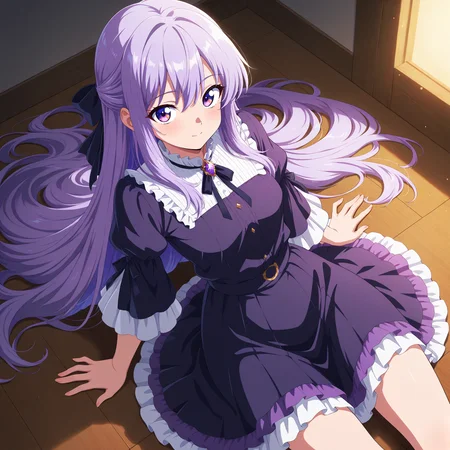


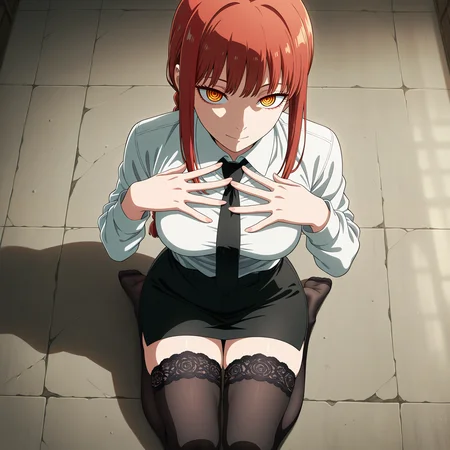


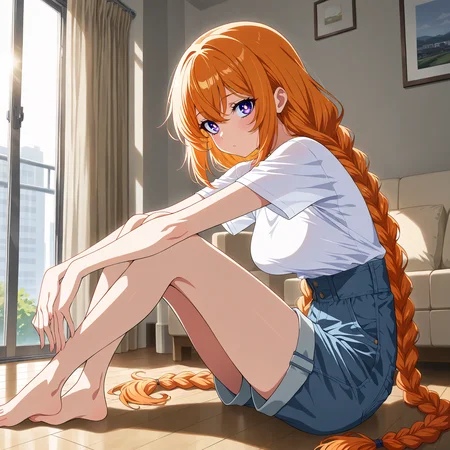


V2.0 - A slightly cleaner node setup with more refined notes, additional prompt templates to go along with my wildcards - https://civarchive.com/models/1885843/kyocel-character-wildcards - and a few new LoRAs.
The contrast controller LoRA by reakaakasky:
https://civarchive.com/models/1523055/contrast-controller-ilnai
Can be useful for any generation if you find even after the detailer and color your images are still a smidge flat, or maybe you want to go for that higher contrast look!
The Stabilizer LoRA by reakaakasky:
https://civarchive.com/models/971952/stabilizer-ilnai
I feel this LoRA has a lot more potential than how I use it here, but when generating existing characters with danbooru tags, it can help reintroduce a little bit of that cinematic lighting and detail.
V1.0 - After several months of work and a lot of trial and error - I have finally achieved the style I was looking for. I wanted hyper-detailed cel shading, little to no gradient shading, vibrant color, and decent-looking eyes and hands. I think I have succeeded. This workflow uses xquizitSDXLIllustrious_V3 as its backbone, along with some particular prompting, upscaling, and inpainting to achieve the final look.
Aside from style, I think this is a fairly decent "complete" workflow for any model you may prefer. It includes text to image, wildcard text prompting, image to image upscale (tiled and non-tiled), as well as inpainting and metadata extraction.
SFW images are more often closer to the "Kyocel" style, while NSFW images might take a few extra iterations to get rid of any gradient shading.
I have left as many notes inside the workflow as I could think of to help one achieve similar results. In the grand scheme of things, I am a total noob, so any feedback or suggestions are much appreciated.
Links to all models and LoRAs can be found in the notes inside the workflow.
I hope to create a LoRA out of this eventually that will work with multiple models, but am severely limited by my MacOS hardware, minimal BUZZ, and inexperience with cloud-based GPU clusters.
One can dream.
I will continue to upload new versions as I refine this workflow to make it even more convenient and easy to use.
Any questions - comment or shoot me a DM any time!
Description
Few new additional LoRAs, refined notes, cleaner layout
FAQ
Comments (1)
When i use the ''extract Prompt From PNG'' my entire workckow screen disapear, only the nodes roads that do not disappear, my other workflow tab
becomes inaccessible, help plz