
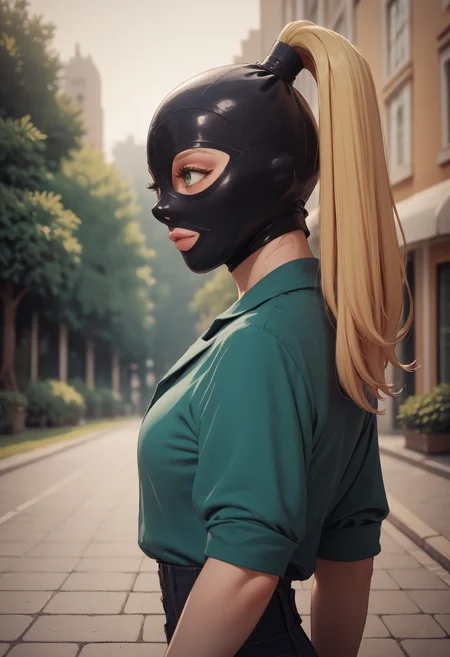
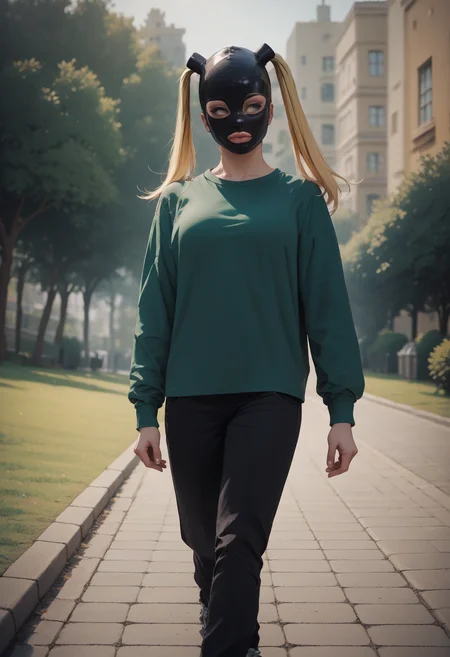
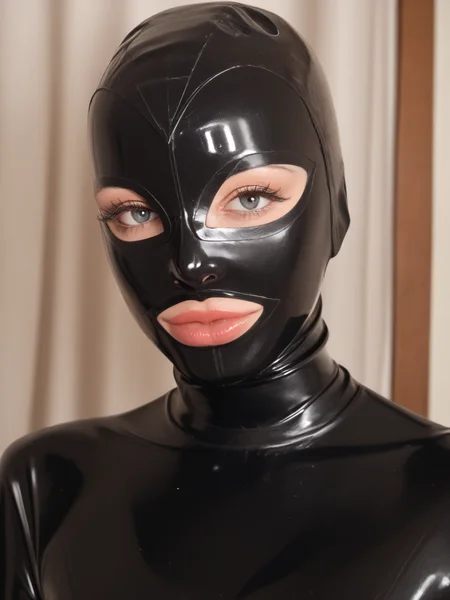


If you enjoy my work please leave a like or a review. Pics of your work are also appreciated :)
Posting the images directly to the lora page also helps a lot.
Pony instructions:
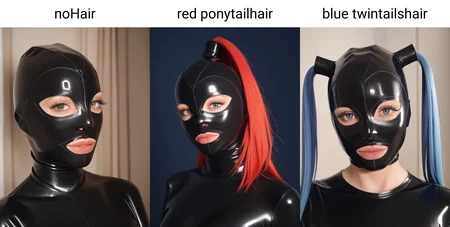
Use the main tag along with the style you want.
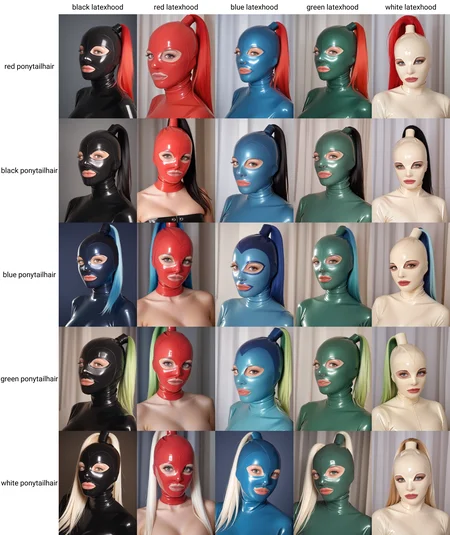
'latexHood' is the main trigger and should always be used, you can add a color before it to change the hood color.
'noHair' will give you the classic latex hood look.
'twinTailsHair' will give you the twin tails hairstyle, can use a color before it to change the color of the hair.
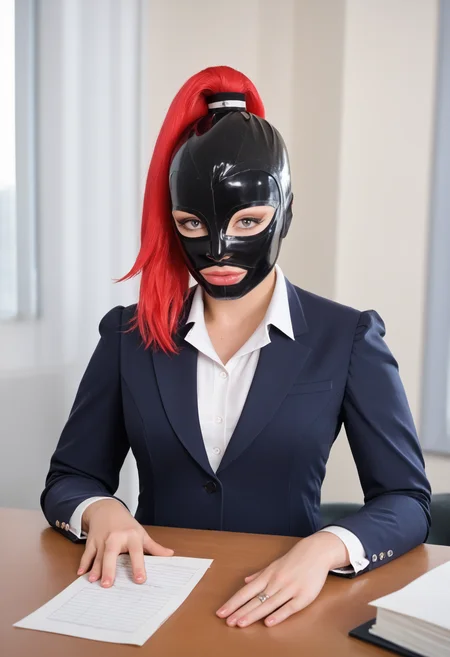
'ponytailHair' will give you the ponytail hairstyle, can use a color before it to change the color of the hair.
Adding 'nostrils' to the negative can help improve the results too.
There are two other tags that don't work most of the time but if you are prompting to that they might help 'noEyes' and 'noMouth'.
Illustrious instructions:
Use the main tag along with the style you want.
'latexHood' is the main trigger and should always be used, you can add a color before it to change the hood color.
'noHair' will give you the classic latex hood look.
'twinTailsHair' will give you the twin tails hairstyle, can use a color before it to change the color of the hair.
'ponytailHair' will give you the ponytail hairstyle, can use a color before it to change the color of the hair.
'noEyes, noMouth' will give you a faceless hood.
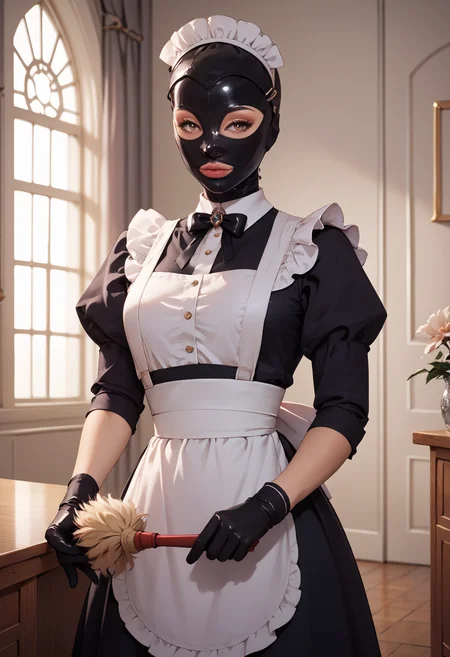
It currently has a rather unfortunate (or fortunate) side effect of turning some outfits to latex if they aren't prompted, mostly happens if you only put character name. The 'ponytailHair' tag is a bit hit or miss, changing it to 'single ponytailHair' can help.
Flux instructions:
Flux is awesome just go wild with it. Even without using the hood the lora is great for improving the latex look in flux and giving the subject bigger busts. If you get hair in the images you can add "no hair" to the prompt to easily fix that.
SD 1.5 instructions:
Currently only supports one style.
This Lora is a bit finicky and I will need to revisit it later but I found it worked better than most of what is currently available.
Some tags can clash with it by trying to "fix" the look, so if you get bad results try playing a bit with removing things such as masterwork, disfigured, ugly, etc...
The recommended strength is about 0.6.
Description
Trained on over 300 images to allow great versatility with colors and styles.
Use the main tag along with the style you want.
'latexHood' is the main trigger and should always be used, you can add a color before it to change the hood color.
'noHair' will give you the classic latex hood look.
'twinTailsHair' will give you the twin tails hairstyle, can use a color before it to change the color of the hair.
'ponytailHair' will give you the ponytail hairstyle, can use a color before it to change the color of the hair.
Adding 'nostrils' to the negative can help improve the results too.
There are two other tags that don't work most of the time but if you are prompting to that they might help 'noEyes' and 'noMouth'.
FAQ
Comments (4)
As someone who loves latex I'd say this LoRA works pretty weel and will give you consistent results with hoods practicaly most of the time, with only one downside being that your latex catsuits will get a bit more "realistic" look. Someone might actually like it, but luckly this issue is fixable both with prompts and inpaints. Recommend.
Let me share a trick: If you add this LORA, but do not use tags, you get a characteristic face with wide lips, which helps to break up the default faces and create a new image.
And I would like to separately note that this LORA came up with wonderful hair cases for the Baroque style. I didn’t write this in the tags, but it turned out so cool.
I also want to share one trick: Even if you don’t assign hood to the tags, then this LORA can make clothes latex, even in cases where other styles usually do not allow this to be done. So you can add this feature to the description.