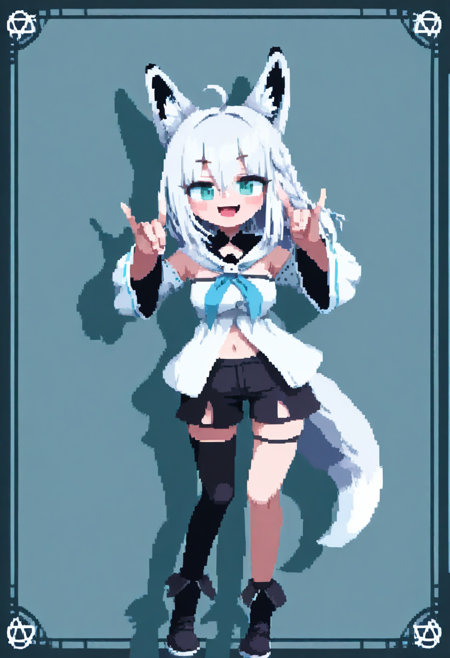
Wan2.1 Sprites Generator Tutorial
This will enable you create consistent character animations with smooth transitions. While it can be used for various animation types, it’s designed primarily for sprite animations.
You can easily tweak it to use it for looping regular videos. see note and example.
Key Concept: Generate Your Character in One Image with Multiple Poses
The core idea is to create a single character sheet image containing multiple poses of your character. This sprite sheet can then be used as input for ControlNet to guide the generation of animation frames, ensuring character consistency and smooth motion transitions.
Why This Works
Keeping all poses in one image helps the model better understand your character’s proportions, colors, and details.
This unified reference reduces character drift or inconsistency between animation frames.
Simple Example: Building Your Character Sheet
Design your character poses using tools like PoseMy.Art to generate depth pictures.
Arrange these poses side-by-side in one image — for example, a row with idle, walking, and running poses.
Save the individual pictures in an empty folder.
Use the provided
combine.pyscript to merge these images into a single sprite sheet.
It’s recommended to choose a dimension close to your Wan2.1 video output resolution for best results.
Feeding the Sheet into ControlNet
Use your character sheet as the conditioning image input for ControlNet.
Set your prompts to generate animation frames based on this sheet, ensuring each frame stays consistent with your character’s appearance.
Looping and Finalizing Animation
After generating your animation video with Wan2.1, find a loop by adjusting the start and end frames to create a seamless cycle.
(Thanks to ekafalain for the workflow snippet.)If a perfect loop isn’t possible, try making a ping-pong loop or change the random seed to generate another video.
Finally, save your result for use in your game or animation project.
Description
FAQ
Comments (9)
Impressive! Thank you!
Hi can u do a video tutorial somehow?
Food Mage sending Buzz on ur example pic
Very interesting ! A Wan2.2 version would be greatly appreciated ! <3
It's a workflow, you can probably check it and adapt it to your version of Wan
Does this work for front and back views?
Makes me really wish we could get some replacement character art for Street Fighter 2. This would likely do it.
Hello!
Is there any video showing how to use this correctly? I’m a bit lost and would really appreciate some help, please.
I have a few questions:
Is it possible to create movement in any direction?
Can I use a LoRA to apply a different style?
Instead of using PoseMy.Art, can I use images I’ve already generated of my character?
How was the example image that came with the workflow and script created?
I apologize if I’m being bothersome, but I really want to learn how to use this.