





Original link: https://sololo.xyz/model/603-softmute-SoloLoRA
Softmute SoloLoRA
Want more of my models? Visit my website: sololo.xyz
Latest releases first, HUNDREDS of models FREE to download.
♥ Support me on Ko-fi: https://ko-fi.com/solo_lee
♥ Telegram channel: https://t.me/sololeeai
♥ Model orders: https://sololo.xyz/commission
Thanks so much for your support! ♥
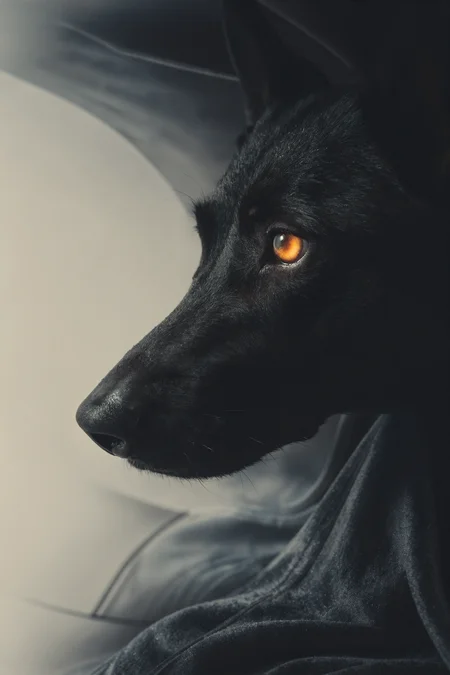
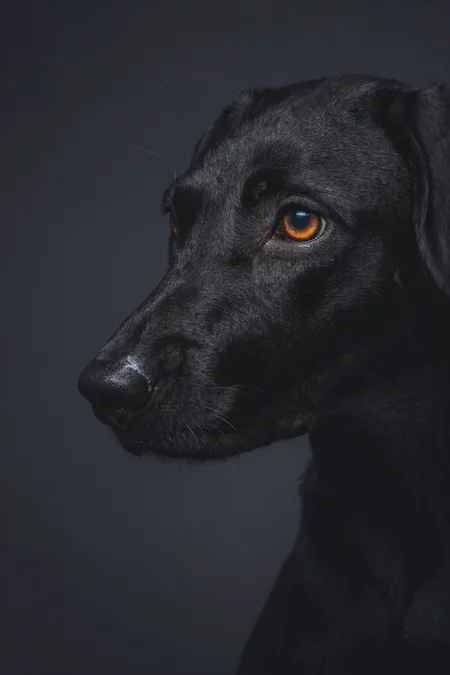
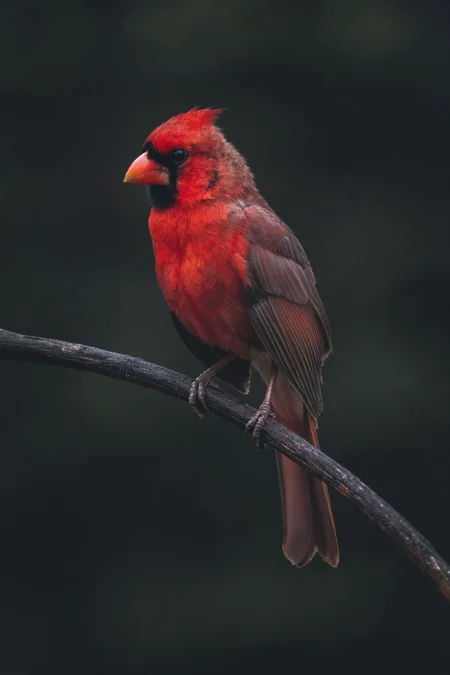
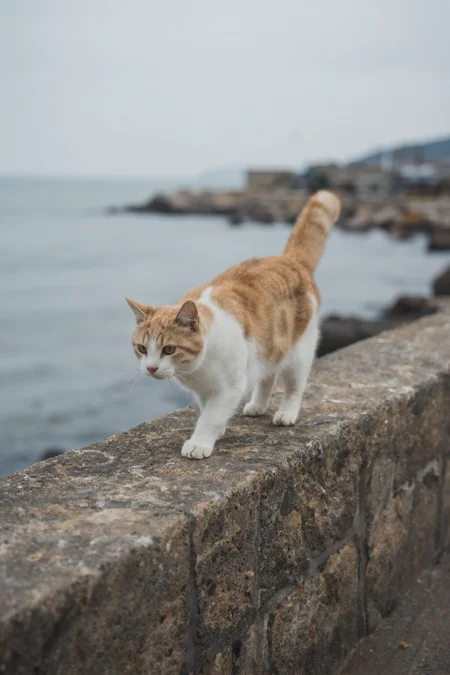
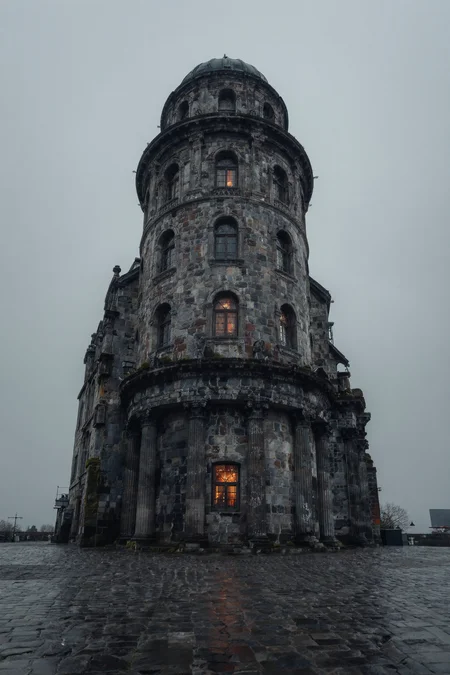
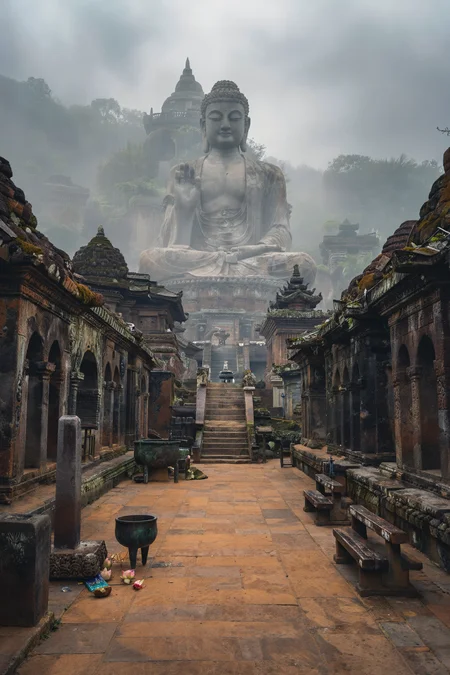
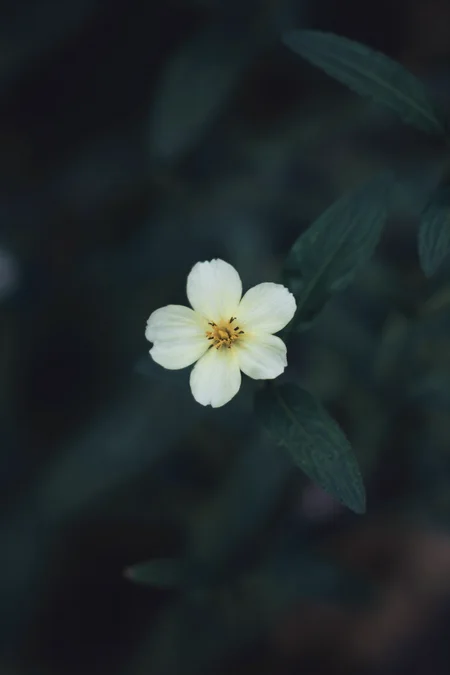
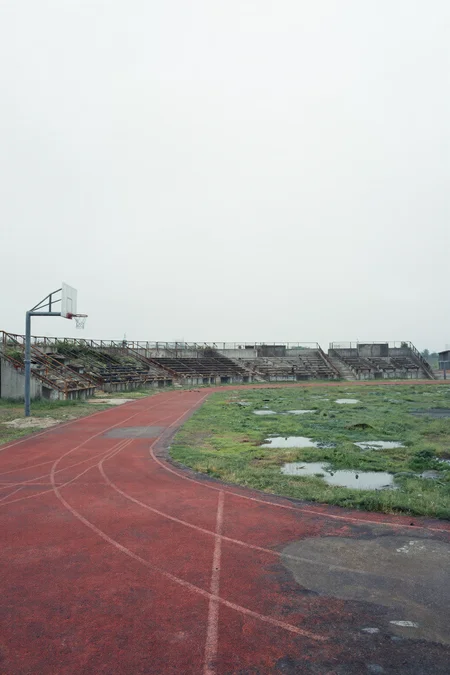
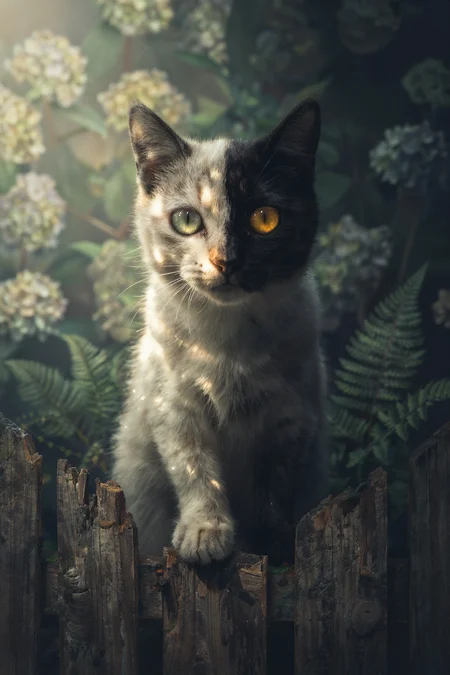
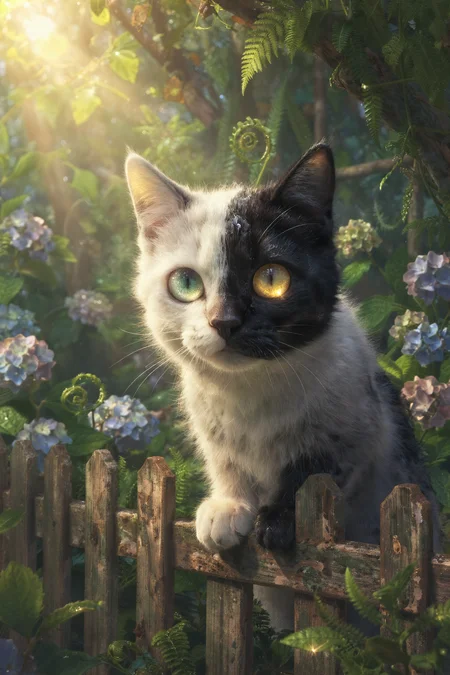
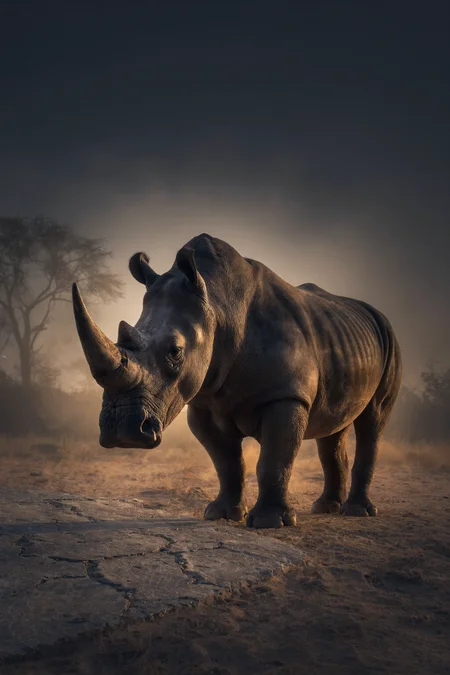
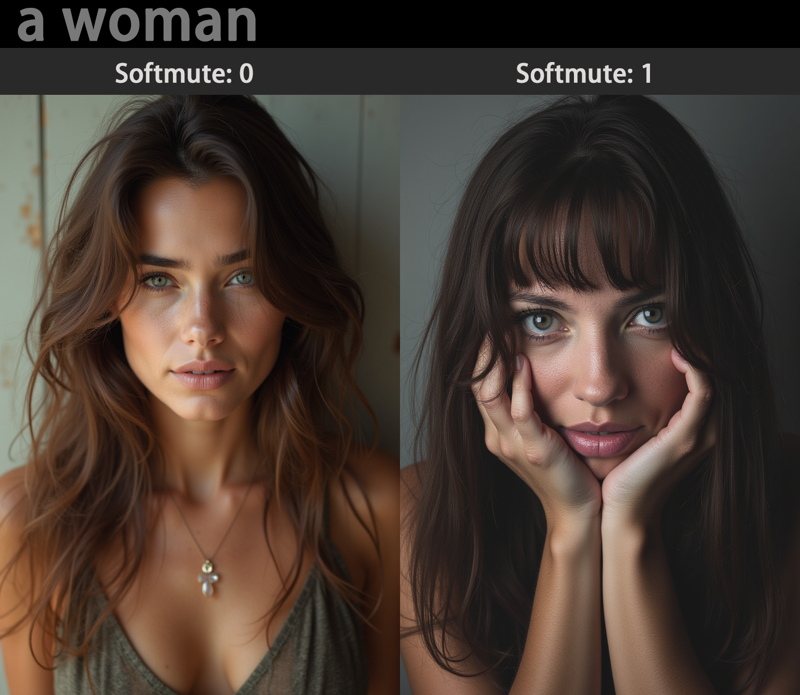
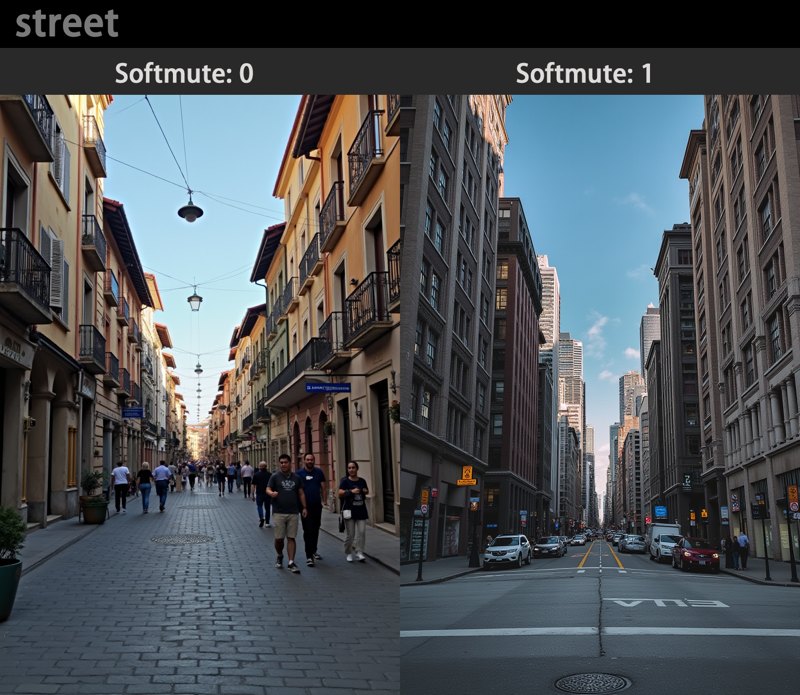
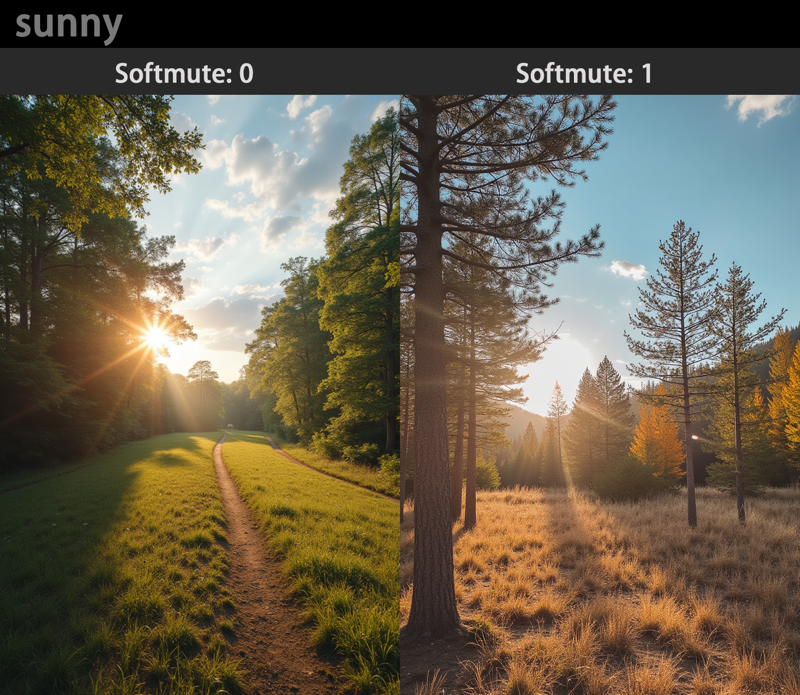
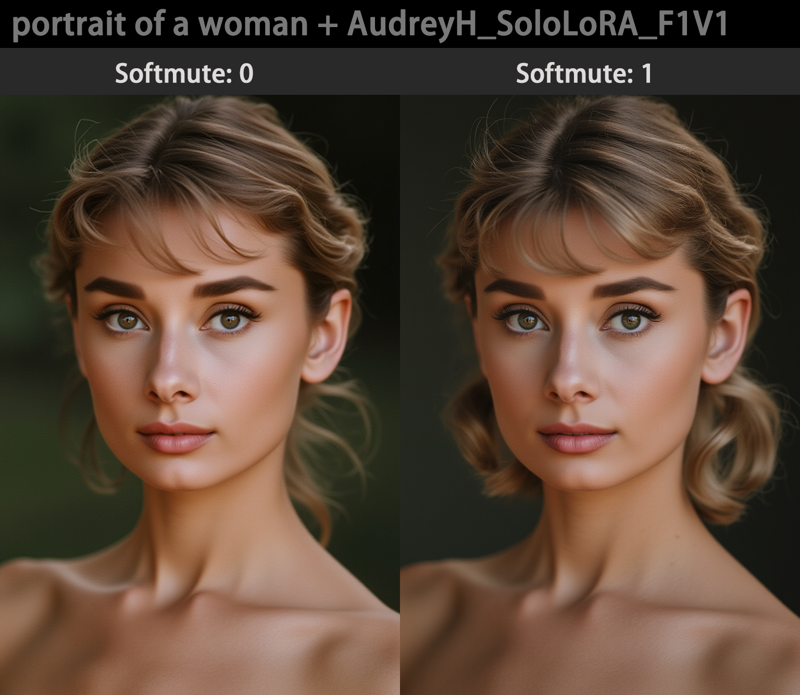
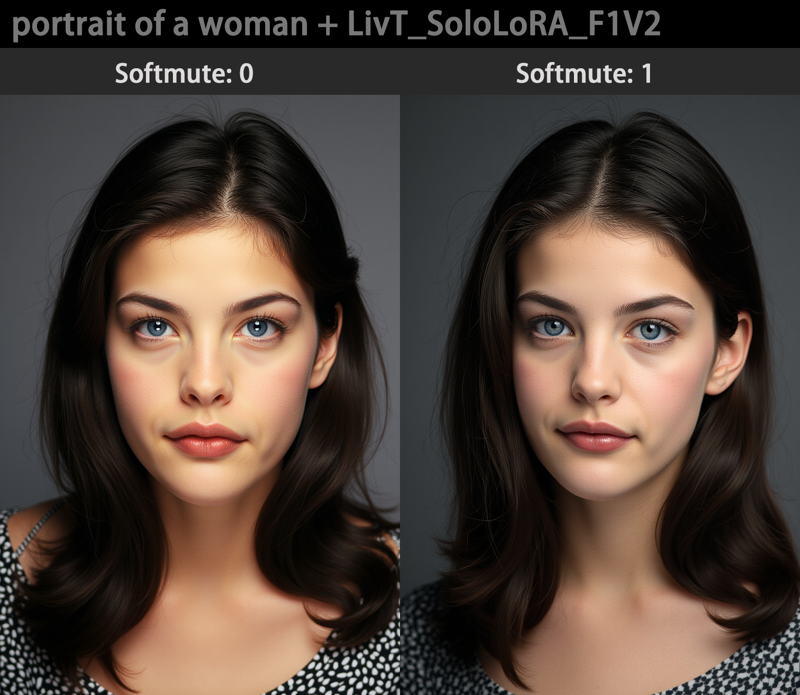
This LoRA doesn't drastically change the image or add flashy effects; it only provides subtle enhancements.
It has the following features:
Very restrained exposure that gives the image a soft, calm, and slightly low-key, detached feel.
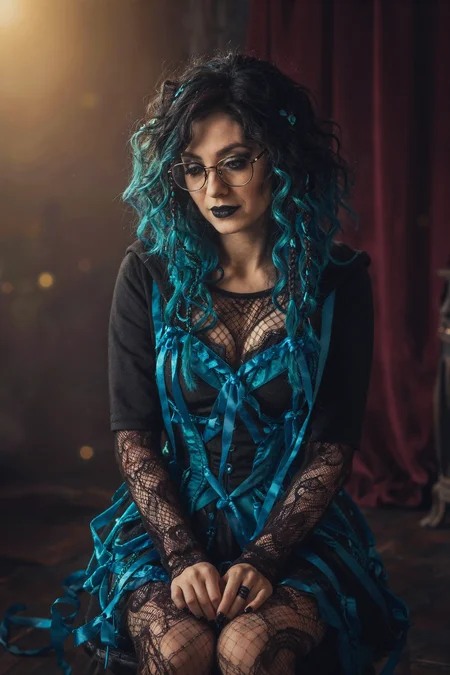
It doesn't produce repetitive character appearances but maintains FLUX's diversity of characters.
When used with other character LoRAs, even at full strength (1), this LoRA hardly changes the character's appearance.
It adds a slight film-like texture to the image.
Hope you have fun.
Description
Original link: https://sololo.xyz/model?id=568
Just like the FLUX version, you can fine-tune the exposure and color tones of the image.
FAQ
Comments (4)
nothing change.
you have to test uploaded file
Hi, I tested this on ZIT BF6, ZIT AIO BF16, and ZIT GGUF Q8, and LoRA seems to work fine.
I’ve uploaded the comparison images along with the originals.
https://civitai.com/posts/25798762
I think I get what you meant by “nothing changed”.
The main reason is, like I mentioned in the notes, this LoRA doesn’t make big visual changes — it mainly does subtle tweaks to exposure and color tone.
Sometimes a more detailed prompt can make the effect more noticeable.
But overall, the changes are subtle, and in some cases they’re barely noticeable at all.
Also, if you’re using base models other than the ones I tested, it’s totally possible that this LoRA’s very subtle effect gets overridden or ignored by the base model, which can make it look like “nothing changed”.
Anyway, thanks for the feedback!
That's strange. I'm using the official ZIT BF16 version as well. When I said "nothing change," I actually meant there was absolutely no change at all. Even when I crank the LoRA weight up to 2.0 or 10, there is zero difference in the image.
Did you test this using the local file on your hard drive, or did you try downloading the uploaded file from Civitai to test it? I even suspected it might be a Textual Inversion file and tried using it as an embedding, but it still didn't work. I use so many LoRAs on WebUI Forge Neo without any issues, so it's very odd that this specific one is the only one that doesn't work. and I just tested it, and it works in only ComfyUI. That's odd.
I tested using files downloaded from Civitai, and the comparison images I posted later were also generated with those downloaded files.
I haven’t used WebUI Forge myself, but its processing pipeline is probably different from ComfyUI, which could explain why there are noticeable differences sometimes.