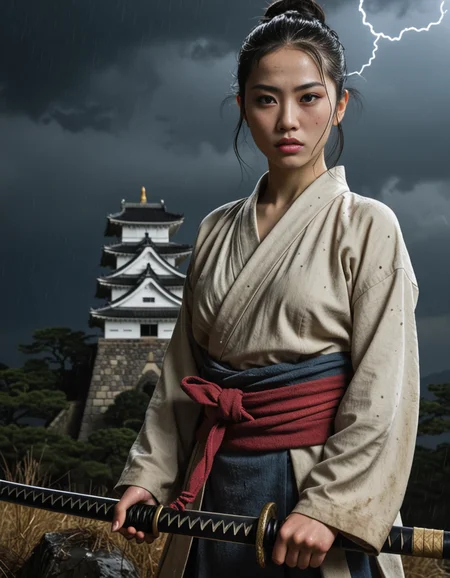



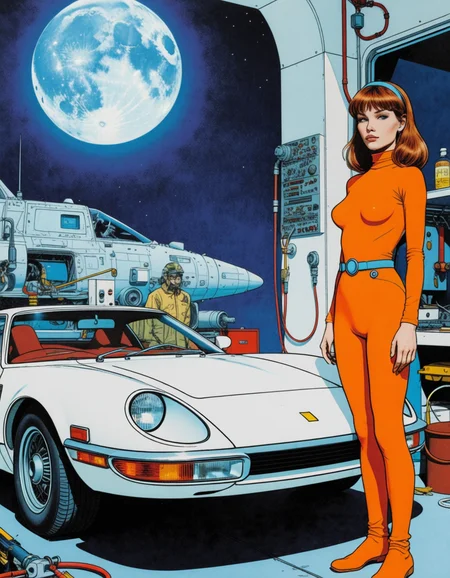


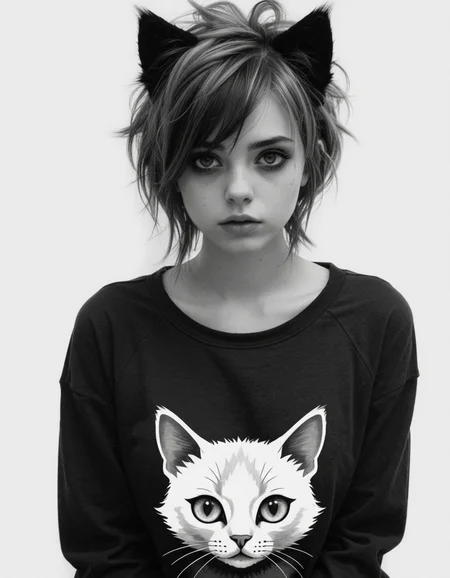
Get the full checkpoint at the best price from the official Ko-fi store.
Want to try it first? Generate up to 85 free images per day at the highest quality with Event Horizon here.
Join the Electric Dreams Discord for support, free tools, and everything related to AI image generation.

→ Get it now at a lower price.
🛒 Ko-fi
✅ Card & PayPal accepted
✅ Instant download
✅ Priority support
Also available:
Krea2EventHorizon 2.0 (Kofi)
Krea2EventHorizon 1.0 (Kofi)
Event Horizon ZIT 3.0 (Kofi)
Event Horizon XL 8.0 (Kofi)
Event Horizon ZIT 2.0 (Kofi)
Event Horizon XL 7.0 (Kofi)
Get the complete Event Horizon collection with all the future updates included→ Ko-fi
Join the Electric Dreams Lab Discord to meet fellow AI creators, share ideas, and discover what's coming next.
Click here to join the Discord!
IMPORTANT: ZIT models are currently not available on Civitai's generator. You can try them for free on TensorArt.
Event Horizon ZIT
https://tensor.art/models/975520856052632797/Event-Horizon-ZIT2
Event Horizon Nexus ZIT
https://tensor.art/models/984780105463163349
⚙️ Recommended settings with Krea2 Turbo versions:
8-12 steps, Euler ER SDE Simple, CGG1 896 X 1152
VAE: Qwen Image Safetensors.
Qwen3VL_4b_fp8.safentors
Note: Civitai doesn't support Krea2 in its online generator yet, so you won't be able to test it there for now.
If you'd like to try it online, it's already available on Tensor.Art:
https://tensor.art/models/1018321724501949622/Event-Horizon-Krea2-V1.0
⚙️ Recommended settings with Z-Image Turbo versions:
8 steps, cfg1, Euler or DPM++ 2s a RF sampler, Normal or Simple or Beta scheduler, 832x1216, 1024x1536 or 1280x1920 pixels
Upscaling:
12-16 steps, cfg1, Euler sampler, Normal or Simple or Beta scheduler, 1.5x upscale
Important: remember that you need to place qwen3_4b.safetensors in the text_encoder sub folder and ae.safetensors in the VAE sub folder for Z-Image Turbo to work properly.
⚙️ Recommended settings with SDXL versions with DMD2 lora:
Sampler: LCM Karras / Exponential
CFG: 1-1.3 (recommended is 1)
Steps: 8 - 12 steps
Resolution: 896x1152 / 832x1216
Clip Skip: 2
VAE is bundled in, you don't need to download anything else.
⚙️ Normal SDXL Recommended Settings:
Sampling method: DPM++ 2M SDE Karras
VAE: is already Baked In
Sampling steps: 30+ Steps
Resolution: 832x1216 / 896x1152 CFG: 3-5
Clip Skip: 2
Upscale: 1.5 upscale (0.3 - 0.35 denoise)
Upscalers: 4x_NickelbackFS_72000_G / 4x_foolhardy_Remacri / 4x_NMKD-Siax_200k
Description
Improved anatomy, improved hands. Expanded artstyles. No significant loss on creativity observed.
FAQ
Comments (5)
Seem this model really struggles with hands. keep seeing a lot of deformed hands with both t2i and i2i. 🤨
It's SDXL, of course you're not gonna have flawless hands (even Flux Klein is not perfect in that regard). But i have better hands than previous installments and improved anatomy which is what matters. What software are you using? Comfy perhaps? gpu? thanks.
@ElectricDreams Yup, comfyui and gtx 1660.
Are there any loras that can help with making the hands and faces turn out better with this model?
@StarJilachi ah ok, yeah series 1000 is less than ideal for AI but you can use the DMD2 lora (it always helps with anatomy) and the generatio will be faster.
@ElectricDreams Speed isn't a problem with the 1660 ever since comfyui was updated to change how images are generated. 10 series cards are the ones that will suffer a lot because of their specs but the 1660 has an advantage over them because of the different chipset.
Only thing that will be a problem for the 1660 is trying to make videos with it because of the low vram. hopefully the DMD2 file will help since I'm noticing a lot of bad faces with your model too unless i2i is used on certain images.