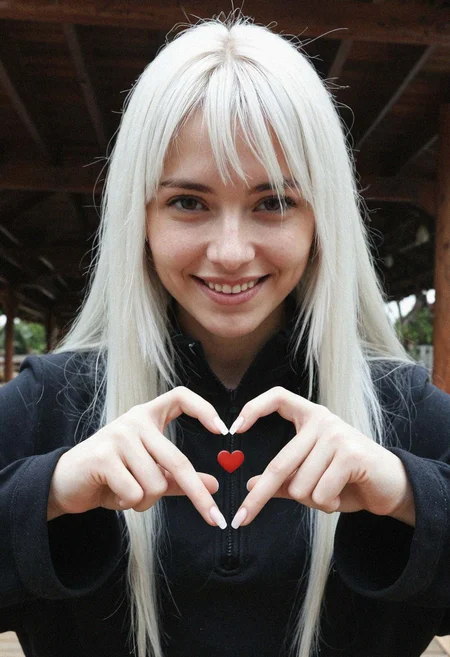
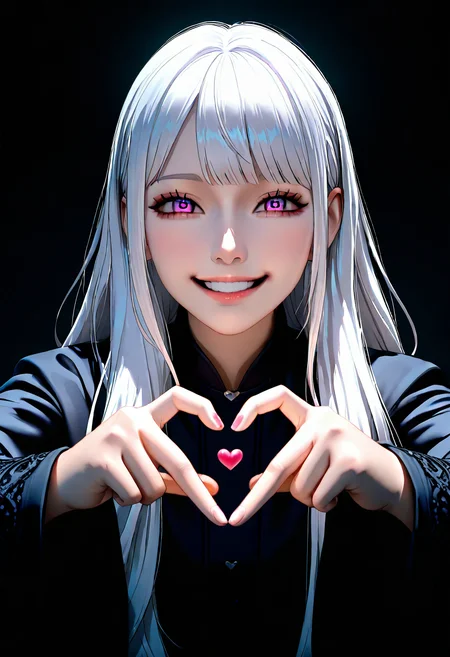
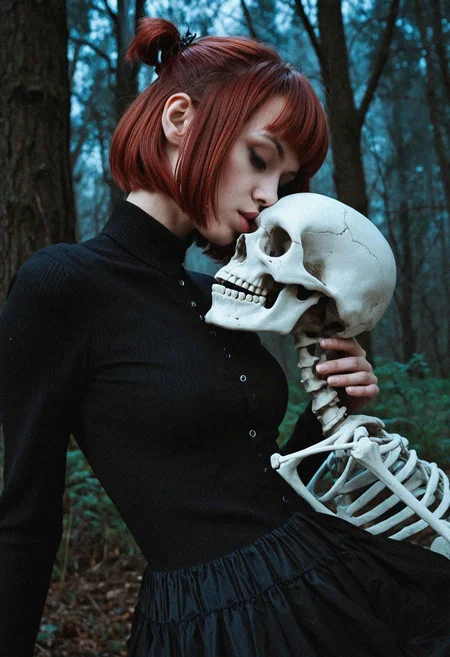
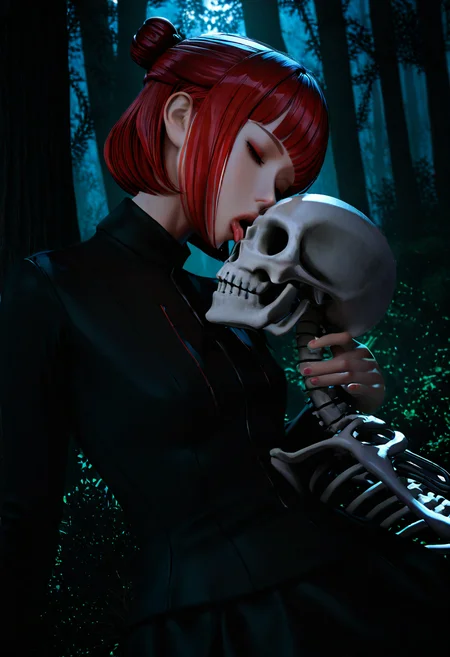
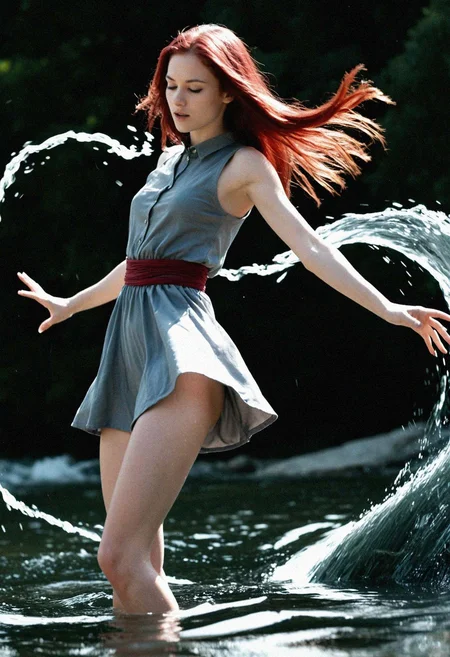
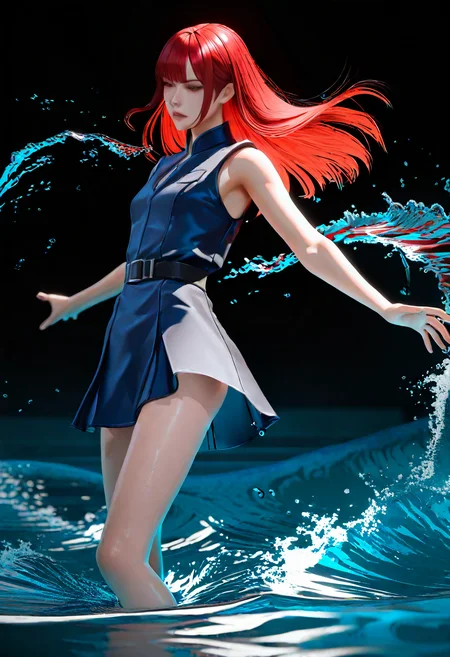
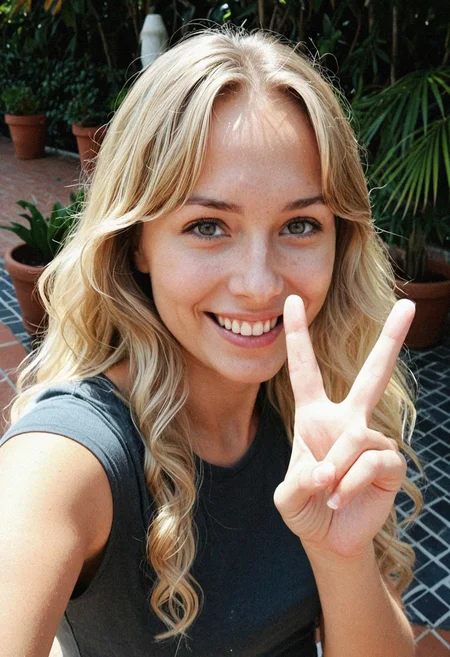
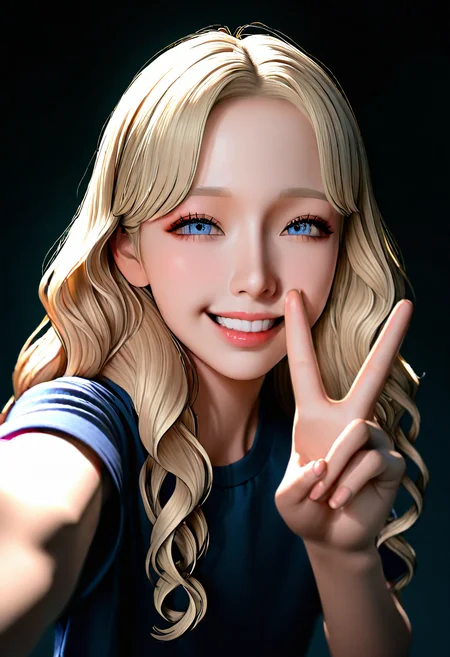
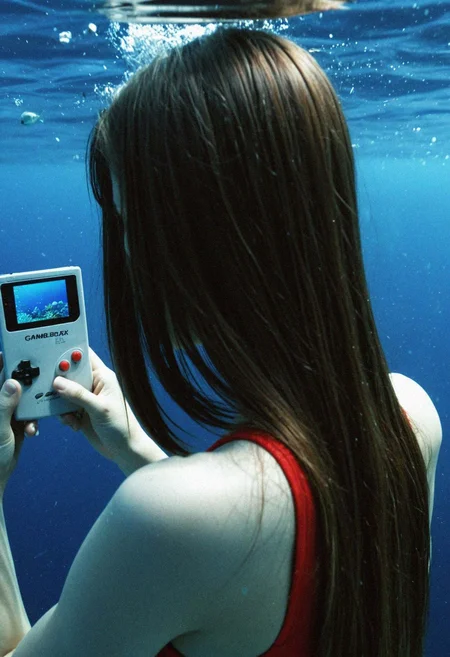
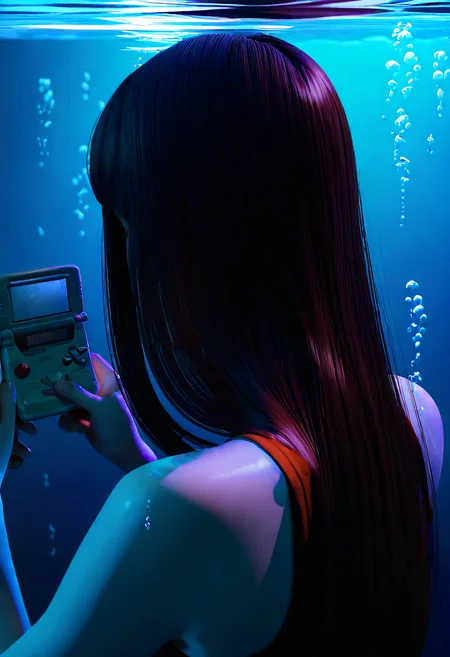
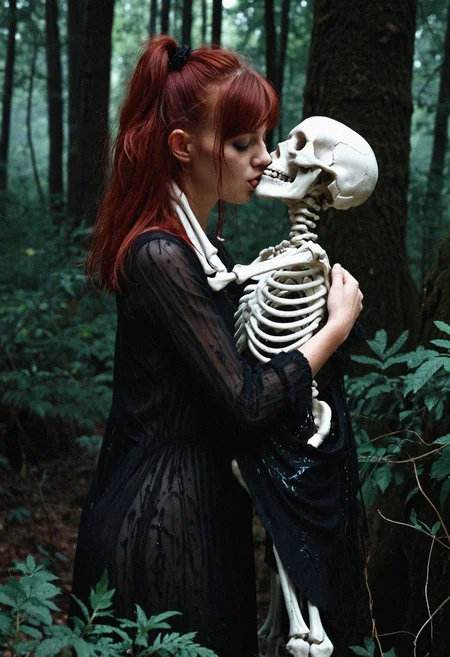
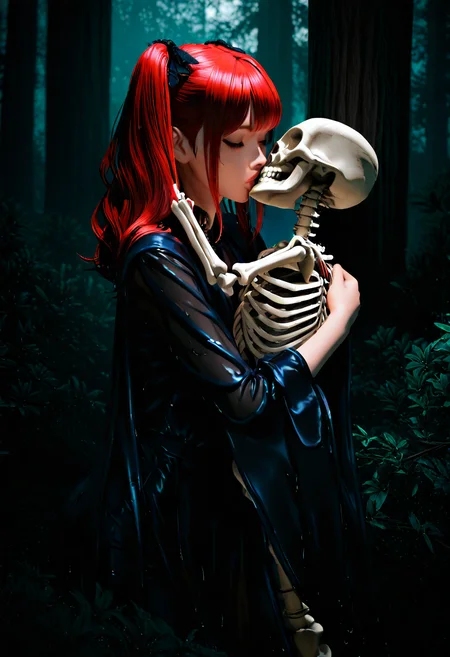
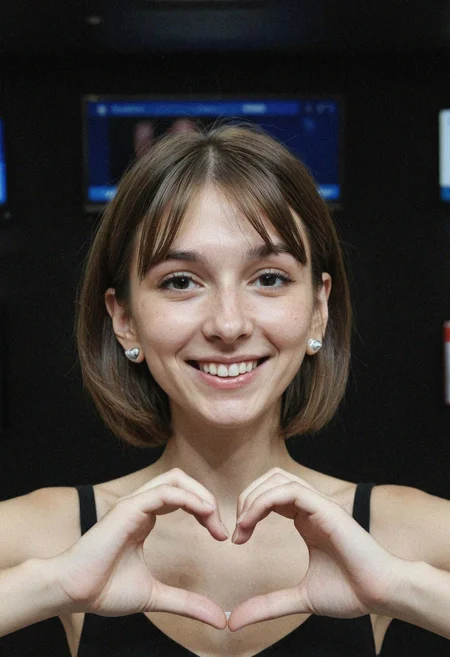
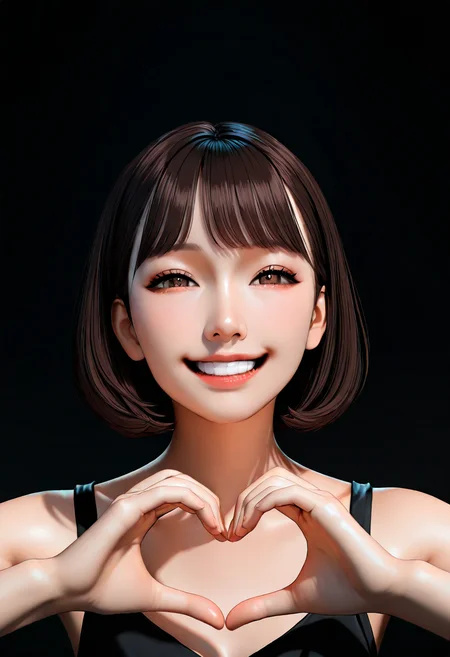
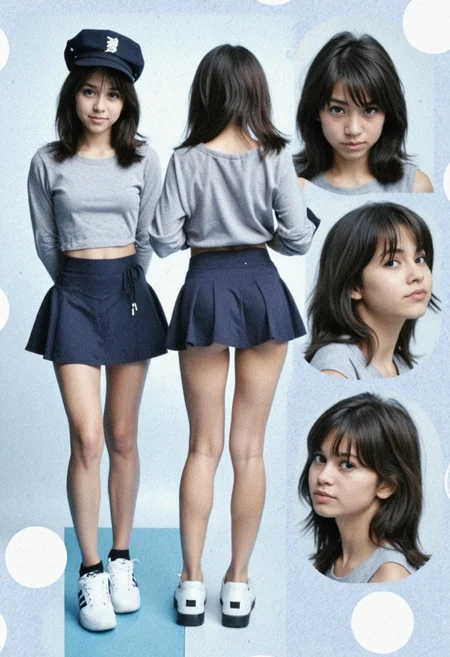
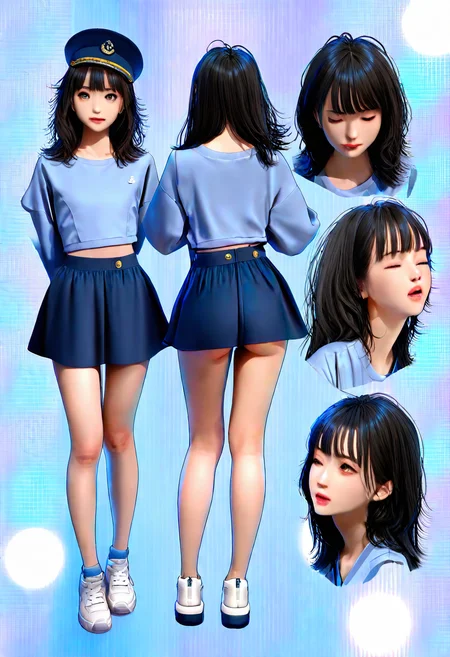
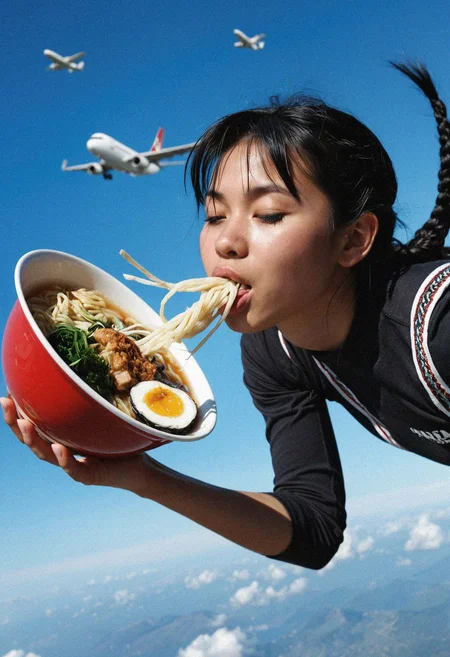
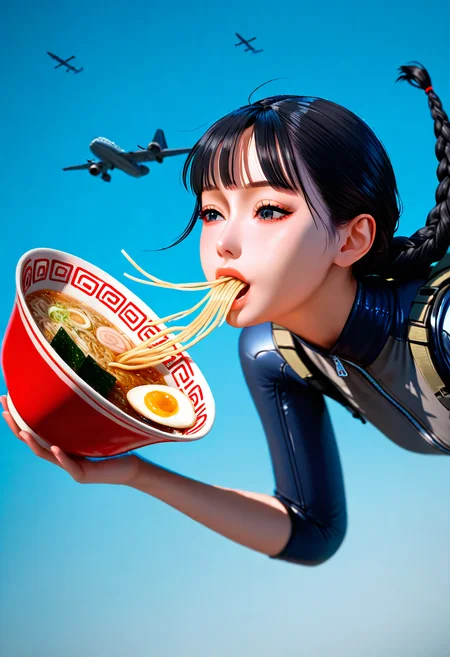
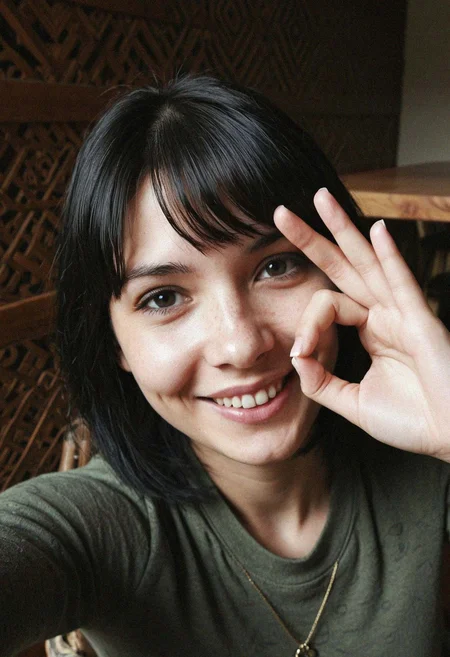
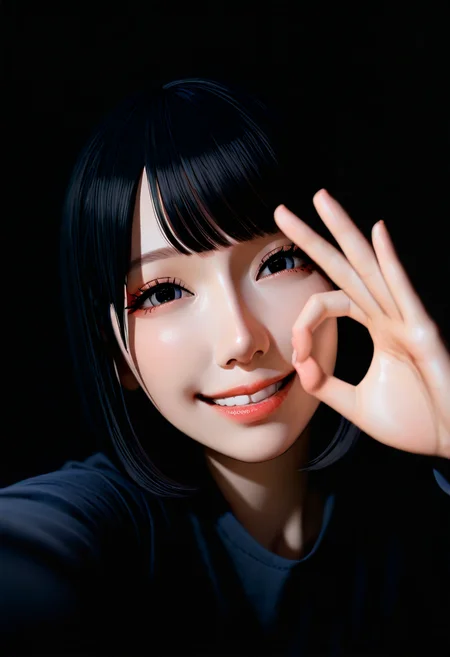
I've been frustrated with the lack of prompt adherence on realistic models.
I've tried skimmed CFG and stacking multiple realism models to moderate success.
I've been working hard on using animated models to counter this. In particular, I like NoobAI because of vPred.
This allows me to prompt the lighting easily which makes a big difference in the output.
This workflow is a work in progress, but I think I got it somewhere decent.
Requirements:
NoobAI (or your favorite model with good prompt adherence)
Lustify OLT (or your favorite realism model)
WildPromptor Character Select Wildcards (you can delete this and reroute things if you like. I will publish a basic workflow soon)
4x_foolhardy_Remacri (or your favorite upscaler)
dmd2_sdxl_4step_lora (required unless you find a workaround)
Any other loras that you like. I use these:
And a boatload of nodes. My ComfySnap node is now in ComfyUI Manager so you should be able to easily install them all.
Usage:
I will make a more thorough tutorial in the future, but I've also added some notes in the workflow that will hopefully help for the time being.
Step 1:
Experiment with the initial generation model to find an artstyle that is most compatible.
Hard outlines, extremely vibrant colors, and extreme/warped poses will effect your output.
Those can be fun to experiment with, but I recommend using a 3D/CGI style.
Others should work, but it's easy to mess up the proportions of your subject.
This workflow adheres very strongly to the pose and proportions of your first generation.
Step 2:
This is the "fun" part.
Depending on what you're going for, there are multiple settings to tweak.
Primarily, the denoise levels of the IMG2IMG samplers, the start and end steps of the controlnet, and your prompting.
Denoise:
I recommend setting the first IMG2IMG denoise relatively low.
What you really want here is to make the subject look just human enough, especially the hair.
The controlnet strength that I use is quite strong, so animated looking hair will really effect your IMG2IMG steps. You want something decent for the controlnet to grab onto for the final pass.
To further help with this, I set the 2nd controlnet weight lower with a lower value end step as well. I also boost the denoise quite high on the 2nd IMG2IMG sampler to get rid of any remaining animation style.
You main want to lower this if you want more color/character information from the initial image.
Depending on your style and what you're going for, you'll want to play around with these.
Controlnet:
I touched on it briefly in the last point, but your controlnet start and end steps are essential for influencing your composition and removing the original style.
These settings influence the percentage of steps that your controlnet guides your generation.
End Step:
The key value is the end step. If it is set to max, it will guide your generation all the way through to the end.
If the controlnet weight is set to 1, you will have EXACTLY the same silhouette/composition as your original image. This could be good or bad depending on how anatomically correct your first image is.
Bringing down the end step will allow the sampler to adjust any inaccuracies as the generation is finalizing (unrealistic proportions, missing/extra fingers/toes, etc.)
This plays a big part in removing cartooning facial features or hair.
If the controlnet is set too strong, your final output will look very childlike or warped.
Start Step:
I'm still experimenting with this one. I set mine to a low value (0.1) because I believe that letting the generation start uncontrolled introduces more of the realism models style.
I may be incorrect on this, I haven't A/B'd or tested this theory very much.
Controlnet Weight:
This works hand in hand with your end step.
I personally like to set a strong weight to guide the generation through most of the process, then let the end set determine when the model can "fix" itself.
Prompting:
I personally find the most success with 3D/CGI tags.
This avoids the angular nature of anime faces and the round face shapes of western cartoons.
Additionally, I think the 3 dimensional style gives the controlnet more context.
I usually add things like "outlines", "pointy hair", etc. in the negative.
IMPORTANT: NoobAI vPred prompts VERY strongly. I heavily suggest not going above a weight of 1.2 in your prompts. If anything, you'll want to prompt lower values like 0.6 , especially for things like lighting.
Prompting "dark" or "dimly lit" will have a drastic change on your image.
While I'm on the subject, some prompts in my character selector absolutely do not work as intended. Anything dealing with skin color especially throws the whole generation off balance.
The locations are an issue as well, I think they are too detailed. Because of this, I've seperated location and style selectors to only effect the IMG2IMG prompts.
I suggest prompting "simple background" for the NoobAI prompt in this case. I find that it works well for the time being.
My current plan is to make a NoobAI/Illustrious/Danbooru variation of the character selector.
Notes:
I plan some quality of life upgrades next.
The set and get nodes are not intuitively named and I realize the workflow as a whole might be intimidating. That won't be too difficult, I just have to make some time for it between my other projects. In the meantime, I hope you find this useable.
Okay, that's it for now. Thanks for coming to my TED Talk, happy prompting.
Description
Initial Release
FAQ
Looks like we don't have an active mirror for this file right now.
CivArchive is a community-maintained index — we catalog mirrors that volunteers upload to HuggingFace, torrents, and other public hosts. Looks like no one has uploaded a copy of this file yet.
Some files do get recovered over time through contributions. If you're looking for this one, feel free to ask in Discord, or help preserve it if you have a copy.