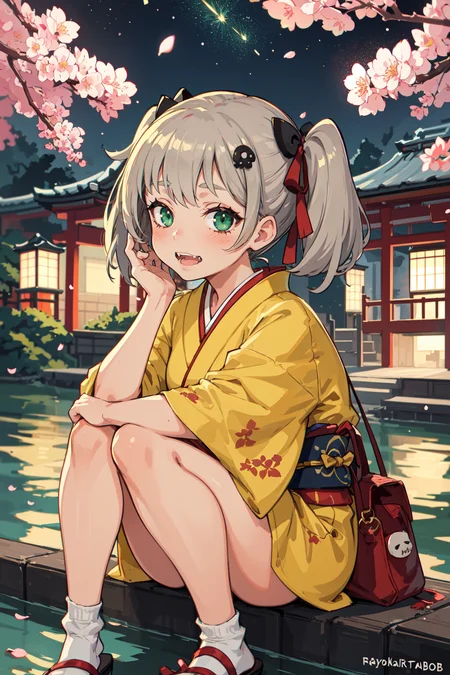
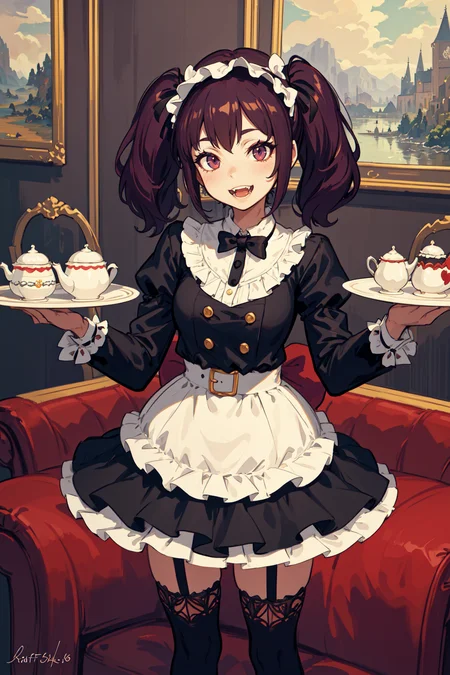
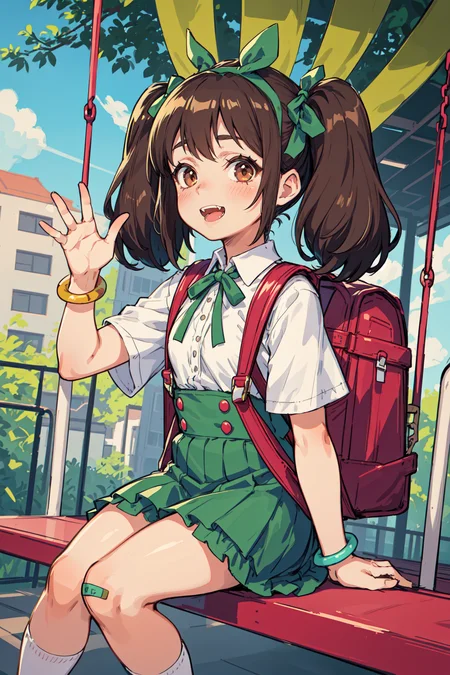

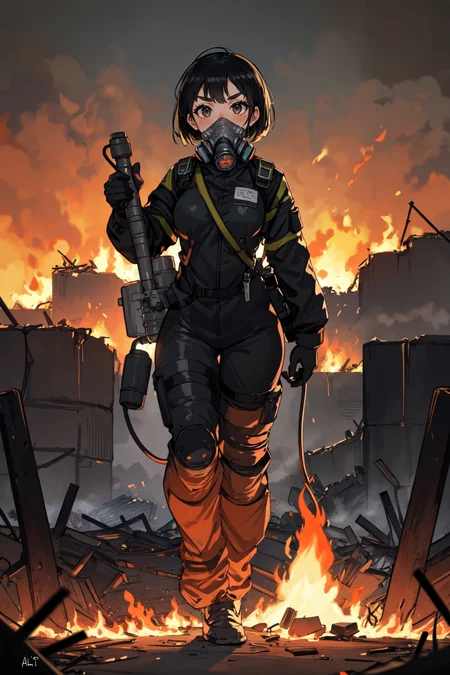
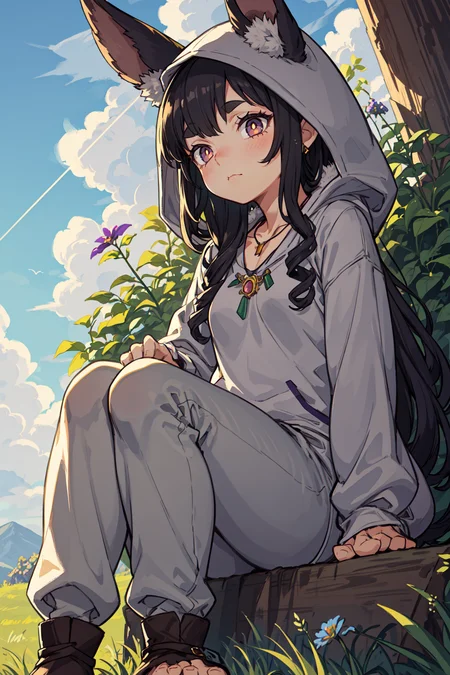

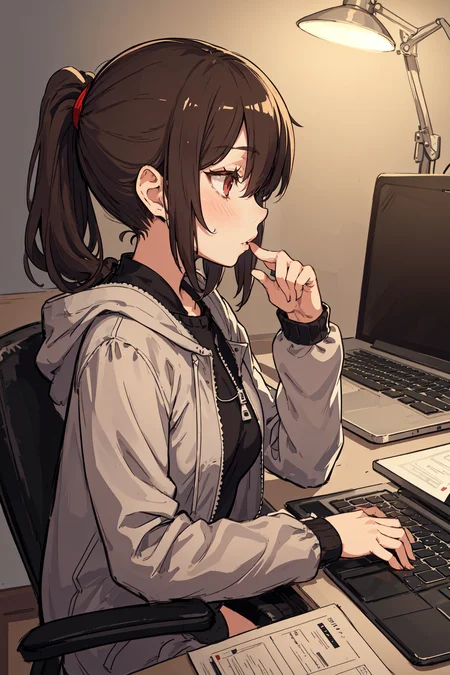
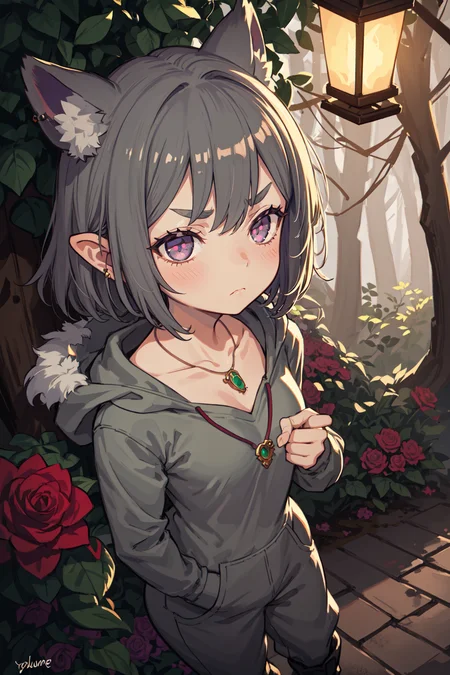
Anime Style Mergemodel
All sample images using highrexfix + ddetailer
Put the upscaler in the your "ESRGAN" folder
<Parameters>
https://huggingface.co/GIMG/AIChan_Model/tree/main/Blend/MIX-Pro/V4/Parameters
<Source>
https://huggingface.co/andite/mikapikazo-diffusion/blob/main/mikapikazo-40000.ckpt
https://huggingface.co/andite/cutesexyrobutts-diffusion/blob/main/csrb-diffusion.ckpt
https://civarchive.com/models/25324/wonton-colorbox-enhanced
https://civarchive.com/models/14393/thick-coat-cg-style
https://civarchive.com/models/17305?modelVersionId=30030 - Uekura eku Style_LoRA
https://huggingface.co/closertodeath/mouseymix/blob/main/mouseymix.safetensors
https://huggingface.co/ninsia/NO133_104/blob/main/loli_A.safetensors
https://civarchive.com/models/31295/universal-solvent-mix
https://civarchive.com/models/5414?modelVersionId=7397 - Pastelmix_LoRA
https://civarchive.com/models/17823/xilmostyle
<My models>
Description
Anime Style Mergemodel
All sample images using highrexfix + ddetailer
Put the upscaler in the your "ESRGAN" folder
<Parameters>
https://huggingface.co/GIMG/AIChan_Model/tree/main/Blend/MIX-Pro/V4/Parameters
<Source>
https://huggingface.co/andite/mikapikazo-diffusion/blob/main/mikapikazo-40000.ckpt
https://huggingface.co/andite/cutesexyrobutts-diffusion/blob/main/csrb-diffusion.ckpt
https://civitai.com/models/25324/wonton-colorbox-enhanced
https://civitai.com/models/14393/thick-coat-cg-style
https://civitai.com/models/17305?modelVersionId=30030 - Uekura eku Style_LoRA
https://huggingface.co/closertodeath/mouseymix/blob/main/mouseymix.safetensors
https://huggingface.co/ninsia/NO133_104/blob/main/loli_A.safetensors
https://civitai.com/models/31295/universal-solvent-mix
https://civitai.com/models/5414?modelVersionId=7397 - Pastelmix_LoRA
FAQ
Comments (20)
Very nice. Thanks!
What‘s the difference between 4.0 and 4.5?
not merging basil_mix, Instead of Colorbox.
it has different color and light effect than V3.
However, most are still the same..
just another version
@P317cm TY
For anyone having trouble replicating Op's results, here are some things I had to do:
1 - in the Op's hugginface (AIChan_Model/tree/main/Blend/MIX-Pro/K4), download the model K4.
2 - You gonna need to install the script DDetailer.
3 - All of the images show as examples were generated with the sampler "DPM++ SDE Karras". Not only that, but you need to change the automatic1111 configuration as follows. In Settings>Compatibility, enable "Use old karras scheduler sigmas (0.1 to 10).". In Settings>Sampler Parameters, set the "eta (noise multiplier) for ancestral samplers" to 0.2.
4 - Set Clip Skip to "2", and use this VAE, "kl-f8-anime2"
5 - The rest of the settings can be found in the "Parameters" section in this model description.
I believe step 3 is unecessary, I was able to replicate without it, had clip skip 2 from the beginning though
That is weird... When I undo the step 3, it gets further from the Op's results.
I'm going to leave my original post unchanged in case someone needs to do this step like I do.
What's the difference between MIX-Pro-V4.5+ColorBox and MIX-Pro-K4? They seem to produce the same result.
MIX-Pro-V4.5+ColorBox와 MIX-Pro-K4의 차이점은 무엇입니까? 그들은 같은 결과를 낳는 것 같습니다. (구글 번역)
Do you use ChatGPT to make your prompts?
no
every model needs their own type of prompt, chatgpt could not access this model
Well, in the exemples I made, I used chatgpt 4. The thing is, altough GPT4 is unable to know every stable diffusion checkpoint... if you provide enough examples of prompts, it does the job.
Also, don't forget to explain how to give Attention/emphasis to words and phrases like '(something:1.5)'. It works great if you set a min. and max. value for the rational numbers.
@ogsonderu so you just feed it a bunch of prompts as examples? I've given it a couple it can do the job, but it still has a tendency to make sentences even with instructions to not do that, ig this might fix it. more examples.
@gabrieldisco12520 not really, there's barely any difference, every model may need different settings, but prompt even if they do make a difference, do not make a huge difference unless you use sht prompts on every model.
Hello OP, is there any difference between MIX Pro K4 and MIX Pro V4.5 + Colorbox?
The Civitai sample images provided for MIX Pro V4.5 + Colorbox use a checkpoint model called MIX Pro K4.
I know there is also another model called MIX Pro K4 in your Huggingface link which has no sample images.
That Huggingface link also has V4.5 and provides the same sample images as the ones here on Civitai. Their metadata also says that they were prompted on K4.
Did you accidentally use the K4 sample images for V4.5? If so, it would be really great if you could provide some correct sample images for V4.5. Good work on K4 though, looks great!
"K4" and "V4.5" are the same models. experimental version has "K" numbering. only official version has "V" numbering. sorry for the confusion.
Just want to say this is one of my go to models. What it does with colors I really appreciate. You get get some very pretty pictures with rather unskilled prompting.
Yo, what's the difference between v4 and v4.5? Also which is better for nsfw?
Details
Files
mixProV45Colorbox_v45.safetensors
Mirrors
mixProV45Colorbox_v45.safetensors
MixProAndColorBox_v4_5.safetensors
mixProV45Colorbox_v45.safetensors
mixProV45Colorbox_v45.safetensors
MIX-Pro-K4.safetensors
MIX-Pro-V4.5+ColorBox.safetensors
mixProV45Colorbox_v45.safetensors
MixProAndColorBox_v4_5.safetensors
MIX-Pro-K4.safetensors
MIX-Pro-V4.5+ColorBox.safetensors
MIX-Pro-V4.5+Colorbox.safetensors
mixProV45Colorbox_v45.safetensors
Available On (2 platforms)
Same model published on other platforms. May have additional downloads or version variants.