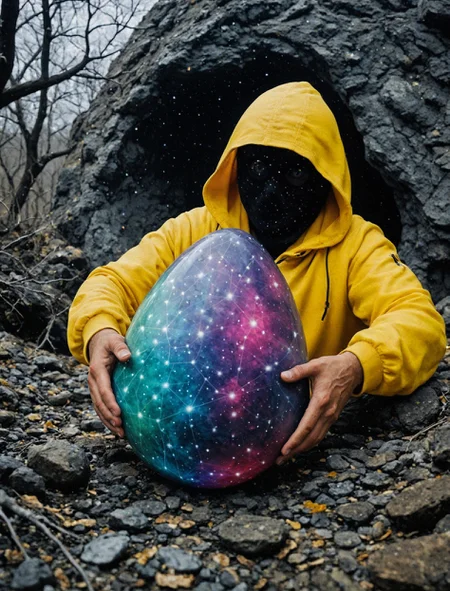
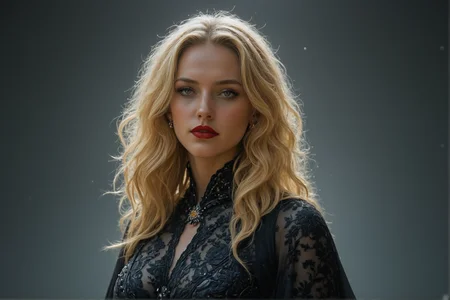
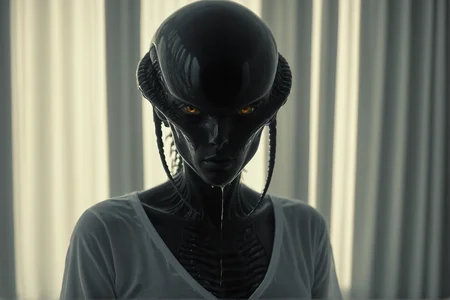
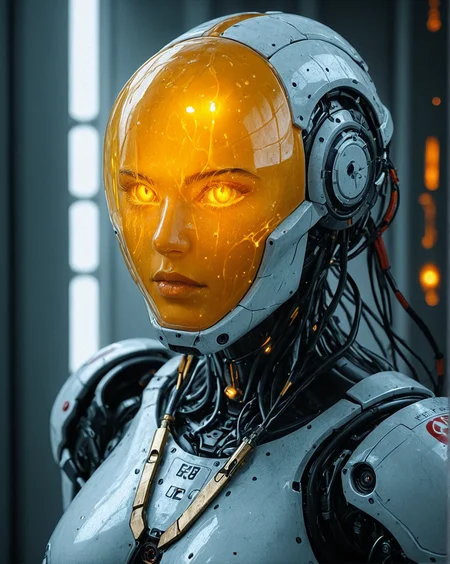
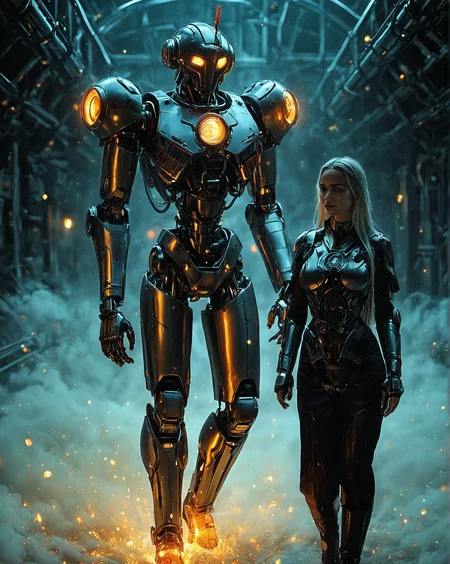
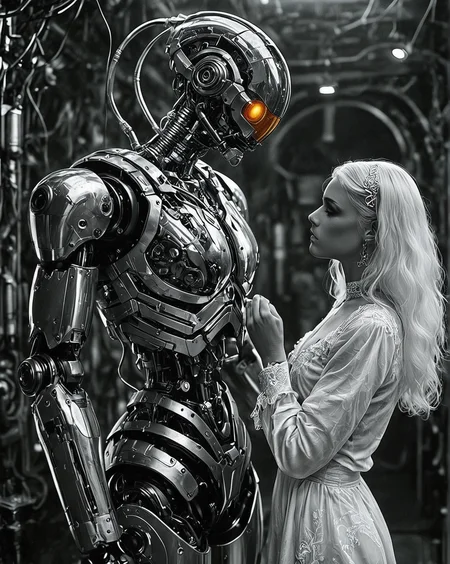
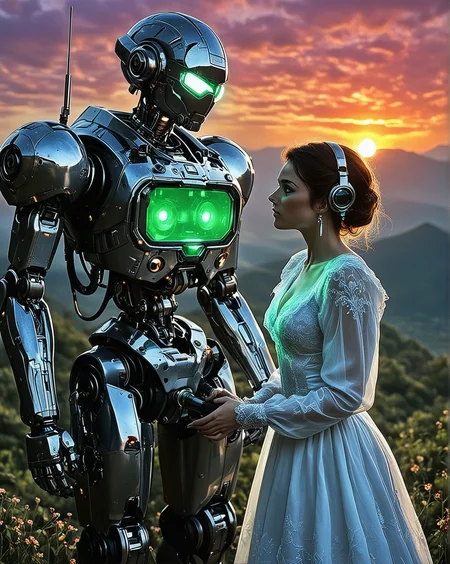
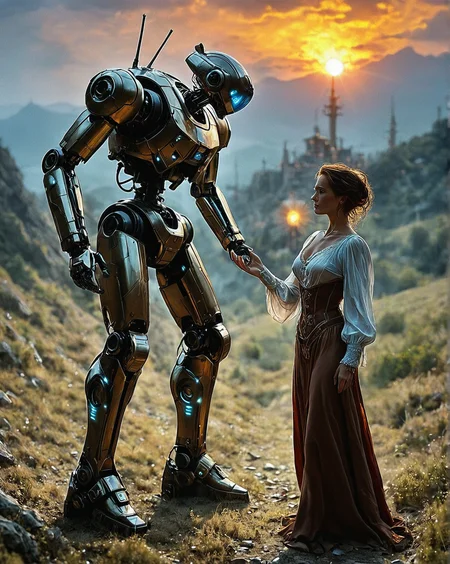
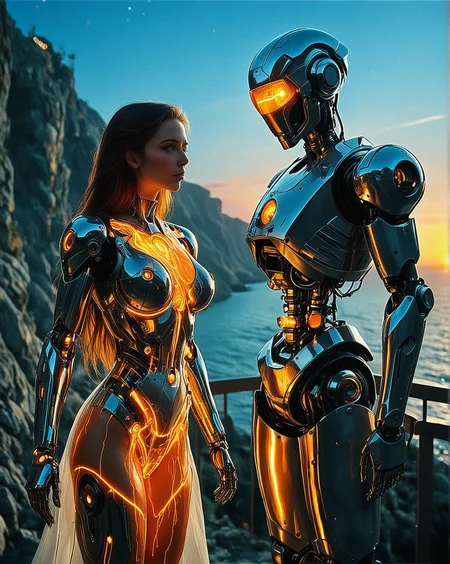
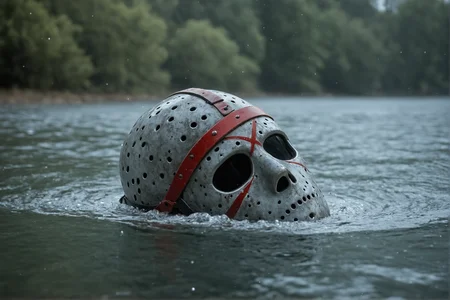
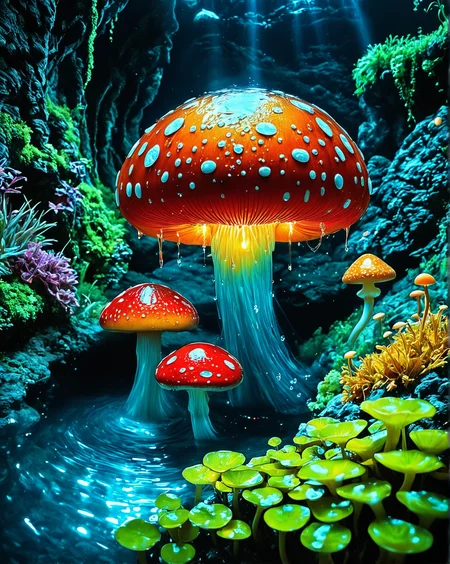

This branch of CinEro sourced from CinEro Ill v5. It evolves using training and elemental merges of ILL | PNY | XL resources. As a result, it loses some concepts from ILL | PNY drifting toward XL. The general goal is to make model combining good realism from XL world with a prompt adherence and character poses | interactions from PNY | ILL world.
Version notes
R6a SPD - Fast variant of R4e with additional training and fixes.
Goal of this version is to implement good combination of SPEED / REALISM / CREATIVENESS / UX. This version can be used with Euler_a if you reduce CFG (less than 1.3). Euler_ancestral_cfg_pp amd Dpmpp_ancestral_cfg_pp can be used with CFG 2.0 and slightly more. My favorite combinations for this version are based on "_cfg_pp" samplers or DDPM sampler with exponential, kl_optimal, beta schedulers. See samples posted by me for good parameters. Give feedback with the combinations that work best for you.
R4e LSK - brighter, sharper, clearer, and more realistic in comparison with R4c. It was trained using the newest realistic and creative dataset + elemental merge with R4c.
Recommended resolutions for the 1st pass: 1152..1280. 1st run at resolution > 1280 can give too high chance of duplicate elements. For the 2nd pass I recommend the total resolution of 1.7..2.25 MPx.
I also recommend DMD2 Speed Lora which allows you to run 1st pass at 8 steps with a very good results. Huge speed benefit without overbaking drawback if you use LCM sampler with SGM_Uniform, Exponential, Karras schedulers.
R4c DR34MY - R4a model trained on CivitAI + Locally with my latest greatly improved realistic dataset; have many aspects improved; renders are less sharp with soft focus effect (dreamy lighting).
R4a - preliminary version released for training on CivitAI. Feel free to skip or test Early Access version to give some feedback. This version gives 50/50 chance of improvements and some flaws.
IMPORTANT: try 1216x1440 or higher resolution first. Initial high resolution renders might give better eyes and facial details (also can improve fingers).
R3 D'n'D - Dark and Dreamy. Made with a new dataset (realistic cinematic colors contrast natural skin texture, good eyes and fingers, cinematic compositions and narrative). One month of dataset development and expensive training.
AHTUNG!!! You can render in 2k resolution (1440x1600) from scratch. No Upscalers required for 2k BUT... at this resolution extreme close portraits sometimes give deformed face. Try lower resolution in that case. Just noticed it and thinking about the fix.
R2 BelleAmber Plus - adds more realism, more texture details, more cinematic lighting, background and composition improvements.
R1 BelleAmber (FP16 FULL) - very sharp and contrast; try lower CFG values (start with CFG 3.0).
BelleAmber (BF16 PRUNED) - same as BelleAmber FP16 FULL but has lower contrast for higher CFG values. Let me know which one works better for you
RC2 - REALISTIC. For best results use HiRes Fix or ADetailer with Heun sampler for the 2nd pass. Alternatively, try single pass render with higher resolution like 1024 by 1440.
RC1 - semirealistic
Recommended settings:
IMPORTANT: USE CLIP SKIP 1 for best results.
Start with Euler + Beta or Uni_pc_bh2 + Karras. Optimal contrast and quality.
Euler A + any scheduler. Extra smooth, low contrast, low sharpness, clean textures.
DPM++ 2M SDE or DPM++ 2S Ancestral + Karras - better realism and good contrast.
With Euler and Euler A you can use CFG higher than 7. CFG 5..7 usually gives more realism. Overburning starts at CFG 10-11. DPM++ 2M SDE and DPM++ 2S A samplers requires CFG lowered by 2 points.
Portrait resolution I usually set is 1024x1280 or 960x1216. You can start with 832x1216 and increase until you get duplications (usually at 1440 by longest side).
For the 1st pass I usually go with Steps 20-30. For HiRes Fix or Ultimate SD Upscale Steps 8 is enough to fix most of the issues (with Denoise 0.29..0.39).
For prompt start with Booru style tags from sites like Denbooru or aibooru.
Natural language also should work. I add natural language prompt after Booru tags.
Some PONY embeddings work as usual with this version. Some of them might give bad results. Didn't test many of them.
SDXL / Pony / Illustrious LORAs should work (style related LORAs which don't depend on prompting).
Illustrious characters from anime world most likely won't work. Special training needed and it was out of scope of this release. Sorry.
This version love creative, horror, cyberpunk themes. It also renders good scenes with greenery, waters and natural light.
Male and female characters should work. Biased toward females. No specific training on gay themes.
You can TEST RC2 for free.
Please report if you found this version somewhere else outside of CivitAI at some other account.
Description
Hard rework of V6 RC1 and RC2 with improved textures, eyes, skin, anatomy and general realism improvements, reworked narrative.
Thanks to @belember and other users for BUZZ FUEL, constructive feedback and inspiration to keep progressing.
FAQ
Comments (29)
Faces turn out awful, even with adetailer.
Examples please.. I'll debug.
Most of the posts by other users shows quite good faces. If you post examples I can look into it and find out what is going wrong.
@homoludens MCGD5B3S7ZBKBA6FSA1FTG59P0.jpeg (832×1216)

@homoludens these were with adetailer https://civitai.com/posts/16598691
done on civitai
MCGD5B3S7ZBKBA6FSA1FTG59P0.jpeg (832×1216)
@bougyakumahou CFG 3 is quite low (not recommended) and there is a "source_anime" tag which might affect the face (pointy nose).
Let me play with your prompt locally with recommended setup and comeback with new post.
Judging by the "BREAK" splitter you used smth like A1111 Webui or similar tool. Correct?
@bougyakumahou parameters and prompt unavailable for jpg...
MCGD5B3S7ZBKBA6FSA1FTG59P0.jpeg (832×1216)
But judging by the technical features of image - looks like low CFG and too smooth sampler / scheduler were used. Low details texture. Also, for this composition I would recommend 1216x1440 resolution. SDXL needs mode pixels to properly render eyes, lips and other small facial features.
@homoludens that was a civitai gen, so can't change the resolution. Which is your preferred sampler?
@homoludens I tried the settings you suggested and there wasn't much difference. Faces are still bad and adetailer doesn't work to fix the issue like with other models. Here are a few gens on forge.
https://civitai.com/posts/16622822
Another update, I ran the same prompt through comfy, forge, and A111, they all produced the same issue with faces. The only time faces would turn out sort of ok was for portraits when the face is very large (which is what most of the users are posting on your page).
@bougyakumahou So, you mean in the case of composition with relatively small full body subjects and the face is smaller than 10% of image area it turns out into low detail face. Correct?
Usually it gets fixed by ADetailer in Face mode. As you pointed, compositions with medium to large face renders ok. What mode for ADetailer did you use?
@bougyakumahou Also, I see the CivitAI example have CLip Skip 2, but I recommended Clip Skip 1 (is is common for realistic models and I have trained this version with Clip Skip 1).
@bougyakumahou https://civitai.com/images/73692458
Can you look into this example? There is the workflow I use for posts.
It uses two KSamplers. One for Text 2 Image and second with ControlNet in Tile mode (adds the details at higher resolution). Also it renders with Clip Skip 1.
@homoludens yes, full body comes out the worst as in the examples, but even with upper body portraits I am still seeing the problem. for adetailer I tried yolov8n face and mediapipe. Neither seems to work right with this checkpoint. Made either no difference or made things worse (usually portrait shots make things much worse). I changed to clip skip 2 because on forge, setting it to 1 was giving very bad results the majority of the time. changing it to 2 made it somewhat better. In the example you provided Image posted by homoludens notice the face still looks unfinished, like clay.
@bougyakumahou Thanks for feedback. Will work more on far view face quality dataset.
This is a Pony model, not an Illustrious model😣
Why? More details about the difference?
Trained from Ill resources actually.
@homoludens I've posted a grid pic. With "solarpunk outfit" as the keyword prompt, the main elements of the images generated by V6 are closer to pony model, while the images generated by V5 are closer to Illustrious.
@frankwill007 Maybe heavy training on realistic dataset washed out some characters / specific outfit from anime.
@homoludens But "soloarpunk outfit" generated by realistic SDXL models is far different from that generated by pony. I dont think it's because of the dataset.
Still impressed of RC2 version having a Pruned fp8 at 3gb. I havent found any other quality SDXL checkpoint with that size.
You first one who reported that FP8 version is useful. It is ultimately easy to produce that 3Gb file for me. Will try to not forged doing that for next version. Comment on any version or other my models you thing worth converting to 3Gb format.
Great! I'll surely tell you! I will also upload some of my creations with the 3GB version. I used a GTX 1060 in Comfyui (6GB VRAM).
@schsch Can you confirm that FP8 version perfeorms better on low VRAM? Consumption is lower in runtime? What about speed?
I posted a review with the results (ComfyUI 0.3.30), comparing a 'normal' 6,4+ GB checkpoint, and yours. I use a 'paseer/hyper like LORA', (noobai_hyper_dmd_4step_EulerA) , I use LCM at 8 steps, CFG 1,5 with good quality. But in cinnero, quality is worse, like 50% of original. By using Euler Beta, 18 steps, CFG 5, without paseer-like LORAS, I get 80% of quality. If using the same LCM 8 steps, I get 55 seconds for a 1216x832 image. Normal 6gb+ checkpoints last 1m20seconds or more. By using cryptools in Comfyui, peak of 6gb checkpoint is 86% VRAM. Yours, 67%. SHARED RAM (I use 32gb). 6gb checkpoint uses 54%. Yours, 46% of my RAM. Quality is a bit worse but thats due to my config and the fact I use an anime LORA. I have not posted the images.
Resampling at 1,5x (1824x1248) (EULER BETA - 18 steps) lasts 3m50sec, with a maximum of 72% VRAM and 48% RAM. But she is not the same character LORA (still different). Then ADETAILER (face detailer) fixed it! So with 3,3GB model, I need further ADETAILERS. I just imagine the potential of realistic and also anime type of Illustrious and Noobai checkpoints with FP8! But perhaps its better a 4gb or even a 5gb version (3.3gb is too....much). It's harder to get LORA properties (characters are not identical to expected results)
@schsch With Lightning and LCM boosters I can't get satisfying results with any SDXL checkpoint. It is always seem bad to me.
Bit late to the party, but its fairly easy to create GGUF of any model. And from my experience around 3GB is Q5_K_M .. which gives very decent results in case of SDXL based stuff.
Only issue is that its tad slower than fp8 due processing overhead needed for GGUF.
Oh just to add the discoveries here. Those converted FP8 versions (3gb) checkpoints needs to be checked if they're just 'diffusion_models' (RAW ones without vae nor clips), or the clips are with them. Thats because if no clip, Using 'checkpoint loader' will NOT import any clip, which implies prompts of 'low adherence'. In ponyxl, I know there is a way to load external clips (by using DualClipLoader in ComfyUI) with ones like BigASP, joyclip and others, yielding an even better prompt adherence (in ponyxl).
schsch All FP8 models in CinEro series are made with a very simple ComfyUI workflow. It is like "Load Checkpoint" then "Save checkpoint". CLIP, UNET, VAE linked 1-to-1 from Load to Save. ComfyUI started in fp8_xxx mode for unet and clip. These models should work as usual in ComfyUI, but I remember that there was some issue with compatibility with A1111 WebUI. For some reason it generated error no matter the fact that developer claimed FP8 support.