

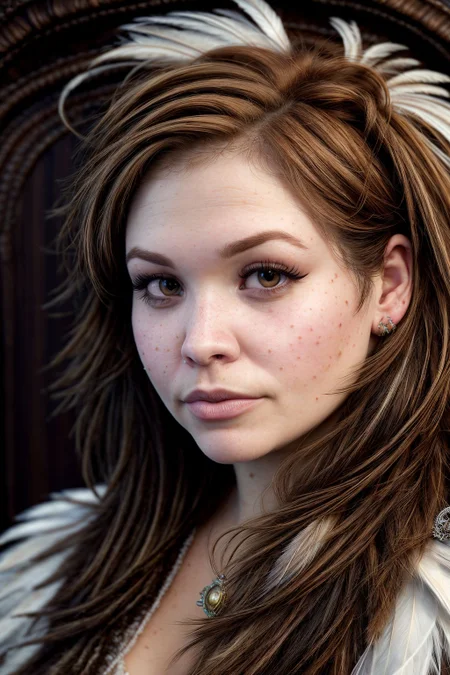


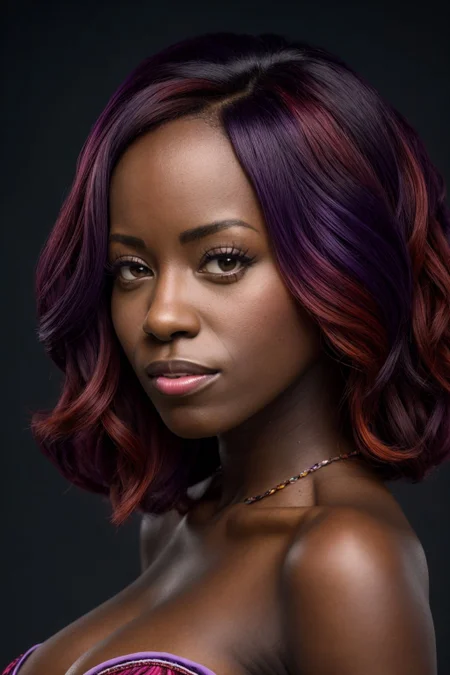
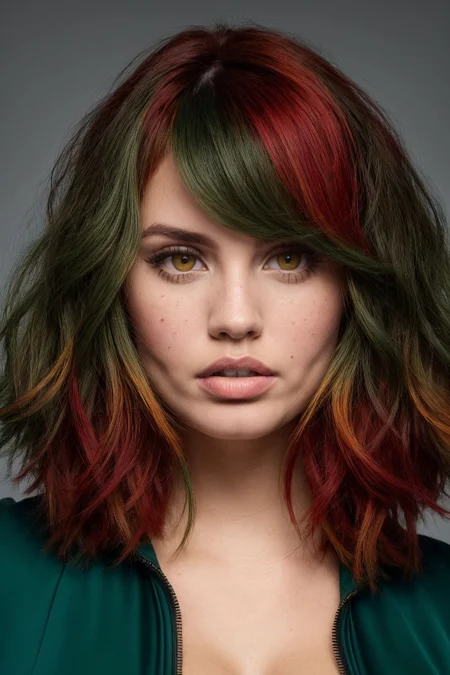
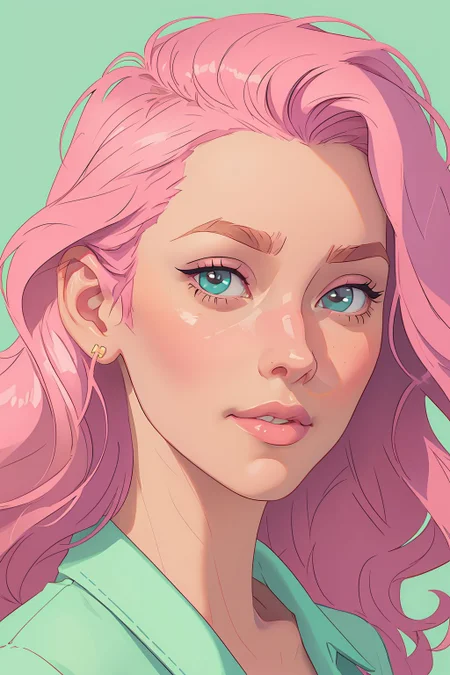



So I wanted to get more use of all my inversions. this is nothing fancy but put together the wild cards for my style inversions and for the inversions in have made, allows me to randomly make instead of showing favouritism.
simple structured folder. folder for the textual inversions of the ladies, one for the styles, and one for the wild cards. thought I would put them all together as its easy way to get them all and also vary the use.
Use
Simple use. Extract the folder and put the inversions in your embeddings folder and the wild cards in the wildcards folder. The folders were just for ease and not necessary. You may only want the style or the girls. Figured easiest to separate.
Wildcards
If you aren't familiar, wild cards allow for random prompt use from a text file. The prompts are done by line and you trigger these with your prompt using __filename__ (that's double underscore each end). So if you use mine you would use either __dengirls__ or __denstyles__ in your prompt.
My wildcards here require the inversions as they have been named, so don't change the names or the wildcards won't work.
Making your own prompt files is easy. Ensure you have wildcards in your automatic1111 (link). Make a text file and name ot as you want *example hairstyles.txt). Line by line you can make prompts which will be randomly selected by the wildcard. put the wildcards file in the wildcards folder. You are done. Now just use __filename__ in your prompt when generating.
I recommend the prompt builder wildcards as they have been great if you don't want to make your own.
Description
updated to include my more recent inversions. have also added to the wild cards a little, and finall included my merger checkpoint TOON BABES.
same as before, extract and place in respective folders.
purely as I wanted a collection of them.
I have not updated with my other styles, as I'm not finding them to be that useful, but maybe another time.