














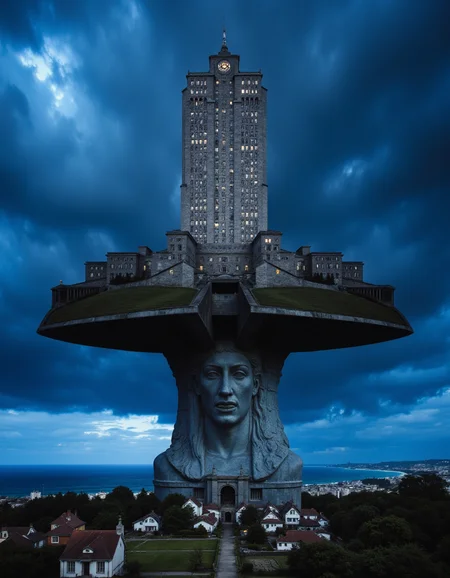
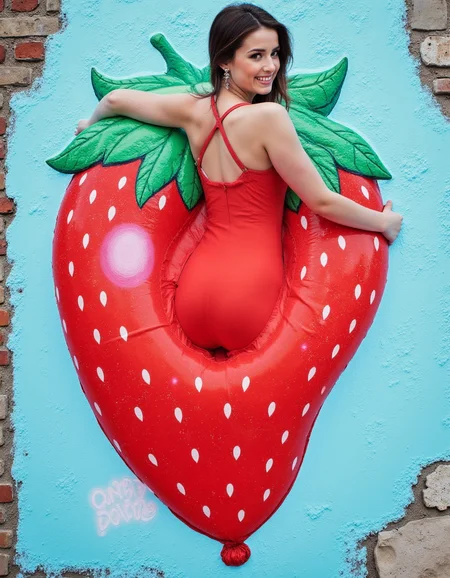

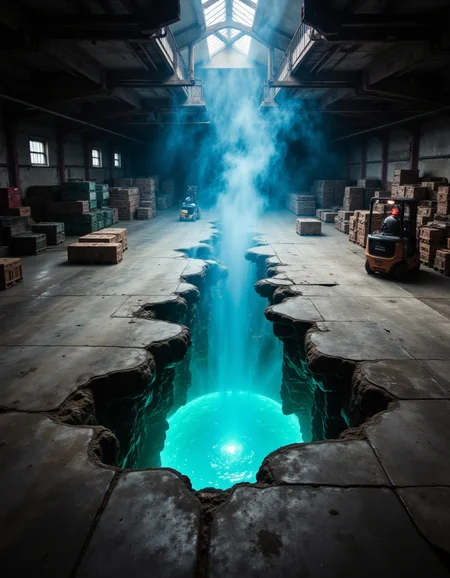

This is pretty experimental, but can be a lot of fun if you persist past the duds. The idea was to create scenes that have elements that are obviously, yet skillfully photoshopped or inpainted in. Flux wants to fix everything during training, so it fought the concept pretty hard.
The trigger photoshopped was trained in, but you can also just describe two scenes. In a lot of my examples I've described a scene at the top of the image and a separate scene at the bottom. You can also use a phrase like morphing into. Broad items like umbrellas and hats are convenient transition areas between scenes.
Actually, one tremendously helpful tip I learned from watching @AIDigitalMediaAgency use this is to prompt for many different types of scenes in specific places. So, for example, a woman's face that has eyes morphing into a waterfall, erupting volcanoes photoshopped into her cheeks, hair shaped like snowy mountain peaks, etc. Even though I trained on images that only had two distinct scenes, the model can generate lots of them.
Limb disfigurement is fairly prominent. Sorry 'bout that.
Description
FAQ
Comments (11)
Never apologize for limb disfigurement.
Wow this model is outstanding. Thank you for sharing! ♥
Thanks! It was a little pet project of mine that Flux fought pretty hard. It took a few iterations to get it to cooperate to the extent that it does now. Thanks for taking the time to explore it and post your wonderful images! ❤️
And thanks for the buzz!
One of the best flux lora that push the model capabilities further. It's a niche I haven't seen before so i hope you'll create more like this!
Great work 👏💪
I am absolutely thrilled with the Photoshopped Scenes LORA! It's incredibly versatile and beautifully extends and enhances images with finesse. The LORA handles various styles seamlessly, breathing new life into every picture with its detailed additions and perfectly matched colors. It's truly top-notch and comes with my highest recommendation. 👌👍
Thank you so much for this! I was afraid this was going to be a flop, but seeing what you all have created with it has been completely amazing 🤩🤩🤩
Hey man! Qwen prompt adherence being off the charts, I'm wondering if your lora would translate well to qwen 🤔
Oh, good call! If Civitai get Qwen training set up I'll definitely go for it!
Details
Files
Available On (1 platform)
Same model published on other platforms. May have additional downloads or version variants.