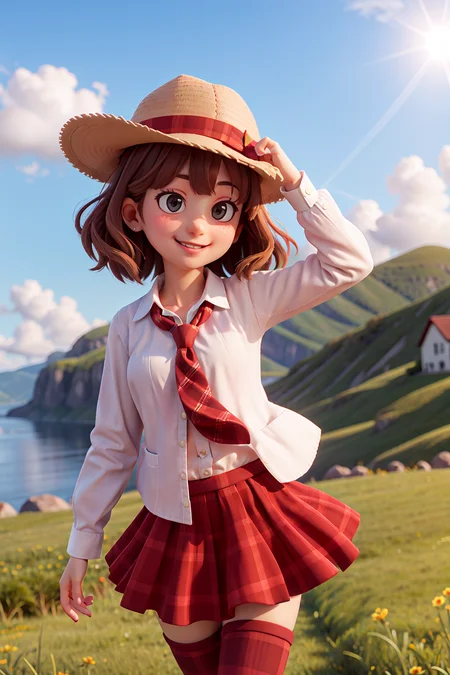
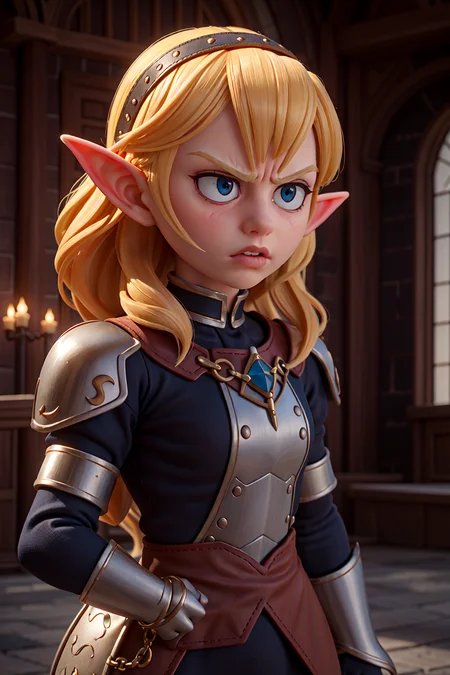
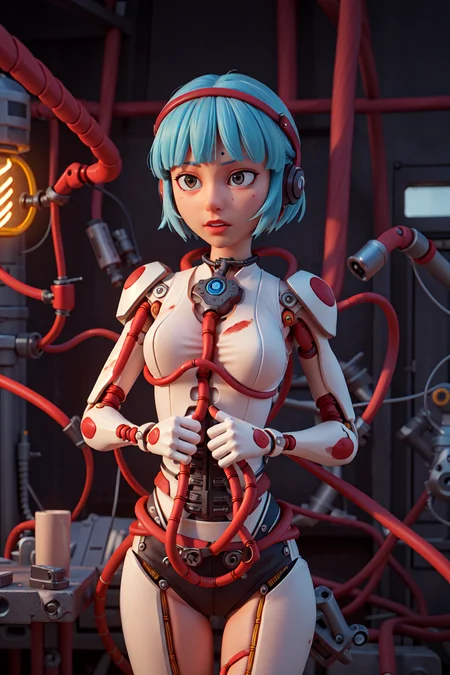
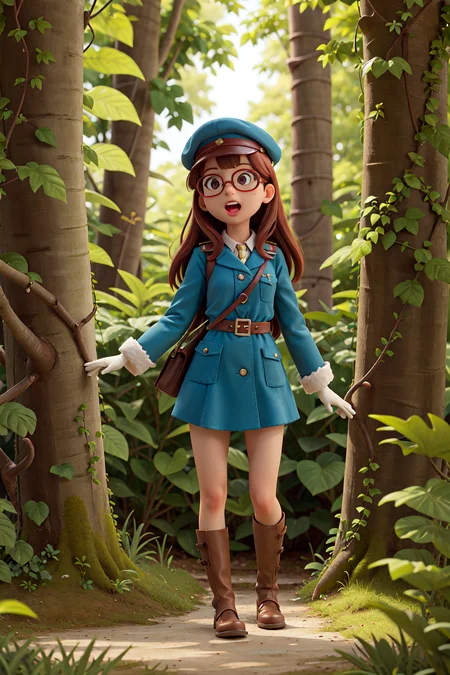
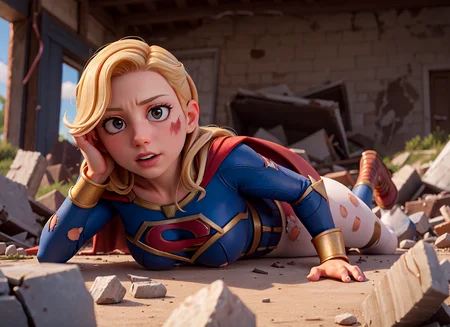
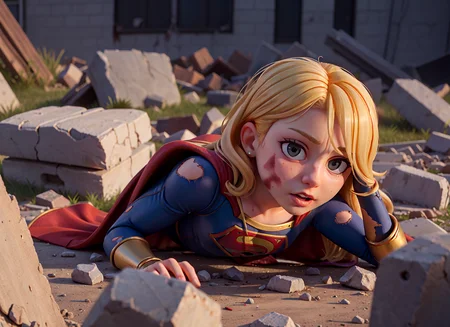
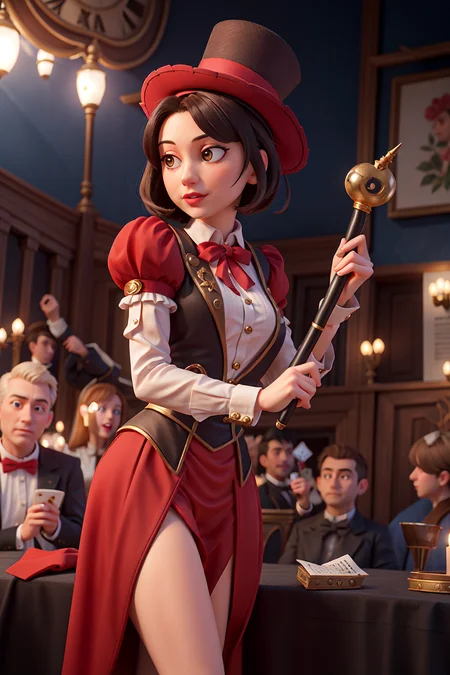
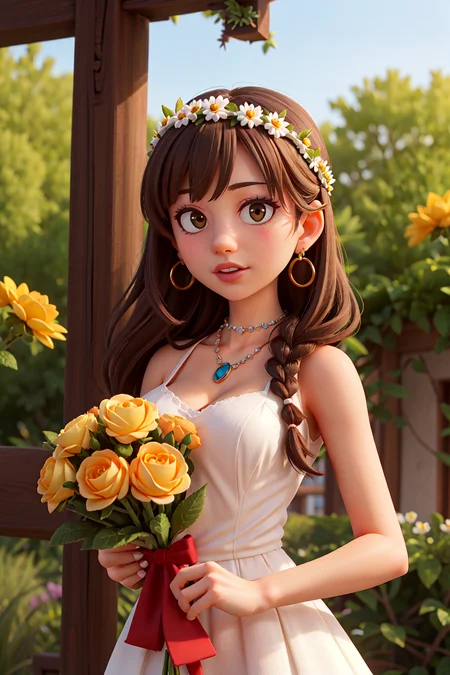
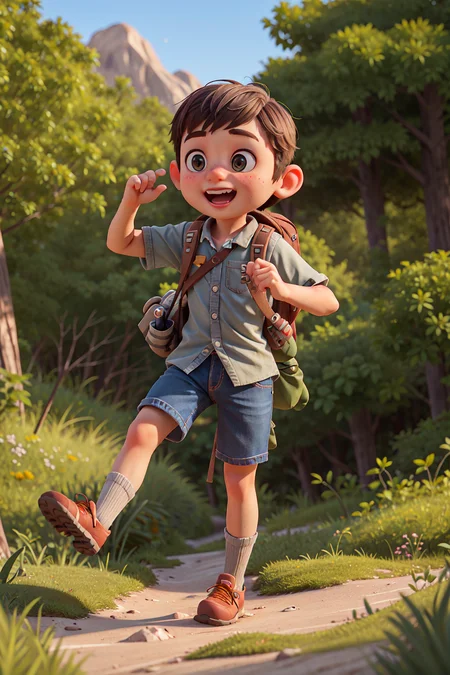
There's no good pixar disney looking cartoon model yet so i decided to make one. This is a merge of Pixar Style Model with my own Loras to create a generic 3d looking western cartoon. In the examples I Use hires. fix, upscale latent, denoising 0.5, hires steps 20, upscale by 2 . Clip skip 2 . I will upload more variants of this in the future
You need to use VAE or the color become pale and gray
if you like the models, please consider supporting me on, i will continue to upload more cool stuffs in the future
Description
FAQ
Comments (99)
what cfg scale do you use?
7.5
5 is good
Excellent work. Can't wait to see what you do next
What a triumph! Kudos! Thank you!
Hello! First of all, congratulations, it works really well. Then, I wanted to ask you if you've noticed that the images come out very desaturated? They look fine while processing, but at the last moment they noticeably desaturate. Have you noticed such behavior? Because the examples I see here, some of them look fine in terms of color and others desaturated as it happens to me. Thanks!
what VAE do you use? i use yozora vae
@PromptSharingSamaritan The problem must be that one, I've read that you were using a VAE and I downloaded it but honestly, I've never used one before. I put it in the embeddings folder thinking that was what I had to do, but apparently not. How can I use the VAE?
@DarkMoai copy the vae to stable-diffusion-webui-master\models\VAE and then go to automatic1111 webui , click on settings tab, the go to stable diffusion tab to the left, then go to SD VAE to select which VAE u want and then click apply settings.
@PromptSharingSamaritan Thank you very much! I really appreciate it, I'll try it right now.
Great model! Thank you for sharing it!
Nice model! How do I get the male characters to lose the maniacal/evil/frowny eyebrows?
great model, very flexible.
but it seem most sample used for trsining from fanart, low poly, blender cycle render.
could you trained type B from highpoly fanart or official still on artstation.
Thank you so much for sharing! I absolutely love this model! The quality is just astounding!
aaa
Thanks, great model, but why are all the people in the pictures I've generated glassy eyes, or cross-eyed, eyes without spirit, staring in one direction.
I've found that this model benefits from hi-res fix
Use Hires fix ... it literally says so in the description.
That's a really good model. Thanks
what is the config.json file for the night sky yozora vae?
look on the diffusers hub
I can't seem to reproduce the results, it may be because of my settings changed for another model specifically. Does it use default sdwebui settings or is something changed?
try use hi res fix and change to yozora vae or any other anime vae
@PromptSharingSamaritan where can i find the vae model
looks more like illumination than pixar tbh
still crazy good though
One of the best models on here without doubt. SO versatile, pretty much every Lora I have worked flawlessly with it and it seems to make anything I throw at is. Lovely model.
Thank you, I like the style of this model, it has the style of 3D model rendering, but it's a pity that the eyes of the character model seem to be a bug that cannot be corrected. Yozora VAE feels very unnatural, its chroma is too saturated, I must prefer to use Color101 VAE.
为什么我生成的图片仿佛有一层雾,有点模糊,复制了相同的关键词而图不一样,不够高清,是我显卡的问题吗
use proper VAE and use hi res fix
@PromptSharingSamaritan thank you
现在解决了我的问题,在网上找方法调试了VAE模型,就修复了
@nikola_lin 你换的是哪个WAE呀?我也有同样的问题
@PromptSharingSam6319 Hello, I used your model and prompt words and found that the overall picture is a bit dark after use, and the face of the angel is a bit damaged. Is it convenient to ask what VEA model you use?
@SharedObjects yozora vae, already mentioned in the description
Please input diffusers to train faces on Dreambooth
what do you mean
@PromptSharingSam6319 like those ones https://huggingface.co/models?library=diffusers
diffusers models are made to been trainable. But not all of them has quality to train faces.
I use TheLastBen Dreambooth Colab. If the model doesn't have diffusers it gives error
@ianhmz how to input diffusers?
@PromptSharingSam6319 I have no idea hahah, never created a model from scratch
Greate model! Could you please share how do you train such a good model? You said you merged Pixar Style Model with your own loras. Does it mean that you train this model with the images generated by Pixar model + loras?
honestly i don't even remember, i merge with a lot of models and other loras
@PromptSharingSamaritan Thank you for replying! Also, did you simply merge multiple models by using checkpoint merger or did you use the generated data to finetune the new model?
@StablePika checkpoint merger. but the loras are what giving the unique look
@PromptSharingSam6319 Got it, thanks.
hmmm weird things on the handbag.
Would you consider making a diffuser version of the model?
请问大佬可以做一个diffuser版本的模型吗?
Veryy happy with this model - lots of insane possibilities. Only complaint is the armpits - why are there so many folds/wrinkles on the character's armpits? (try "arms_up" prompt) wish it would be more flawless and clean like in 3d animation
impossible to get hi-res without the CUDA memory error... FML
Hey! If you're using webui then edit the bat file called "webui-user" and add the following to the command arguments line: --reinstall-xformers --xformers --autolaunch
Then after your first launch you can remove "--reinstall-xformers" as that party is only needed to get xformers to donwload. xformers is a free performance enhancer for stable diffusion so you should be able to generate higher quality pics. If thats still not enough memory saving for you, you can add "--lowvram" to the argument line as well though this makes it take longer.
The model is great, but when using it together with the real person Lora, there is a tendency for the eyes to easily glitch or break. Does the author have any good solutions for this issue?
Honestly believe this one of this author's best creations with only minor flaws like the iris which can't be fixed by any prompts or negative embeddings and the excessive lines or creases on the character's underarms when using prompts like "arms up" - hopefully they get fixed eventually.
Anyone got a workflow for comfyui? I'm getting noisy outputs
Please forgive noob question, but this Lora produces WEIRD SCARY EYES. I've tried to reproduce all the inputs and I'm using face restoration. No other LORAs. Any idea what I'm doing wrong?
i use hi-res fix and anime VAE, i dont use face restoration
Thank you! I'll give it a try. Which upscaler, and how many hi-res steps do you use?
@artydelly247 try sd up
how can I create a character like that from a picture of a person? or let's say a celebrity like Lebron james? Thank you
for celebrity or specific people try use a lora or train your own lora
What VAE need to download?
you can find yozora vae at huggingface
@PromptSharingSamaritan there is 4-5 of them there.. which shall I get? Also I noticed they are "vae-name.bat" type files?? shouldn't they be *.ckpt files or something similar? a *.bat file is a executable file, which is kinda suspicious.
@jerimy777 i think it should be YOZORA. vae. pt if i'm not mistaken, you can use other anime VAE, it's not that important
@PromptSharingSamaritan YOZORA.vae.pt is not showing up in the vae options after I downloaded it to the vae folder
@nitinharshitalucky212 try refresh or download some other VAE
@PromptSharingSamaritan I downloaded three VAE's from civitai and even after selecting them in the VAE option I am still getting pale colors. the colors are bright during the generation process but once the generation finishes the colors turn pale. Please help me I really want to use this amazing model
@nitinharshitalucky212 i don't know what happened, but if you use the VAE correctly then it should not be pale
@PromptSharingSamaritan can you please tell me how to correctly use VAE. I downloaded one and put it in the vae folder and after that I selected that vae from the option in the UI but it's not working
@nitinharshitalucky212 yea that's how you use vae, don't know why it's not working for you
@nitinharshitalucky212 maybe you using the "built-in" vae in the model?? ...and make sure you are using a SD vae for SD and SDXL vae for SDXL.. but yeah, just dropping it in the vae folder and loading it in the workflow is all you should need to do.
@nitinharshitalucky212 thats not a vae issue... Sounds like a denoise issue
@jerimy777 How can I resolve that?
@nitinharshitalucky212 well just change the denoise level.. try .7- 1.0... message me the list of your settings and models.. Ill try it on my end and see what I can come up with for you. It's hard to say without any info.. read the command line when que and new image. Sometimes it will still show an image but ran into errors while creating.
@nitinharshitalucky212 you have to restart StableDiffusion before they will populate the list of. Make sure to unzip the file first.. But Vae typically have little effect on the output anyway. I wouldn't worry with it too much.
Not problem with loras, but all results are Grey "unlived" colors why?
use vae, u can find yozora vae on huggingface
@PromptSharingSamaritan u should link it here
Is it possible you can make an inpainting model for this?
UPDATE: I made an inpainting model using this thread I found on Reddit: https://www.reddit.com/r/StableDiffusion/comments/zyi24j/how_to_turn_any_model_into_an_inpainting_model/
I highly recommend anyone to try it!
Add onsite generation please 🧨
How I can train with dreambooth method in this model?
i wanted to ask from where i can download the vae file
google huggingface yozora vae
can I use this for my nsfw games / comics?
Haha download and try it out I would say
Nice kudos
I have problems generating in invoke in combination with the VAE from YOZORA.
Without VAE, however, the generation works as predicted in grayscale.
Error message from Invoke:
OSError: Unable to load weights from checkpoint file for
invoke\models\sd-1\vae\YOZORA.vae.pt' at
Has anyone else had a problem like this?
Is there an actual difference between Type A and Type B? I read the descriptions, but the files seem to be the same size, same filename, and same published date.
it's different, please rename the file, it was a mistake
it can't do NSFW
Sounds like you're just shit at prompting.
Details
Files
disneyPixarCartoon_v10.safetensors
Mirrors
disneyPixarCartoon_v10.safetensors
disneyPixarCartoon_v10.safetensors
disneyPixarCartoon_v10.safetensors
stylized_disneyPixar_va.safetensors
disneyPixarCartoon_v10_1.safetensors
disneyPixarCartoon_v10.safetensors
disneyPixarCartoon_v10.safetensors
disneyPixarCartoon_v10.safetensors
disneyPixarCartoon_v10.safetensors
disneyPixarCartoon_v10a.safetensors
disneyPixarCartoon_v10.safetensors
disneyPixarCartoon_v10.safetensors
disneyPixarCartoon_v10.safetensors
disneyPixarCartoon_v10.safetensors
disneyPixarCartoon_v10.safetensors
disneyPixarCartoon_v10.safetensors
disneyPixarCartoon_v10.safetensors
disneyPixarCartoon_v10.safetensors
disneyPixarCartoon_v10.safetensors
disneyPixarCartoonTypeA_v10.safetensors
disneyPixarCartoon_v10.safetensors
迪士尼皮克斯卡通disneyPixarCartoon_v10.safetensors
disneyPixarCartoon_v10.safetensors
disneyPixarCartoon_v10.safetensors
disneyPixarCartoon_v10.safetensors
disneyPixarCartoon_v10.safetensors
disneyPixarCartoon_v10.safetensors
disneyPixarCartoon_v10.safetensors
disneyPixarCartoon_v10.safetensors
disneyPixarCartoon_v10.safetensors
disneyPixarCartoon_v10.safetensors
Available On (2 platforms)
Same model published on other platforms. May have additional downloads or version variants.