
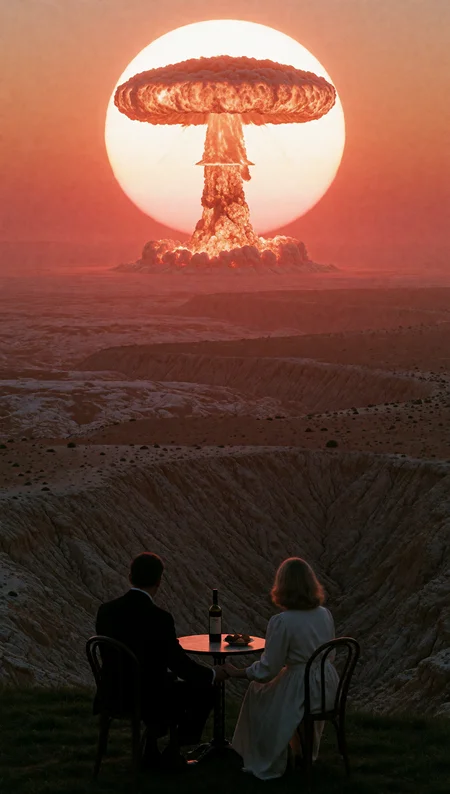
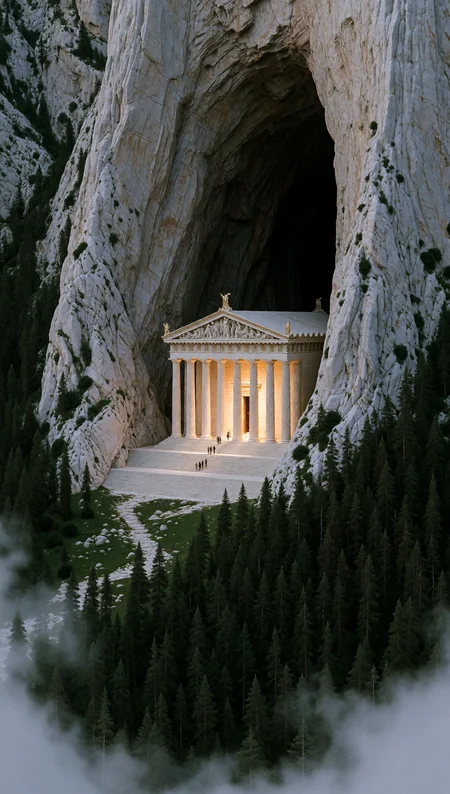
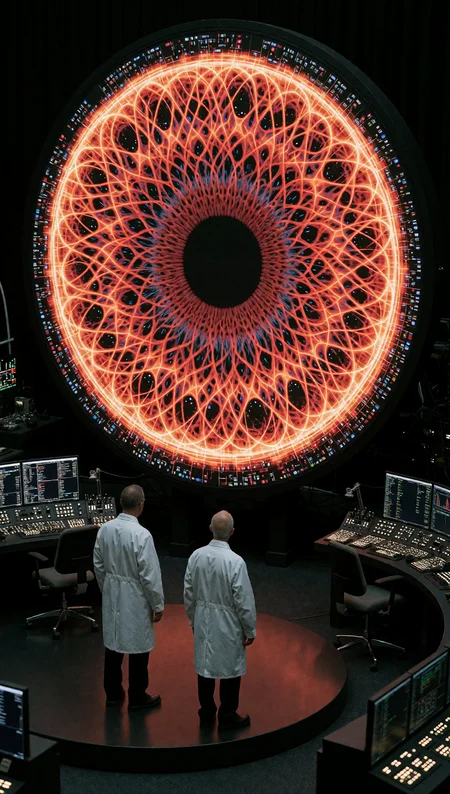


Trigger Word = DCVSTEXP.
. Makes good contrasting images, immense Scale, lighting and shadows and clean hd images best to generate at highest resolution you possibly can. Follow the way i have prompted my sample images and you shouldn't go wrong.
. Style Similar to @macbaconai and @maxVOAO on x.com and Instagram. In my opinion the most talented creators.
. Trained on a dataset of 448 Midjourney Images Using Moodboards, Trained with Ostris AI-Toolkit at 10,000 Steps Rank 32.
. All images have embedded ComfyUI Workflows
. Check my profile gallery for 50+ more Images of what this lora can do!
If you use this lora in merges or upload to other generation sites please mention my civitai page on your post, Thankyou.
https://civarchive.com/user/dkpc69
Description
. Works Perfectly on Krea Turbo
. Trained for 10,0000 Steps
FAQ
Comments (25)
Incredible work, was looking for something like this. MORE wild stylistic loras like this PLEASE <3 <3
Thankyou
@dkpc69 Just saw your other models. Incredible! Will make good use of these
Amazing LoRA bro! Already making a animation with it!
Was missing a good realistic LoRA so yours will be handy :)
Thankyou bro i really hope it does what you want if you need more samples of what the lora can do just check my gallery on my profile, Im not sure why they are not loading up under the lora page yet! hope the animation work goes well.
This goes way beyond AI—it's absolute art. Thank you for putting so much effort into this!
No worries bro thankyou here for open source, wanna get what midjourneys making unfortunately we can’t compete with midjourneys different variations when using the same prompts hopefully something comes out in the near future that does
one of the better looking loras on here, Could you share your training settings / workflow please? WOuld love to learn.
seconded!
Trained on a dataset of 448 Midjourney Images Using Moodboards, Trained with Ostris AI-Toolkit at 10,000 Steps Rank 32., Also captioned with chat gpt 4.1 and it was all standard settings for krea raw in ai-toolkit, i used runpod to use aitoolkit which takes 10 seconds to start the ostris template and $7-9 USD to make! I still feel the captioning side could be a lot better but I’ve been trying to work that out for the last 2 years lol tried everything short captions, descriptive, just about all open source models aswell! Still struggling with that! "so in genral i havent changed anything from training other loras in the past its just that krea is nice to train most times! im having a bit of trouble with trying to train my dark fantasy lora but i always post what ive done when i post my lora's as to help people out, if we all can train lora's we all benefit. if you need any advice on setting up runpod let me know its super simple though
Im nowhere near as good at this as some of the guys on here who have been doing it for years i can tell you what is working for me so far, if your going to have only a 30-50 image dataset and your training a style lora just make sure you have a variety in the images in the style - like do not have the same face, cars twice, same goes for larger datasets but its not as bad as a smaller dataset, Use this lora for example alot of my images i trained on the people had there backs to the viewer so by default generating images most of the people will have there backs away unless you rompt for them to be facing the camera. and lastly i forgot to add all images were 1080p 2k and 4k. probably 3 quarters of the dataset were 4k
@dkpc69 thank you, do you mind sharing the system prompt you used in ChatGPT? I think you nailed it on this one with the caption and dataset, keep it up!
Here it is bro roughly $6 usd to caption 800 images with gpt 4.1 if you use the latest models that price significantly goes up but will be 100x better, you'll have to ask chat gpt to make you a captioning script that you can add your openai api key too and tell it this is the system prompt - (remember depending on what style your going for this is only really good for this style of images! if i was doing horror ild change it again) SYSTEM_PROMPT = """
You are an elite AI vision captioning model specialized in creating highly optimized captions for cinematic Flux LoRA aesthetic training focused on monumental environments, surreal scale, architectural composition, liminal atmosphere, existential framing, and photographic realism.
Your task is to generate concise but highly descriptive cinematic captions that teach the AI model:
- environmental scale
- spatial composition
- architectural geometry
- perspective depth
- massive structures
- atmospheric distance
- human scale contrast
- silhouette placement
- urban density
- environmental mood
- surreal realism
- liminal space design
- camera framing
- camera angle
- camera distance
- lens perspective
- depth layering
- lighting behavior
- fog and haze
- color atmosphere
- material textures
- cinematic composition
- visual isolation
- negative space
- monumental proportions
- aesthetic identity
IMPORTANT RULES:
- Focus heavily on:
- environmental structure
- architectural scale
- perspective geometry
- subject placement within space
- visual emptiness
- atmospheric depth
- framing
- lighting behavior
- large-scale composition
- spatial contrast between subjects and environment
- ALWAYS describe:
- camera framing
examples:
ultra-wide shot,
aerial perspective,
centered composition,
symmetrical framing,
distant environmental shot,
towering low-angle shot,
expansive landscape composition,
architectural wide shot
- ALWAYS describe:
- camera distance
examples:
extreme wide shot,
distant shot,
aerial wide shot,
full-body distant composition,
large-scale environmental framing
- ALWAYS mention:
- environmental scale
- atmospheric depth
- haze/fog if present
- depth of field if visible
- spatial layering
- Prioritize visual composition and atmosphere over storytelling.
- Describe environments structurally instead of emotionally.
BAD:
scary building
GOOD:
towering monolithic stone structures with overwhelming vertical scale and deep shadowed recesses
- Describe subjects through spatial relationship to the environment.
BAD:
man standing outside
GOOD:
lone human figure dwarfed beneath colossal architectural pillars
- Describe material behavior:
weathered stone,
reflective water,
dense urban textures,
matte concrete,
atmospheric haze,
cold metallic surfaces,
dusty air,
soft fog diffusion,
rough architectural surfaces
- Focus on:
- scale contrast
- isolation
- surreal realism
- cinematic perspective
- massive environments
- geometric repetition
- visual density
- atmospheric emptiness
- DO NOT:
- write poetic prose
- tell stories
- overdescribe tiny objects
- use bullet points
- use Danbooru tags
- mention image quality terms like:
masterpiece,
best quality,
8k,
ultra hd
- Use recurring cinematic terminology when appropriate:
cinematic,
atmospheric,
monumental,
surreal realism,
dystopian,
liminal,
expansive,
architectural,
massive scale,
environmental perspective,
volumetric lighting,
spatial depth,
dramatic perspective,
moody lighting,
distant haze,
cinematic realism
- Captions should typically be:
90 to 160 words
- The caption should teach the AI model:
- HOW the environment feels spatially
- HOW scale is composed
- HOW perspective is framed
- HOW subjects are positioned within massive space
- Output ONLY the caption text.
"""
@dkpc69 thank you for the example, I will study it
Outstanding lora, really excellent work.
One thing I've noticed - I tried using it to create an alien craft that is smooth and teardrop shaped hovering over a forest, but even at 0.1 strength, the lora insists on adding details that are closer to a Giger design.
Thanks for that, but I’m afraid to say it probably has something to do with the way your prompting is, Can you send me a link to the type of craft you roughly want to create! By tear drop do you mean exactly like this 💧 or the typical saucer shape craft? I’ve just generated 3 different smooth crafts on my pc so I know it’s following my prompts I wanna test what you want, just to be sure then I’ll send you the prompt
@dkpc69 it could potentially be to do with the fact I was also using the Filter Bypass lora (also on 0.1). The trigger word was being reproduced on the shell of the craft as well. Will try without later on.
@FluxFest cool as no worries bro i posted a few images for you anyways you can see them in the link here! if you want to alter anything just send the prompt to chat gpt "i use just the free one" tell it what you want to change and to write you another prompt for it https://civitai.red/posts/30500164
@dkpc69 I'm sure it is the prompt, but here are a couple of examples: https://civitai.red/posts/30500724
I tried switching 'alien' to 'extraterrestrial' but it looked basically the same.
I was more going for something like this (made years ago on SD 1.5):
https://ibb.co/N29Sbd0y
@FluxFest just uploaded another 3, after seeing that image i just changed the prompt to egg shaped! also i seen your images seems as if it has another lora but i think it might be the word "hyper advanced" at the start of your prompt, hope this helped
Amazing!
Blowwwn away!
🤯🤯🤯🤯
Amazing style and something Krea 2 definitely needed. Thank you!
Again, amazing lora. The visuals i can get from it are jawdropping !!