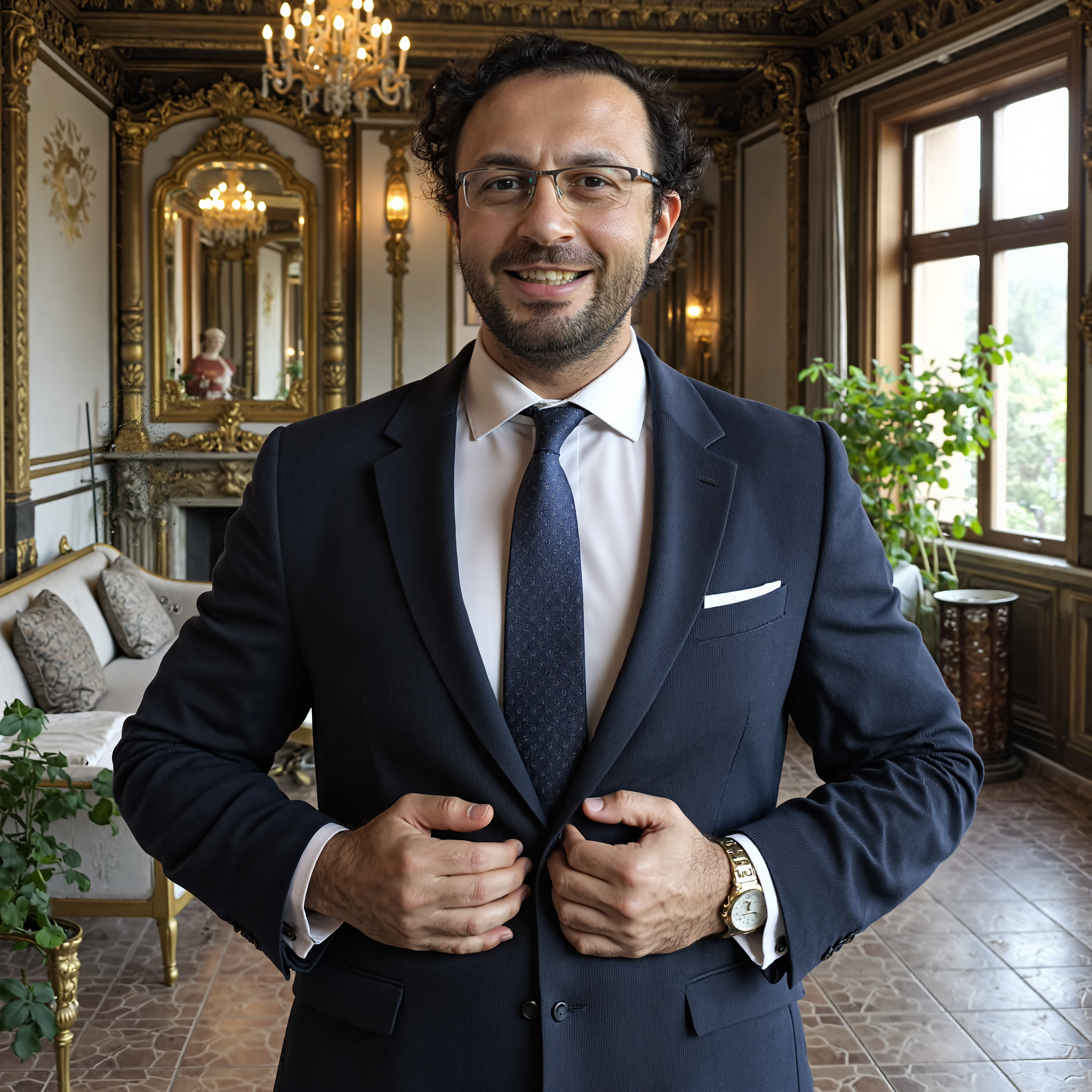
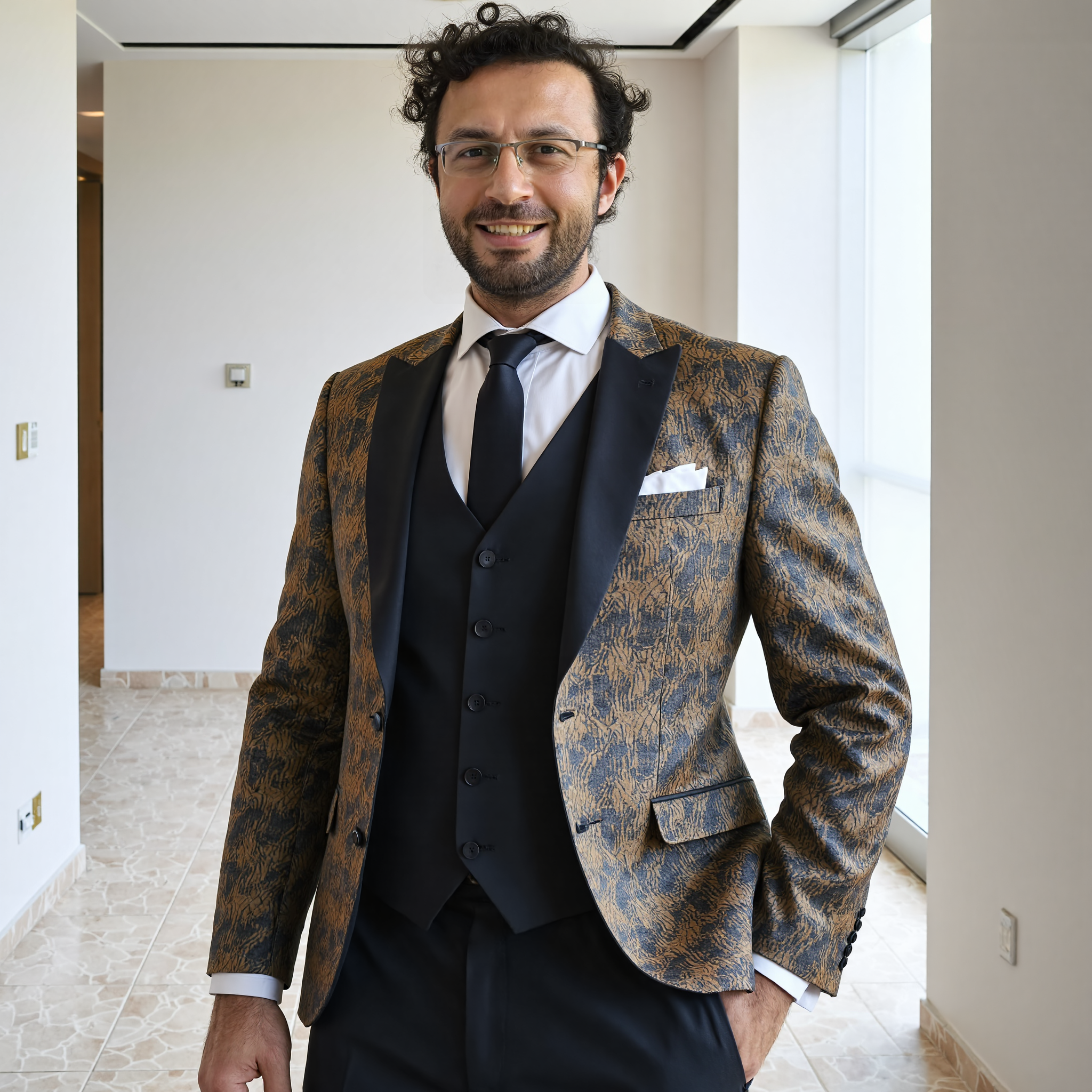
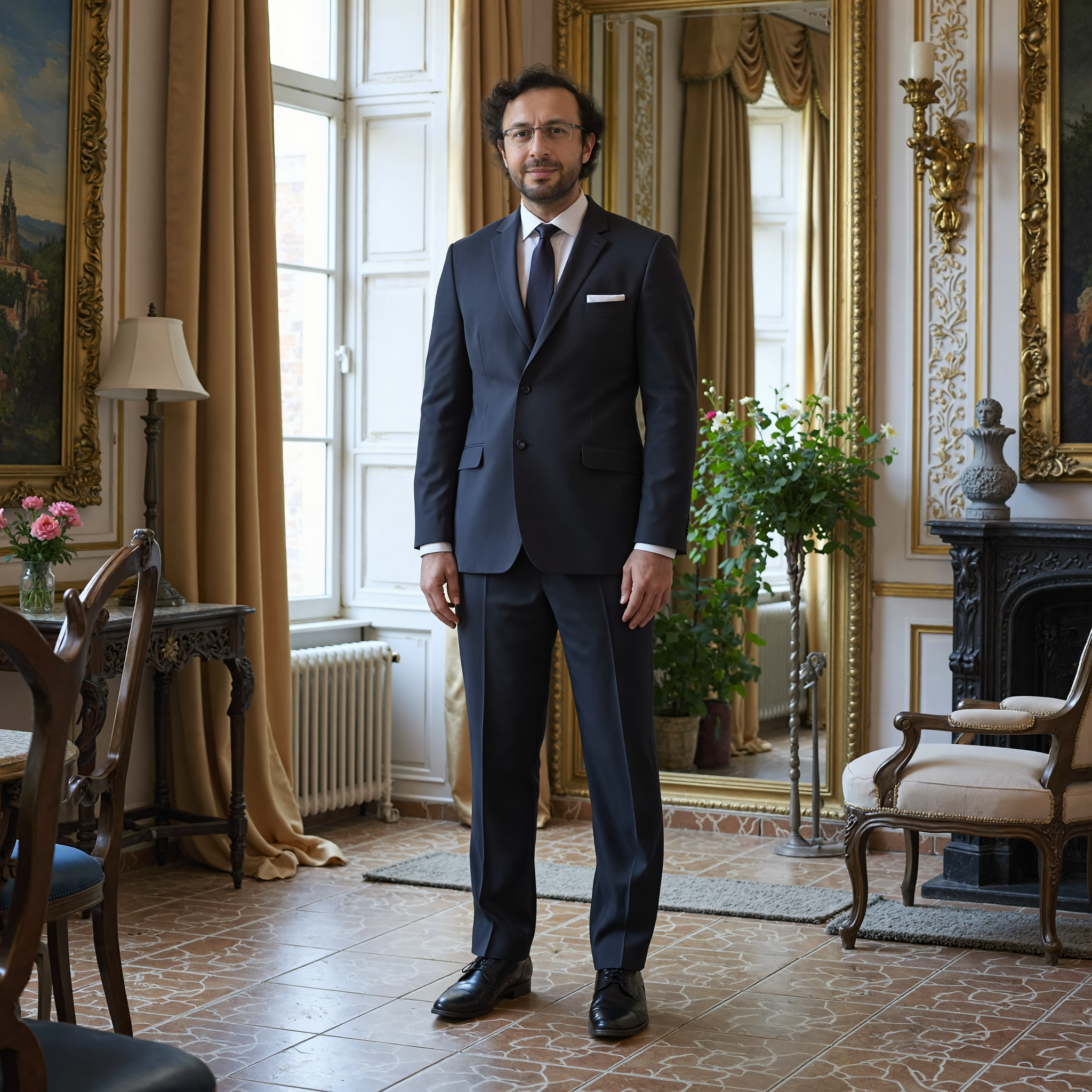
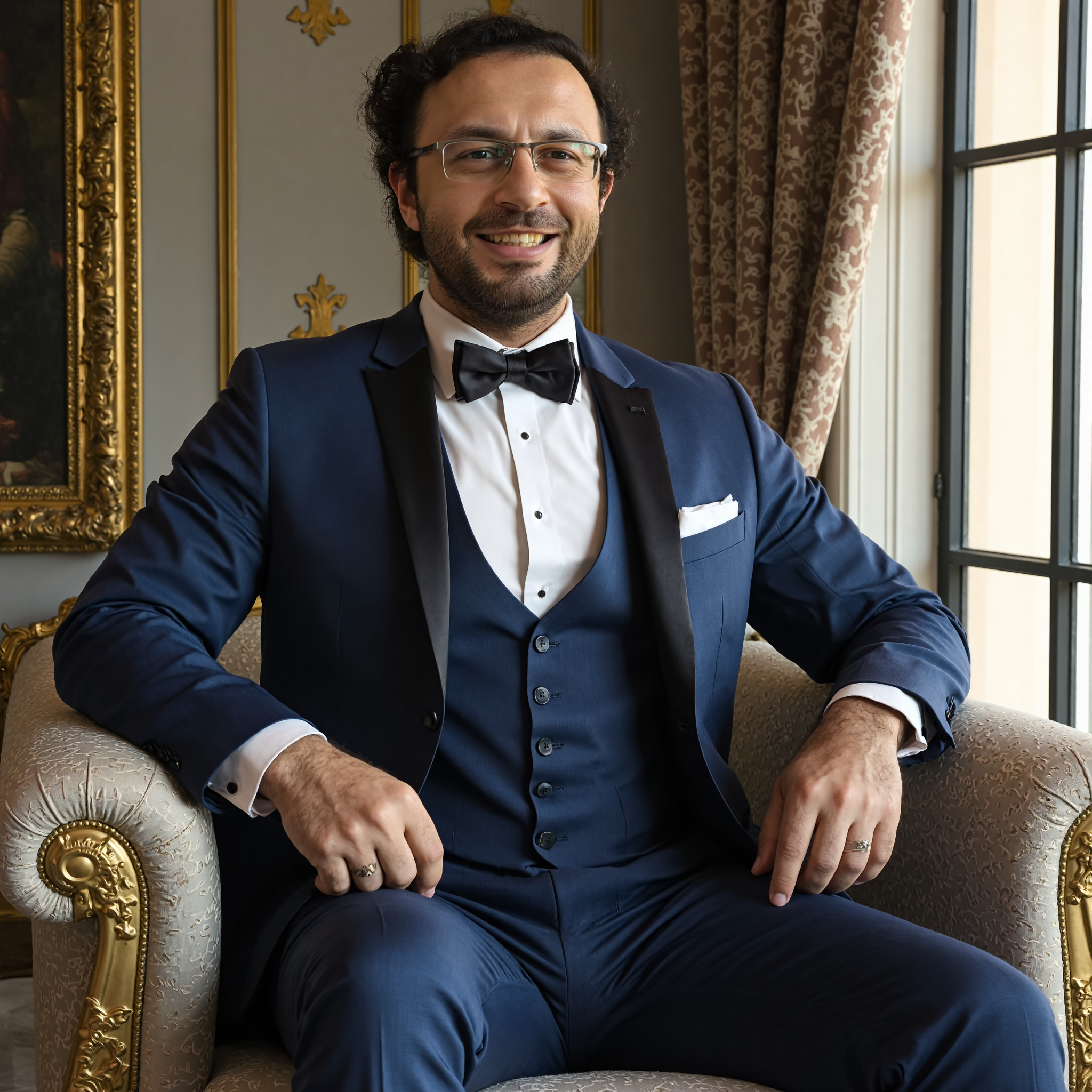
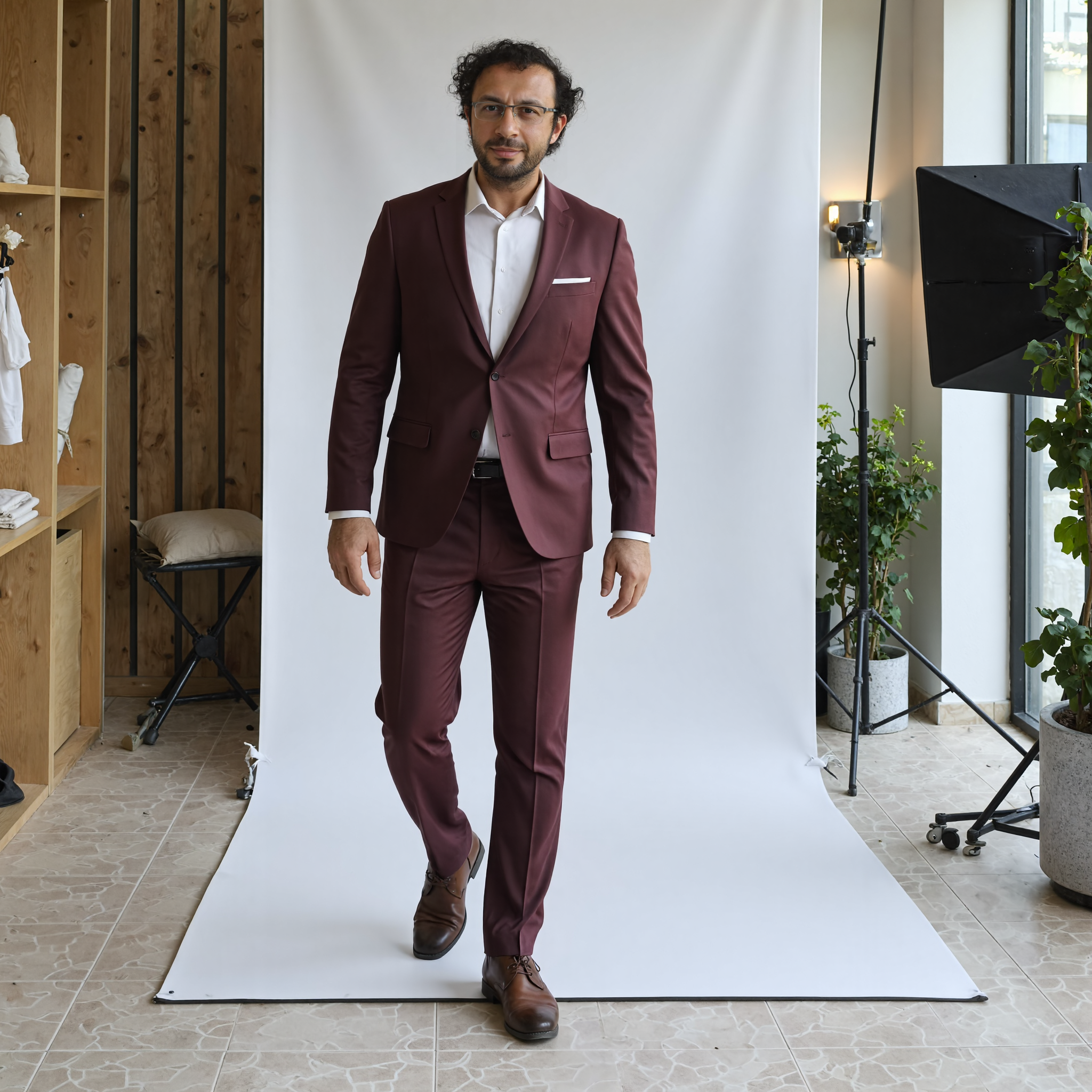
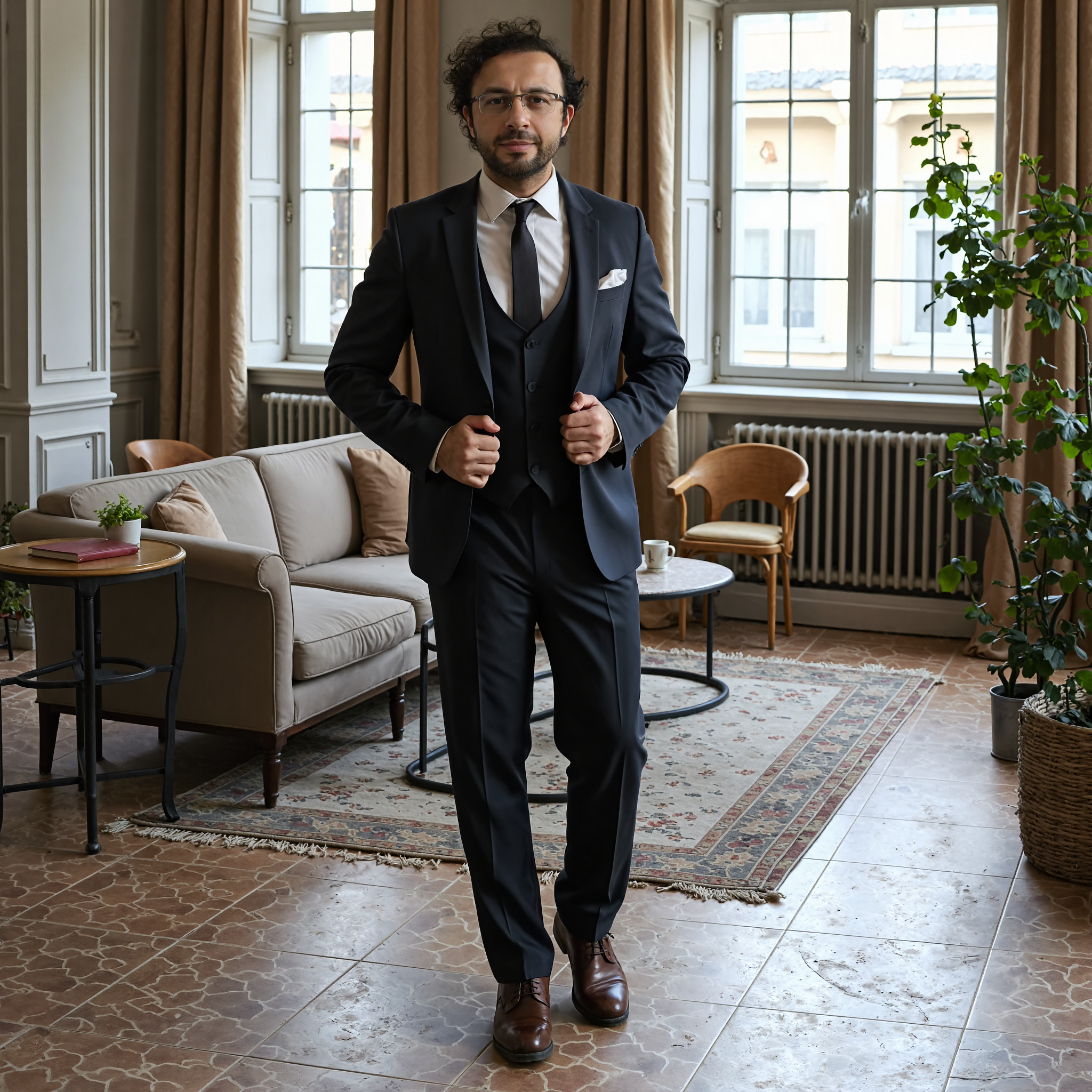
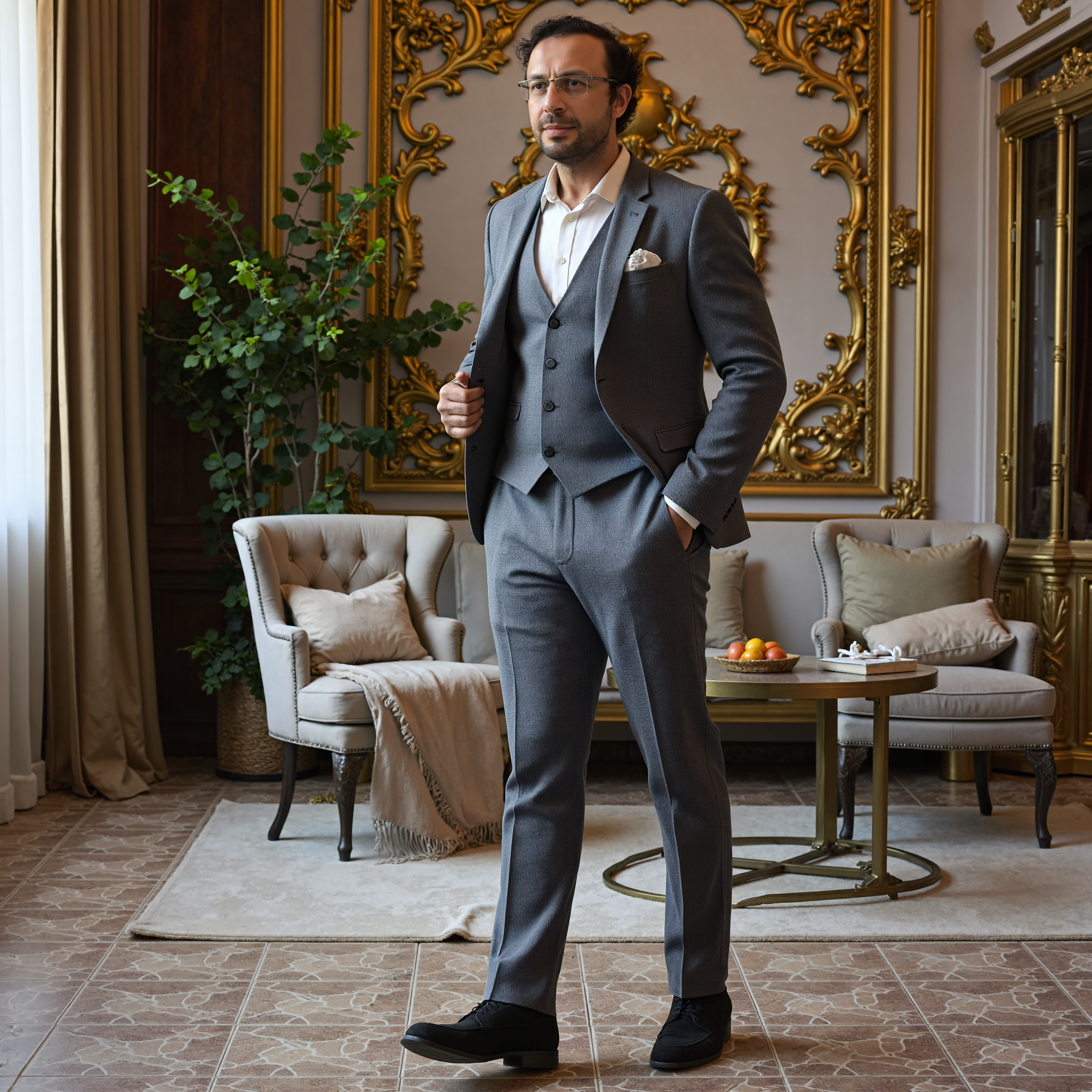
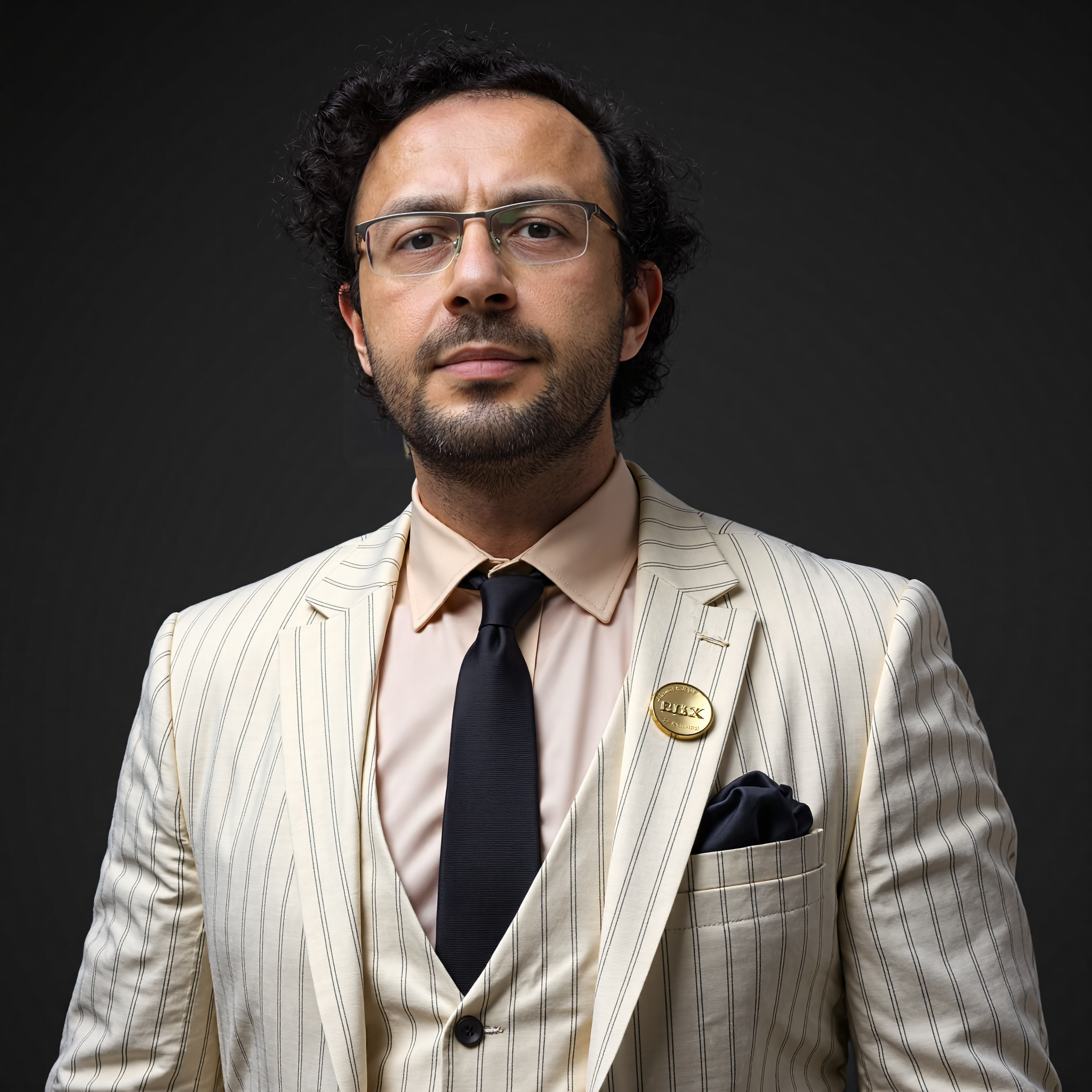
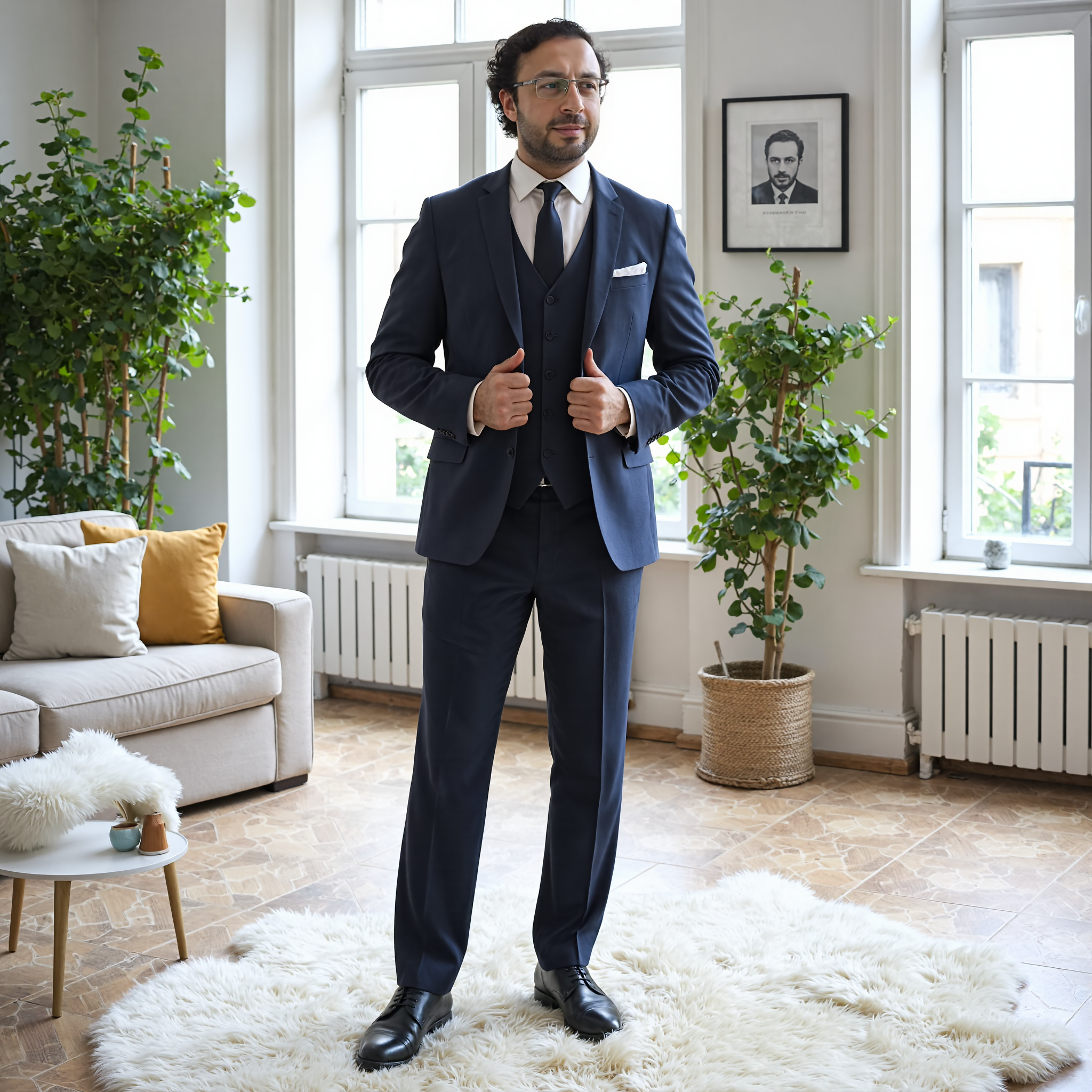
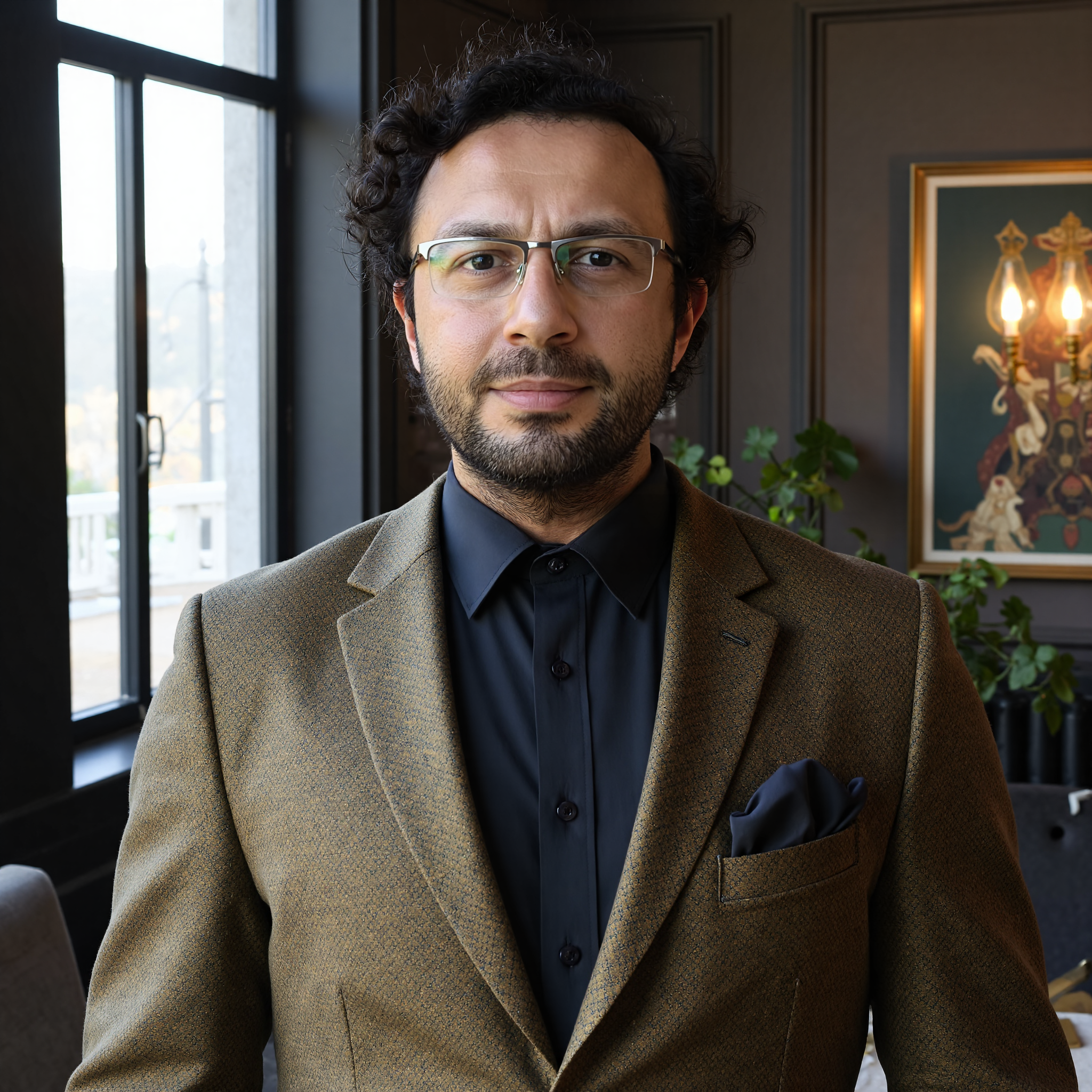
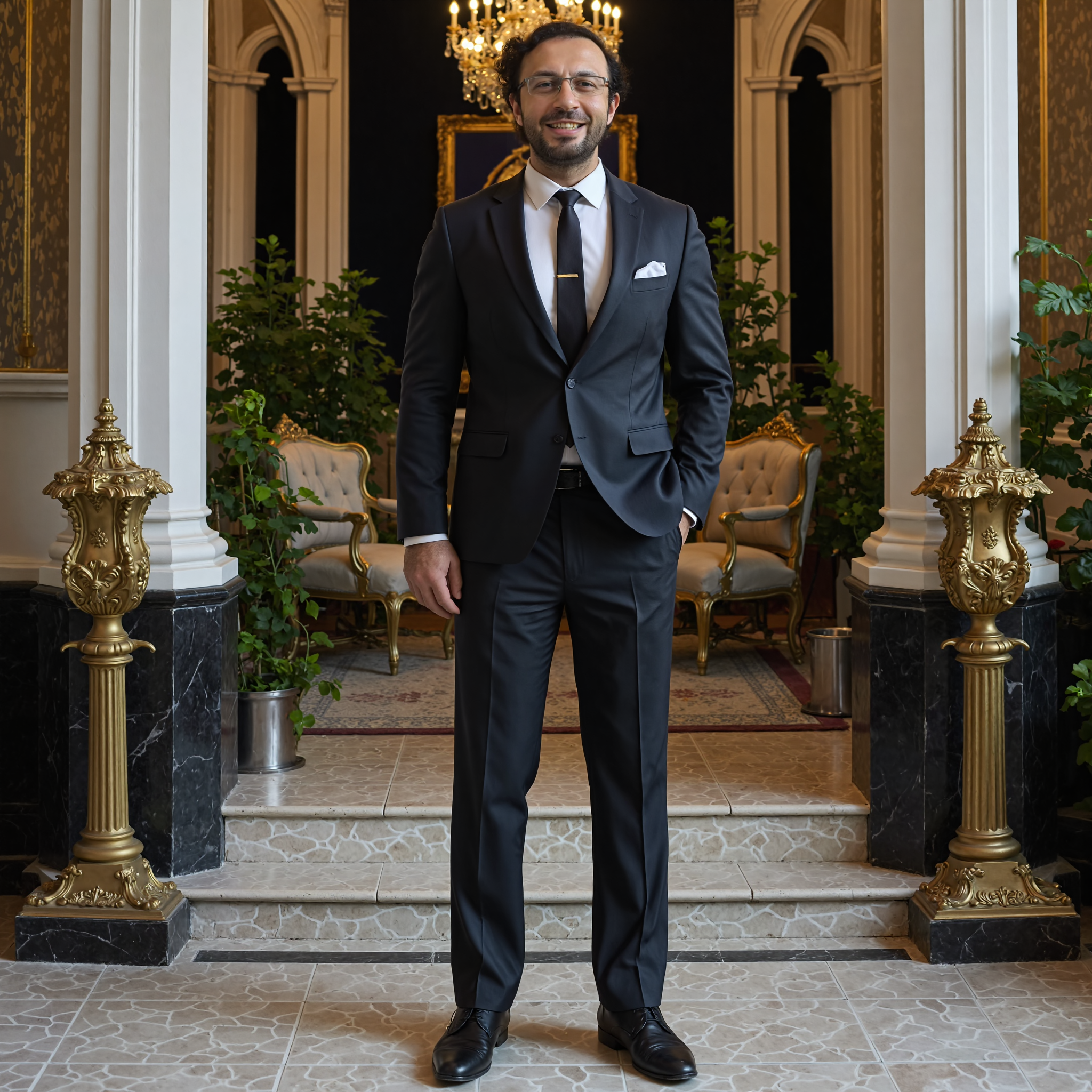
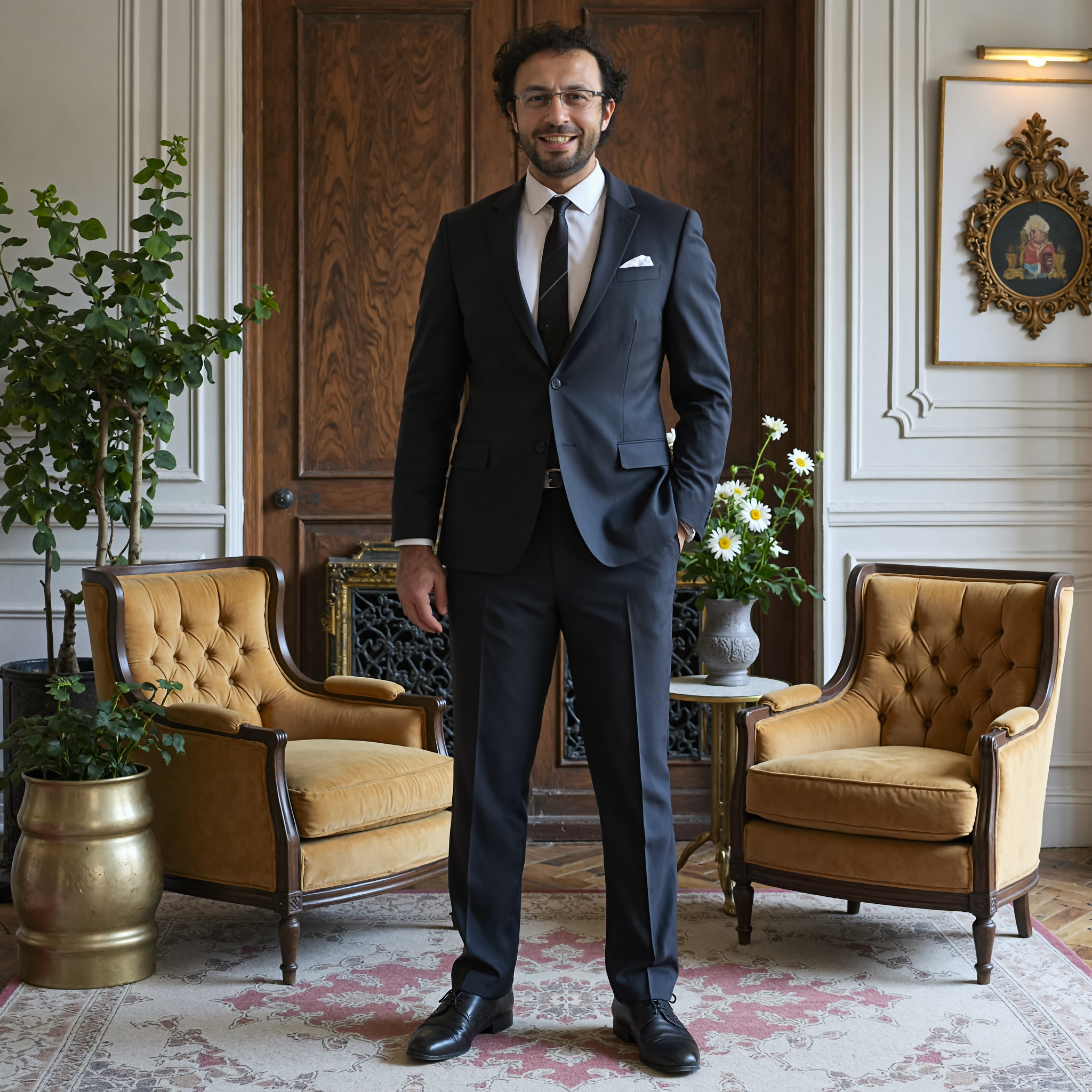
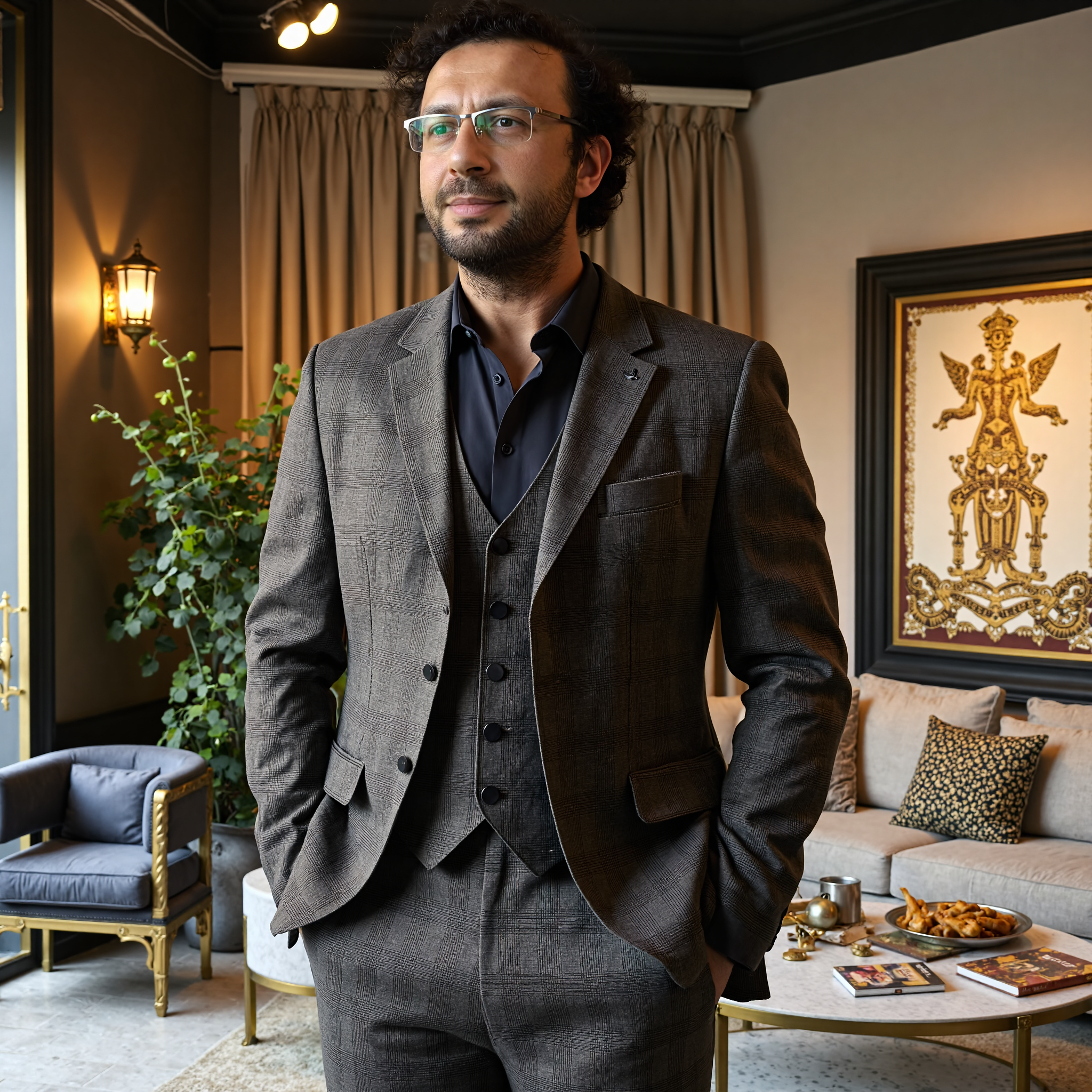
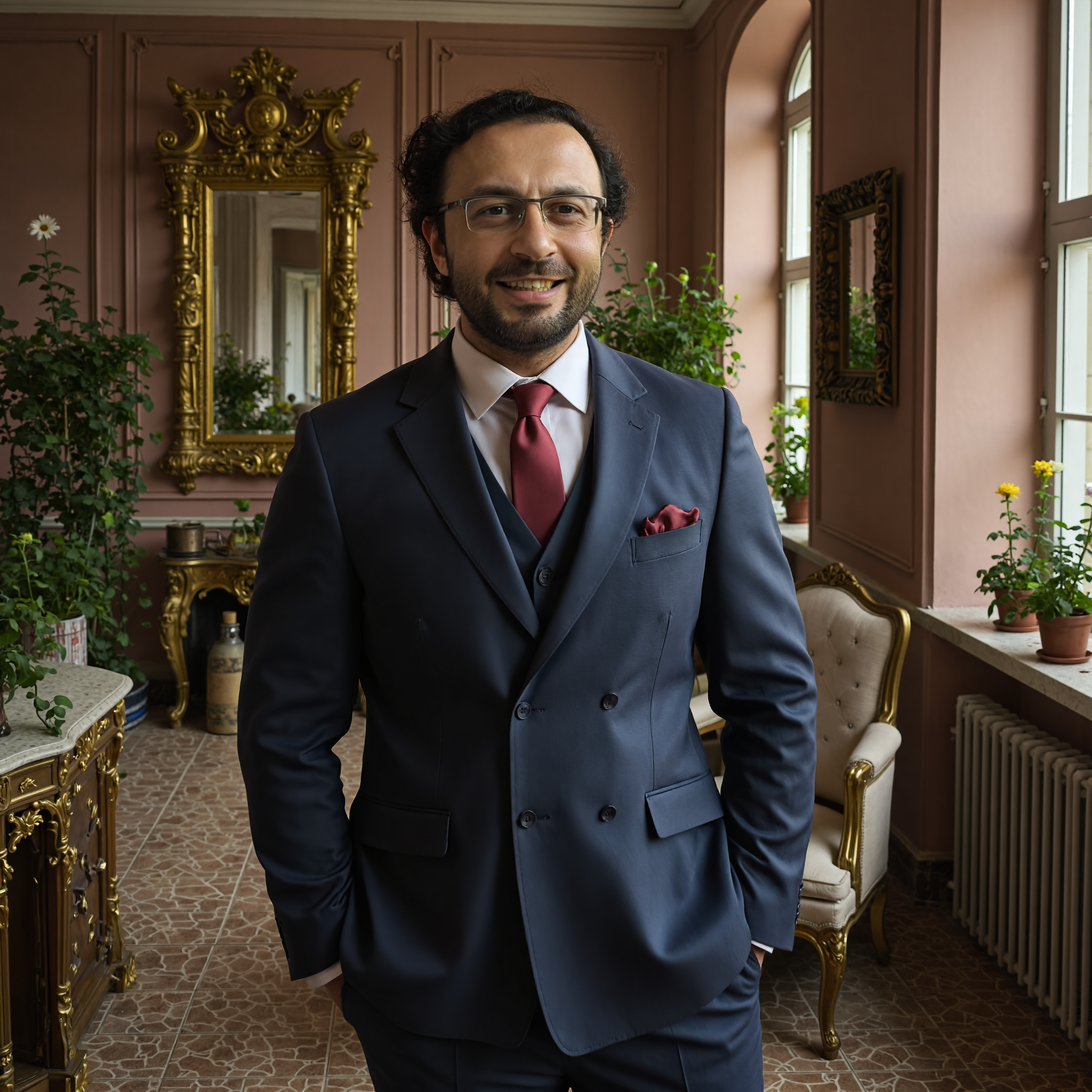
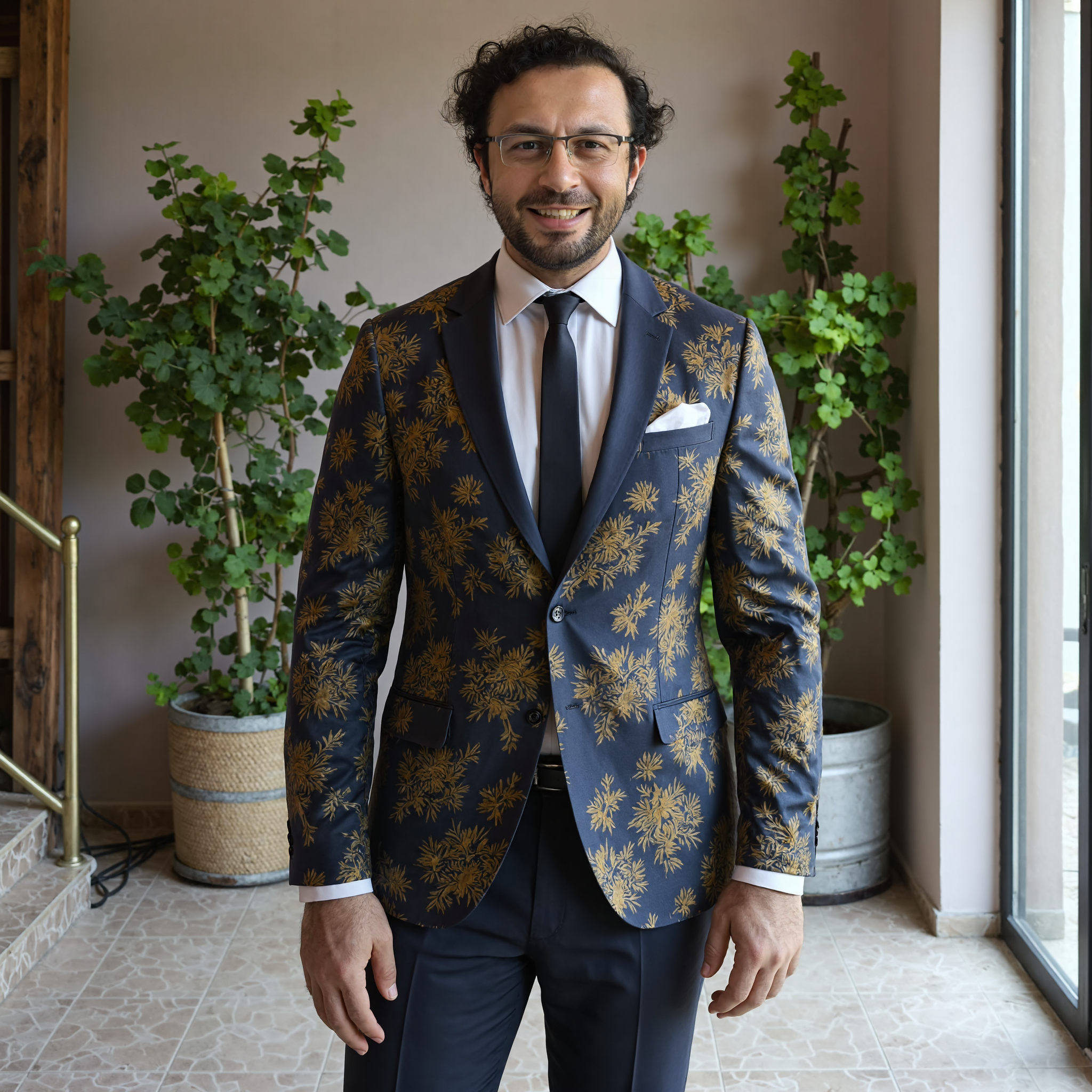
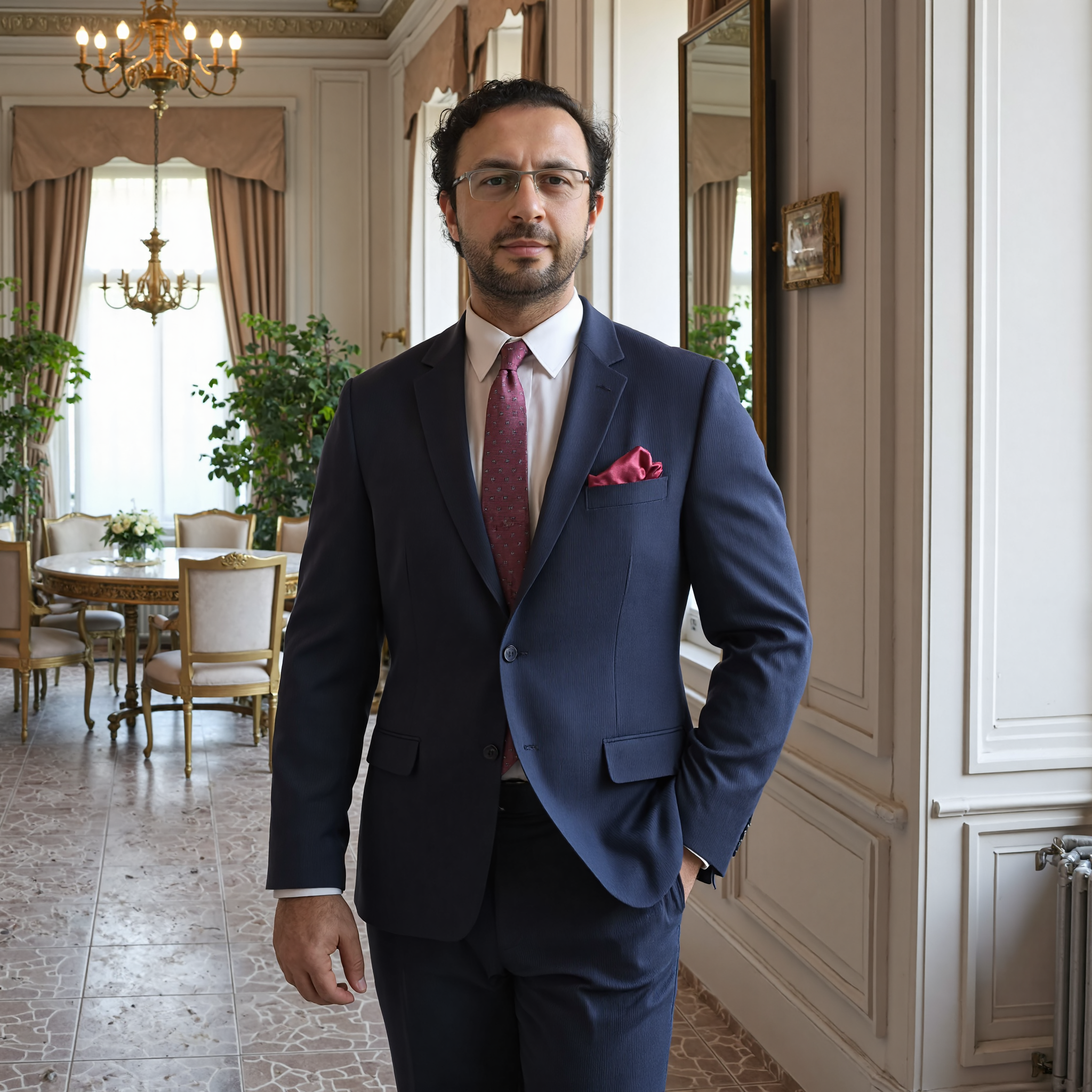
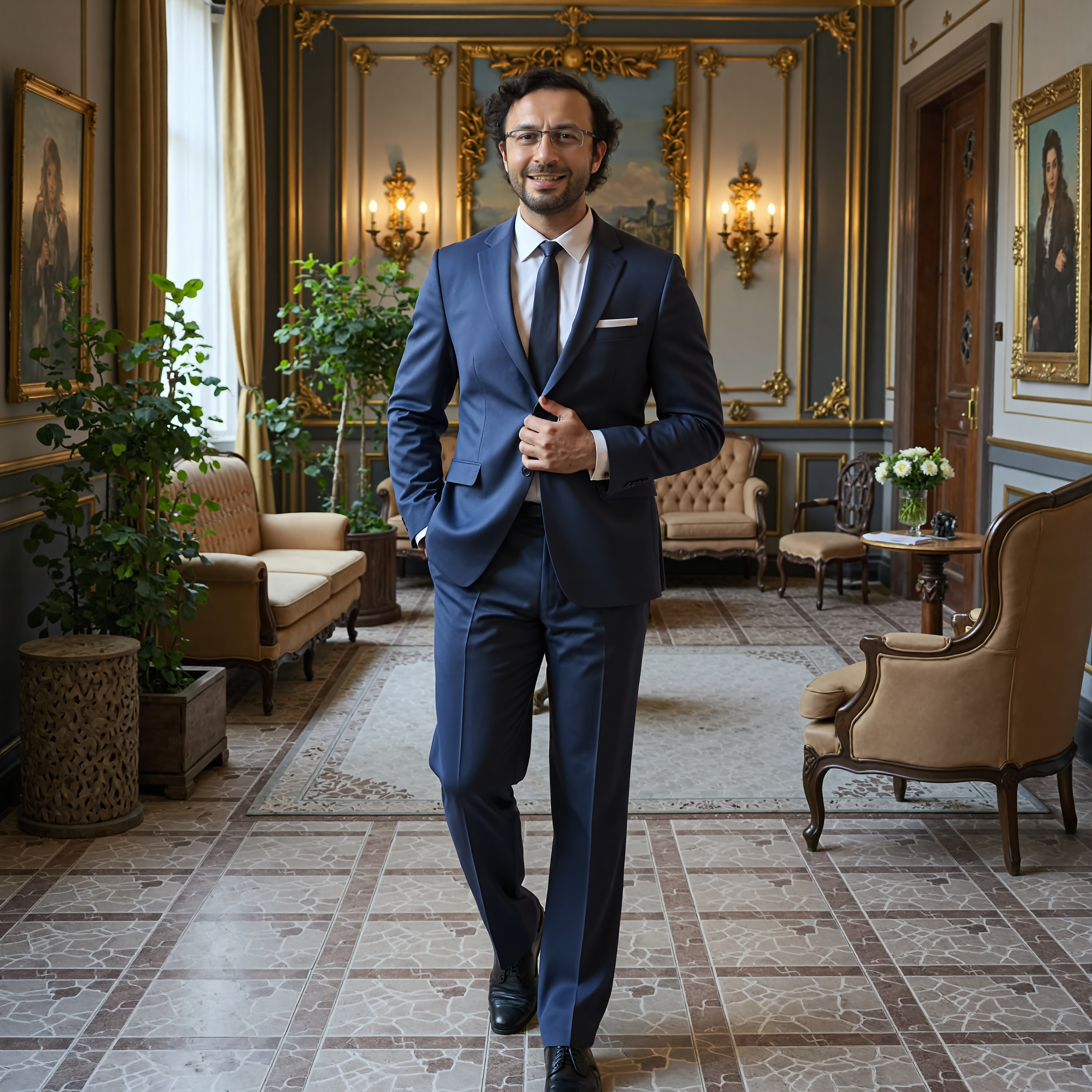
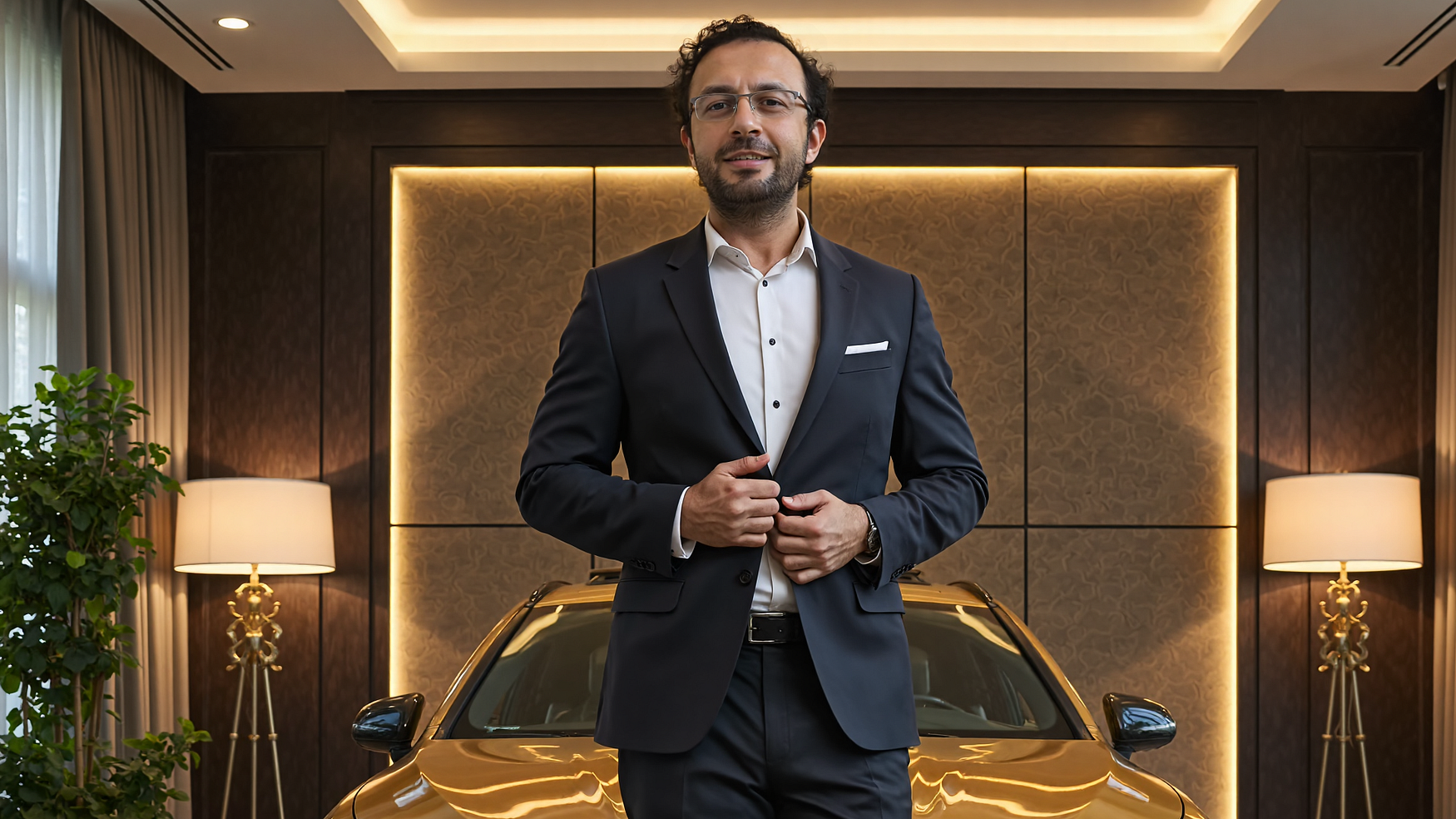
Simple prompt 2x latent upscaled FLUX - Fine Tuning / DreamBooth - As low as 6 GB GPUs

AI Photos of Yourself — Workflow Guide
Step 1: Initial Setup
Follow any standard FLUX Fine-Tuning / DreamBooth tutorial of your choice
You can also follow mine step by step : https://youtu.be/FvpWy1x5etM
Step 2: Data Collection
Gather high-quality photos of yourself
I used a Poco X6 Pro (mid-tier phone) with good results
Ensure good variety in poses and lighting
Step 3: Training
Use “ohwx man” as the only caption for all images
Keep it simple — no complex descriptions needed
Step 4: Testing & Optimization
Use SwarmUI grid to find the optimal checkpoint
Test different variations to find what works best
Step 5: Generation Settings
Upscale Parameters:
Scale: 2x
Refiner Control: 0.6
Model: RealESRGAN_x4plus.pth
Prompt Used:
photograph of ohwx man wearing an amazing ultra expensive suit on a luxury studio<segment:yolo-face_yolov9c.pt-1,0.7,0.5>photograph of ohwx manNote: The model naturally generated smiling expressions since the training dataset included many smiling photos.
Note: yolo-face_yolov9c.pt used to mask face and auto inpaint face to improve distant shot face quality