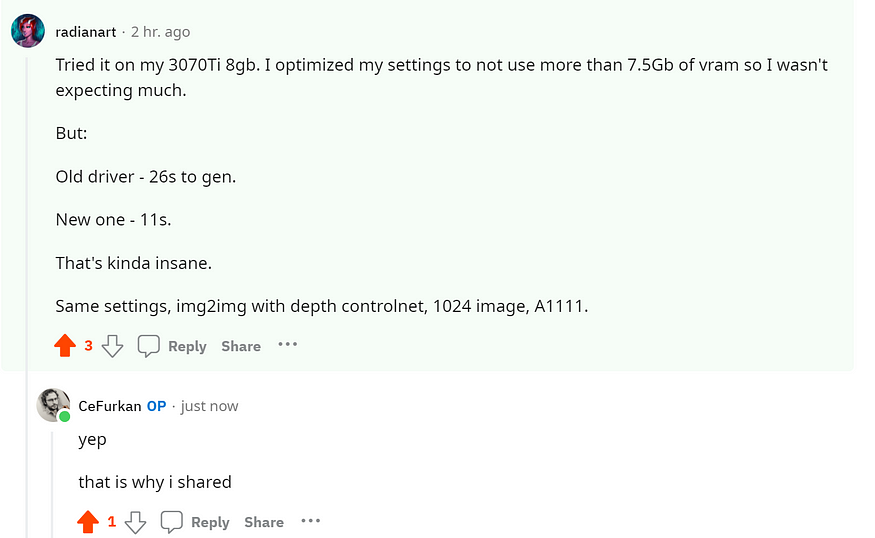
Get Huge SDXL Inference Speed Boost With Disabling Shared VRAM - Tested With 8 GB VRAM GPU

Tutorial link by NVIDIA : https://nvidia.custhelp.com/app/answers/detail/a_id/5490/~/system-memory-fallback-for-stable-diffusion
My LinkTree > https://linktr.ee/FurkanGozukara
System Memory Fallback for Stable Diffusion
Updated 10/31/2023 06:05 AM
System Memory Fallback for Stable Diffusion
In driver 536.40, we implemented a new method to allow an application to use shared memory in cases that exhausted the GPU memory. This enabled applications which previously crashed when running out of GPU memory to continue to run, albeit at lower speeds. The switch to use shared memory occurs when running close to maxing out GPU memory to allow for a seamless transition.
Stable Diffusion happens to require close to 6 GB of GPU memory often. This can cause the above mechanism to be invoked for people on 6 GB GPUs, reducing the application speed. In driver 546.01 and above we added a setting to disable the shared memory fallback, which should make performance stable at the risk of a crash if the user uses a setting that requires more GPU memory. This guide will explain how to do this.
Instructions to disable shared memory fallback for Stable Diffusion
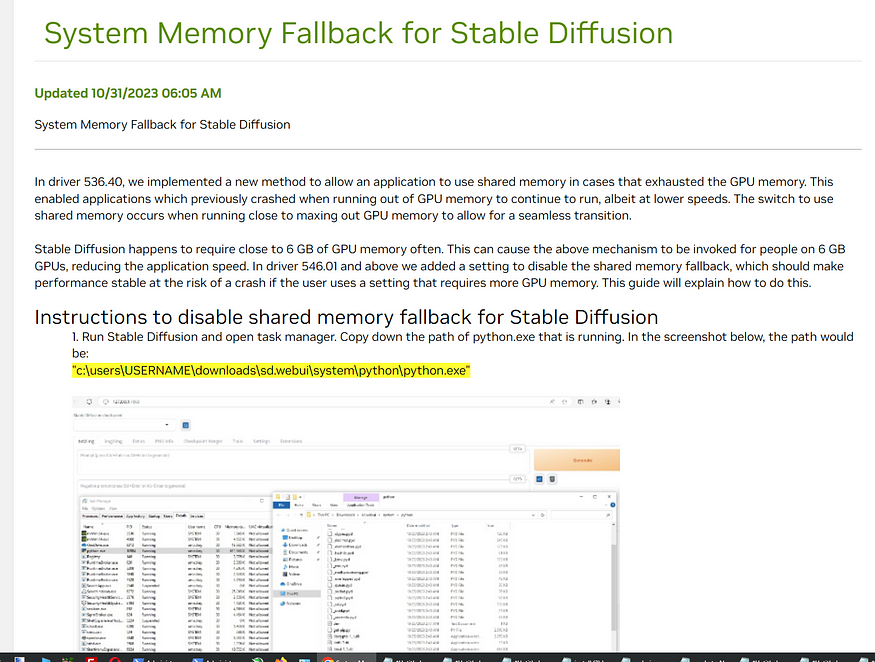
1. Run Stable Diffusion and open task manager. Copy down the path of python.exe that is running. In the screenshot below, the path would be:
“c:\users\USERNAME\downloads\sd.webui\system\python\python.exe”